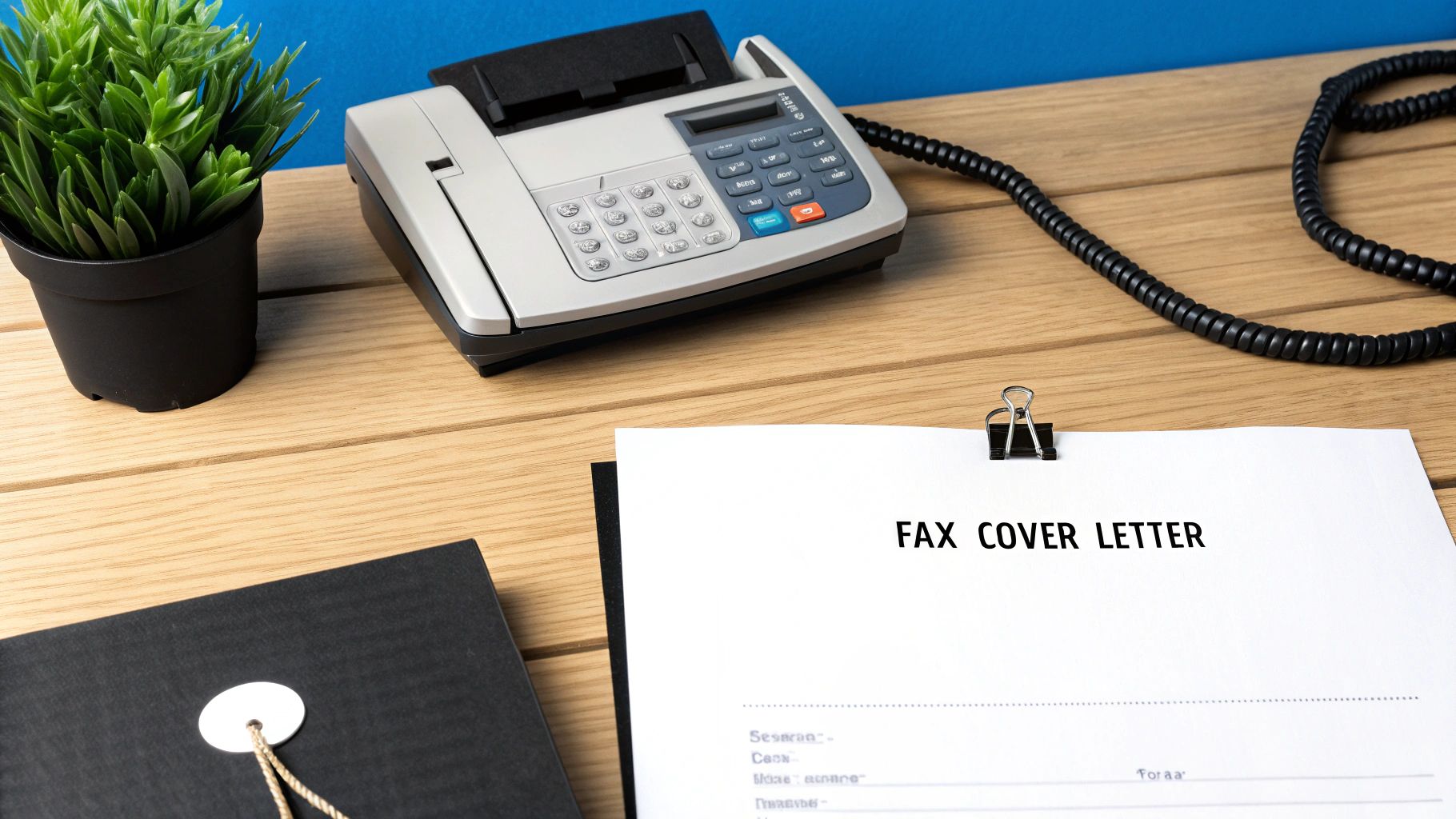
A good fax cover sheet PDF template isn't just a piece of paper; it's a fillable, ready-to-go document that saves you time and makes sure every fax you send looks sharp and professional. Think of it as a digital handshake, giving the recipient all the crucial details they need in a single glance.
Why a Professional Fax Cover Sheet Still Matters
Email is everywhere, of course, but faxing persists as a gold standard for secure communication, especially in critical industries like healthcare, law, and finance. While it might feel a bit old-school, its direct, point-to-point transmission offers a layer of security that standard email often can't match.
For freelancers and businesses needing a quick, reliable way to send contracts or confidential records, a polished cover sheet is non-negotiable. It’s the very first impression your document makes. It establishes your professionalism, provides clear context, and ensures your important paperwork reaches the right person without delay. Using a ready-made fax cover sheet PDF template removes the guesswork and helps you maintain a consistent, professional image every single time.
The Enduring Relevance of Faxing
Faxing isn't just hanging on; it's thriving where it counts. Even as we push further into a digital-first world, the global fax services market continues to grow. It was valued at $3.31 billion in 2024 and is projected to climb to $4.48 billion by 2030. This steady expansion, detailed in this in-depth market analysis, underscores its essential role for industries demanding secure, compliant document transmission.
For small businesses using online services like SendItFax, this means you have reliable, modern options for sending sensitive information without being chained to outdated hardware.
This guide gets straight to the point. We're offering downloadable, customizable PDF templates designed for real-world business needs. Better yet, we’ll show you exactly how to use them to send professional-grade faxes every single time.
A great fax cover sheet does more than just introduce your document; it acts as a routing slip, a summary, and a mark of professionalism all in one. It prevents your critical documents from getting lost in a shared office environment.
Here’s a quick rundown of why a dedicated cover sheet is so important:
- Clarity and Direction: It immediately tells the recipient who the fax is for, who sent it, and what it’s about. No more guessing games.
- Professional Image: A clean, well-organized cover sheet reflects positively on your business or personal brand. It shows you care about the details.
- Legal Protection: Including a confidentiality notice is a crucial best practice, especially when you're transmitting sensitive data.
- Efficiency: It helps the recipient quickly sort and prioritize incoming documents, which often means a faster response for you.
Download Your Free Fax Cover Sheet PDF Templates
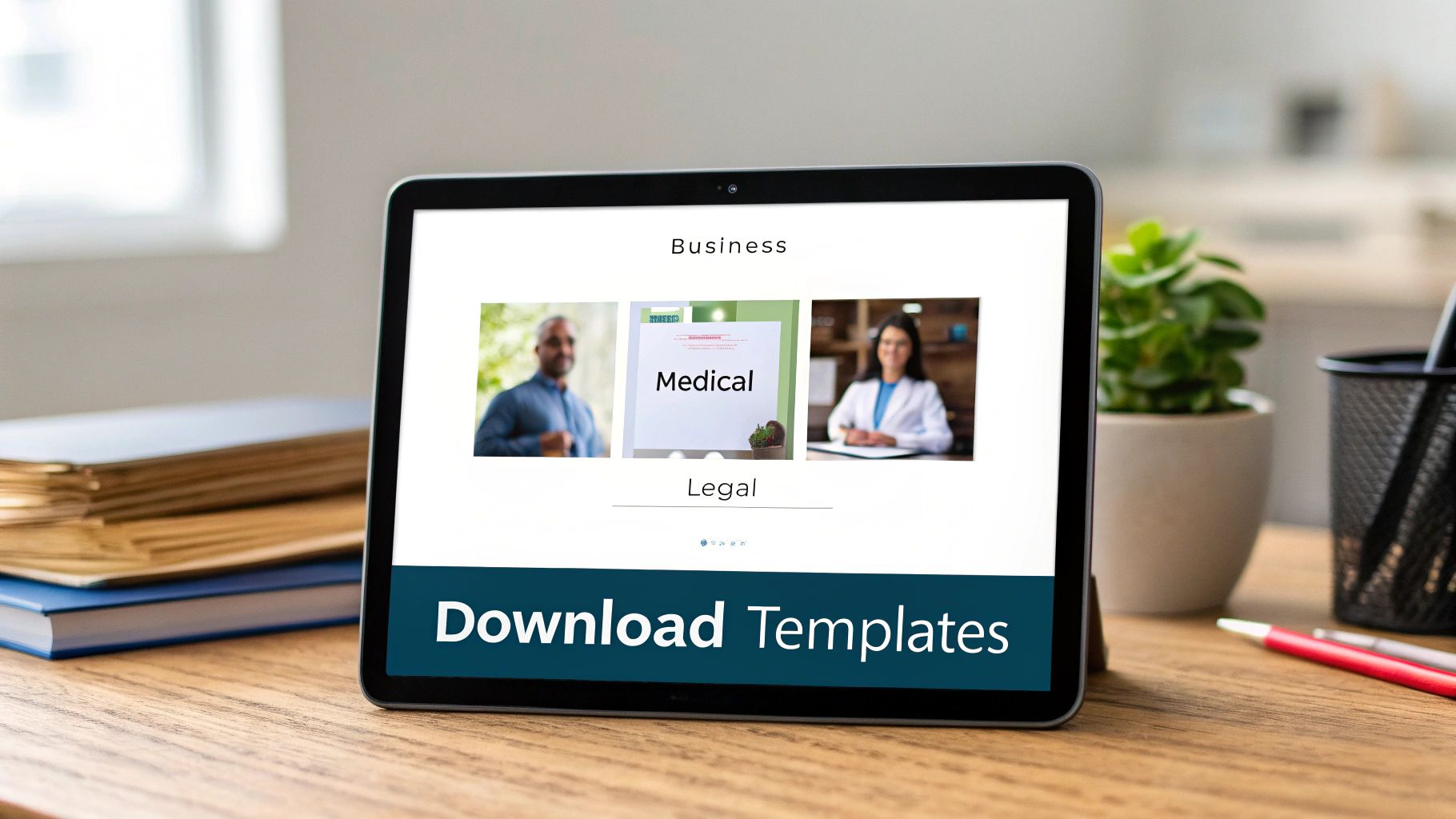
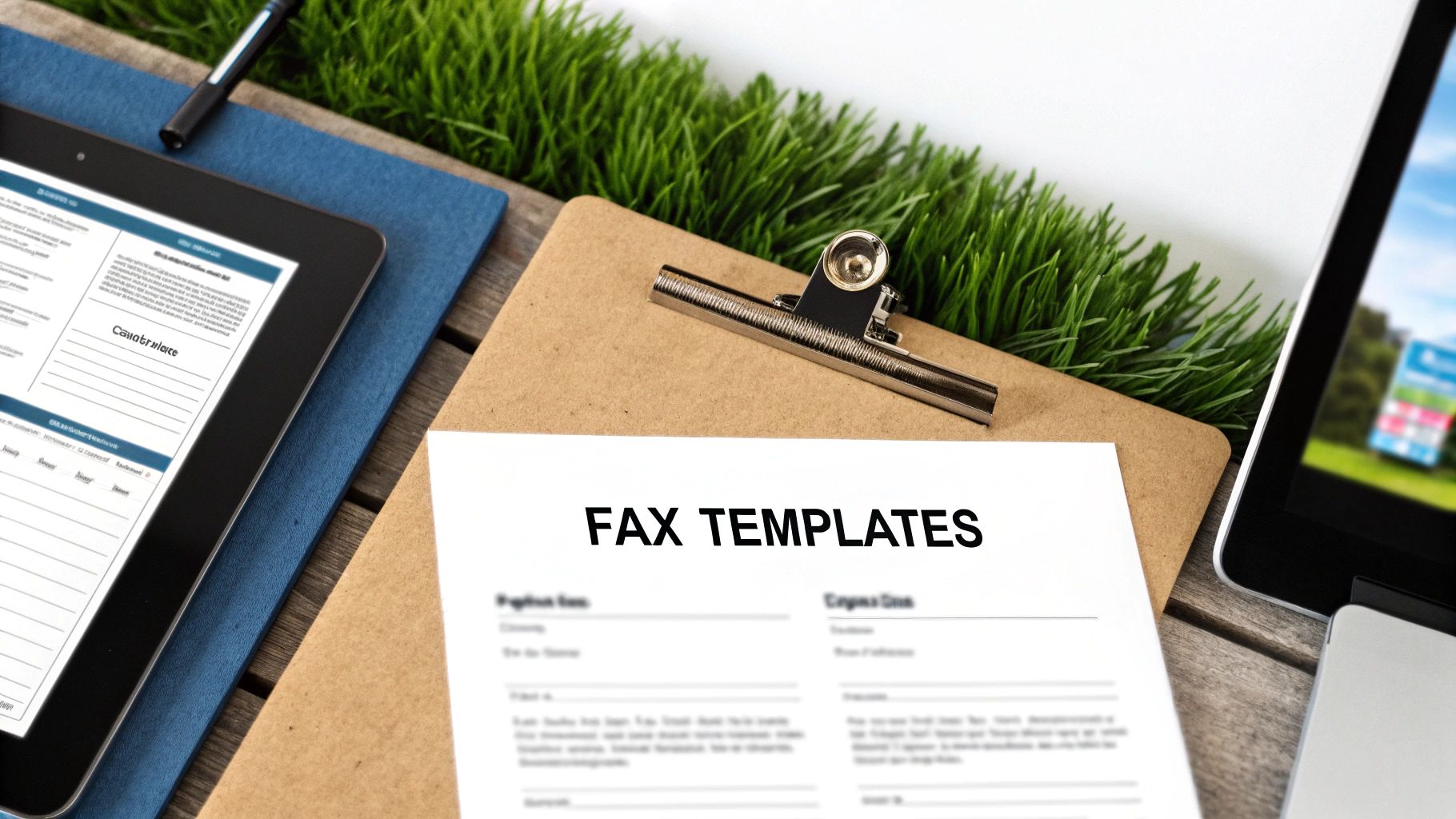
Sometimes, the hardest part of a task is just getting started. We get it. That's why we’ve put together four distinct, professionally designed fax cover sheet templates for you to download and use right away.
These aren't just generic images—they are fully editable PDFs built for the kind of faxes people send every day. Each one is designed for a specific purpose, giving you the right tool for the job without having to build one from scratch. Just pick the one that fits, download it, and you're ready to add your own details.
Business Fax Cover Sheet
For sending out proposals, invoices, or day-to-day corporate messages, you need a cover sheet that looks the part. This template has a clean, modern design with plenty of room for your company logo. It keeps all the essential sender and recipient details organized, helping you project a sharp, professional image.
- Best For: Sending project quotes, client updates, or purchase orders.
- Key Feature: A streamlined design that reinforces your brand and keeps things clear.
Medical Fax Cover Sheet
Handling patient information requires an extra layer of care. This template was built with HIPAA guidelines in mind and includes a prominent, pre-written confidentiality notice to help safeguard protected health information (PHI).
Crucial Reminder: That confidentiality statement isn't just fine print. It’s a vital part of fulfilling your legal obligations and protecting patient privacy by telling anyone who receives the fax by mistake exactly what to do.
The layout also clearly separates patient and provider information, which helps cut down on errors in a busy clinic or hospital setting.
Legal Fax Cover Sheet
Legal correspondence demands a certain gravity. This template is formal, structured, and authoritative. It comes with dedicated fields for case numbers and client matter references, ensuring your documents get filed correctly the moment they arrive. We kept the design intentionally straightforward to convey urgency and importance.
- Best For: Transmitting case files, court documents, or confidential client letters.
- Key Feature: A formal structure with specific fields for legal information.
Personal Fax Cover Sheet
Not every fax needs a corporate letterhead. Sometimes you just need to send a simple document, like a form for a government agency or an application for a school. This template is stripped-down and uncluttered—perfect for those personal administrative tasks.
- Best For: Submitting applications, sending personal records, or corresponding with institutions.
- Key Feature: A minimalist layout focused on getting the essential information across clearly and efficiently.
Each of these designs serves a unique purpose. If you want to dive deeper into what makes a great cover sheet, take a look at our complete guide to creating the perfect fax cover sheet template pdf. It’s full of extra tips to help you make the right impression every time you send a fax.
Making the PDF Template Your Own
So you've downloaded the right fax cover sheet PDF template. Great! Now, let's make it look like it came straight from your desk. Customizing a PDF isn't as daunting as it sounds; you can fill out all the important fields with any modern web browser or a free PDF reader.
First things first, get the core details down. Pop in your name, company, and contact info, then fill in the recipient's details. Don't forget the subject line—it's just as important as an email subject. Something direct like "Project Proposal for Q3" or "Signed Client Agreement" gets straight to the point and helps the recipient know exactly what they're looking at.
Add a Touch of Professionalism
Want to take it up a notch? Adding your company logo is one of the easiest ways to make your cover sheet look polished and official. It instantly reinforces your brand and makes the document feel more legitimate.
Just be sure to use a high-quality image file so it doesn't end up looking blurry or pixelated. I usually recommend placing it in the header or a top corner where it’s visible but doesn't crowd the important information.
And while you're at it, check the font. If you have the option to change it, stick with something clean and easy to read, like Arial, Calibri, or Times New Roman. The real goal here is clarity, not winning a design award.
A well-customized fax cover sheet does more than just transmit information; it communicates competence. Keeping the design clean and uncluttered ensures the recipient can absorb the key details in seconds, which is vital in a fast-paced business environment.
Saving and Finalizing Your Template
Once you've filled everything out and added your logo, the last step is saving it correctly. I always recommend saving the final version as a new, non-editable PDF. This "flattens" the document, creating a secure file that's ready to upload to an online fax service like SendItFax. It also prevents anyone from accidentally changing things and ensures the layout looks perfect on any device.
If you happen to be starting from a Word document instead, we have a complete guide on how to convert your document into a secure PDF.
This whole process really shows how faxing has evolved. Cover sheets have been around since the 1980s, but they became essential in PDF form with the shift to online faxing. Even in 2024, 17% of businesses still count on fax for critical tasks, especially in fields like healthcare and law. With over 90% of organizations in the U.S. and Canada looking into online fax solutions, a professional PDF template is more critical than ever. You can dive deeper into these business faxing trends and statistics if you're curious.
Alright, you've got your fax cover sheet PDF template polished and ready. Now what? Getting it sent is the last piece of the puzzle, and with a service like SendItFax, you can get it done without the hassle of creating an account or signing up for a subscription.
The whole process is designed to be quick and simple. Head over to the SendItFax homepage, and you'll see exactly what to do. Just upload your documents—your main file (like an invoice or a signed contract) along with the custom cover sheet you just made. The system will automatically place your cover sheet as the very first page of the transmission.
The Built-in Cover Page Option
What if you don't need a fancy, branded cover sheet? For those times when you just need to send a quick fax, SendItFax has a built-in cover page message feature. It’s a great alternative to uploading a separate PDF.
You can just type a brief message directly into a text box on the site. It’s perfect for adding quick context. For example, if you're resending a document, you could type something like, "Resending the signed agreement from this morning. Please confirm you've received it." The system then generates a basic cover page with your note and the essential sender/recipient info.

Choosing the Right Plan for Your Needs
SendItFax keeps things simple with two distinct options. Knowing the difference will help you pick the right one for the job.
- Free Service: This is perfect for occasional faxes that aren't super critical. You get to send up to three pages plus a cover sheet, with a cap of five faxes per day. The only catch is a small SendItFax logo on the cover page.
- Almost Free Plan: For just $1.99 per fax, you get a lot more firepower. This option is better suited for professional or longer documents. It removes all SendItFax branding, bumps the page limit up to 25, and gives your fax priority delivery. It also gives you the flexibility to send a fax without a cover page if you don’t need one.
Pro Tip: If you're sending something important like a legal document, a client proposal, or anything where presentation really matters, I'd strongly recommend the Almost Free plan. Paying a couple of bucks to remove the third-party branding is well worth it to maintain a professional look.
Ultimately, it comes down to what you're sending. For a quick personal fax, the free option works just fine. But for any kind of business communication where your brand image or a higher page count is important, the small fee for the paid plan is a no-brainer.
Best Practices for Secure and Compliant Faxing
When you're sending sensitive information, you can't just cross your fingers and hit "send." For anyone in healthcare, law, or finance, security and compliance aren't just buzzwords—they're fundamental. A well-crafted fax cover sheet PDF template is your first line of defense, but true protection comes from adopting smart habits from start to finish.
There's a reason faxing has stuck around for so long, especially in sectors governed by strict privacy rules. It establishes a direct, point-to-point connection that's tougher to intercept than standard email. Just look at healthcare's reliance on it for HIPAA compliance, where the average cost of a data breach climbs to $4.9 million. That cover sheet isn’t just a formality; it contains the critical metadata—like patient IDs or case numbers—that keeps everything organized and secure. For more insights into the modern faxing industry, the data speaks for itself.
Building a Foundation of Trust
The small details on your cover sheet can have a huge impact. Always, always include a confidentiality statement when transmitting personal or protected data. It’s a simple legal notice that clearly tells any accidental recipient they are obligated to destroy the document and notify you immediately.
Here's another simple but critical step I've seen prevent major headaches: double-check the recipient's fax number. One wrong digit can send a confidential medical record or a sensitive legal brief to a complete stranger. Taking those extra five seconds is a small price to pay to avoid a serious privacy breach and maintain the trust you've built with your clients.
An online fax service like SendItFax brings security into the modern age. Faxes arrive directly in a recipient's digital inbox, which means no more sensitive documents sitting on a communal office machine for anyone to grab.
Essential Security Habits for Every Fax
A good cover sheet is just the beginning. To truly lock down your process, you need to build a few key habits into your workflow.
- Maintain Detailed Records: Keep a clear log of what you sent, who you sent it to, and when. Most online fax services provide detailed transmission logs that serve as your proof of delivery—invaluable if you ever face an audit or dispute.
- Shred Physical Copies: If you're old-school and print a document before faxing, don't just toss it in the recycling bin. Shred it. Leaving physical copies lying around is an open invitation for trouble.
- Use Secure Connections: When you're using an online fax platform like SendItFax, make sure you’re on a secure, password-protected network. Never send sensitive documents over public Wi-Fi.
When you combine these practices with a professional fax cover sheet PDF template, you create a much stronger system for protecting information. If you want to dig deeper into the security side of things, our article on whether fax is more secure than email is a great read. These extra steps let you fax with real confidence, knowing you’ve done everything you can to protect the information in your care.
Common Questions About Fax Cover Sheets
Even with a great fax cover sheet PDF template ready to go, you probably still have a few questions. Let's tackle some of the most common ones I hear, so you can send your next fax with complete confidence.
Is a Fax Cover Sheet Legally Required?
This is a big one, and the answer isn't a simple yes or no. For most day-to-day business faxes, there's no specific law on the books that says you must use a cover sheet. It's more of a professional standard—a universally accepted best practice that prevents your important documents from landing in the wrong hands.
But the game changes completely when you're in a regulated field. Take healthcare, for example. Under HIPAA (the Health Insurance Portability and Accountability Act), you're required to take every reasonable step to protect patient information. A fax cover sheet that includes a bold confidentiality notice is considered a fundamental part of that protection.
Think of the cover sheet as a critical first line of defense. If a fax with sensitive patient data accidentally goes to the wrong number, that confidentiality notice on the front page tells the recipient exactly what to do—and what their legal obligation is. It instructs them to destroy the document and report the mix-up, which can be the difference between a simple mistake and a major data breach.
So, while you might not get fined for skipping a cover sheet on a lunch order, sending sensitive legal or medical information without one is a risk you just don't want to take.
How Can I Add an Electronic Signature?
Adding your signature to a PDF is much easier than you might think, and it gives official documents an essential layer of authenticity. Most modern PDF readers—even the free ones like Adobe Acrobat Reader—have this feature built right in.
You'll typically follow a simple process:
- Open your PDF document.
- Look for a tool that says "Sign" or "Fill & Sign." Sometimes it's just an icon that looks like a fountain pen.
- The tool will give you a few options: type your name, draw your signature with your mouse, or upload a picture of your actual signature.
- Once you've created it, you can just drag the signature to the right spot on the page, resize it, and save the file.
The signature becomes a permanent part of the document. It’s a quick, professional way to finalize agreements, applications, or any form that needs your John Hancock.
How Do I Know My Fax Was Delivered?
There’s nothing worse than sending a critical document and then worrying if it ever actually arrived. That "did it or didn't it" feeling is a thing of the past with modern online faxing.
When you send a fax with a service like SendItFax, there's no guesswork involved. As soon as your fax transmission is finished, you get a confirmation email. This email is your official receipt, giving you proof of delivery.
This confirmation receipt will show you everything you need to know:
- Delivery Status: A clear "Success" or "Failed" message.
- Timestamp: The exact date and time the fax was received.
- Recipient Number: Confirms the number you sent it to.
- Page Count: The total number of pages that went through.
This confirmation email is your proof. It eliminates all the ambiguity and gives you a verifiable record that your document made it to its destination safely. For record-keeping and peace of mind, it’s absolutely essential.
Ready to send your fax with a professional touch? With SendItFax, you can upload your document and custom cover sheet in seconds. Try it now for a simple, secure, and reliable faxing experience.