Tag: free fax cover sheet

  • Your Professional Free Fax Cover Template PDF Guide

    Your Professional Free Fax Cover Template PDF Guide

    Here's the deal: a fax cover template PDF is just a ready-to-go first page for your fax. Think of it as the envelope for your digital documents—it tells the recipient who you are, who the fax is for, and what's inside. It ensures your important papers land on the right desk, looking professional.

    If you need one now, you can download our free, customizable PDF templates right here and get started.

    Why a Professional Fax Cover Sheet Still Matters
    An office desk with a printer, outgoing paper, a fax machine, and a laptop showing 'PROFESSIONAL FAX'.

    It’s easy to think of faxing as old-school tech, but in many professional fields, it’s still a daily workhorse. The cover sheet isn't just a formality; it's your first impression and a crucial piece of the communication puzzle.

    This single page does a few important jobs. It immediately identifies who the fax is for and who sent it. In a busy office with a shared machine, this is the difference between your sensitive legal brief getting to the right attorney or getting lost in a pile of papers.

    A clean, well-organized cover sheet also projects professionalism. It shows you’re thorough and take your communications seriously, which is a small touch that can make a big difference.

    The Unspoken Importance of Security and Clarity

    Beyond looking professional, a fax cover template PDF is a critical tool for security and compliance, especially in healthcare, law, and finance. It's the perfect place to put a confidentiality notice, which is often a legal or regulatory requirement (think HIPAA in healthcare).

    That notice is a clear warning that the documents are sensitive and tells anyone who receives them by mistake what to do. It’s your first line of defense against an accidental data breach. The cover sheet also creates a clear paper trail with essential details.


    Key Components of a Professional Fax Cover Sheet

    This table is a quick reference guide to the essential fields that ensure your fax is clear, professional, and delivered correctly every time.

    Component Purpose Example
    Sender's Information Identifies you or your company. John Smith, XYZ Corp, (555) 123-4567
    Recipient's Information Ensures the fax reaches the right person. ATTN: Jane Doe, Legal Department
    Date Records when the fax was sent. October 26, 2023
    Subject Provides immediate context for the document. RE: Contract Draft for Project Phoenix
    Number of Pages Confirms the entire transmission was received. 5 (including cover)
    Confidentiality Notice A legal disclaimer for sensitive information. "The documents accompanying this transmission contain confidential information…"

    Getting these details right isn't just about being organized; it's about making sure your communication is effective and secure from start to finish.

    A common mistake is assuming faxing is obsolete. On the contrary, its point-to-point security makes it a preferred method for transmitting documents that shouldn't be sent over potentially vulnerable email networks.

    Fax Usage is Growing, Not Fading

    Believe it or not, faxing isn’t going anywhere. A surprising IDC survey revealed that 82% of organizations saw their fax usage either increase or stay the same. You can dig into the full research about these fax volume trends to see why this classic tool is holding its ground.

    This continued relevance is exactly why mastering the basics, like using a proper cover sheet, is still a valuable skill. And with modern tools like SendItFax, you can easily send a professional-looking fax right from your computer, bridging the gap between old tech and new workflows.

    Making the PDF Template Your Own
    A person's hand with a pen over a PDF document on a laptop, customizing it.

    Okay, you've downloaded a generic fax cover template PDF. Now for the important part: turning it into your template. A little personalization goes a long way, not just for branding but for saving a ton of time down the road.

    The whole point is to create a reusable master copy. You’ll want to add all your fixed information—like your logo and contact details—so that each time you send a fax, you're only filling in the recipient's info. The good news? You don't need to be a graphic designer or buy expensive software to get it done.

    What’s the Best Tool for the Job?

    You've got plenty of options for editing a PDF, and many of them are completely free. The main thing you need is a tool that lets you add text and maybe an image without making the whole thing look messy.

    Here are a few of the go-to choices I usually recommend:

    • Adobe Acrobat Online Editor: This is the industry standard for a reason. It's a reliable, browser-based tool that handles the basics—adding text, comments, and images—without any fuss. It’s perfect for simple customizations.
    • Smallpdf or Sejda: Both of these are fantastic online editors with similar features to Adobe's. They typically offer a generous number of free edits per day, which is more than enough for this kind of task.
    • Microsoft Word: This one can be a bit of a surprise, but newer versions of Word can actually open PDFs and convert them into an editable format. Once you’re done tweaking, you just save it as a PDF again.

    Honestly, for what we're doing here, an online editor is usually the quickest and easiest path. There's nothing to install, and the interfaces are built for people who just want to get in, make a change, and get out.

    What to Customize for a Pro-Level Look

    To really nail this, you'll want to focus on a few key elements. We're not trying to over-design it; the goal is to embed the essential information so your faxes always look consistent and professional.

    Start with your company logo. Pop it in the header, usually in one of the top corners. It’s the fastest way to brand the document. Next, fill in all your sender details—your name, company, address, phone, and fax number. This is a huge time-saver.

    My Two Cents: Stick with clean, simple fonts like Arial, Calibri, or Helvetica when adding your text. Why? Because they hold up perfectly when faxed, ensuring everything is crisp and readable on the other end. Stay away from fancy script or decorative fonts, as they tend to blur and become a mess.

    Once your permanent details are locked in, think about anything else you can standardize. Do you often send sensitive documents? Go ahead and type a confidentiality notice right into the footer of your template. That way, you’ll never forget to include it. If you need more ideas on what to include, our full guide to building a fax cover sheet template PDF has you covered.

    The last thing to do is save your new master template. Give it a clear, obvious name like “Company_Fax_Cover_Master.pdf” and keep it somewhere you can find it easily. Now you’re ready to send a professional-looking fax in seconds.

    Adapting Your Cover Sheet for Specific Industries

    A gavel, stethoscope, and house model on a wooden desk under an 'INDUSTRY SPECIFIC' sign.

    A generic cover sheet might get the job done for everyday tasks, but in heavily regulated industries, "good enough" simply isn't an option. The details you include—or leave out—can carry serious professional and even legal weight. That’s why adapting your fax cover template PDF for your specific field isn't just a best practice; it’s a core part of communicating securely and staying compliant.

    For professionals in fields like healthcare, law, and real estate, the cover sheet does more than just announce a fax. It provides critical context and acts as the first checkpoint for compliance, signaling how the document should be handled before anyone even sees page one. This is where a customized template really proves its worth.

    Don't think fax is a thing of the past. The global fax services market was valued at $3.31 billion in 2024 and is expected to climb to $4.47 billion by 2030. This growth is fueled by secure cloud faxing in critical sectors where, even now, 17% of businesses around the world still rely on it. You can dig into the numbers in this fax services research report to see just how relevant the technology remains.

    Healthcare and HIPAA Compliance

    When it comes to healthcare, patient privacy is everything. Every single fax containing Protected Health Information (PHI) has to meet strict HIPAA guidelines, and your cover sheet is your first line of defense. It's not enough to just send the document; you have to show you've taken every step to protect that information.

    A basic, off-the-shelf template just won't do. A compliant medical fax cover sheet needs a few key elements:

    • A Prominent HIPAA Confidentiality Notice: This is absolutely non-negotiable. It needs to clearly state that the information is confidential, intended only for the specified recipient, and that any unauthorized access is strictly prohibited.
    • Clear Sender and Recipient Details: Always include the full name, clinic or hospital, and a direct phone number. This helps prevent a misdialed fax from landing in the wrong hands and gives an honest recipient a way to contact you immediately.
    • Patient Identifier (When Appropriate): Instead of a full name on the subject line, use a medical record number or another non-sensitive identifier. It’s an easy-to-add layer of privacy.

    Crucial Takeaway: That HIPAA notice isn't just fine print. It's a legally significant statement that tells an unintended recipient exactly what to do, which can be the difference-maker in mitigating a potential data breach. Make sure it's impossible to miss.

    Legal Documents and Attorney-Client Privilege

    In the legal world, a fax cover sheet creates a formal record of communication and is essential for asserting privilege. The information being sent is almost always time-sensitive and highly confidential, so the cover sheet needs to reflect that gravity. Misrouting a legal fax can cause serious problems for a case.

    Your legal fax cover template should be customized with specific fields for:

    • Case Name and Number: This gives the receiving attorney or paralegal immediate context, so they know exactly what the document pertains to.
    • Attorney-Client Privilege Disclaimer: A bold, clear statement that the contents are privileged, confidential, and meant only for the addressee.
    • Sending Attorney Information: Explicitly list the sending attorney's name and bar number. There should be zero ambiguity about who sent it.

    Having a template with these fields ready to go can save you critical minutes and cut down on the risk of error when you're up against a tight deadline. For more ideas on phrasing and structure, check out this great fax cover letter example that breaks down how to build these professional communications.

    Real Estate Transactions

    Real estate runs on paperwork. Transactions involve a ton of different parties and a constant flow of documents, from initial offers to final inspection reports. A well-organized cover sheet is your best friend for preventing confusion and keeping the whole process from grinding to a halt.

    Make sure your real estate template has a few key additions:

    • Property Address: This is the most important piece of information. It should be front and center.
    • Transaction ID or MLS Number: This helps the recipient's office instantly file the document with the correct property file.
    • Document Type: Be specific. Clearly state whether the fax contains an offer, a counter-offer, an addendum, or inspection results.

    These simple tweaks transform your generic fax cover template PDF into a specialized tool that smooths out your workflow and reinforces your professionalism, no matter what industry you're in.

    Sending Your Fax Online with a Custom Cover Page

    So, you've got your polished PDF cover page ready to go. Now what? The final piece of the puzzle is actually sending the fax, and this is where an online fax service like SendItFax really shines. It completely removes the need for a clunky, old-school fax machine.

    The whole platform is built for speed and simplicity. You can send a fax right from your web browser without even needing to sign up for an account. The interface is clean and gets straight to the point—it asks for your info, the recipient's details, and your documents. Just drag and drop your files, and you're practically done.

    Here’s a look at the main SendItFax interface where all the magic happens.

    As you can see, everything is laid out logically. The fields for sender and recipient details are obvious, and there's a big, clear button for attaching your files.

    Attaching Your Custom Cover Sheet

    When it comes to the cover page itself, you have a couple of solid options. Which one you choose really just depends on whether you're aiming for speed or a more branded, professional touch.

    • Use the Built-In Generator: In a hurry? Just type a quick note into the "Cover Page Message" box on the SendItFax site. The system will whip up a clean, standard cover sheet with your text perfectly formatted. It's the ideal choice for quick, informal faxes.
    • Upload Your Custom PDF: For that truly professional look, you'll want to upload your custom-designed PDF. The trick here is to make it the very first page of your fax. Before you upload, just merge your cover sheet and your main document into a single PDF file. This way, your branding and all the specific information you included are front and center, looking exactly as you intended.

    If you want a more detailed breakdown of the whole process, from start to finish, be sure to check out our complete guide on how to send a fax online.

    Choosing Between Free and Paid Options

    SendItFax gives you some flexibility based on how often you send faxes and what you need.

    The free service is fantastic for anyone who only sends a fax once in a while. It lets you send up to three pages (plus the cover sheet) and includes some light SendItFax branding on the cover page. You can send up to five free faxes per day, which is pretty generous.

    Pro Tip: If you're sending something important like a legal contract, a medical record, or a real estate offer, paying the small fee to remove the branding is a smart move. It presents a cleaner, more professional image and keeps the focus entirely on your business.

    For anyone needing that extra professional touch, the Almost Free plan is a perfect fit. For a very small fee, you can send up to 25 pages with priority delivery. Most importantly, it removes all SendItFax branding from the cover page. This plan also gives you the option to skip the cover page entirely if it's not needed, giving you total control over how your document is presented.

    Common Cover Sheet Mistakes and How to Avoid Them
    A close-up of a desk with a document, a pen, a magnifying glass, and a note reading "Avoid Mistakes" indicating careful review.

    Even with the perfect fax cover template PDF, a simple oversight can cause major headaches. These common slip-ups can easily undermine your professionalism, compromise security, or even result in your fax getting lost in the shuffle. The good news? They're all preventable with just a moment of care before you hit send.

    The single most critical mistake is punching in the wrong fax number. It sounds basic, but it happens all the time. Sending sensitive information to an unintended recipient is a serious privacy breach, especially in fields like healthcare and law where confidentiality is paramount. Always, always double-check the number, digit by digit.

    Legibility and Transmission Issues

    Another common pitfall I see is people getting too fancy with their cover sheet design. Remember, faxes transmit in black and white, often at a lower resolution. That means complex graphics, tiny fonts, or colorful logos can arrive as an unreadable, smudged mess.

    For the best results, think clean and simple.

    • Font Choice: Stick to standard, highly readable fonts like Arial or Calibri. I'd recommend a size of 10 points or larger to be safe.
    • Graphics: If you include a logo, use a simple, high-contrast version. Steer clear of any shadows, gradients, or intricate details that won't translate well.
    • Layout: Give your text room to breathe. Plenty of white space makes the key information pop and prevents the page from looking cluttered.

    The goal here is pure clarity, not artistic expression. A fax that's a pain to read is a fax that gets ignored.

    Forgetting Crucial Information

    It's also surprisingly easy to leave out key details that can create a lot of confusion on the other end. One of the most important fields, and one that's frequently forgotten, is the total page count. Just imagine sending a five-page contract, but the recipient's machine only spits out four pages—and they have no idea one is missing.

    Crucial Takeaway: Always include the total number of pages, including the cover sheet (e.g., "5 pages total"). This one small detail allows the recipient to instantly confirm they have the complete document, heading off potentially costly misunderstandings.

    In the same vein, forgetting your own contact information makes it impossible for the recipient to ask questions or even confirm they got the fax. Make sure your name, company, and direct phone number are clearly visible.

    With the sheer volume of faxes still being sent—the U.S. alone sent around 200 billion fax pages back in 2017—these details are more important than ever. That massive volume is a big reason why cloud faxing through services like SendItFax is growing so fast, as it helps professionals send clear, well-formatted documents every time. You can dig into some more of these surprising faxing industry facts to see just why the technology is still so relevant.

    Common Questions About Fax Cover Sheets

    Even with the perfect template in hand, you might still have a few questions when it’s time to actually send your fax. Getting the details right ensures your documents are handled correctly, look professional, and tick all the necessary compliance boxes.

    Let's walk through some of the most common things people ask about using a fax cover template PDF.

    Is a Fax Cover Sheet Legally Required?

    This is probably the most common question, and the answer isn't a simple yes or no. While there isn't a single law that says every fax must have a cover sheet, it's an absolutely critical best practice in any regulated industry.

    Think about it this way: in healthcare, that cover sheet with a clear HIPAA confidentiality notice isn't just a formality. It's a key part of showing you're taking every step to protect sensitive patient information. The same goes for legal documents, where a cover sheet formally records the transmission and can assert attorney-client privilege.

    So, while you might not get a fine for sending a casual fax without one, skipping it in a professional context is a risk you don't want to take. It's always the safer and more professional choice.

    Can I Use My Own PDF Cover Sheet With SendItFax?

    Yes, you absolutely can. SendItFax was built to be flexible. You've got two easy ways to handle your cover page.

    If you're in a hurry, just type your message into the cover page field on the site. The system will generate a clean, simple cover sheet for you on the fly.

    For a more polished and branded approach, you can upload your own custom fax cover template PDF. The trick is to merge your custom cover sheet and your main document into a single PDF file before you upload it. Just make sure your custom cover is the very first page, and SendItFax will transmit it exactly as you designed it.

    How Do I Ensure My Faxed PDF Is High Quality?

    To make sure your fax arrives looking crisp and professional, the key is to start with a clean source document. Fax transmission is a black-and-white technology that doesn't handle complexity well, so simplicity is your friend.

    • Stick to Legible Fonts: Use standard, easy-to-read fonts like Arial or Times New Roman at a size of 10 points or larger.
    • Avoid Complex Graphics: A simple, high-contrast logo is fine. But things like shadows, color gradients, or detailed images will likely turn into a blurry mess on the receiving end.
    • Save It Right: When exporting your document to PDF, choose a "standard" or "high-quality" setting. This prevents over-compression that can make your text look fuzzy.

    What Information Is Essential for Privacy and Compliance?

    For privacy regulations like HIPAA, your cover sheet absolutely must include a clear and prominent confidentiality notice. This isn't just legal jargon; it's a vital instruction.

    The statement should explain that the document is intended only for the person it's addressed to and that any unauthorized viewing or sharing is strictly prohibited.

    Here's the crucial part: The notice should also provide clear instructions for anyone who receives the fax by mistake. Tell them to contact you immediately and to securely destroy the document. That simple instruction is a critical step in containing a potential data breach.


    Ready to send your next fax with a professional, custom cover page? SendItFax makes it easy to upload your documents, add a cover sheet, and send everything securely from your browser in minutes. Try SendItFax today and see how simple online faxing can be.

  • Your Guide to the Best Free PDF Fax Cover Sheet Template

    Your Guide to the Best Free PDF Fax Cover Sheet Template

    A good PDF fax cover sheet template is more than just a piece of paper; it’s a professional handshake. It sets the stage for your document, making sure it looks polished and gets to the right person, which is especially important when you're using a modern online fax service.

    Why a Professional Fax Cover Sheet Still Matters

    I know what you're thinking. In a world of email and instant messaging, isn't faxing a bit… old-fashioned? You might be surprised. Faxing is still a workhorse in many industries, and a well-designed cover sheet is your document's first impression. It's the gatekeeper, making sure your sensitive information lands in the right hands and is treated with the confidentiality it deserves.

    A secure fax machine on a desk next to a document and a pen in an office setting.

    The Role of a Cover Sheet in Modern Faxing

    Think of your cover sheet as the business card that arrives before your document. It instantly answers the critical questions: Who sent this? Who is it for? And what’s it about? This is absolutely essential in big companies where one fax number might serve dozens of people across different departments. Without that clear cover page, your urgent contract or critical patient record could easily end up lost on someone else's desk.

    Believe it or not, faxing is still a massive part of business communication, especially in fields like healthcare, law, and finance. Despite everything going digital, an incredible 18 billion faxes are still sent each year in North America alone. A huge number of those rely on a cover sheet to guarantee they’re routed correctly and kept private. If you're curious, you can find more stats on this over at fitsmallbusiness.com. It just goes to show how fundamental they are to professional communication.

    Key Benefits of Using a Template

    Sure, you could scribble a note or skip the cover sheet altogether, but using a standardized PDF fax cover sheet template is just smarter. Here’s why I always recommend it:

    • Professionalism: A clean, consistent look tells the recipient you’re serious and detail-oriented.
    • Clarity: It neatly organizes all the key info—sender, recipient, page count—which cuts down on confusion and costly mistakes.
    • Security: This is a big one. A confidentiality notice is a standard and often legally necessary element, especially for documents covered by HIPAA or attorney-client privilege.
    • Efficiency: A fillable template is a huge time-saver. You can get faxes out the door quickly without having to start from scratch every single time.

    Simply put, a professional cover sheet isn't just for show. It’s a practical tool that boosts security, ensures your document gets where it needs to go, and makes your entire workflow smoother.

    Get Your Free, Fillable PDF Fax Cover Sheet Templates

    Finding the right tools for the job shouldn’t be a hassle. That’s why I've put together a collection of free, fillable PDF fax cover sheet template options designed for how businesses actually work. Forget the generic, clunky designs of the past—these are clean, professional, and ready to use in seconds.

    Close-up of hands holding a tablet showing a 'FREE TEMPLATES' page, surrounded by office items like notebooks and a plant.

    The need for easy-to-use templates has exploded right alongside the rise of online faxing. As more people move away from clunky machines, software providers have stepped up, making professional tools available to everyone. It’s no surprise that template hubs see downloads topping 2 million per month, with PDF being the clear winner due to its universal compatibility. While many people start with Word, as you can learn about creating fax sheets in Word for the web, a fillable PDF is often faster for day-to-day use.

    Three Flavors to Fit Any Need

    To cover any situation you might run into, I'm offering three distinct templates. Each one is a fillable PDF, which means you just open it, type directly into the fields, save it, and you’re ready to send. No special software required—your web browser or a basic PDF reader is all you need.

    • The Professional Business Template: Your go-to for any formal communication. It’s got all the essentials, like dedicated fields for company info, a clear subject line, and a generous section for comments.
    • The Minimalist Template: Sometimes, you just need to get it sent. This one is perfect for that. It strips everything down to the bare necessities—To, From, Date, and Page Count—without any fluff.
    • The Comprehensive Template: When the details really matter, this is the one you’ll want. It includes extra room for detailed messages, pre-written confidentiality notices, and fields for reference or case numbers.

    My Pro Tip: Don't just pick one. Download all three templates and pop them into a dedicated folder on your computer. The next time you need to send a fax through a service like SendItFax, you can instantly grab the perfect one for the job without missing a beat.

    Choosing Your PDF Fax Cover Sheet Template

    Not sure which one to start with? This quick comparison should help you pick the best template for your immediate needs.

    Template Style Key Features Best For
    Professional Business Company info, subject line, comments section Formal contracts, client communications, official business correspondence.
    Minimalist Just the essentials (To, From, Date, Pages) Quick notes, internal documents, and routine transmissions where speed is key.
    Comprehensive Expanded message area, confidentiality notice Legal documents, healthcare records, and any fax requiring detailed context or disclaimers.

    Ultimately, each template is built for maximum compatibility, ensuring a seamless upload to any online fax service. Just download your favorite, fill it out, and you’ll have a polished, professional fax ready to go in minutes.

    How to Customize and Fill Your PDF Template

    So, you’ve downloaded your pdf fax cover sheet template. Now for the easy part: making it your own.

    The great thing about fillable PDFs is that you don't need any special or expensive software to get a professional result. In fact, most web browsers and free tools like Adobe Acrobat Reader have everything you need to fill them out. It’s all built-in.

    A laptop screen displays 'Fillable FORM', with a pen and notebook on a wooden desk.

    Just open the file, and you’ll see the highlighted fields. Click and start typing. The template takes care of all the alignment and formatting, letting you focus purely on the information. It’s designed to be intuitive, turning what could be a chore into a quick, two-minute task.

    Decoding the Essential Fields

    While the designs might change, all good fax cover sheets include the same core information. Getting these fields right is crucial for making sure your fax is clear, compliant, and actually lands in the right hands without any delays. Let’s walk through the non-negotiables.

    • To/From: This is the basic routing info, but details matter. Always use the recipient's full name and title if you have it, along with their company. For your own details, include your full name, company, and a direct phone number.

    • Fax Number: I can't stress this enough: double-check this every single time. A single wrong digit is probably the #1 reason faxes fail to send. Make sure you include the full number with the area code for both you and the receiver.

    • Date: Most templates will auto-populate today’s date, but it's a good habit to glance at it and confirm it’s correct, especially if you filled out the form yesterday and are only sending it now.

    • Number of Pages: This is a surprisingly important security check. It tells the recipient exactly how many pages to expect, including the cover sheet itself. If they only get 3 pages but you wrote 4, they'll know right away that there was a transmission error.

    • Subject: Be specific. "Paperwork" is too vague. Something like "Signed Contract for Project Phoenix" or "Patient Referral for John Doe" gives immediate context and urgency.

    A rookie mistake is leaving the page count blank. Always fill it in. That one little number helps the person on the other end confirm they have the complete document, preventing a lot of confusion or even potential data breaches from partial faxes.

    Writing a Clear and Effective Message

    The "Comments" or "Message" box is your spot to add quick instructions or context. The key here is to keep it brief and direct. This isn't the place for a novel; it's a quick note to guide the recipient.

    For example, a solid message would be: "Please find the attached signed agreement for your review. Let me know if you need anything else. Thanks!" It’s far more effective than a vague or rambling paragraph.

    By the way, if you happened to create your cover sheet in another program, like Microsoft Word, you'll need to save it as a PDF before you can send it. We have a simple guide that shows you exactly how to convert a Word document to a PDF to lock in your formatting.

    Once you’ve filled everything in, just save the file. I always recommend naming it something specific, like "Fax_Cover_Sheet_ClientName_Date.pdf," which makes finding it later a breeze. Now your professional cover sheet is ready to upload and send.

    Fine-Tuning Your Cover Sheet for Different Industries

    Look, a generic pdf fax cover sheet template works just fine for everyday faxes. But when you're handling sensitive information, "fine" simply doesn't cut it. In certain fields, that cover sheet is more than just a piece of paper—it's a critical tool for compliance, confidentiality, and showing you mean business. The details you choose to include, or leave out, can have very real legal and practical consequences.

    Forgetting to add the right disclaimer isn't a small slip-up. In some industries, it can be a serious compliance breach. Customizing your cover sheet to match the context of what you're sending is one of the smartest, simplest moves you can make to protect your information and establish trust right from the start.

    Healthcare and HIPAA Compliance

    If you're in healthcare, two words should be permanently etched in your brain: HIPAA compliance. When you fax anything containing Protected Health Information (PHI), your cover sheet is the first line of defense against an accidental data breach. This isn't just a friendly suggestion; it's a fundamental best practice.

    Your cover sheet absolutely must feature a clear and prominent HIPAA confidentiality notice. This statement is a direct warning to anyone who might accidentally see the fax that the contents are private, legally privileged, and meant only for the person listed.

    A solid notice should include language along these lines:

    • "The documents accompanying this transmission contain confidential health information that is legally privileged."
    • "This information is intended only for the use of the individual or entity named above."
    • "If you are not the intended recipient, you are hereby notified that any disclosure, copying, distribution, or taking of any action in reliance on the contents of this information is strictly prohibited."

    Critical Takeaway: Never, ever send patient information without a cover sheet that includes a detailed HIPAA disclaimer. It's a simple step that is absolutely essential for protecting patient privacy and covering your organization's legal bases.

    Legal Correspondence and Attorney-Client Privilege

    In the legal field, confidentiality is the bedrock of the entire profession. Faxes are still a workhorse for sending sensitive case files, contracts, and privileged communications. Much like in healthcare, a specialized disclaimer on your cover sheet isn't optional—it's essential for upholding the sanctity of attorney-client privilege.

    Your legal fax cover sheet needs to state explicitly that the documents are confidential and protected. This notice acts as a clear signal that the information is not for public consumption and is legally shielded from disclosure.

    Make sure to include key phrases like:

    • "Confidential Legal Communication"
    • "Attorney-Client Privileged"
    • "Attorney Work Product"

    Adding a dedicated spot for a case number or client matter ID also makes a world of difference for the receiving law firm or courthouse. It helps them file your document correctly and without delay. For more tips on structuring these communications, our guide with a fax cover letter example can help ensure you've covered all your bases.

    Real Estate Transactions

    Real estate agents, brokers, and mortgage professionals know that faxing is still very much alive for moving time-sensitive documents like offers, counter-offers, and closing paperwork. While the confidentiality rules aren't as strict as in medicine or law, clarity and organization are just as crucial.

    A custom real estate fax cover sheet can prevent a lot of headaches and costly delays. I’ve found that adding specific fields for property information is a game-changer.

    Think about adding these fields to your template:

    1. Property Address: The full street address of the property involved.
    2. MLS Number: The Multiple Listing Service number for quick and easy reference.
    3. Transaction ID or Escrow Number: This helps title companies and lenders find the right file in seconds.

    By tweaking your pdf fax cover sheet template with this kind of industry-specific info, you make sure every fax you send is professional, compliant, and easy for the other party to handle.

    Sending Faxes Online With Your Custom PDF

    You've put in the work to create a professional, custom cover sheet and saved it as a PDF. Now, let's put it to use. Sending it through an online fax service like SendItFax is incredibly straightforward and a huge leap from the old clunky fax machine days. The entire process is now handled right from your web browser.

    This is where digital faxing really shines. You don't need a dedicated phone line or any special hardware. Just upload your files from your computer, tablet, or even your phone, making it possible to send secure documents from just about anywhere.

    A laptop displaying 'Send Online' on the screen, next to a coffee cup, books, and a notepad.

    The Modern Faxing Workflow

    The best part about web-based faxing is its simplicity. If you've ever sent an email with an attachment, you already know how to do this. You just head to the service's website, plug in the recipient's details, and attach your files.

    Here's a quick rundown of what that looks like in practice:

    • Plug in the details: First, you'll enter the destination fax number (make sure to include the area code!) and your own contact info so you get a confirmation receipt.
    • Upload your documents: This is where your new cover sheet comes in. You’ll see a button to upload files. Go ahead and select both your cover sheet PDF and your main document. Most services are built to handle multiple files and will merge them into one transmission for you.
    • Get the order right: This is a small but crucial detail. Make sure your cover sheet is the very first file in the upload queue. That ensures it’s the first page your recipient lays eyes on.
    • Give it one last look and send: Double-check the fax number and that you've attached the right files, then hit send. The service takes over from here, converting your digital files into a signal that any standard fax machine can understand and print.

    A little trick I've learned over the years is to name my files clearly before uploading. Something like "CoverSheet_Contract_ClientName.pdf" and "Contract_ClientName.pdf" makes it so much easier to select the right documents and get them in the correct order, which seriously cuts down on simple mistakes.

    Custom Template vs. the Built-In Message Field

    You might notice that many online fax platforms, including SendItFax, give you a little text box for a quick message. So, when does it make sense to use that instead of your polished pdf fax cover sheet template? It really boils down to the situation and how professional you need to be.

    Here's how I think about it:

    Feature Built-In Message Field Custom PDF Cover Sheet
    Best For Quick, informal notes or internal faxes. Formal business, legal, or medical documents.
    Branding Usually includes service provider's branding. Allows for your own company logo and branding.
    Content Limited space for a short message. Ample space for detailed notes and disclaimers.
    Compliance Not suitable for required legal notices. Essential for adding HIPAA or legal disclaimers.

    Think of the built-in message field as the digital equivalent of a sticky note—perfect for a quick, "Here are those documents we talked about." But for anything that needs to convey authority, includes specific legal language, or represents your company brand, your custom cover sheet is non-negotiable.

    It signals a level of professionalism and attention to detail that a simple text box just can't. If you're weighing your options for different platforms, our online fax service comparison offers a great deep dive into what's out there.

    Quick Answers to Your Fax Cover Sheet Questions

    Even with the best templates, you might still have a few questions. I've been working with faxes for years, and these are the most common things people ask. Let's get them cleared up so you can send your documents confidently.

    Are Fax Cover Sheets Actually Required by Law?

    This is the big one, and the answer is nuanced. There's no single law that mandates a cover sheet for every fax you send. However, in the professional world, it’s an expected standard. For some industries, it’s not just a good idea—it’s absolutely critical.

    Take healthcare, for instance. A cover sheet with a clear HIPAA disclaimer is a fundamental part of protecting patient privacy and staying compliant. The same goes for legal and financial documents, where a cover sheet establishes confidentiality from the get-go. It’s a simple act of professionalism that doubles as a crucial layer of security.

    Can I Add My Company Logo to the PDF Template?

    You sure can, but it depends on your software. Our fillable PDFs are built for speed—you can open them in any standard PDF reader and just start typing. If you want to add a graphic like your company logo, you'll need something with a bit more muscle, like Adobe Acrobat Pro or another full-featured PDF editor.

    My advice? If you send faxes regularly and branding is important, take a few minutes to add your logo to the template. Then, save that version as your new "master" copy. It’s a one-time effort that makes every future fax look polished.

    A cover sheet is a simple but powerful tool. It’s not just about logistics; it’s about signaling professionalism and demonstrating a commitment to security from the very first page your recipient sees.

    What's the Difference Between a Cover Sheet and a Cover Letter?

    It's easy to mix these up. A fax cover sheet is all business—it's a one-page summary that tells the recipient everything they need to know logistically. Think of it as the "To/From" label on a package. Its only job is to provide key details: who sent it, who it's for, the subject, and the total page count.

    A cover letter, on the other hand, is part of the main document package. It’s a more personal introduction, like you'd see with a job application or a detailed business proposal. The cover sheet gets the fax to the right desk; the cover letter speaks directly to the person reading the contents.

    Do I Still Need a Cover Sheet with an Online Fax Service?

    It really comes down to what you're sending. For a quick, informal fax, the little message box in an online service works just fine. It's perfect when you just need to add a quick note for context.

    But for anything formal—business, legal, or medical correspondence—a dedicated pdf fax cover sheet template is the way to go. It gives you a much more professional layout, plenty of room for notes, and, most importantly, space for those necessary legal disclaimers. It’s always the safer and more professional choice.


    Ready to send your professional fax in just a few clicks? With SendItFax, you can upload your custom cover sheet and documents right from your browser, no account needed. Experience fast, secure, and hassle-free online faxing today at https://senditfax.com.

  • 12 Best Fax Cover Sheet Template PDF Resources for 2025

    12 Best Fax Cover Sheet Template PDF Resources for 2025

    In many professional fields, the need to send a fax hasn't disappeared. A well-designed fax cover sheet is still a critical first impression, ensuring your document is routed correctly, received with urgency, and handled with the intended confidentiality. It acts as a professional handshake, providing essential sender and recipient details, a clear subject line, and the total page count at a glance. Without it, your important transmission can easily get lost in a busy office's shared machine tray, leading to delays or privacy breaches.

    This guide simplifies the process of finding the right fax cover sheet template PDF for your specific needs. We've curated a comprehensive list of the best resources, from fully editable Microsoft Word templates you can save as a PDF to dedicated online fax services that provide integrated cover pages. Whether you need a simple, clean design for a quick memo, a HIPAA-compliant sheet for medical records, or a detailed form for legal correspondence, you'll find it here.

    Each entry includes a brief description, a visual preview, and practical tips for filling it out correctly. We’ll show you where to download each template and provide clear instructions for sending it using modern online faxing tools, helping you find the perfect solution without the hassle of a traditional fax machine.

    1. Microsoft Create

    Microsoft Create offers a curated collection of professional, no-cost fax cover page templates directly from the source of the world's most popular office software. It stands out by providing dependable, business-ready designs that integrate flawlessly with the Microsoft 365 ecosystem. Users can open templates directly in Microsoft Word or Excel, either in a browser or the desktop app, making edits simple and intuitive.

    This platform is ideal for anyone needing a classic, reliable fax cover sheet template PDF without the hassle of third-party software. The templates include all standard fields such as sender and recipient details, page count, and space for a company logo. After customizing your document, you simply export it as a PDF, ready to be sent. The designs prioritize function over flair, ensuring a clean, universally accepted format.

    Key Features & User Experience

    The user experience is seamless for anyone familiar with Microsoft Office. Templates are free, although signing in with a Microsoft account may be required to edit online.

    • Pros: Reliable formatting, no-cost workflow, and consistent, professional layouts.
    • Cons: Fewer creative or highly stylized design options compared to dedicated graphic design tools.
    • Best For: Businesses and individuals who value integration with Microsoft 365 and need a standard, professional appearance. For inspiration on what to include, check out these fax cover letter examples.

    Website: Microsoft Create Fax Cover Pages

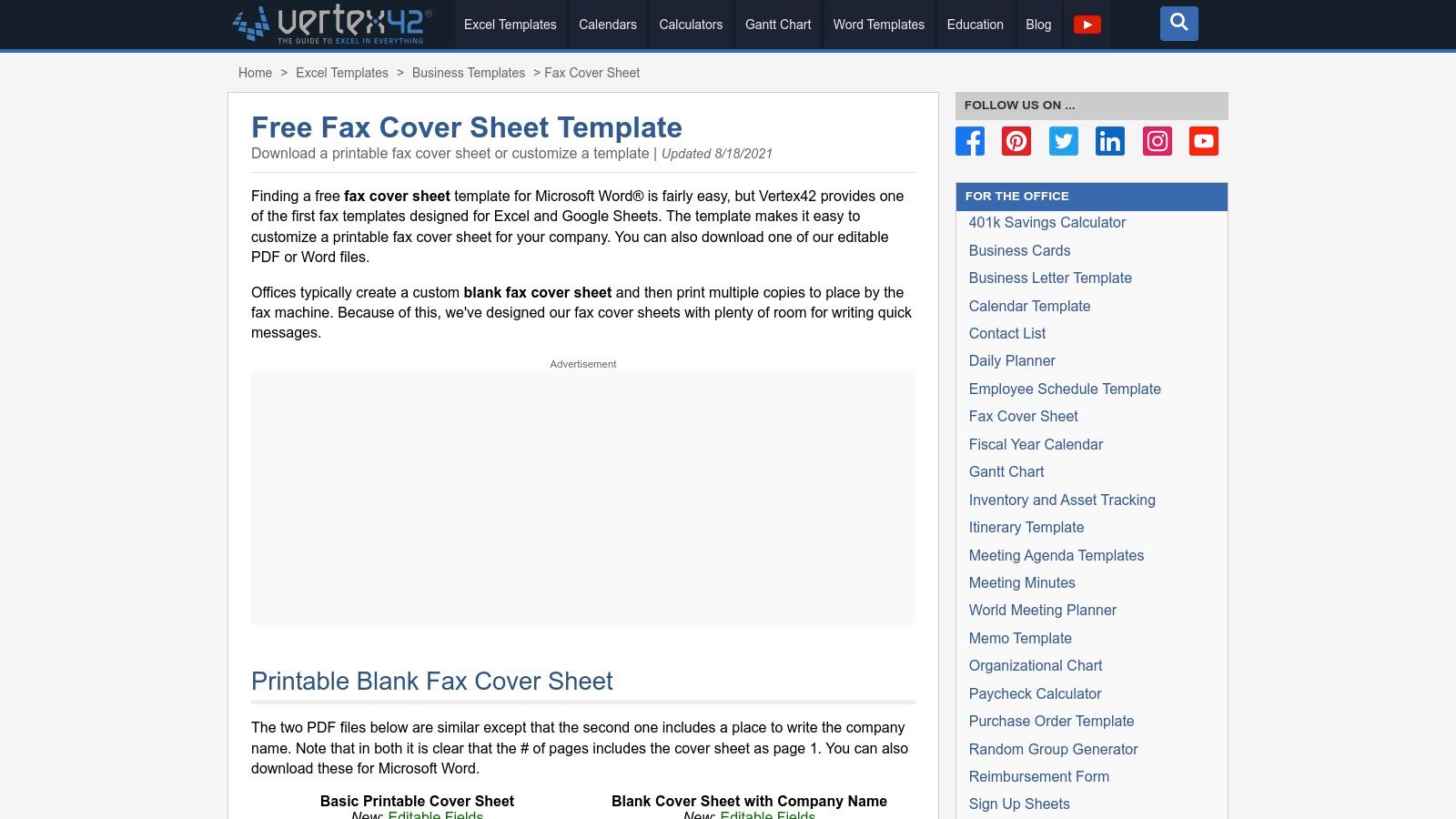
    2. Vertex42

    Vertex42 is a long-standing resource for high-quality templates, offering a range of practical fax cover sheets in multiple formats. It stands out by providing not only printable PDFs but also fully editable versions for Microsoft Word, Excel, and Google Sheets. This versatility allows users to choose the format that best fits their workflow, whether they need a quick print-and-fill document or a digital template for repeated use.

    Vertex42

    This platform is perfect for those who prioritize function and clarity in their business communications. The designs are clean, professional, and straightforward, ensuring all essential information is presented legibly. Downloading a fax cover sheet template PDF is incredibly simple, requiring no sign-up or registration. You can grab a ready-made PDF for immediate printing or an editable DOCX or spreadsheet file to customize with your company branding and save for future faxes.

    Key Features & User Experience

    The user experience is exceptionally direct. Navigating to the page presents clear download links for each format, accompanied by helpful usage notes. Templates are free for private use.

    • Pros: Multiple format options (PDF, Word, Excel, Sheets), no sign-up required for downloads, and clean, professional layouts.
    • Cons: Designs are utilitarian and lack the creative flair found on more design-focused platforms.
    • Best For: Users who appreciate having editable source files (especially in Excel or Google Sheets) and need a no-fuss, professional template.

    Website: Vertex42 Fax Cover Sheet Templates

    3. eFax

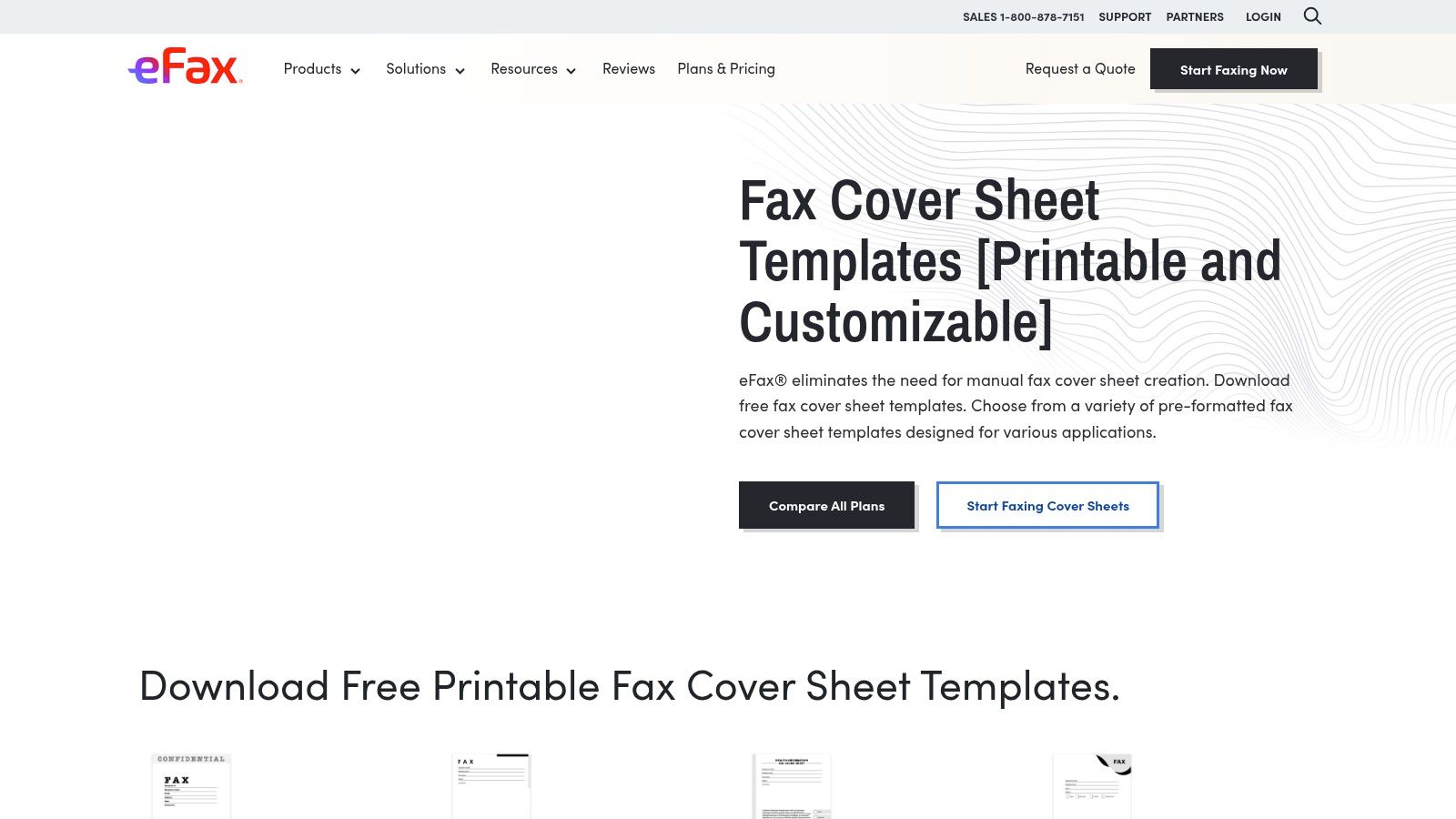
    eFax, a major player in the online faxing industry, provides a valuable library of free fax cover sheet templates. The platform offers a variety of downloadable designs in both PDF and DOC formats, categorized to meet specific needs such as confidential, HIPAA, personal, modern, and general business use. This makes it a great resource for users who need a specialized cover sheet without having to design one from scratch.

    eFax fax cover sheet templates with various designs

    This site is particularly useful for those who need a professional fax cover sheet template PDF and might also be exploring digital faxing services. While the templates are free to download, eFax also highlights its auto-generated cover sheets, a feature available to its subscribers. The templates are clean, functional, and tailored for professional environments, ensuring that your fax is received with the proper context and information clearly displayed.

    Key Features & User Experience

    Navigating the site is straightforward, with templates clearly organized by category. While the downloads are free, the website's primary goal is to promote the eFax service, so expect to see calls to action for their subscription plans.

    • Pros: Wide selection of templates for business and specialized needs, available in both PDF and DOC, and offered by a reputable online fax brand.
    • Cons: Site content includes many CTAs for the paid eFax service, and some features like automatic covers are locked behind a subscription.
    • Best For: Individuals and businesses looking for specialized templates, such as HIPAA-compliant covers, who may also be considering a full online faxing solution. Discover more about how to send a fax online to complement these templates.

    Website: eFax Fax Cover Sheets

    4. iFax

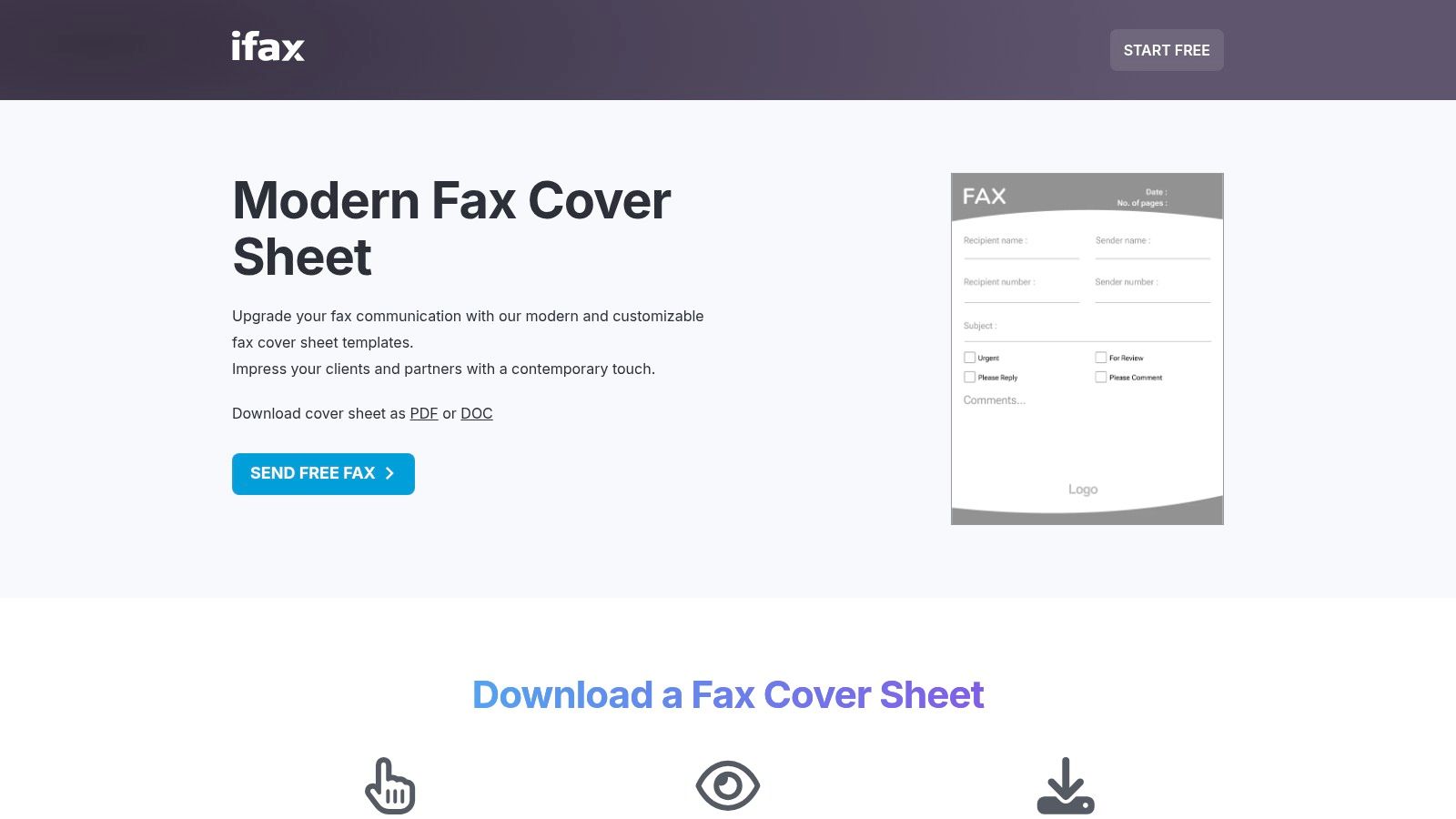
    iFax maintains an extensive gallery of downloadable fax cover sheets, offering a wide array of specialized variants in both PDF and DOC formats. This platform is a go-to resource for users who need a diverse selection of print-friendly templates, from healthcare and legal forms to logo-ready and minimalist designs. It excels by providing a broad catalog of professional and specific-use covers that are immediately accessible.

    iFax fax cover sheet templates gallery

    This resource is perfect for anyone seeking a purpose-built fax cover sheet template PDF without spending time on design. Templates cater to multiple needs, including HIPAA-compliant versions for medical use or simple layouts for personal correspondence. The one-click download system allows you to quickly grab the file you need, edit it offline in your preferred software, and prepare it for sending.

    Key Features & User Experience

    The iFax template gallery is straightforward, with clear previews and direct downloads. While the templates are free, the site does promote its own online faxing service alongside the downloads.

    • Pros: Large variety of specialized options, quick previews and immediate downloads, and both minimal and branded looks available.
    • Cons: Marketing prompts for the iFax service appear alongside templates, and the selection often highlights online faxing use cases.
    • Best For: Users who need a specific type of fax cover, such as for legal or healthcare purposes, and appreciate having many print-ready options.

    Website: iFax Free Fax Cover Sheets

    5. FaxBurner

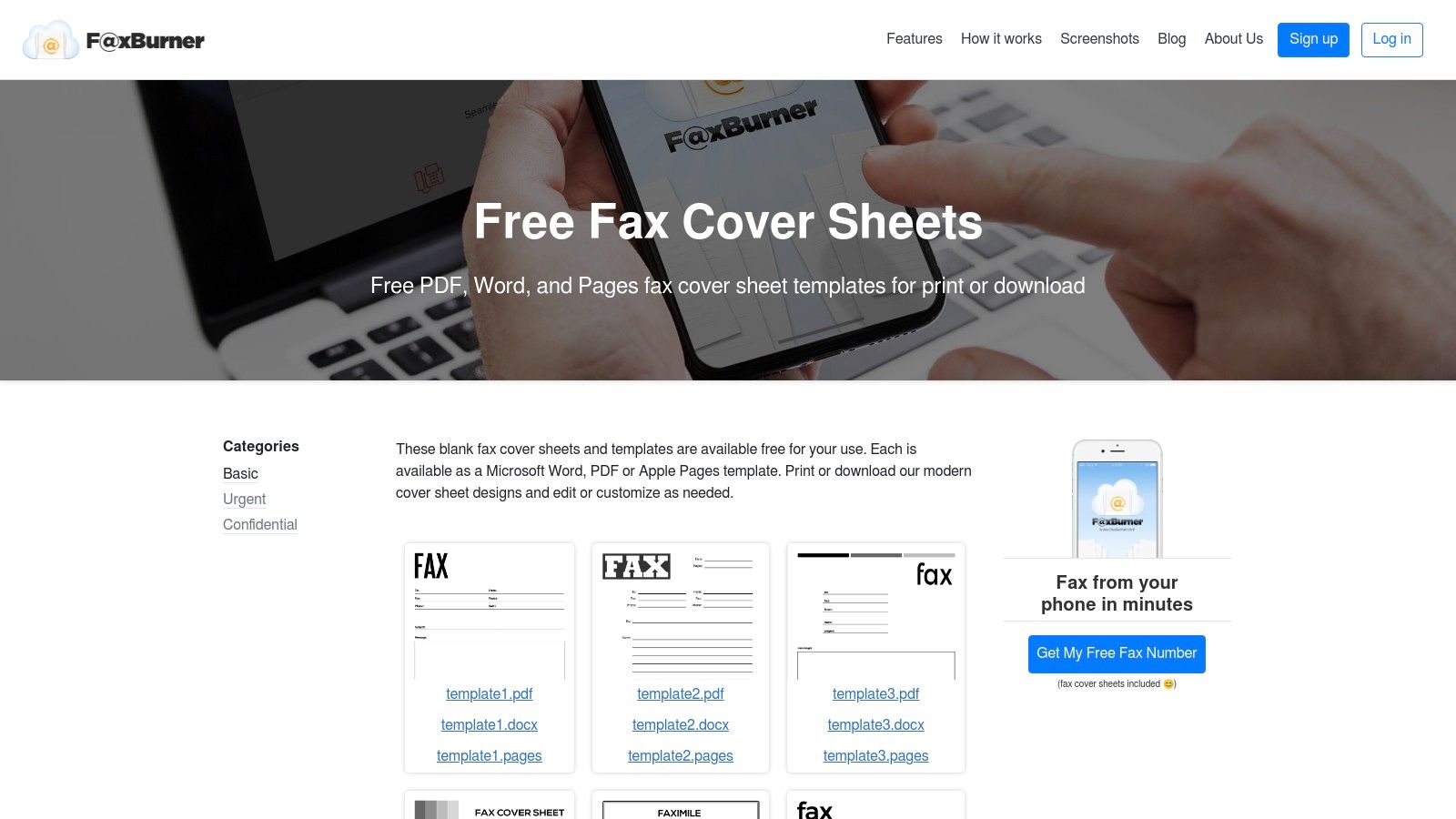
    FaxBurner provides a straightforward collection of free fax cover sheet templates designed for speed and convenience. It stands out by offering formats beyond PDF, including Microsoft Word and, notably, Apple Pages, catering to a wider range of users. The templates are organized into practical categories like basic, confidential, and urgent, making it easy to find a suitable option for your specific communication needs.

    FaxBurner

    This platform is ideal for users who need a quick, no-frills fax cover sheet template PDF without creating an account or navigating a complex site. You can download editable documents or print-ready PDFs directly. The designs are clean and functional, containing all necessary fields for professional correspondence. While optional, the templates are designed to pair well with FaxBurner’s mobile faxing service for a complete digital faxing solution.

    Key Features & User Experience

    The user experience is incredibly direct; you can download your desired template with just one click. There are no sign-ups or paywalls for accessing the template files, which simplifies the process for one-off needs.

    • Pros: Fast access with no account required, supports Apple Pages users, and offers simple, print-ready files.
    • Cons: Smaller catalog than larger template libraries, with fewer style variations for highly branded communications.
    • Best For: Individuals and small businesses needing a quick, functional cover sheet, especially Mac users who prefer editing in Pages.

    Website: FaxBurner Fax Cover Sheets

    6. FAX.PLUS

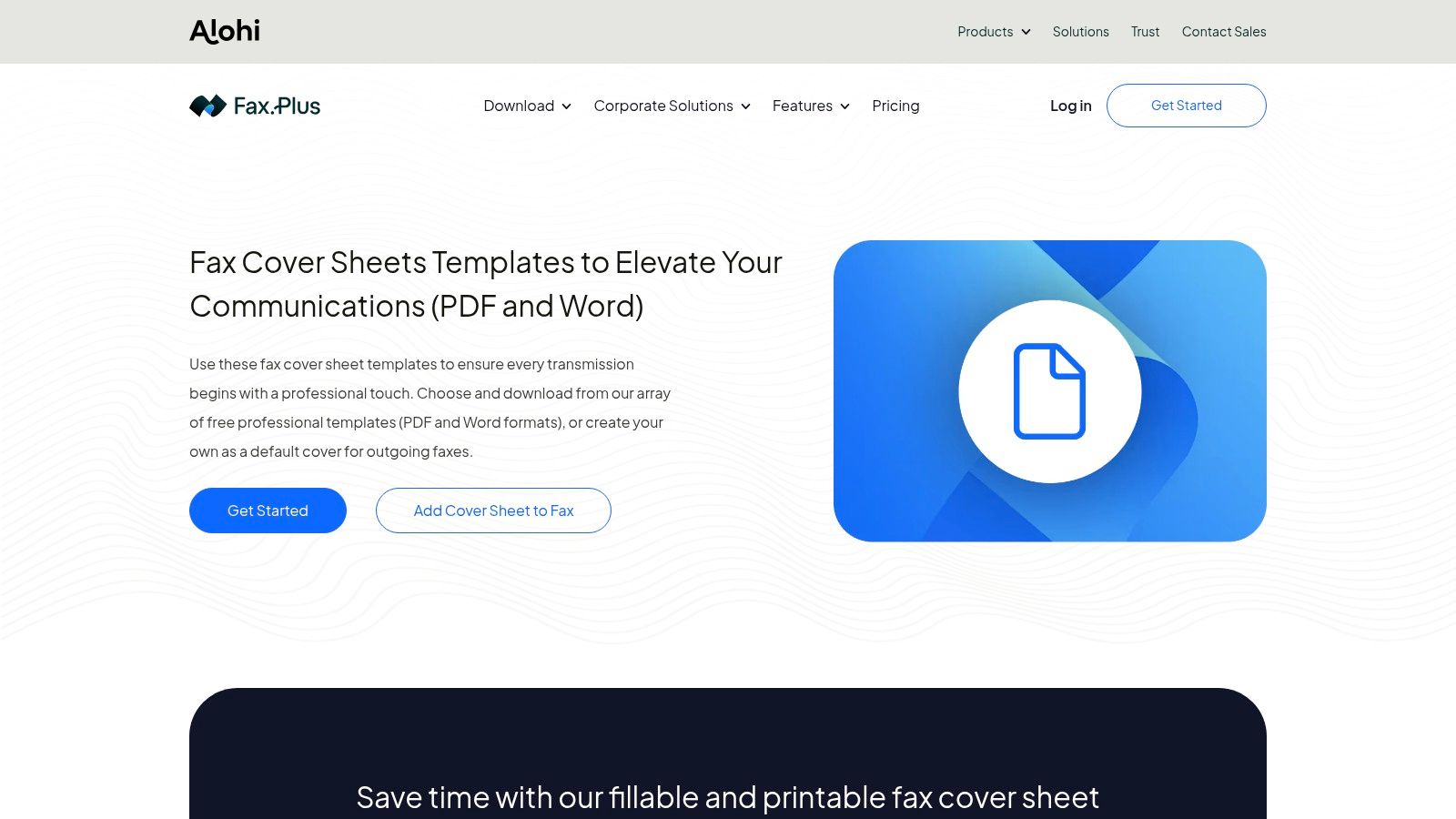
    FAX.PLUS offers a streamlined collection of free fax cover sheet templates designed to work seamlessly with its online faxing service. This platform stands out by focusing on practical, business-oriented needs, providing downloadable templates in both Word and PDF formats. The designs are clean, professional, and categorized for common use cases like "Generic" and "Confidential," making it easy for users to find what they need quickly.

    FAX.PLUS Fax Cover Sheet Templates

    This resource is ideal for professionals who need an efficient way to download a standard fax cover sheet template PDF and send it immediately. The templates include all essential fields, ensuring compliance and clarity for business communications. While the templates are free to download, their primary purpose is to complement the FAX.PLUS service, creating a smooth workflow from document preparation to transmission. The layouts are simple and effective, prioritizing functionality over elaborate design.

    Key Features & User Experience

    The user experience is straightforward, guiding users to select and download a template with just a few clicks. The templates are presented as a free resource to support their core online faxing product.

    • Pros: Professional, business-focused layouts, quick download in both Word and PDF formats, and templates designed for standard workplace needs.
    • Cons: Fewer stylistic categories compared to creative design platforms, and the templates are presented alongside a paid fax service.
    • Best For: Individuals and businesses already using or considering an online fax service who need a reliable, no-frills cover sheet.

    Website: FAX.PLUS Fax Cover Sheet Templates

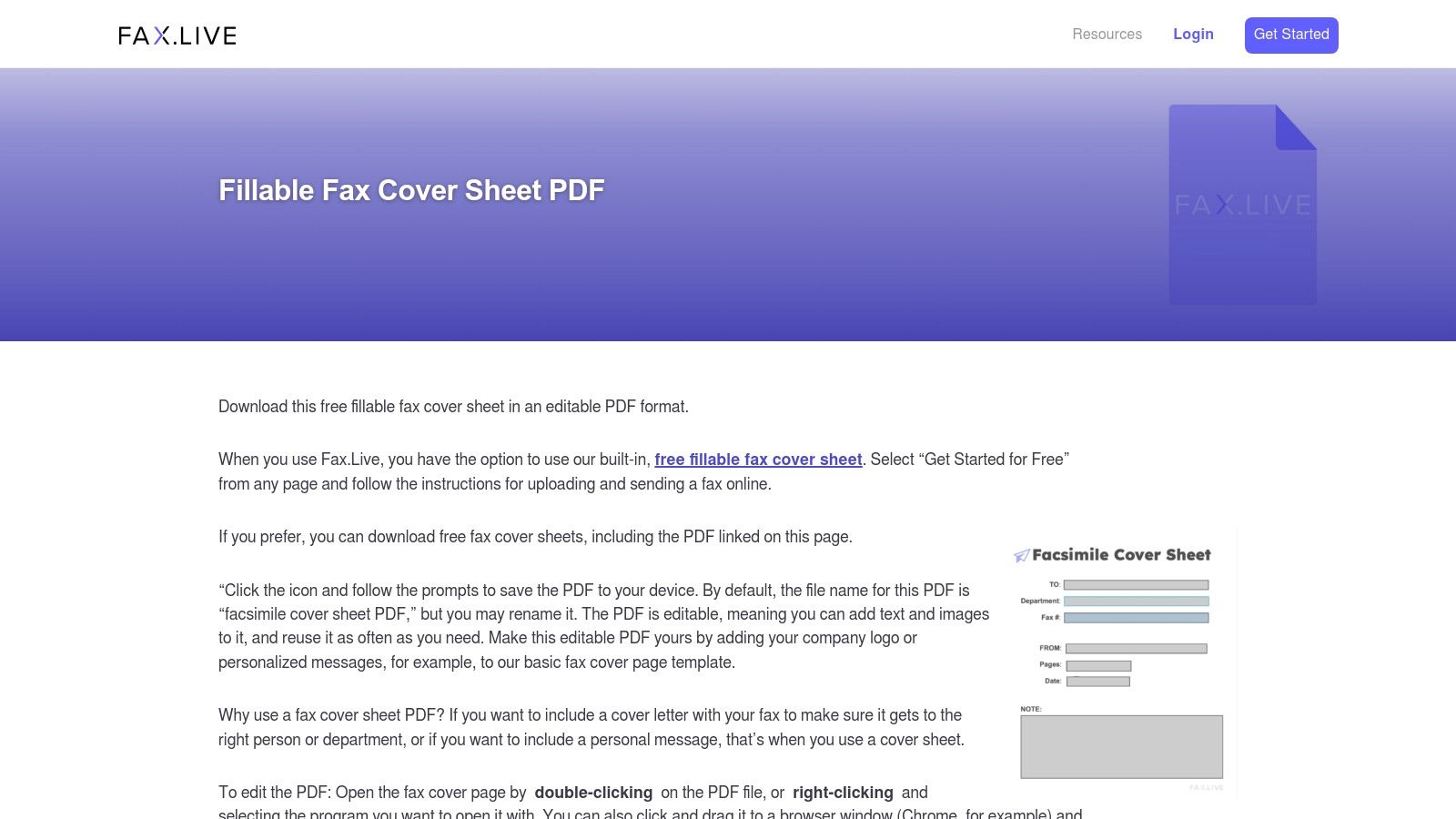
    7. Fax.Live

    Fax.Live provides a focused selection of downloadable and fillable fax cover sheet templates designed for practicality and ease of use. This platform stands out by offering templates that are optimized for editing in common PDF viewers, eliminating the need for specialized software. They provide clear, step-by-step instructions, making the process straightforward even for less tech-savvy users.

    Fax.Live

    This resource is perfect for individuals who want a reliable fax cover sheet template PDF and might also need an online faxing service. Fax.Live offers business and medical-style layouts, ensuring essential information is presented professionally. A key benefit is its integration; if you use their service to send your fax, a cover sheet can be added automatically for free, streamlining the entire workflow from creation to transmission.

    Key Features & User Experience

    The website offers a simple, user-friendly experience centered on functionality. The templates are purpose-built to be fillable, which makes them highly convenient compared to static, non-editable designs.

    • Pros: Purpose-built PDFs that edit well in standard viewers, a free integrated cover sheet when faxing online, and clear usage instructions.
    • Cons: Smaller selection compared to major template hubs, with limited stylistic variety for creative branding needs.
    • Best For: Users who appreciate a direct, no-fuss approach and may use the integrated online faxing service for a seamless experience.

    Website: Fax.Live Fax Cover Sheet Templates

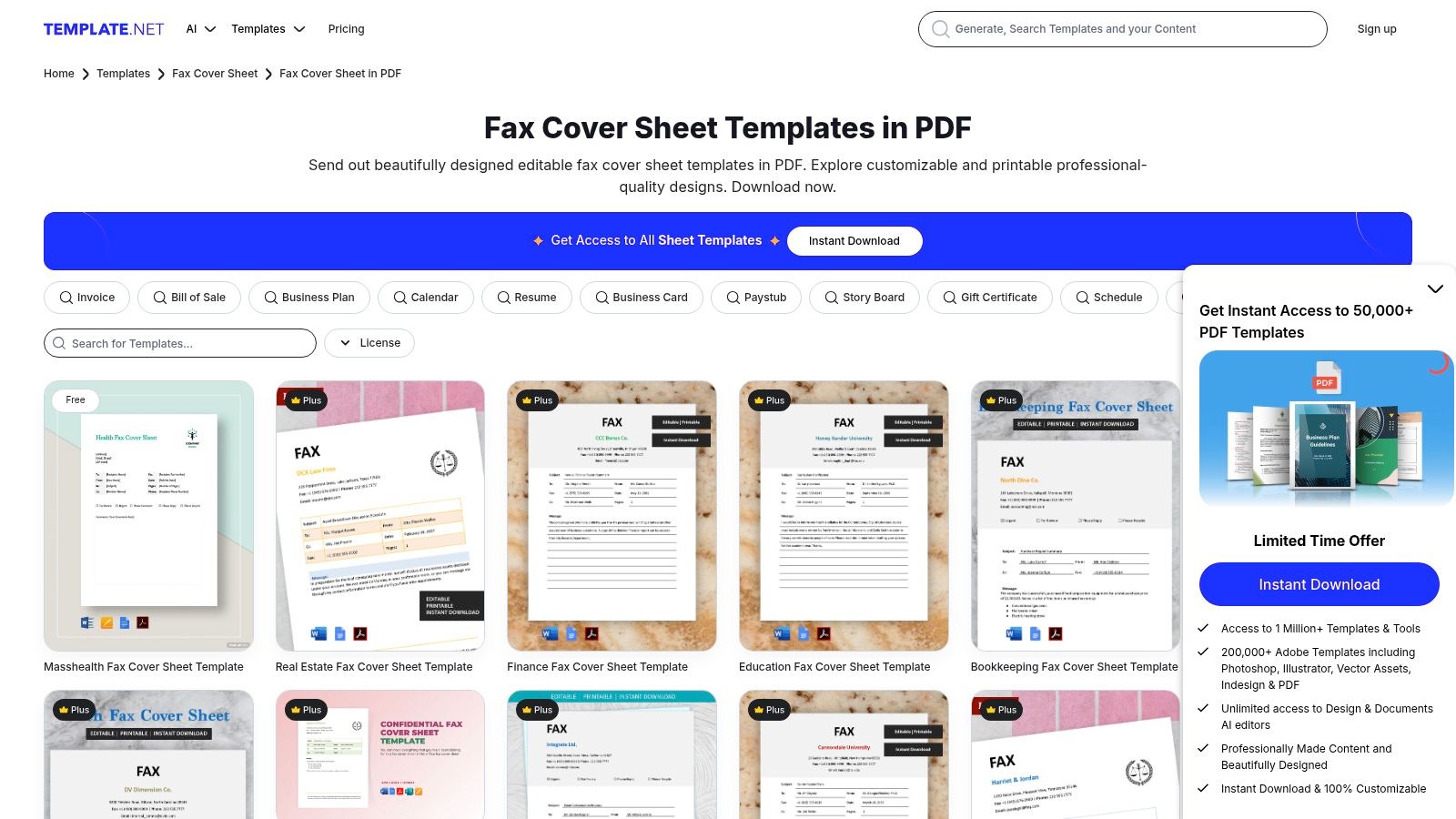
    8. Template.net

    Template.net hosts a massive catalog of fax cover sheets available in multiple formats, including editable PDFs, Word, Google Docs, and Apple Pages. It stands out for its sheer volume and variety, with powerful filtering tools that help users quickly find specific layouts tailored to business, personal, or industry-specific needs. The platform offers both direct downloads and a convenient online editor for quick modifications.

    Template.net Fax Cover Sheet Templates

    This website is a great resource when you need a diverse range of stylistic options or a very particular layout on short notice. The library is frequently updated, ensuring fresh designs are always available. Whether you need a simple, clean fax cover sheet template PDF or a more detailed corporate design, Template.net likely has a suitable option. The mix of free and premium templates provides flexibility for different user needs.

    Key Features & User Experience

    The user experience is straightforward, with clear categories and filtering that make navigating the extensive library manageable. While many high-quality templates are free, the best designs are often reserved for Pro subscribers.

    • Pros: Extensive and frequently updated selection, excellent for finding specific styles quickly, and convenient online editing options.
    • Cons: The highest quality templates often require a paid subscription, and design consistency can vary across the collection.
    • Best For: Users who need access to a wide variety of designs and appreciate the flexibility of editing in different software formats. You can find more details about its offerings in this overview of Template.net.

    Website: Template.net Fax Cover Sheets

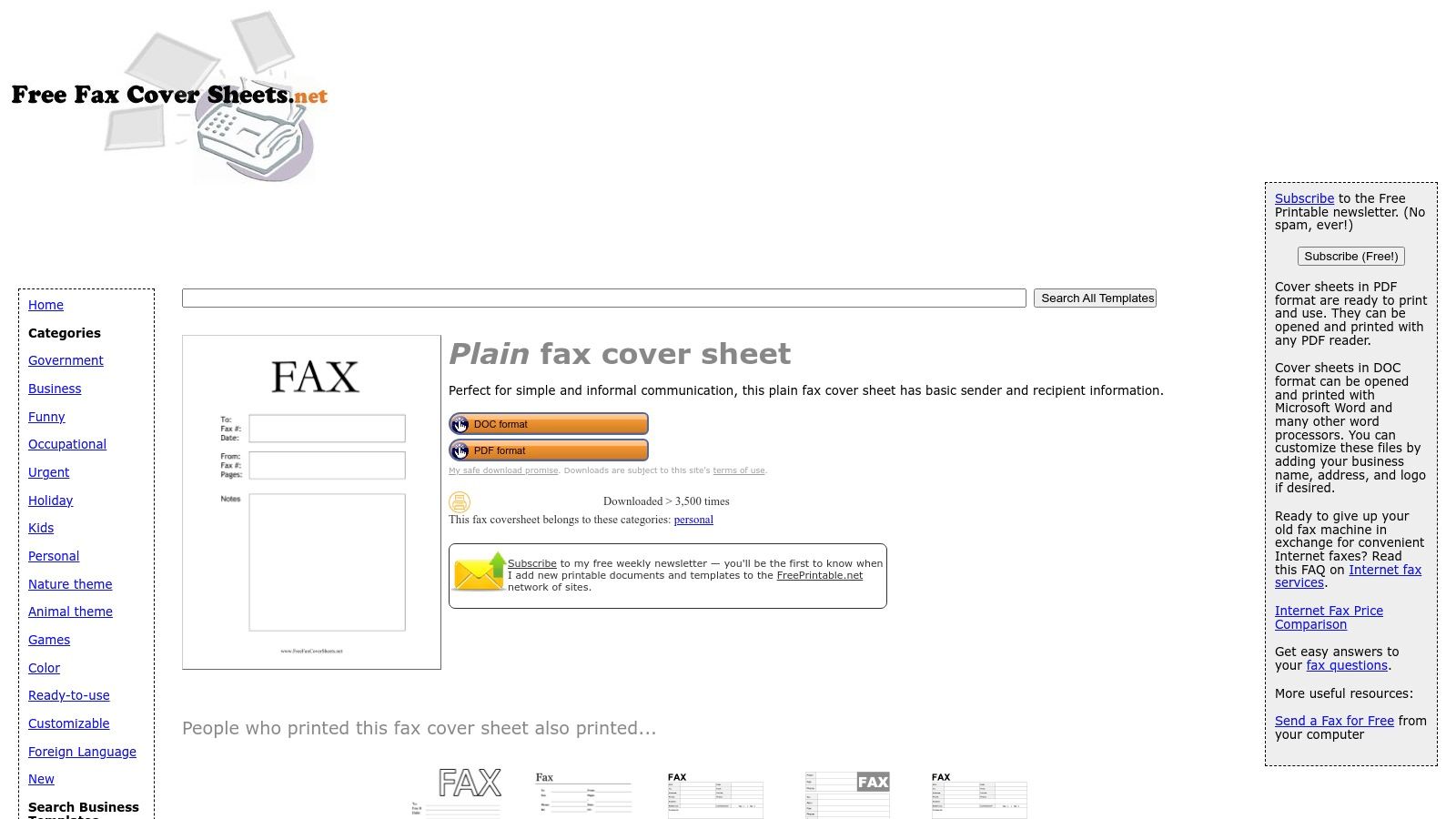
    9. FreeFaxCoverSheets.net

    FreeFaxCoverSheets.net is a straightforward resource offering dozens of free, printable fax covers for immediate download. As part of the popular FreePrintable.net network, it excels at providing no-frills templates sized for US letter paper, making it perfect for users who need a functional document without any complex editing or sign-up processes. The collection includes both plain and stylized options to suit various needs.

    A plain fax cover sheet template from FreeFaxCoverSheets.net

    This platform is ideal for anyone looking for a quick and simple fax cover sheet template PDF. You can download the files instantly and fill them out by hand or with a PDF editor. The designs are clean and functional, containing all the essential fields required for professional communication. The direct-download approach eliminates barriers, allowing you to get your cover sheet in seconds.

    Key Features & User Experience

    The user experience is incredibly fast and direct, though the website is supported by ads and periodic newsletter prompts. The primary focus is on speed and accessibility, not on-site customization.

    • Pros: Zero-cost and instant access, a wide variety of basic covers, and a very fast, no-frills download experience.
    • Cons: The site contains ads, and there are no on-site editing or customization tools available.
    • Best For: Individuals and small businesses needing a quick, printable fax cover without registration or software dependencies.

    Website: FreeFaxCoverSheets.net Plain Fax Template

    10. Etsy

    For those seeking a more unique or brand-aligned design, Etsy is a digital marketplace where independent creators sell professional fax cover sheet templates. It stands apart from free template libraries by offering a vast selection of creative, designer-made layouts that you won't find anywhere else. Most sellers provide instant digital downloads in multiple formats, including PDF, Microsoft Word, and editable Canva links, giving you flexibility in how you customize your document.

    This platform is the perfect choice when you need a polished fax cover sheet template PDF that reflects a specific aesthetic or brand identity. After a one-time purchase, you receive the files immediately, ready for editing and use. Many listings even come in bundles, providing multiple design variations at a great value. The quality and style can vary significantly between sellers, so it’s wise to read reviews before purchasing.

    Key Features & User Experience

    Etsy’s user experience is straightforward, with a simple search and purchase process. The platform facilitates direct communication with designers if you have questions or need minor adjustments.

    • Pros: Access to unique, custom-looking designs; supports brand customization; many sellers offer bundles and easily editable versions.
    • Cons: Quality and file format can be inconsistent depending on the seller; requires a separate purchase for each template or bundle.
    • Best For: Small businesses, freelancers, and individuals looking for a distinctive, non-generic fax cover sheet to match their brand.

    Website: Etsy Fax Cover Sheet Listing

    11. Kittl

    Kittl is a browser-based design platform that elevates the standard fax cover sheet into a brand-aware document. It offers a selection of highly customizable templates for users who want more creative control than what traditional office software provides. Kittl excels at letting you fine-tune typography, adjust colors to match your brand palette, and seamlessly integrate your company logo for a polished, professional look.

    This platform is perfect for small businesses, freelancers, and creative professionals who need their fax cover sheet template PDF to reflect their unique brand identity. The on-canvas editor is intuitive, allowing for quick changes without needing graphic design expertise. Once you finalize your design, you can easily export it as a high-quality PDF, ready to be attached to your digital fax or printed.

    Key Features & User Experience

    Kittl’s user experience is centered on creative freedom within a simple, web-based interface. While many templates are free to use, some advanced features or premium designs may require a paid plan.

    • Pros: Significant creative control over design elements, excellent for matching company branding, and a user-friendly browser-based editor.
    • Cons: The template selection is smaller than giant marketplaces, and the best features may be locked behind a premium subscription.
    • Best For: Users and businesses who prioritize brand consistency and want a more visually appealing, custom-designed fax cover sheet.

    Website: Kittl Fax Cover Sheet Templates

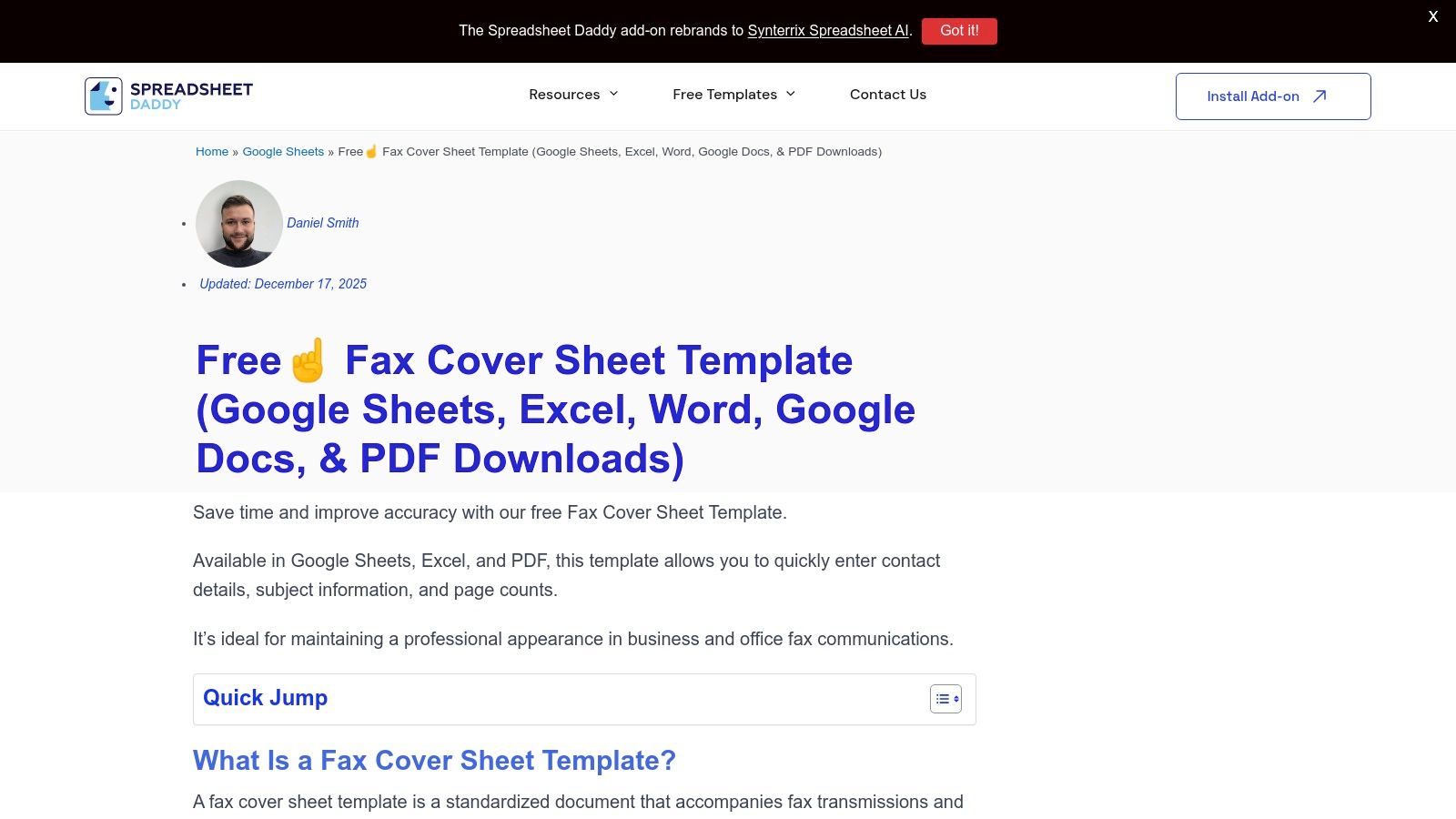
    12. Spreadsheet Daddy

    Spreadsheet Daddy provides a highly versatile, free fax cover sheet template pack designed for users who value flexibility. This platform stands out by bundling multiple formats of the same professional layout, including versions for Google Docs, Google Sheets, Microsoft Word, and Excel. This unique approach allows you to grab both an editable source file and a ready-to-use printable PDF in one simple download.

    Spreadsheet Daddy

    This resource is perfect for individuals or teams who want to maintain a consistent template across different software ecosystems. Whether you prefer editing in the cloud with Google Workspace or on your desktop with Microsoft Office, the template is ready to go. The included printable fax cover sheet template PDF is ideal for those who just need to print and fill it out by hand quickly.

    Key Features & User Experience

    The download process is straightforward, requiring no account creation or sign-up. The website clearly outlines the standard fields included in the template, ensuring it meets all basic business communication needs.

    • Pros: Multiple formats in one pack, no account required for download, and a consistent layout across different applications.
    • Cons: Limited to a single design, offering less variety than dedicated template galleries.
    • Best For: Users who need a reliable, cross-platform template and appreciate having both an editable source file and a printable PDF.

    Website: Spreadsheet Daddy Fax Cover Sheet

    Top 12 Fax Cover Sheet PDF Comparison

    Source Core features UX / Quality (★) Price & Value (💰) Best for / Audience (👥) Standout (✨ / 🏆)
    Microsoft Create Free editable Word/Excel templates, export to PDF ★★★★ 💰 Free (may require MS sign-in) 👥 Microsoft 365 users, offices ✨ Seamless Word/Excel integration; consistent formatting
    Vertex42 PDFs + Excel/Google Sheets editable versions ★★★★ 💰 Free for private use 👥 Spreadsheet users wanting simple business layouts ✨ Excel/Sheets variants; no signup
    eFax Wide category library (HIPAA, business), auto-generated covers with service ★★★★ 💰 Free templates; paid fax service upsells 👥 Businesses needing specialized templates ✨ Broad selection + auto-cover via service
    iFax Large gallery, many specialized/brandable variants ★★★★ 💰 Free templates; service CTAs 👥 Users wanting variety & brand-ready covers ✨ Extensive specialized options
    FaxBurner PDF/Word/Apple Pages; mobile-fax integration ★★★ 💰 Free templates 👥 Mobile users & Apple Pages users ✨ Apple Pages support; quick downloads
    FAX.PLUS Curated PDF/Word templates labeled by use case ★★★★ 💰 Free templates; paired paid service 👥 Office users seeking professional layouts ✨ Professional, office-focused designs
    Fax.Live Fillable, brandable PDF covers with usage steps ★★★★ 💰 Free templates; online fax add-on 👥 Medical/business users needing fillable PDFs ✨ Purpose-built fillable PDFs
    Template.net Large, filtered library + online editor (PDF/Word/Docs/Pages) ★★★★★ 💰 Freemium (some Pro-only items) 👥 Users needing many styles or quick matches ✨ Massive, searchable library + editor 🏆
    FreeFaxCoverSheets.net Dozens of printable covers sized for US letter, instant download ★★★ 💰 Free (ads present) 👥 Quick, no-frills users ✨ Fast, no-signup printable options
    Etsy Designer-made paid templates (PDF/Canva/Word), instant downloads ★★★★ 💰 Paid per listing; variable pricing 👥 Users wanting unique/designer covers ✨ Unique, boutique designs; brand customization 🏆
    Kittl Browser editor for typography, logos, colors; PDF export ★★★★ 💰 Freemium (some premium templates/features) 👥 Small businesses & designers wanting brand control ✨ On-canvas customization for brand matching
    Spreadsheet Daddy Pack with Google Sheets/Docs, Excel/Word + printable PDF ★★★★ 💰 Free 👥 Users needing both editable source and ready PDF ✨ All-format pack; consistent single-layout delivery

    Elevate Your Faxes with the Right First Impression

    Navigating the world of faxing in a digital age doesn't have to be complicated. As we've explored, a well-chosen fax cover sheet template pdf is more than just a formality; it’s a crucial tool for ensuring your document is professional, clear, and directed to the correct recipient. From the robust and highly customizable options offered by platforms like Microsoft Create and Kittl to the specialized, industry-specific templates available from services like eFax and FAX.PLUS, the right first impression is always within reach.

    The key takeaway is that the ideal template depends entirely on your specific circumstances. A freelancer might find the straightforward, no-frills designs from Vertex42 or FreeFaxCoverSheets.net perfectly adequate for occasional use. In contrast, a healthcare provider must prioritize HIPAA compliance, making a dedicated, secure template an absolute necessity. Similarly, a legal firm will benefit from templates that explicitly include fields for case numbers and confidentiality notices.

    Choosing Your Best-Fit Template

    Making the right choice comes down to evaluating a few critical factors. Before you download the first template you see, consider the following:

    • Professionalism vs. Simplicity: Do you need a branded, formal cover sheet that represents your business, or will a clean, basic layout suffice? Tools like Template.net offer a wide spectrum, while others like FaxBurner provide a simple, effective solution integrated into their service.
    • Industry Requirements: Are you transmitting sensitive information that falls under regulations like HIPAA? If so, your choice must prioritize compliance and include necessary disclaimers. A generic blank template is not suitable for these high-stakes communications.
    • Customization Needs: How much control do you need over the final look? If you require the ability to add a logo, change fonts, or adjust layouts, a fully editable template from sources like Etsy or Microsoft Create is your best bet.
    • Frequency of Use: For one-time faxes, a simple downloadable PDF is efficient. For regular faxing, consider an online fax service that integrates cover sheets into its workflow, saving you time and streamlining the process.

    Ultimately, the goal is to enhance communication, not complicate it. A great fax cover sheet template pdf serves as a clear, concise introduction to your document. It provides essential routing information at a glance, states the purpose of the fax, and establishes a professional tone from the outset. By selecting a template that aligns with your needs and pairing it with a reliable sending method, you ensure your important documents are not just sent, but received and processed with the attention they deserve.


    Now that you have the perfect fax cover sheet, complete the final step with a service designed for modern efficiency. SendItFax allows you to easily upload your chosen PDF cover sheet and documents, sending them securely without ever touching a physical fax machine. Try SendItFax today and experience a smarter, simpler way to handle all your faxing needs.

  • Crafting the Perfect Fax Cover Page Template PDF

    Crafting the Perfect Fax Cover Page Template PDF

    A fax cover page template PDF is more than just a formality; it's the professional handshake that introduces your document, making sure it gets to the right person, right away. It provides all the crucial details at a glance—who it's from, who it's for, and what it's about.

    Why Your Fax Cover Page Still Commands Attention

    A person's hand feeds white paper into a black and gray fax machine on a light wooden cabinet.

    It’s easy to think of faxing as a technology of the past, especially with email and messaging apps at our fingertips. But in critical industries like healthcare, law, and finance, faxing is still a daily workhorse. It’s not about nostalgia; it’s about a long-standing reputation for security and reliability that digital methods sometimes can't match.

    The numbers don't lie. Back in 2017, the U.S. alone sent and received a staggering 200 billion fax pages. That breaks down to roughly 6,000 pages every second. With that kind of volume, it's clear why having a standardized fax cover page template PDF isn't just helpful—it's essential.

    More Than Just a Formality

    A sharp, professional cover page does some serious heavy lifting. It’s the gatekeeper for your sensitive documents, serving a few vital roles that keep your communication smooth and secure.

    • Ensures Correct Delivery: In a busy office, a fax can easily land on the wrong desk. The cover page clearly names the recipient, so your confidential information doesn't get sidetracked.
    • Provides Essential Context: Details like page count, sender info, and a subject line give the recipient a quick rundown of what they're looking at and why it's important.
    • Projects Professionalism: A clean, well-organized cover sheet sends a powerful message. It shows you’re serious, credible, and pay attention to the details.
    • Supports Compliance: For anyone in healthcare, a cover page with a HIPAA confidentiality notice isn't just a good idea—it's a critical piece of the compliance puzzle.

    The First Line of Defense

    Think of the cover page as your first defense against miscommunication and potential data breaches. It provides every detail needed to ensure the document is handled properly from the moment it comes out of the machine. The sender's and recipient's information, especially the specific what is a fax number, is key for verification.

    A well-designed cover sheet sets the tone, conveys importance, and ensures the subsequent pages are given the attention they deserve. It prevents small oversights from turning into significant problems.

    Without that first page, your document is just a stack of papers that could get lost, misfiled, or completely ignored. By taking a few seconds to include a comprehensive cover sheet, you establish a clear and professional line of communication, protecting your transmission from start to finish.

    What Makes a Great Fax Cover Sheet?

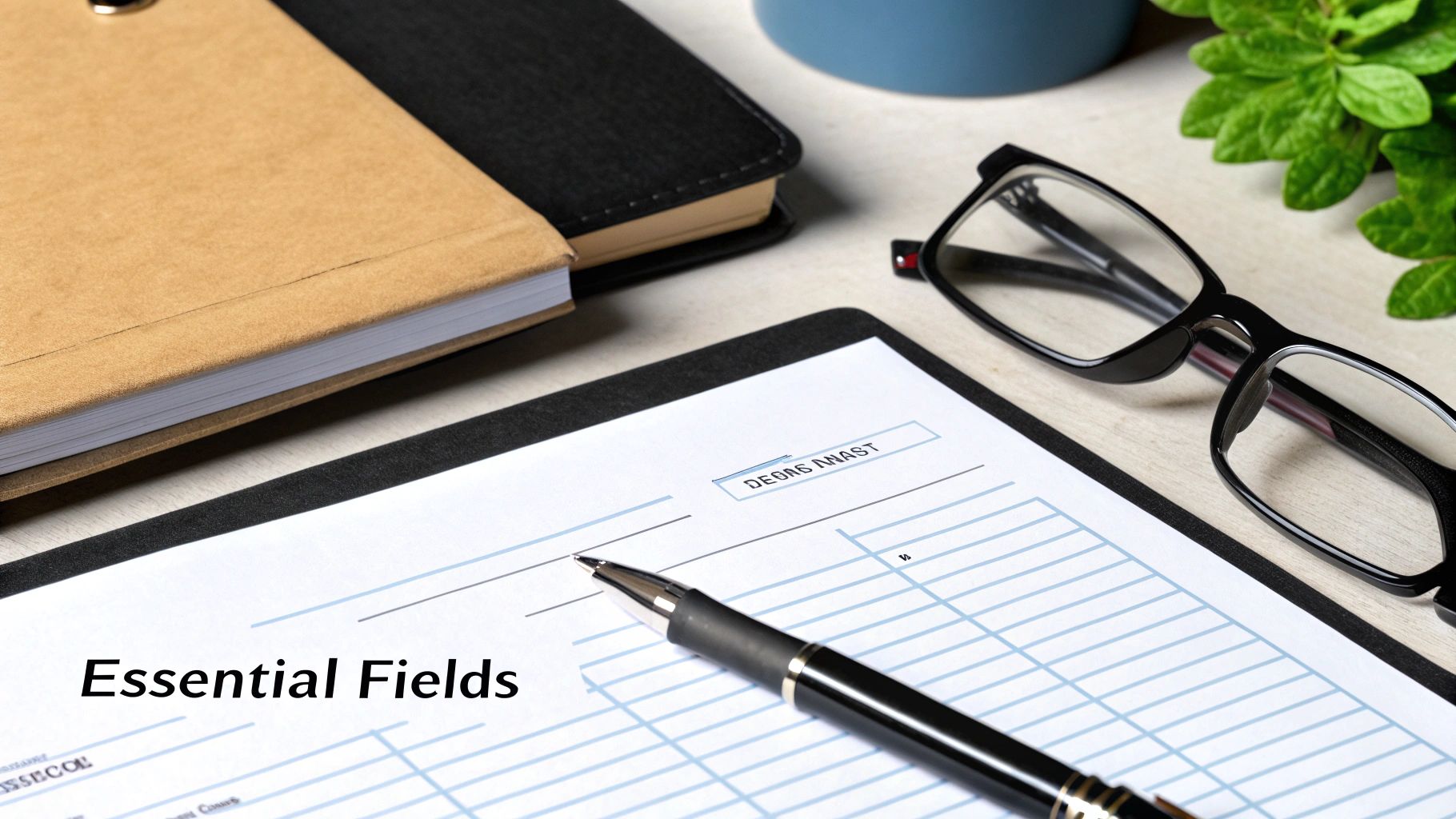
    A flat lay of a desk with a document titled 'Essential Fields', a pen, glasses, and notebooks.

    A well-designed fax cover sheet does more than just announce your document's arrival. It's the first impression, setting the tone for the entire communication. Think of it as the professional handshake before the conversation begins; it provides all the critical details at a glance, preventing confusion and ensuring your document gets to the right person, right away.

    When you nail the cover sheet, you eliminate the guesswork for the person on the other end. This is especially important in regulated fields like healthcare or legal services, where a misdirected fax can cause major headaches. Let’s break down exactly what components transform a basic page into a truly effective communication tool.

    Essential Components of a Fax Cover Page

    Here’s a quick reference for the key fields that every professional cover sheet should include. Getting these right is fundamental to clear, compliant, and successful faxing.

    Component Purpose Best Practice Tip
    Sender & Recipient Info Clearly identifies who sent the fax and who it's for, ensuring it reaches the correct desk. Include full names, company, direct fax numbers, and a phone number for quick follow-up.
    Date of Transmission Provides an official timestamp for the communication, which is crucial for record-keeping. Always use the current date to avoid any confusion about when the document was sent.
    Total Page Count Confirms that the entire transmission was received successfully without missing pages. State the total number, including the cover sheet. Example: "5 pages (including cover)."
    Subject Line Gives the recipient immediate context about the fax's contents before they even read it. Be specific. "Signed Contract for Project Phoenix" is much better than a generic "Contract."
    Confidentiality Notice A legal disclaimer that protects sensitive information if the fax is seen by an unintended party. This is non-negotiable for medical, legal, or financial documents. Always include it.
    Comments/Message Allows you to add a brief, custom note to guide the recipient's next steps. Use it for clear instructions like, "Please review and sign page 3 by EOD."

    These components work together to create a cover sheet that's not just informative but also professional and secure.

    The Absolute Must-Haves

    Every single fax you send needs a core set of information. These are the non-negotiables that ensure your document travels from point A to point B without a hitch.

    • Sender & Recipient Details: At a minimum, you need the full name, company name, and direct fax and phone numbers for both yourself and the recipient. This is your first line of defense against the fax getting lost on a shared machine.
    • Date: This is your official timestamp. For anything involving contracts, deadlines, or medical records, the date is a critical piece of the paper trail.
    • Total Page Count: This is a simple but powerful detail. Stating "7 pages total (including this cover)" lets the recipient know immediately if a page failed to transmit. It's a built-in error check.
    • A Clear Subject Line: Just like an email, a descriptive subject gives immediate context. It helps the recipient prioritize and understand the fax's purpose instantly.

    Smart Additions for Clarity and Security

    Once you've covered the basics, a few extra fields can elevate your fax cover page template PDF from good to great. These elements provide crucial context and can protect you legally.

    In fields like healthcare or law, a confidentiality notice isn't just a "nice-to-have"—it's often a legal and ethical requirement. Skipping it can be a serious professional misstep.

    Consider including these strategic elements:

    • Confidentiality Notice: This is your legal safeguard. A simple, standardized paragraph instructing unintended recipients to destroy the document is essential when dealing with any sensitive or private information.
    • Comments or Message Section: This small space is incredibly useful for providing specific instructions. You can guide your recipient's attention directly where it's needed, like "John, please see the highlighted figures on page 4."
    • Action-Required Checkboxes: I'm a big fan of these. Simple checkboxes for things like "For Your Review," "Please Reply," or "Urgent" are a fantastic visual cue. They let the recipient triage your fax at a glance, without having to read through everything first.

    Finding and Customizing Your PDF Template

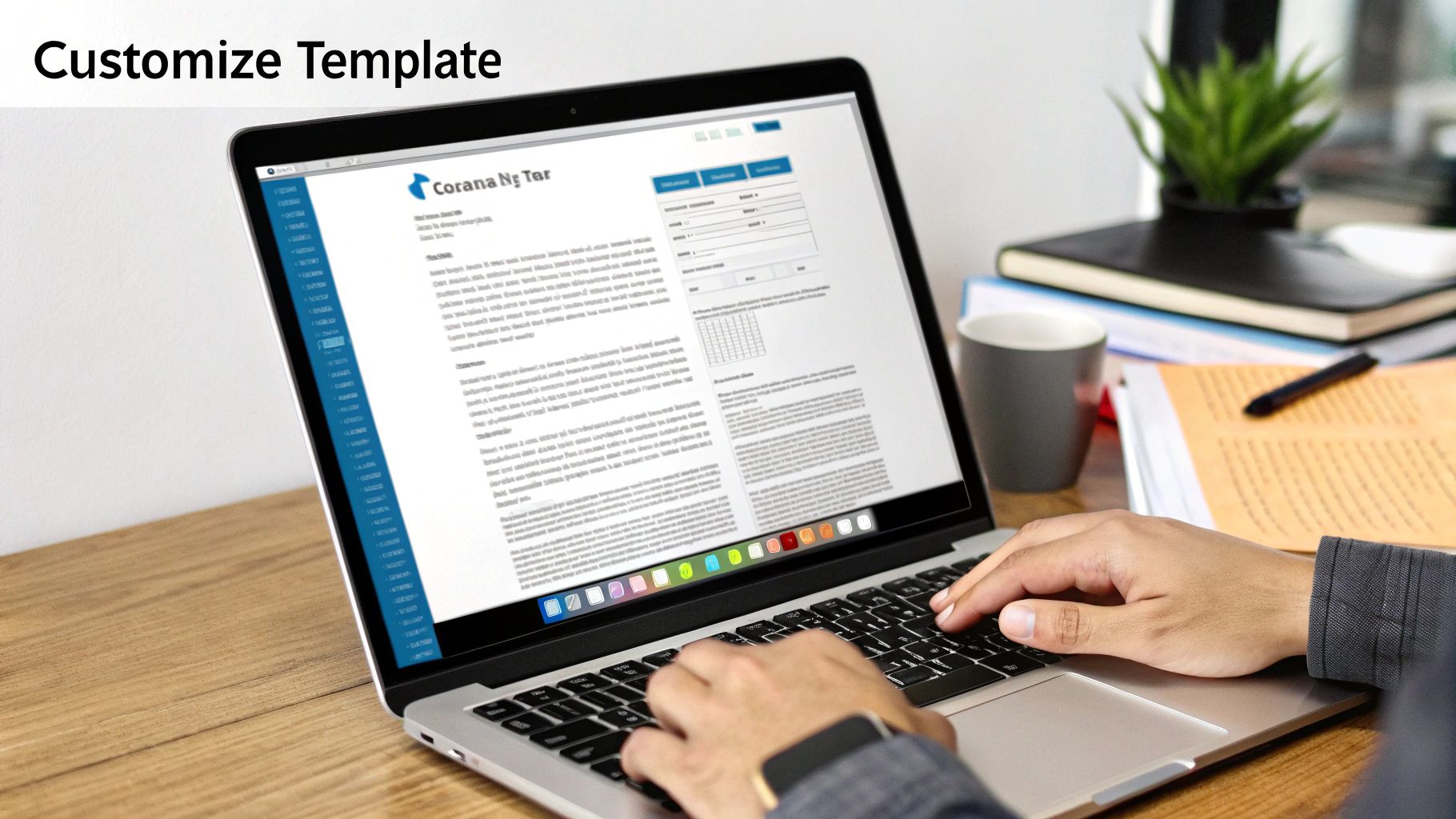
    Close-up of hands typing on a laptop, customizing a digital template with office items nearby.

    A quick search for a fax cover page template PDF will give you countless options, but they're not all built the same. The real goal isn't just to find a template; it's to find the right one that you can turn into a professional, reusable tool for your business. This one-time setup saves you from having to start from scratch every single time you send a document.

    When you're looking, go for templates with clean, professional layouts and clearly marked fields. I'd steer clear of anything too decorative or busy—it just distracts from the important information. The best templates are always straightforward, easy to read, and, most importantly, editable.

    Key Features of a Great Template

    Before you hit "download," take a moment to see if the template has the right bones. A solid template will make the whole customization process much smoother.

    Here's what I always look for:

    • Fillable Fields: The PDF should have interactive fields you can type into with a standard reader. It looks far more professional than a handwritten cover sheet.
    • Clean Layout: Look for plenty of white space and a logical flow. The recipient should be able to find what they need in seconds.
    • Space for Branding: Is there a spot at the top for your logo? A template without a dedicated header area can be a pain to customize later.

    A well-chosen template is more than a document; it's the starting point for an efficient workflow. Taking a minute to find the right one saves you hours of frustration down the road.

    Customizing Your Template for a Professional Look

    Once you've got a good template, it's time to make it yours. This is where you establish a consistent, professional look that reinforces your brand with every fax you send. The idea is to create a master version that you can save and use over and over.

    First things first, pre-fill all of your own information. That means your name, company name, address, and your fax and phone numbers. With that out of the way, you’ll only have to add the recipient's details and a quick message for each new fax.

    Next, add your company logo. Most free PDF editors—even the basic Adobe Acrobat Reader or other online tools—have a function to "add an image." I always place the logo in the header for a polished, official look. It’s a small detail that makes a huge difference in perception.

    Tools for Editing and Customization

    You don't need to shell out for expensive software to edit a fax cover page template PDF. There are plenty of free and easy-to-use tools that work perfectly.

    Tool Type Best For Example
    PDF Readers Filling in text fields on existing forms. Adobe Acrobat Reader
    Online PDF Editors Adding logos, changing text, and making structural edits. Smallpdf, iLovePDF
    Word Processors Complete redesign and layout changes (import/export). Google Docs, Microsoft Word

    Using these tools, you can build a custom master template that’s ready to go at a moment's notice. Having this prepared is a lifesaver when you need to send something quickly. Of course, the next step is to integrate it into a modern workflow. Learning how to send a fax online allows you to attach your custom PDF directly, closing the loop on a truly efficient process.

    Tailoring Your Message for Different Industries

    Your fax cover page template PDF isn't just a formality; it's the first thing your recipient sees. The message you send to a hospital is worlds away from one you’d send to a creative agency. Customizing your language for the recipient's industry is more than a nice touch—it shows you’re a professional and helps ensure your document gets handled correctly.

    Think about it. A single word can change everything. Labeling something "Urgent" might work for an internal memo, but for a legal filing, "Time-Sensitive Legal Document" carries the specific weight it needs. This kind of targeted language helps your fax cut through the clutter and get prioritized the moment it lands on the machine.

    Medical and Healthcare Settings

    In healthcare, nothing is more important than confidentiality. When you're faxing anything with patient information, it absolutely must comply with HIPAA regulations. Your cover sheet is your first line of defense.

    The confidentiality notice is non-negotiable, and it needs to be crystal clear.

    Here’s a great example of a HIPAA-compliant disclaimer you can use:

    CONFIDENTIALITY NOTICE: This facsimile contains confidential information, including protected health information (PHI), intended only for the use of the individual or entity named above. If the reader of this message is not the intended recipient, you are hereby notified that any dissemination, distribution, or copying of this communication is strictly prohibited. If you have received this communication in error, please immediately notify the sender by telephone and destroy the original message.

    On top of that, always be as specific as possible in your subject line. "Patient Referral for Dr. Smith" is a lot more helpful and professional than a generic "Referral."

    Legal and Financial Documents

    When you're dealing with legal and financial industries, the name of the game is urgency, security, and creating a solid paper trail. The language you use should be formal and reflect the serious nature of the documents inside. Vague descriptions just create ambiguity, which is the last thing you want when contracts or financial data are on the line.

    Here are a few phrases I’ve seen work well:

    • Subject Line Examples:

      • "Executed Signature Pages for Acme Corp Agreement"
      • "Urgent: Wire Transfer Authorization Request"
      • "Client Discovery Documents – Case #782-B"
    • Comments Section Language:

      • "Please process immediately and confirm receipt."
      • "Attached are the time-sensitive documents for closing."

    Making these small adjustments ensures your fax is treated with the right level of importance and gets routed to the correct person without any frustrating delays. A well-worded fax cover page template PDF is a surprisingly powerful tool for clear, professional communication, no matter the industry.

    Using Your PDF Template with Online Fax Services

    A smartphone displaying a cloud and WiFi icon, a laptop, and a book on a wooden desk. Text says 'Cloud Faxing'.

    The days of standing over a clunky, paper-jamming fax machine are pretty much over. Modern faxing has moved into the cloud, which makes sending documents way more convenient and efficient. And the best part? Your custom fax cover page template PDF slides right into this new digital workflow.

    Most of the time, getting your custom cover sheet into the mix is as simple as uploading a file. When you're using an online fax service, you're not feeding paper into a machine—you're just selecting documents from your computer or phone. To add your personalized cover page, you simply choose it as the very first file to upload. The service then wraps it all together with your main document, sending it as a single, professional package.

    Gaining Control Over Your First Impression

    Sure, almost every online fax platform gives you a generic cover page to use. But creating and using your own gives you a real edge. It's all about maintaining consistent branding and controlling exactly what your recipient sees first. This is a subtle but powerful way to look professional and make sure critical details, like a specific HIPAA disclaimer or legal notice, are front and center.

    Think about it: a generic cover page might be missing fields you need or, worse, be covered in the fax service's own branding. By uploading your own pre-made PDF, you just bypass all those problems.

    Your custom cover page becomes the digital equivalent of using official company letterhead. It’s a small step that reinforces your brand’s credibility and attention to detail in every communication.

    This level of control is a big reason the global fax services market is still growing, with experts projecting it to hit USD 4.47 billion by 2030. As more companies make the switch to cloud-based solutions, the ability to customize things like your fax cover page template PDF becomes more important than ever. You can read more about the fax services market growth on Arizton.com.

    Seamless Integration with SendItFax

    Using your template with a service like SendItFax is about as easy as it gets. The platform is built to handle PDF uploads, so your custom cover sheet will work without a hitch.

    Here’s how straightforward the process is:

    • First, get your documents ready. Make sure your finalized cover page and your main document are both saved as separate PDF files on your device.
    • In the SendItFax interface, upload your custom cover page PDF first.
    • Right after that, upload the primary document you're sending.
    • Finally, just punch in the recipient’s details and hit send. The service automatically merges the files, making sure your custom cover page is right on top.

    This approach gives you the best of both worlds—the sheer convenience of online faxing paired with the professional polish of a branded, custom-made cover sheet.

    If you happen to be shopping around for different platforms, our online fax services comparison is a great resource to help you find the right one for you. One quick note for those on the free SendItFax plan: the service’s branding will still appear on the transmission, but your professional layout and all your custom information will be perfectly preserved.

    Got Questions About Fax Cover Pages? We've Got Answers.

    When it comes to using a fax cover page template PDF, a few questions pop up time and time again. Getting these details right from the start can save you a ton of hassle down the road. Let's clear up some of the most common queries we hear from users.

    Think of this as your go-to guide for those practical, day-to-day concerns. We want you to feel completely confident every time you send a fax.

    How Can I Edit a PDF Fax Cover Page for Free?

    You absolutely can, and it's probably easier than you think. Most of the templates you'll find online are designed as fillable PDF forms. This means you can open them with free, standard software like Adobe Acrobat Reader, type right into the fields, save your work, and you're good to go.

    But what if you want to make bigger changes, like adding your company logo or rearranging the layout? For that, a free online PDF editor is your best bet. Another great trick I've used in a pinch is to just import the PDF into Google Docs or Microsoft Word. You can make all the edits you need and then simply export the file as a fresh, new PDF.

    Does the Cover Page Count as Page One?

    Yes, it always does. The cover page is the very first page of your fax transmission, no exceptions. That’s why it's so important to include it in the total page count you list on the sheet itself. For example, you’d write "Page 1 of 5" if you have the cover sheet plus four other pages.

    This small step is more important than it looks. It gives the person on the other end an immediate way to check if they received the entire document. It's a simple, built-in failsafe against pages getting lost in transmission.

    Is a Fax Cover Sheet Legally Required?

    This is a great question. While there isn't a universal law that says you must use a cover sheet for every fax, it becomes a critical security tool in many regulated fields.

    Take healthcare in the U.S., for instance. Sending a fax with a proper confidentiality notice is a key part of staying compliant with HIPAA and protecting sensitive patient data. For legal professionals, it helps maintain attorney-client privilege.

    Even if you're not in a regulated industry, using a cover sheet is just smart business. It’s a simple, effective way to protect your information and make sure your documents land in the right hands and are treated with the right level of care.


    Ready to send your documents with a professional touch? With SendItFax, you can easily upload your custom cover page and documents for fast, secure delivery. Send your first fax in minutes at senditfax.com.