Believe it or not, you can send a fax for free right from your web browser. You just need the document you want to send, the recipient's fax number, and an internet connection. With a service like SendItFax, there's no account to create and no credit card required. You can literally upload your file and have it on its way in a couple of minutes.
Your Go-To Guide for Free Online Faxing
Forget about digging an old fax machine out of the closet or making a special trip to the copy shop. Sending a critical document today can be as simple as attaching a file to an email.
When you have a time-sensitive contract, an urgent medical form, or an invoice that needs to get there now, a free online fax service is the quickest route. It completely cuts out the hassle, letting you send documents securely right from your computer or phone. The biggest win here is pure convenience. No software to download, no sign-up forms to fill out. It's built for those one-off situations where you just need to get a document sent without any strings attached.
When to Go Free vs. Paid
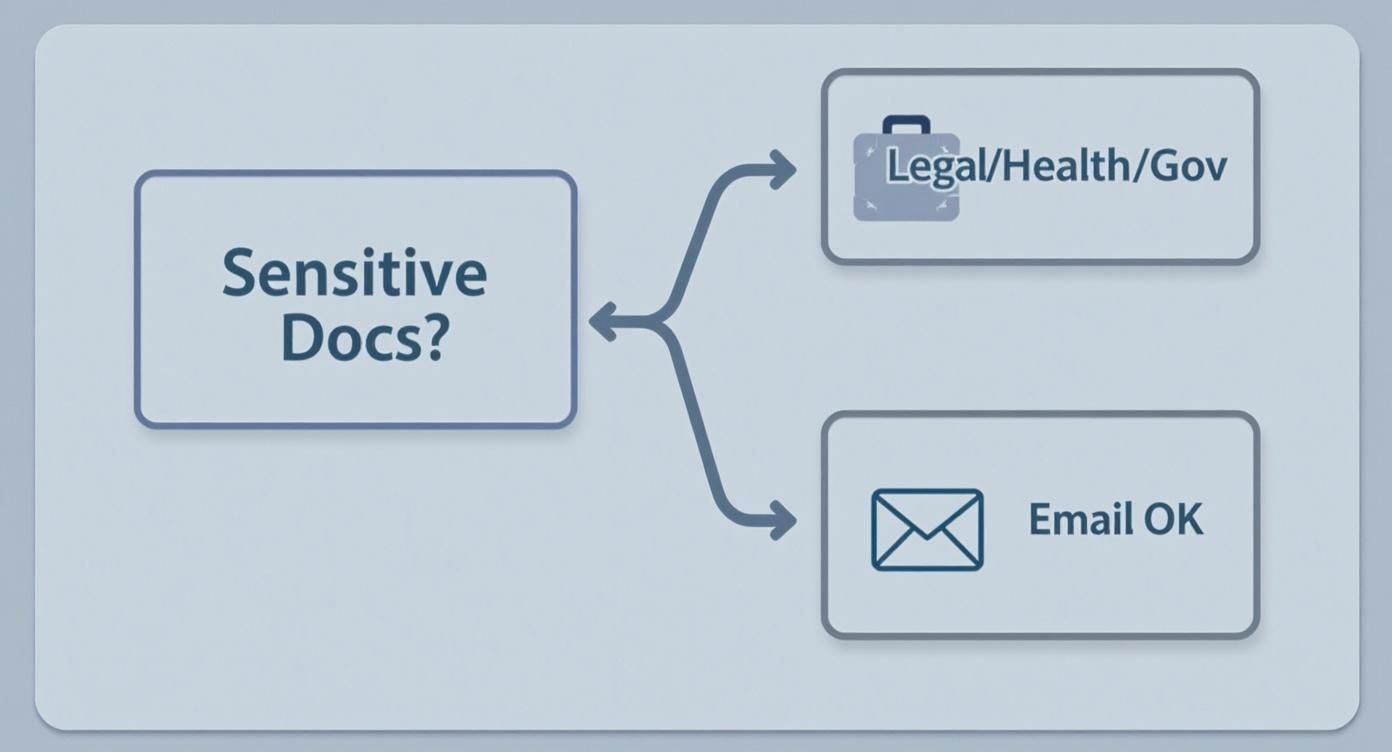
For urgent, one-time faxes, the choice is pretty clear. If you just need to send a single document right now, a free service is the obvious path.
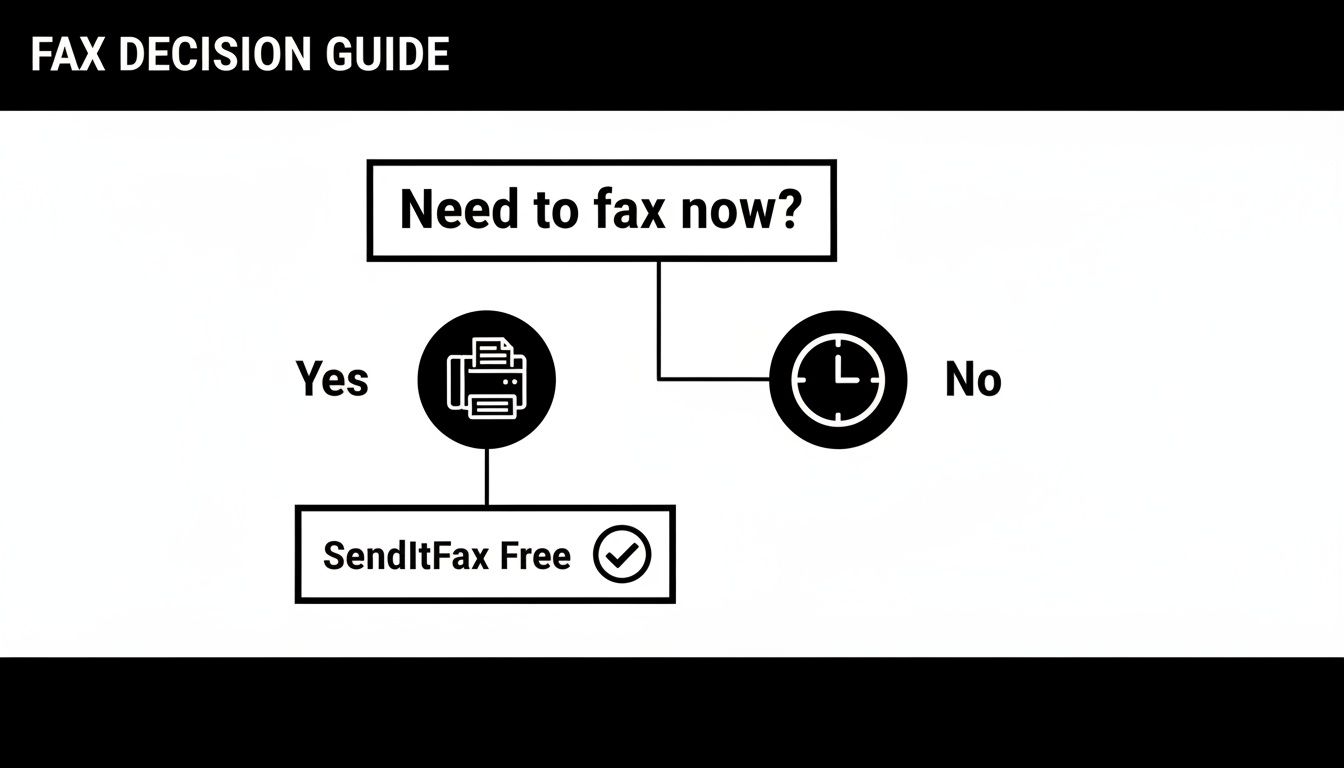
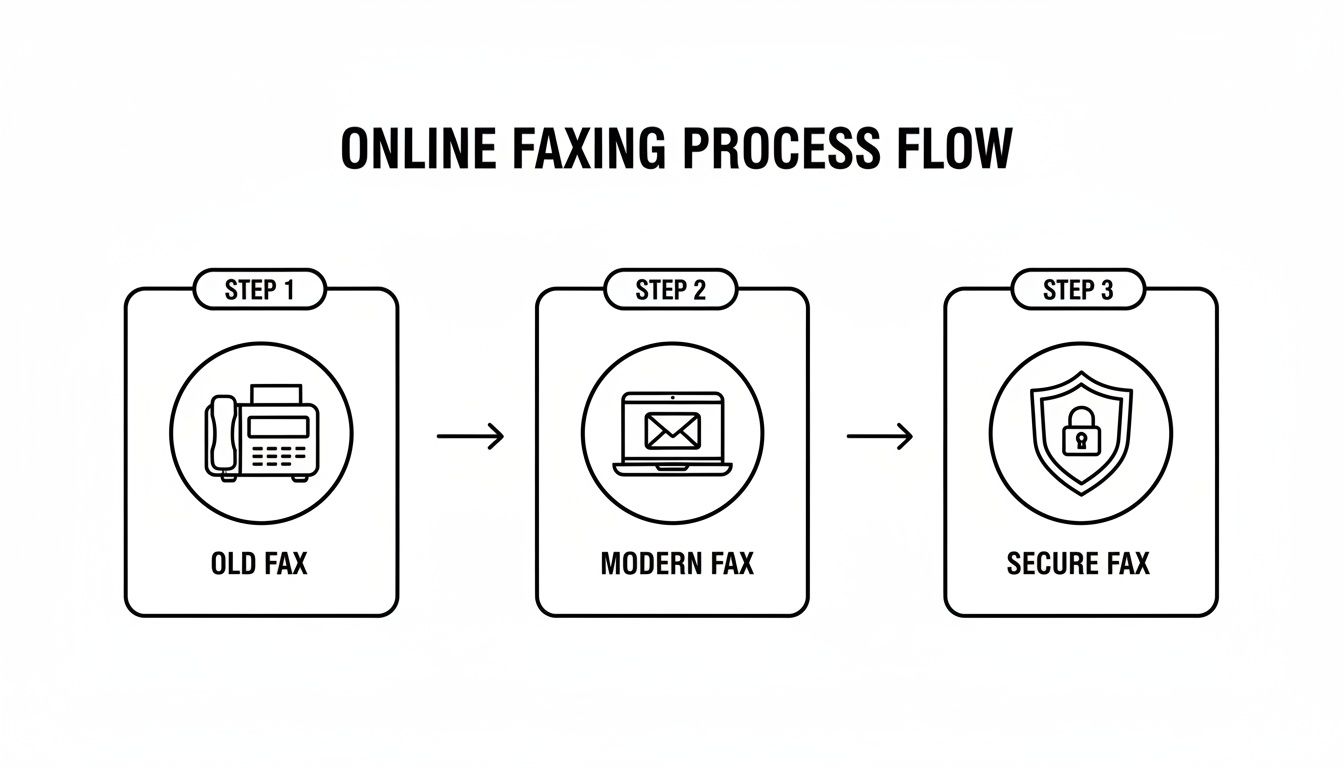
As the flowchart shows, if the need is immediate, a free service like the one from SendItFax is your best bet. It gets the job done without delay.
Why This Method Just Works
The browser-based approach is so effective because it fits how we all work now. We manage our documents digitally, so having to print something just to feed it into a fax machine feels like a step backward. Online services bridge that gap perfectly, applying a modern interface to a trusted, old-school technology.
I've found this method has a few standout advantages:
- Zero Cost: For the occasional fax, you don't have to spend a penny.
- Total Accessibility: You can send a fax from anywhere—your home office, a coffee shop, or even while traveling.
- Blazing Speed: The entire process, from uploading your document to hitting "send," takes less than five minutes.
The real magic of free online faxing is how it solves one specific problem—sending a document securely and quickly—without asking for anything in return. It’s a tool designed for immediate action, not a long-term subscription.
Knowing how to fax for free is all about having the right tool in your back pocket for when you need it. This guide will walk you through the exact steps to make sure your first time is quick, easy, and successful.
Sending Your First Fax in Under Five Minutes
Ready to send that document? Let’s walk through just how fast it is. The whole process is designed to be ridiculously simple, even if you’ve never touched an online fax service before. Forget complicated setups; we're talking about getting this done in less than five minutes.
Think about it from a practical standpoint. Maybe you're a freelance designer who needs to get a signed contract over to a new client right now. Or perhaps you're submitting a filled-out medical history form to your doctor's office. In both cases, you just need to get a specific document from your computer to their fax machine—securely and with proof it arrived. This is where an online fax tool shines.
Get Your Document Ready to Go
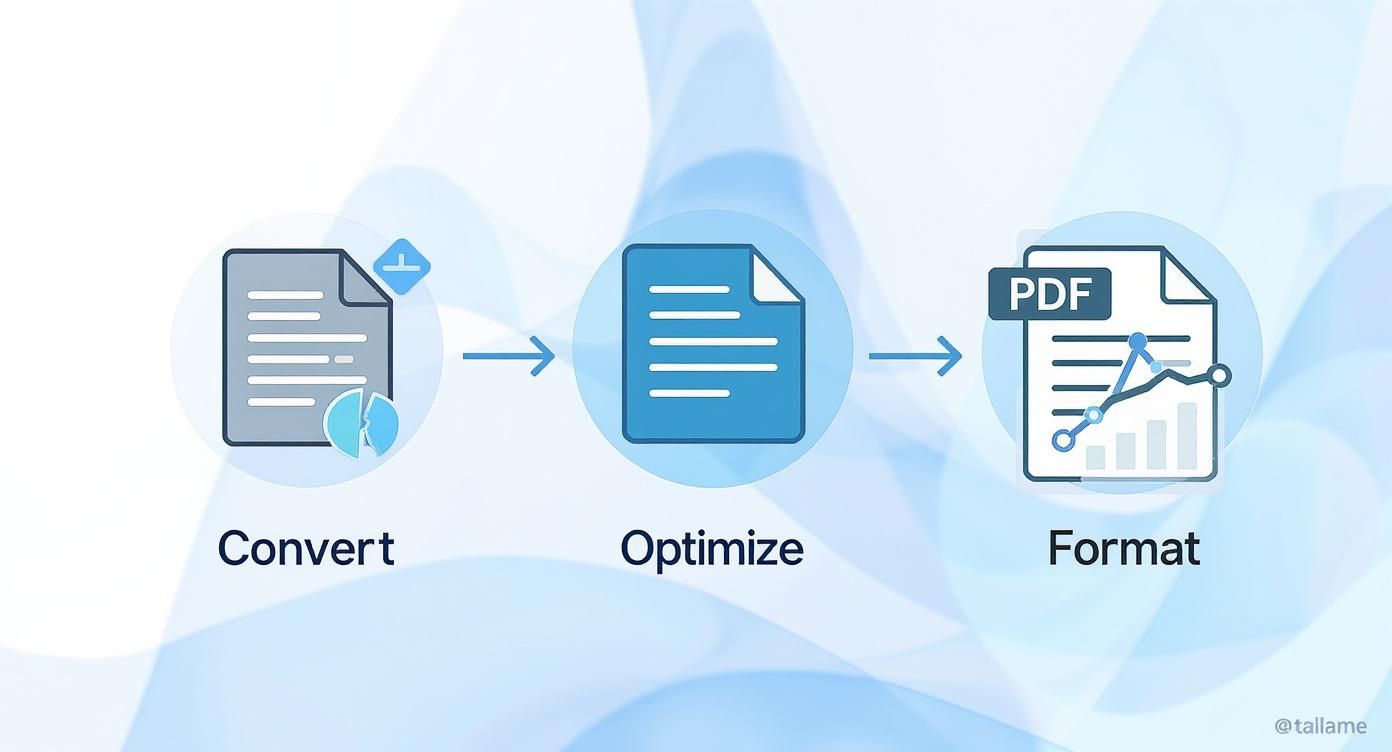
First things first, you need to make sure your document is in a format that fax machines can understand. While you might have it saved as an image or some other file type, online fax services like SendItFax work best with a few common formats.
For the most reliable results, stick with one of these three:
- PDF: This is the undisputed champion of faxing. PDFs lock in all your formatting, fonts, and images, so what you see on your screen is exactly what the recipient will see on theirs. No surprises.
- DOCX: If you're working with a modern Microsoft Word document, you're in good shape. It's perfect for text-heavy files like letters, reports, or invoices.
- DOC: Have an older Word file? No problem. The classic .doc format is still widely compatible.
My advice? If you can, always convert your file to a PDF. It’s the single best way to prevent any weird formatting glitches during transmission. If you need a hand with that, we have a simple guide on how to convert a Word document to PDF.
Using the SendItFax Platform
Once your file is prepped, the hard part is over. Seriously. You don't need to create an account, remember a password, or mess around with any confusing settings.
Here’s a look at the simple, one-page interface you'll be working with.
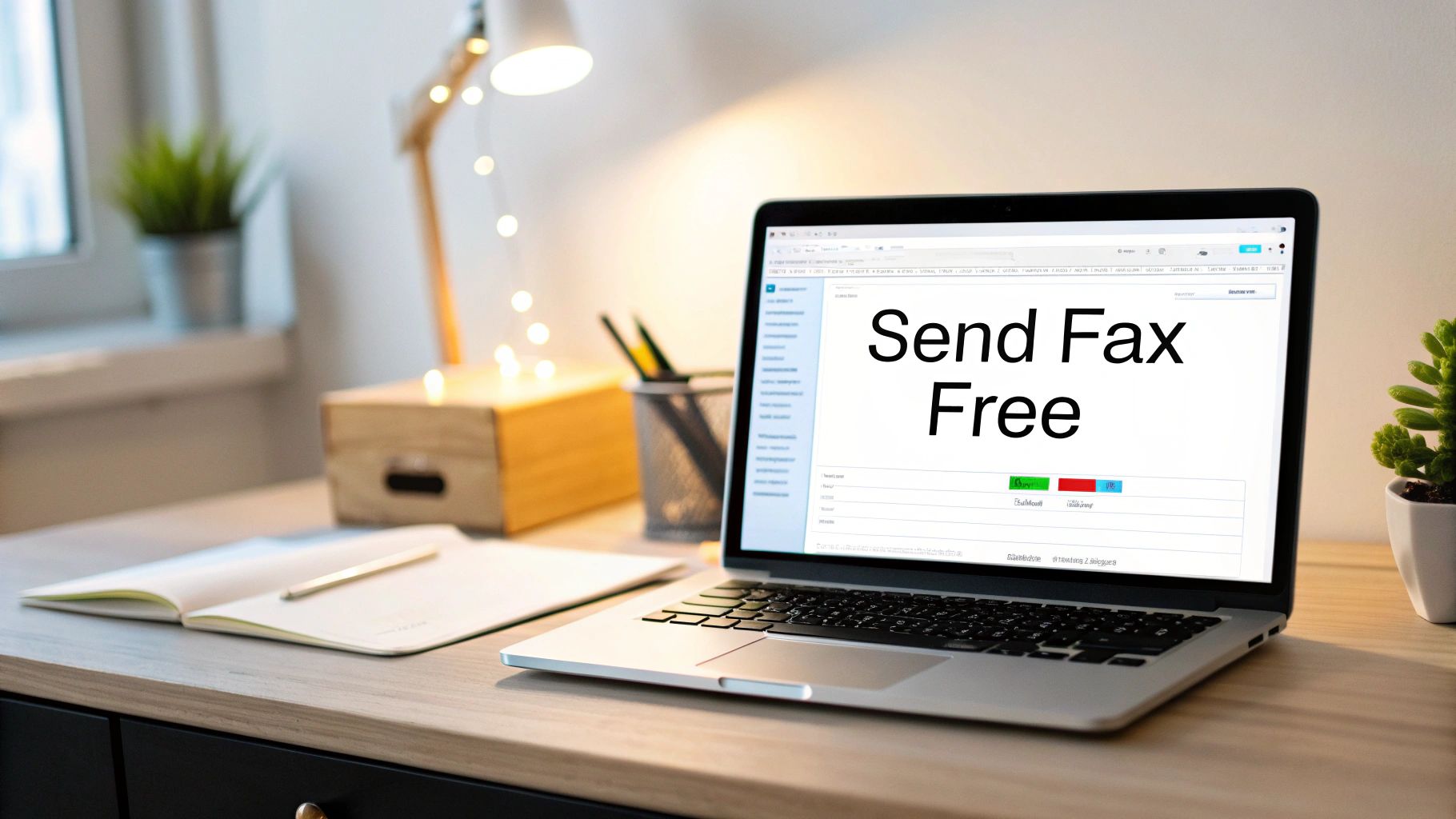
Everything you need is right there on one screen. The design is intentional—it guides you from start to finish without any distractions. You just work your way down the page, fill in the blanks, and hit send.
A great online fax tool doesn't overwhelm you with features. Its main job is to make sending a document as foolproof as possible. Simplicity is everything.
Fill In the Sender and Receiver Info
This part is crucial, as accuracy is key to a successful fax. You’ll need to plug in a few details about yourself and where the fax is headed.
For You (the Sender):
- Your Name
- Your Company Name (if you want)
- Your Email Address (important! this is where your confirmation receipt goes)
- Your Phone Number
For the Recipient:
- Their Name
- Their Company Name (optional but helpful)
- The Destination Fax Number
Take an extra second to double-check that fax number. I can't tell you how many times a transmission fails because of a single wrong digit. It’s the most common mistake, so a quick check is well worth it.
After filling in the details, you'll upload your file. Just click the upload button and grab that PDF, DOCX, or DOC file you prepared earlier.
Add a Quick, Professional Cover Page
The last thing to do before sending is to add a cover page message. While you can skip this, I strongly recommend against it, especially for business faxes. A cover page acts like the subject line of an email; it immediately tells the person on the other end who you are and what you've sent.
For our freelance designer, a simple message like, "Invoice #1234 for completed design work," ensures the document gets to the right person in accounting without delay. Likewise, a patient could write, "New Patient Forms for Dr. Smith," to avoid any mix-ups at the clinic.
You don't need to write a novel. A clear, concise note is all it takes.
Once you’ve added your message and given all the details one last look, go ahead and click the "Send Fax" button. And that’s it—your document is officially on its way.
After you hit send, the system takes over. It will process the file and attempt the delivery. Once the fax goes through successfully, you’ll get a confirmation email, giving you a digital paper trail and peace of mind that your document arrived safely.
Why Faxing Remains Essential in the Digital Age
You might think of faxing as a technology that went out with dial-up modems and floppy disks. I get it. But in many professional circles, it’s not just hanging on—it’s a critical tool. The reason is simple: faxing provides a level of security and legal weight that email often can't guarantee.
When a lawyer needs to send a signed contract or a doctor's office transmits sensitive patient records, they need a secure, point-to-point connection. That's exactly what a fax provides. Unlike an email that can be intercepted, rerouted, or spoofed, a traditional fax transmission creates a direct, closed loop between two specific machines. This has made it a time-tested method for handling confidential documents.
Security and Legal Standing Are a Big Deal
For industries bound by tight regulations, this kind of reliability isn't just a nice-to-have; it's mandatory.
Here are a few real-world examples I see all the time:
- Healthcare: Medical pros use fax to stay compliant with HIPAA (Health Insurance Portability and Accountability Act), which has strict rules for protecting patient privacy.
- Legal: Law firms and courts often require documents to be faxed because the transmission receipt acts as legally binding proof of delivery. There's no "it went to my spam folder" excuse.
- Real Estate: Time-sensitive offers and counter-offers are constantly faxed back and forth to create an undeniable paper trail of communication.
This is why knowing how to send a fax for free is such a useful skill, even if you only need it once in a blue moon. It lets you tap into these established, trusted workflows without needing to buy a bulky machine. If you're new to this, our guide explaining what a fax number is and how it works online is a great starting point.

A Growing Market Creates Better Free Options
This ongoing demand has driven a huge shift from physical fax machines to online services. The global fax service market was valued at around $3.31 billion in 2024 and is expected to keep growing.
This growth is actually great news for anyone looking for a free solution.
Fierce competition in the online fax world means providers are constantly trying to win over new users. The easiest way to do that? Offer a solid free plan. It’s a classic win-win: they get to demonstrate how good their platform is, and you get to send your document without pulling out your credit card.
Because the market is so healthy, the free services just keep getting better. Providers are pushed to improve their user interface, ensure reliable delivery, and offer more generous page limits to stay competitive.
So, when you use a free service like SendItFax, you aren't using some dusty, forgotten technology. You're using a modern, secure communication tool backed by a thriving industry. That's important because it proves online faxing is a legitimate, reliable, and forward-thinking way to send important documents.
Navigating the Limits of Free Online Faxing
The convenience of sending a quick fax for free is a game-changer for those one-off tasks. But let's be realistic—these services have to keep the lights on somehow. Understanding their built-in limitations is the key to using them effectively without hitting a frustrating wall.
Think of free online faxing as a "freemium" service. You get a fully functional tool at no cost, which is fantastic, but there are some guardrails in place. It’s like a free trial that doesn’t expire; perfect for occasional use, but not designed for heavy-duty faxing. These boundaries are pretty standard across the board.
What to Expect With a Free Service
When you’re not paying a dime, you’ll typically run into a few common restrictions. These aren't meant to be a roadblock; they're just how providers manage resources for their free user base.
Here’s what you'll usually see with SendItFax's free tier:
- Page Limits: This is the big one. You can send up to three pages plus a cover sheet in a single fax. It's perfect for firing off a signed form, a quick invoice, or a doctor's note.
- Daily Caps: To keep the system running smoothly for everyone, there's a limit on volume. SendItFax allows up to five faxes per day, which is more than enough for most people's day-to-day needs.
- Geographic Boundaries: Keeping international lines open is expensive, so most free services stick to domestic routes. SendItFax, for example, focuses on the U.S. and Canada for its free service.
You'll find that other free fax platforms follow a similar script, maybe with slightly different numbers, but the core idea is the same. It’s the industry standard for a reason.
Knowing When to Step Up Your Game
So, what happens when you have a 15-page client contract that needs to be sent right now? That three-page limit suddenly becomes a dealbreaker. This is precisely the moment when a tiny upgrade saves the day.
For those bigger jobs, SendItFax offers an "Almost Free" option. For a very small one-time fee, you can send a document up to 25 pages long. As a bonus, it also removes the SendItFax branding from the cover page, giving your fax a more professional touch.
The beauty of this is its flexibility. You’re not getting roped into a monthly subscription you don’t need. You just pay for the extra capacity when you need it. If your faxing needs are growing, it's worth exploring the options with an online fax free trial to see if a more robust plan makes sense for you.
The real skill isn't just finding a free tool. It's knowing its sweet spot—when it’s the perfect fit and when a small, strategic payment will prevent a much bigger problem.
Getting Your Fax to the Right Person, Looking Sharp
Sending a fax is easy. Making sure it arrives securely, looks professional, and doesn't get lost in a mailroom pile? That takes a little more thought.
Let's walk through a few simple practices that make a huge difference. This is about moving beyond just clicking "send" and faxing with confidence.
First, Make It Look Good
A professional-looking fax starts before you even think about uploading the file. Remember, fax machines compress everything, which can sometimes make text look fuzzy or images grainy. A little prep work goes a long way.
Stick with clean, simple fonts like Arial, Helvetica, or Times New Roman. I’ve found that anything smaller than 12-point font can become hard to read on the other end, so it's best to stay at or above that size.
Also, give your content some breathing room. Using generous margins and good spacing prevents the page from looking like a wall of text. If it looks clean and organized on your screen, it stands a much better chance of looking good when it comes out of the machine.
Is It Secure?
When you’re sending documents with personal or financial info, security is everything. Traditional faxing is pretty secure because it's a direct point-to-point connection. But when you use an online service, you're adding the internet to the mix, and that's where you need to pay attention.
Reputable online services like SendItFax use encryption to protect your files. Think of it like this: your document gets scrambled into a secret code as it travels from your computer to their servers and then to the recipient’s fax machine. This shields it from anyone trying to peek.
For anyone learning how to fax for free, remember this: a secure, encrypted connection is your first line of defense. It’s a non-negotiable feature for any trustworthy platform.
This level of security is why online faxing is a solid option even for industries like healthcare and law, where keeping information private isn't just a good idea—it's the law.
Don't Forget the Cover Page
Beyond the technical stuff, a bit of professional etiquette can ensure your fax makes the right impression. The single most important piece of this is the cover page. Seriously, don't skip it.
Imagine sending a critical document to a massive company with a single, shared fax machine. Without a cover page, it's just a random piece of paper. A good cover page is a road map, telling everyone exactly where your document needs to go.
Here's what every professional cover page should have:
- Your Info: Full name, company, phone number, and email.
- Their Info: The recipient’s name and their specific department. This is key to avoiding the mailroom black hole.
- A Clear Subject: A short, descriptive line like "Signed Contract for Project Phoenix" or "Patient Referral: John Smith."
- Page Count: Always include the total number of pages (including the cover sheet). This helps the person on the other end confirm they got everything.
Taking a minute to create a proper cover page shows you're a pro and that you respect the recipient's time. It's a small detail that dramatically increases the chances your fax gets where it's going and gets acted upon quickly.
Still Have Questions About Free Faxing?
Once you've sent your first free fax, it's natural for a few more practical questions to pop up. Knowing the ins and outs of these services helps you use them confidently and avoid any surprises.
Let's clear up some of the most common queries I hear, from security to what happens when things don't go as planned.
Can I Receive Faxes With a Free Service?
This is easily the most common question, and the short answer is almost always no. Free, one-off fax services are built for one-way traffic: sending documents. They don't give you a dedicated fax number where people can send faxes back to you.
The logic is straightforward. Keeping a fax number active for incoming faxes costs the provider money. Because of that, receiving faxes is a feature almost exclusively found in paid monthly plans, which assign you a personal number for both sending and receiving.
Is It Safe to Send Sensitive Documents?
Absolutely a valid concern. Any reputable online fax service takes security seriously. Platforms like SendItFax use encryption to protect your documents as they travel from your browser to the recipient's machine. This scrambles the data, making it unreadable to anyone who might try to intercept it.
For most day-to-day business, this is perfectly secure. However, if you're dealing with highly sensitive information that falls under regulations like HIPAA for healthcare, you need to be more careful.
While free services use strong security measures, they might not offer the specific legal guarantees needed for strict compliance—like a Business Associate Agreement (BAA). These are typically reserved for paid, enterprise-grade plans.
What Happens If My Free Fax Fails to Send?
Faxing isn't always instant, and failures do happen. A good service won't leave you guessing; you'll get an email notification if the delivery doesn't go through.
There are a few usual suspects when a fax fails:
- The recipient's line is busy: This is the classic reason. If you're faxing a busy office, you might have to wait your turn.
- An incorrect fax number: It happens to the best of us. A single wrong digit is all it takes.
- Issues on the other end: The receiving machine could be turned off, out of paper, or having a technical glitch.
Most solid services will automatically retry sending the fax a few times over a short period. If it keeps failing, your best move is to double-check the number and maybe try again in an hour. Paid plans often come with perks like priority delivery, which can help muscle through network congestion during busy times.
Ready to send your document with total confidence? SendItFax lets you send a fax for free straight from your browser. No account, no hassle. Try it now.