The fastest way to send a fax from your computer is with a web-based service. It's as simple as uploading a file like a PDF or DOCX right from your browser—no fax machine, no special software, and often no account needed. For those one-off faxes, it’s a straightforward drag-and-drop solution.
Why Bother Faxing From a Computer in 2024?
With instant messaging and email, you might think faxing is a relic. But for industries like healthcare, law, and finance, it’s still a crucial tool. The reason is simple: faxing is a secure and legally recognized way to send sensitive information. A standard email just doesn't offer the same security or legal weight.
Think about it from a practical standpoint. Let's say you're a freelance designer who needs to send a signed contract to a new client. Sending it via an online fax service gives you a verifiable transmission receipt. That receipt is your proof of delivery, which is something an email can’t reliably provide. When legal proof matters, faxing is still king.
The Real Advantages of Online Faxing
The staying power of faxing isn't about being old-fashioned; it's about real-world benefits that other methods can't quite match. Modern services like SendItFax have simply brought the delivery system into the 21st century, connecting today’s technology with legacy requirements.
Here’s why it’s still so valuable:
- Tighter Security: Online fax transmissions are typically encrypted. This makes them far more secure than standard emails, which can be easily intercepted if they aren't encrypted.
- Legal Weight: Faxes are widely accepted as legally binding documents. This is a must for contracts, official forms, and medical records.
- Proof of Delivery: When your fax goes through, you get a confirmation page. This creates a clear audit trail proving your document arrived, which is invaluable. You can learn more about what a fax number is and how it works in our detailed guide.
It's a common myth that online faxing is less secure than a traditional machine. The opposite is often true. When you send a document from your computer, it goes directly to the recipient's machine, eliminating the risk of it sitting on a shared office printer for anyone to see.
Getting Your Document Ready for Digital Faxing
Before you can fire off a fax from your computer, you have to get the file itself ready. Think of it like putting a letter in the right-sized envelope—it needs to be in a format the fax service can handle. The safest bets are always PDF, DOC, and DOCX files.
While most services accept Microsoft Word files just fine, I always recommend converting to PDF first. It’s the gold standard for a reason: it locks everything in place. When you save a file as a PDF, the fonts, images, and margins are set in stone. What you see on your screen is exactly what the recipient will see on theirs.
This prevents any weird formatting surprises. Imagine sending a signed contract as a Word doc. If the recipient's computer uses a different version of Word or has different default settings, your carefully formatted signature lines could jump to another page, creating confusion. A PDF avoids that mess entirely.
Converting Your Files to PDF
What if your file isn't a Word doc? Maybe it's a photo of a receipt or an Excel spreadsheet. No problem. The easiest fix is to convert it to a PDF before you try to send it.
Just about every program today has a built-in "Print to PDF" or "Save as PDF" feature.
- For Images (JPG, PNG): Simply open the picture on your computer, go to the print menu, and choose "Microsoft Print to PDF" (or a similar option on Mac) as your printer.
- For Spreadsheets (XLSX): In Excel or Google Sheets, head to
File > Save AsorFile > Downloadand select PDF from the list of file types.
The whole point is to create one clean, unchangeable file. This not only keeps your document looking professional but also adds a layer of security, since PDFs are much harder to tamper with than a typical Word file.
Taking a moment to convert your file is a small step that prevents a lot of headaches. If you find yourself doing this often with Word files, check out our guide on how to convert a Word file to PDF for a few extra tricks.
Once your document is a tidy PDF, you're all set for the next step.
How to Send Your First Online Fax
Once you've got your document ready, the rest is easy. You can send a fax right from your computer in under a minute without ever touching a physical machine. It's surprisingly straightforward.
Let's say you're a contractor who needs to send a signed contract to a client who insists on faxes. Instead of scrambling to find a copy shop, you can just use a web-based service like SendItFax to get it done instantly. No account, no software install—just a quick, one-off solution.
The Sending Process in a Nutshell
The best part about online faxing is how intuitive it is. Most of these browser-based services have a simple workflow that turns an old, clunky process into just a few clicks.
Here's the typical breakdown:
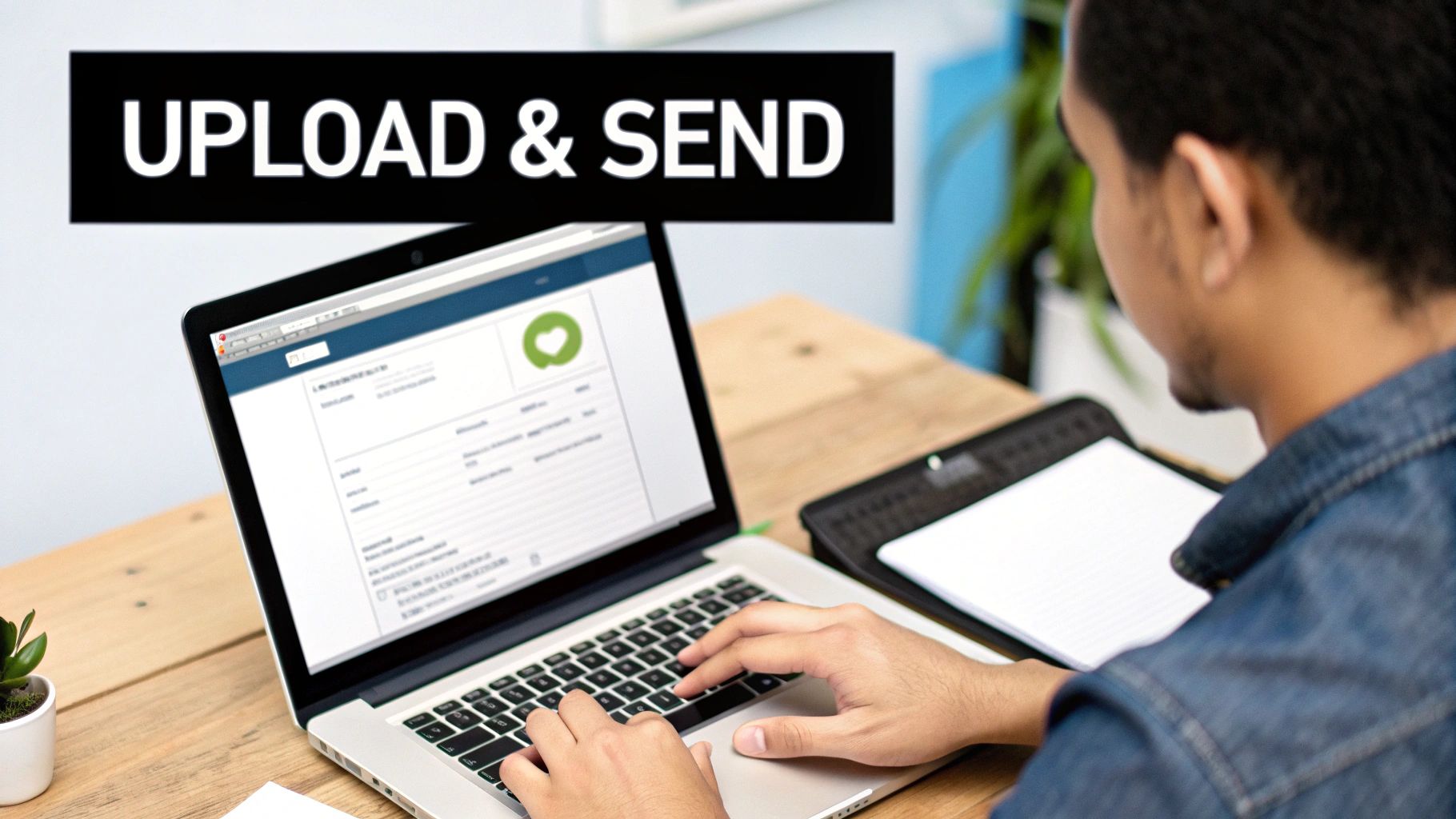
- Get your file ready: First, you’ll be prompted to upload the document you prepared. Look for a big "Upload File" button, click it, and select your PDF or DOCX from your computer.
- Tell it where to go: Next, you'll need the recipient's details. All you really need is their name and the destination fax number. I can't stress this enough: double-check that number! One wrong digit is the most common reason faxes fail.
- Add your info: Finally, pop in your name and email address. The service needs your email to send you the delivery confirmation, which is your proof that the fax went through successfully.
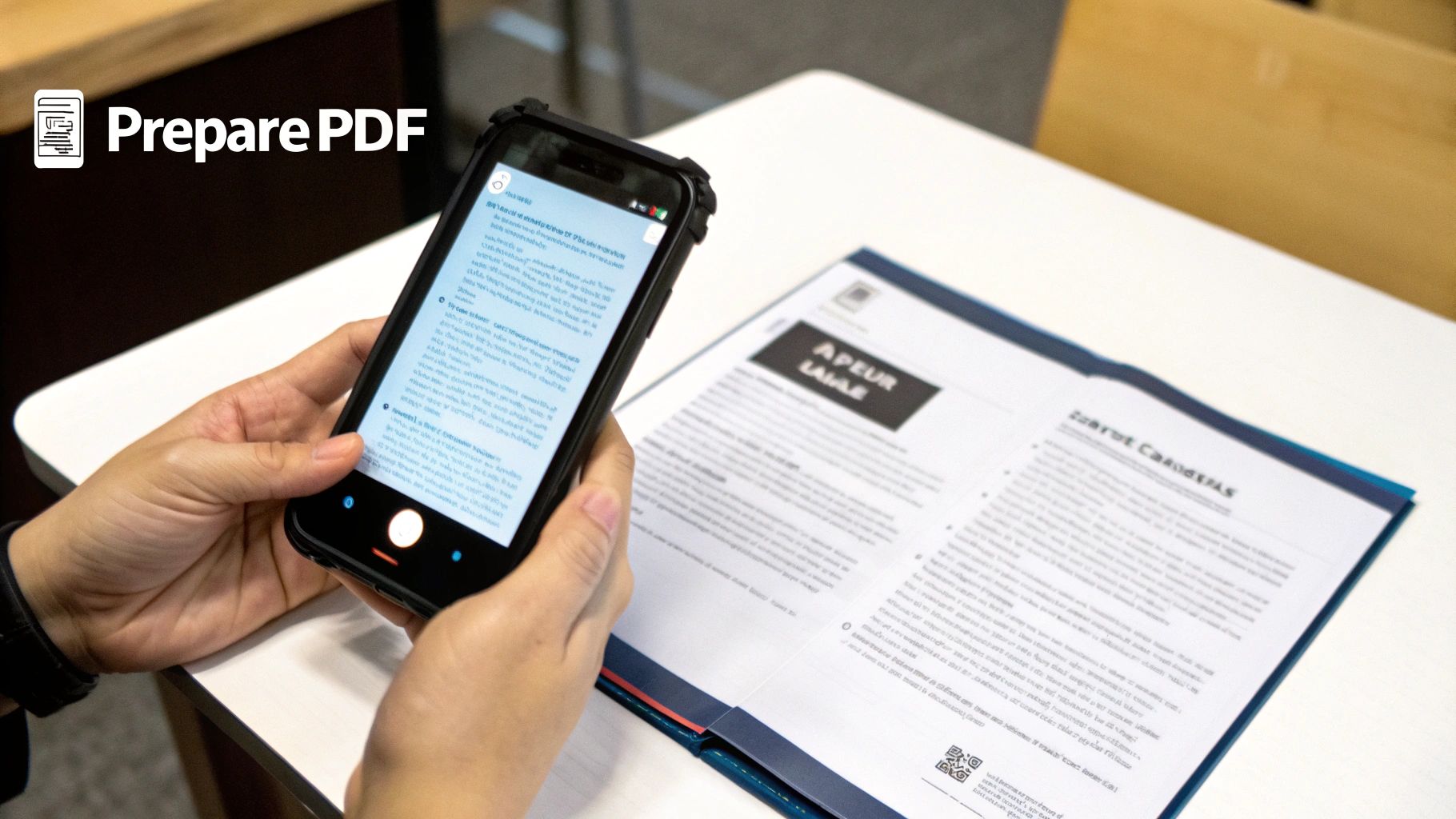
This image perfectly illustrates that initial prep work—turning your original document into a fax-ready PDF.
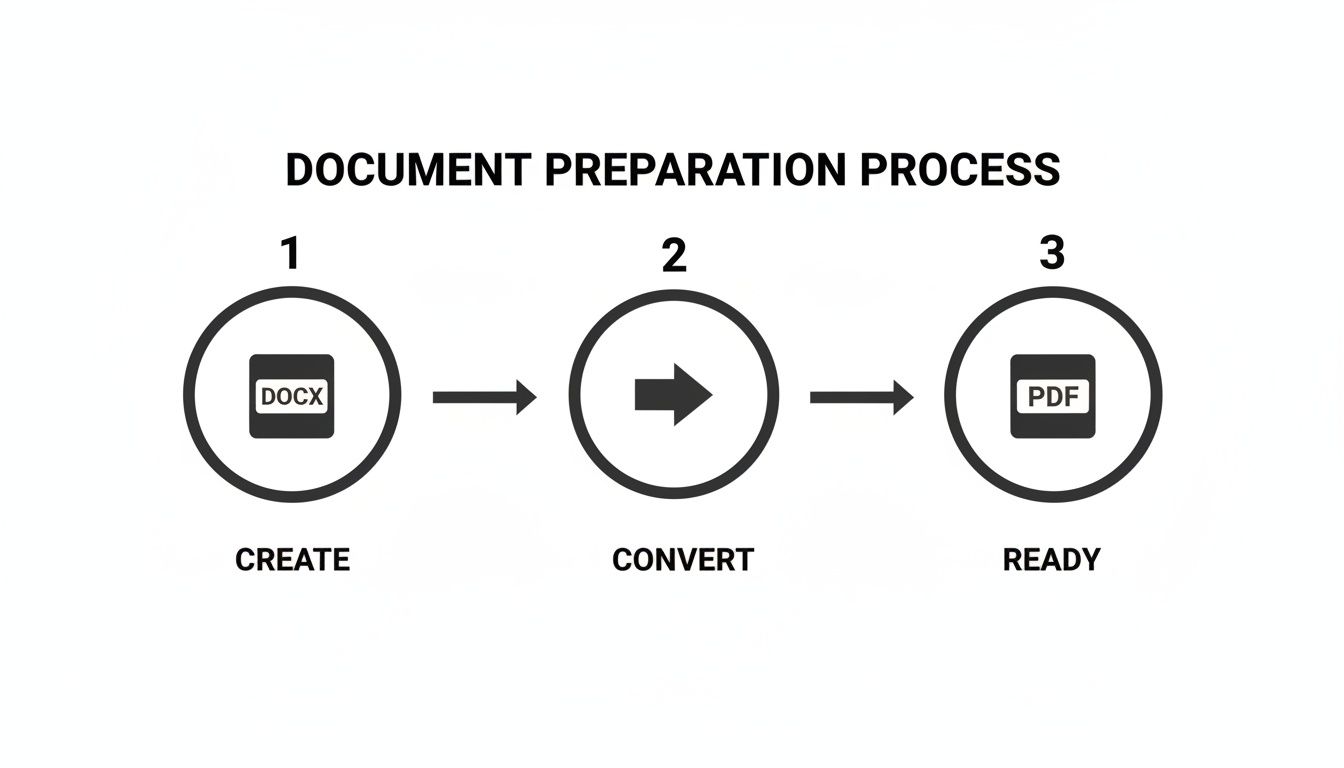
Starting with a standard Word doc and converting it to a PDF is always the most reliable route.
Should You Add a Cover Page?
Before you hit that final send button, you'll see an option to add a cover page. My advice? Use it. It's a small step that adds a professional touch and makes sure your fax gets to the right person.
A good cover page just needs the basics: "To" and "From" fields, a clear subject, and a brief note. For that contract example, you could write, "Attached is the signed agreement for Project #123. Please confirm receipt at your earliest convenience." It's simple, direct, and eliminates any confusion on the other end.
Think of your cover page as the first handshake. It clearly states your purpose and prevents your important document from getting lost in a pile on a shared office fax machine.
This shift toward easy, browser-based solutions is exactly why the online fax market is projected to hit $5.18 billion by 2035, a massive jump from $2.88 billion in 2026. As businesses ditch old hardware, services that let you fax a document from your computer have become the new normal. You can read more about the growth of the fax services market to see why this technology isn't just surviving—it's thriving.
After you've filled everything out, you just click send. The service takes over from there, handling all the technical stuff behind the scenes.
Choosing the Right Online Faxing Plan
Not all faxing needs are created equal, so why should your faxing service be a one-size-fits-all solution? Deciding between a free and a paid plan really just boils down to how often you send faxes, how many pages you're sending, and how professional you need to look.
A free plan is often the perfect tool for the job. Think about it—if you just need to send a quick, two-page update for a grant application or a simple form to your doctor, why pay? A free service lets you get it done without spending a dime, which is a massive win for occasional users or anyone on a tight budget.
Understanding the Trade-Offs
So, what’s the catch? The main differences between free and paid services usually come down to page limits, branding on the cover sheet, and how quickly your fax gets sent.
A free service, for instance, might add its own logo to your cover page. For sending a signed permission slip to your kid's school, that’s no big deal. But if you’re a lawyer sending a sensitive legal contract, you'll want a cleaner, more professional look that a paid plan provides.
For most folks who only need to send a fax to a U.S. or Canadian number every now and then, the free options are incredibly handy. I've seen freelancers use them for submitting contracts and remote workers use them for real estate forms all the time. It's a smart way for businesses to handle documents without buying a clunky, expensive fax machine. You can actually see more about how companies are adopting these cost-effective faxing methods online.
The key is to match the plan to the task. Don’t pay for features you’ll never use, but also recognize when a small investment can make a big difference in professionalism and efficiency.
Let's imagine you need to fax a document from your computer, but it’s a 20-page legal agreement. A free plan with a three-page limit is a non-starter. This is exactly where a low-cost paid plan makes perfect sense. It gives you a much higher page count and removes the service's branding, so your document looks like it came straight from your office.
To make this a bit clearer, let's look at how a service like SendItFax breaks down its plans.
SendItFax Free vs Almost Free Plan Comparison
Here’s a side-by-side comparison to help you see the practical differences between the SendItFax free tier and their low-cost paid option. This should help you quickly figure out which one fits your specific situation.
| Feature | Free Plan | Almost Free Plan ($1.99) |
|---|---|---|
| Page Limit | Up to 3 pages | Up to 25 pages |
| Daily Faxes | Up to 5 faxes | Unlimited |
| Cover Page | Branded (required) | Unbranded (optional) |
| Delivery | Standard | Priority |
Ultimately, choosing the right plan comes down to what you need to do right now. For a single, short document, the free plan is tough to beat. But for anything more demanding, more professional, or more frequent, that small investment for a paid plan is absolutely worth it.
Keeping Your Documents Secure When Faxing Online
Security has always been the whole point of faxing, but what happens when you fax a document from your computer? It's a fair question. The reality is, today's top online fax services are built with serious security measures that often leave traditional office machines in the dust.
When you use a service like SendItFax, your file isn't just sent out into the open internet. It's protected by end-to-end encryption, which essentially scrambles the data from the moment it leaves your computer until it arrives at its destination. This makes the information completely unreadable to anyone trying to intercept it—a huge step up from standard, unencrypted email.
Physical vs. Digital Security
Let’s think about the old-school office fax machine for a minute. When a sensitive document like a legal contract or a patient's medical chart comes through, where does it land? Right in the output tray, often for hours, where anyone walking by can see it. This physical security blind spot is a major risk that online faxing completely sidesteps.
This shift toward digital security is a big reason the global market for internet fax services shot up to $3.31 billion in 2024. Industries that live and breathe confidentiality, like healthcare and legal services, are driving this growth. In fact, U.S. healthcare providers still send 16 million pages by fax every single day, precisely because it aligns with stringent data privacy rules. You can dig into more stats on the growth of the fax market if you're curious.
With a reputable online fax service, you're creating a direct, encrypted tunnel from your device to the recipient's fax machine. It's a private delivery that neatly avoids the "public tray" problem entirely.
This modern method ensures your confidential information stays that way, from the second you hit send. For a more detailed look at the technology behind it all, take a look at our guide on the security of fax technology and how it keeps your data safe.
Still Have Questions About Faxing From a Computer?
Even though the process is pretty straightforward, you might still have a few things you're wondering about. Let's tackle some of the most common questions people ask when they're getting started with online faxing.
Do I Really Need to Install Special Software?
Nope, not at all. The beauty of modern online fax services is that they're completely web-based. This means you do everything right in your internet browser—whether that's Chrome, Safari, or Firefox.
If you can check your email or watch a YouTube video, you have all the tech you need. There’s nothing to download or install, so you can send a fax from literally any computer with an internet connection.
How Do I Know My Fax Actually Went Through?
This is where online services really shine compared to those old, clunky machines. You’re not left wondering if the pages got stuck or the line was busy.
Once you hit send, a good service will follow up with an email confirmation. This message is your proof of delivery, letting you know if the fax was sent successfully. If it failed for some reason (like a busy signal on the other end), the confirmation will typically tell you why.
What About Receiving Faxes on My Computer?
Great question. While this guide is focused on sending faxes out, plenty of services let you receive them, too. Usually, this involves signing up for a virtual fax number, and any faxes sent to that number land in your email inbox as a PDF.
This feature is almost always part of a paid monthly plan. Services like SendItFax are built for the more common scenario where you just need to send a document once in a while, not receive them regularly.
Pro Tip: When you have a choice, always send your document as a PDF. While most services accept DOCX or even image files like JPGs, a PDF locks in all your formatting. This guarantees that what the recipient sees on their end is an exact copy of what you see on your screen.
Ready to skip the hassle of a traditional fax machine for good? SendItFax lets you send your documents securely and easily, right from your computer.
Give SendItFax a try for free and see how simple it can be.