When you’re up against a deadline and need to send a fax right now, the last thing you want to do is hunt for a file to download. The quickest, cleanest way forward is to generate a free printable fax cover sheet without downloading anything. You can do it all right from your web browser—just fill it out, print, and you’re ready to go in minutes.
The Big Benefits of Staying Online
Finding, downloading, and then opening a file doesn't sound like much, but those little steps add up, especially when you're in a hurry. Think about it: you're a freelance designer who just landed a new client, and they need your signed W-9 form immediately. Wasting time digging for a compatible template, downloading it, and then figuring out how to edit it is a momentum-killer. Browser-based tools cut out all that friction.
Sticking with a download-free method gives you some solid advantages in both speed and security. You won't clutter up your computer with one-off files, and more importantly, you completely sidestep the risk of accidentally downloading malware from a sketchy template site.
Here's why it's a better approach:
- Instant Gratification: No waiting for downloads or wrestling with software. The template is live in your browser, ready to go.
- A Safer Bet: You dodge potential viruses and bloatware that often come bundled with "free" downloads from untrustworthy sources.
- Works Anywhere: Create and print your cover sheet from any device with an internet connection, whether it’s a library computer, your tablet, or a friend’s laptop.
This simple decision-making process is laid out here:
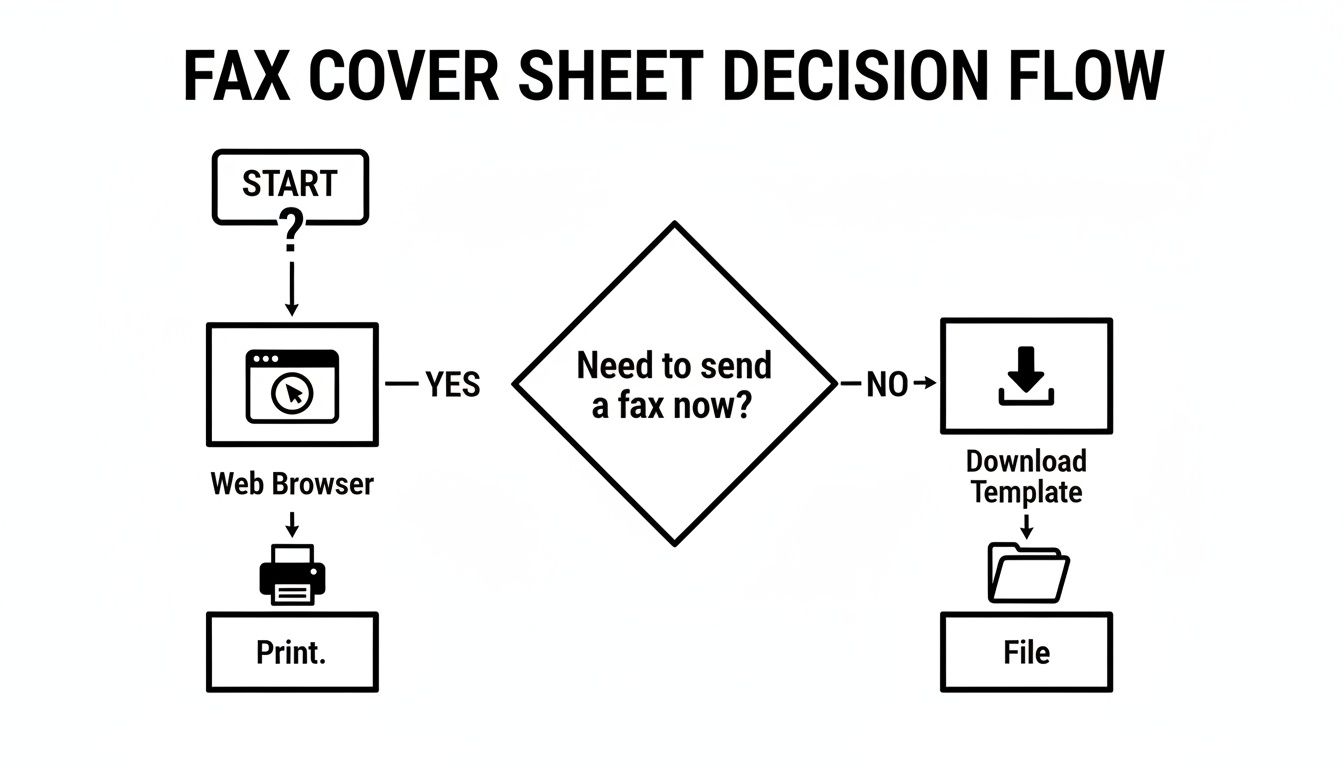
As the flowchart shows, when time is tight, printing directly from a web-based tool is simply the most efficient path.
This shift toward accessible online tools isn't happening in a vacuum. It mirrors a much larger trend. The global fax services market is valued at $3.3 billion and is still growing, largely thanks to the continued demand in North America for secure document transmission in industries like healthcare and finance. This growth underscores why convenient, no-fuss solutions are becoming so crucial.
If you want to explore different templates, you can find a great collection in our guide on choosing a printable fax cover sheet.
Making a Fax Cover Sheet Straight From Your Browser
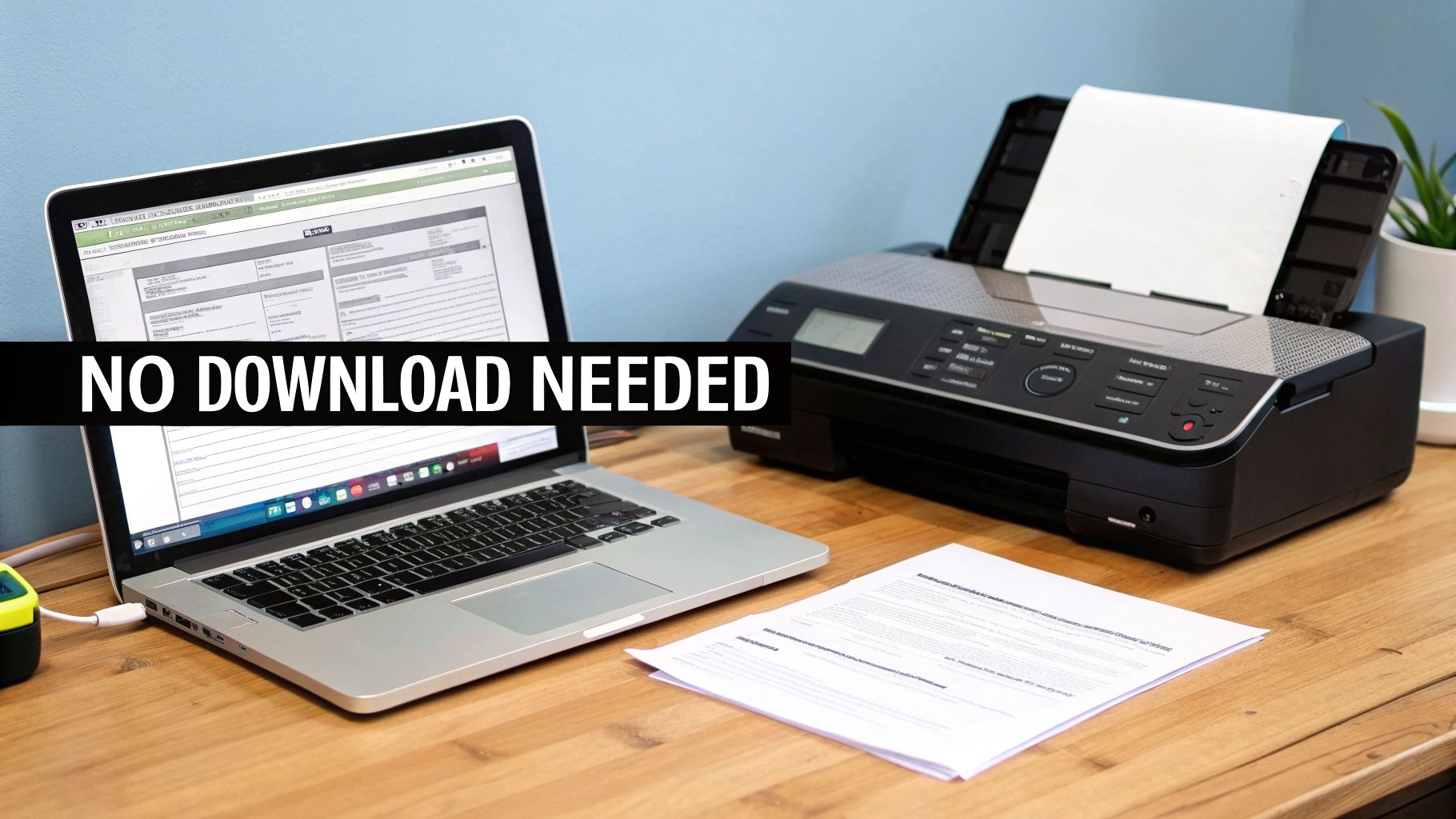
You can get a free printable fax cover sheet without downloading a single thing, and it only takes a couple of minutes. The secret is using web-based tools that build the document for you right on the screen, ready to print. This approach sidesteps the hassle—and potential security risks—of downloading unfamiliar files from random websites.
One of the easiest methods is an interactive HTML form. You'll see clearly labeled fields right on the webpage where you can type in your details. Once you hit the "Print" button, your computer's standard print window pops up. It’s that simple. This is a lifesaver when you're on a public computer, like at a library or hotel, where downloading is often restricted.
Option 1: Use an Integrated Fax Service
For a more streamlined process, a service like SendItFax integrates cover page creation right into the faxing workflow. As you prepare your fax, the system prompts you for all the essential cover sheet information.
You’ll typically be asked for:
- Sender Details: Your name, company, and phone number.
- Recipient Details: Who it's for and their fax number.
- Notes: A space for a brief message or instructions.
The service then takes your input and automatically formats it into a professional-looking cover page. The beauty of this is you don't have to worry about design or layout—it’s all done for you. You just fill in the blanks.
The Bottom Line: Browser-based tools aren't just convenient; they're incredibly efficient. The whole point is to get a polished, printed cover sheet in your hands in less than five minutes, and these methods make that happen.
Option 2: Go from Screen to Paper in Seconds
After filling out an online form, printing is just a click away. You’ll usually see a button that says "Print" or "Generate PDF." Clicking it brings up your browser's print dialog, letting you choose your printer and send the job. It's a familiar process that anyone can handle, no tech savvy required.
This direct-to-print method also completely avoids file compatibility headaches. Many downloadable templates are DOCX files, which are useless if you don't have Microsoft Word. By handling everything in the browser, you never have to deal with that problem. If you do find yourself stuck with different file types, learning how to convert Word files to PDF is a handy skill, since PDF is a much more universal format.
Customizing Your Cover Sheet for Different Industries
A generic fax cover sheet gets the job done, but when you're dealing with professional documents, the little details can make a huge difference. Taking a moment to customize your free printable fax cover sheet without downloading it first shows you understand the industry standards and sets a professional tone from the get-go.
Think about it: a law firm sending a time-sensitive legal notice has completely different needs than a doctor's office sending patient records. One size definitely does not fit all.
Legal and Financial Faxes
For anyone in the legal or financial world, precision isn't just a good idea—it's everything. When you're sending documents to a court, another firm, or a bank, your cover sheet is the first thing they see. It needs to instantly convey the document's importance and context.
Here's what you absolutely must include:
- Case or Reference Number: This is your document's passport. A case number, loan ID, or client reference number is often the single most critical piece of information for getting it to the right desk.
- Confidentiality Notice: Don't skip this. A clear, firm statement that the contents are privileged attorney-client communication or contain sensitive financial data is non-negotiable.
- Urgency Indicator: If the document is time-sensitive—like a response to a subpoena or a market-sensitive filing—make sure to mark it as URGENT in a way that can't be missed.
A well-crafted cover sheet isn't just about looking professional; it's a vital part of risk management. It directs the fax to the right person and legally reinforces the confidential nature of the information inside.
Healthcare and Medical Faxes
It might surprise you, but healthcare is still faxing’s biggest user. An incredible 70-90% of provider communications still happen over fax lines. This isn't because they're old-fashioned; it's because strict regulations like HIPAA favor the direct, point-to-point security that faxing offers for sensitive patient data. If you're curious why faxing is still so prevalent, this deep dive on cacm.acm.org offers some great insights.
When you’re putting together a medical fax cover sheet, there's no room for error. Here’s what it needs:
- HIPAA Disclaimer: This is mandatory. You must include a standard confidentiality notice that cites HIPAA, warning anyone who isn't the intended recipient against reading, copying, or sharing the information.
- Patient Identifiers: Use at least two unique identifiers to be safe, like the patient’s full name and their date of birth. It's best practice to avoid putting highly sensitive details like a Social Security number directly on the cover sheet.
- Clear Recipient Details: Be as specific as possible. Address it directly to the person and their department, like "Attn: Dr. Smith, Cardiology" or "Attn: Medical Records Dept." This helps ensure protected health information isn't left sitting on a shared machine.
Making Your Fax Cover Sheet Professional and Secure

Once you have the basics down, a few small adjustments can really elevate your fax cover sheet, making it look sharp and protecting what’s inside. Even when you're using a free printable fax cover sheet without downloading a single file, you're in complete control of the information you share. That control is your best tool.
Think clean and simple. You're not designing a party invitation, so stick to easy-to-read fonts like Arial or Times New Roman. Anything too fancy can become a garbled mess on the receiving end, especially on older fax machines. Also, don't be afraid of white space—it makes the whole page less intimidating and easier to read at a glance.
Keep Sensitive Information Off the Cover
This is a big one. The cover sheet is the first thing anyone sees, so it’s critical to treat it like the outside of an envelope. Never, ever put highly sensitive data on it.
Key Takeaway: Information like Social Security numbers, credit card details, or specific medical diagnoses should never appear on the cover sheet. That all belongs on the pages that follow.
Your subject line should be descriptive but discreet. For example, instead of writing "Blood Test Results for Jane Smith," a much safer and still effective subject would be "Confidential Medical Records for Jane Smith, DOB 01/15/1980." It gets the fax to the right person without broadcasting private health information to anyone who walks by the machine.
For a deeper dive into this, our guide on the security of fax transmissions is a great resource.
Here’s a quick mental checklist I run through before sending any fax to make sure it's professional and secure:
- My Info is Clear: Does it have my full name, phone number, and return fax number?
- Recipient is Correct: Is the recipient's name, department, and direct fax number listed?
- Pages are Counted: Have I included the total page count (including the cover!) so they know if a page is missing?
- Confidentiality Notice: For sensitive documents, have I added a simple disclaimer that the contents are private?
Why Modern Professionals Still Rely on Faxing
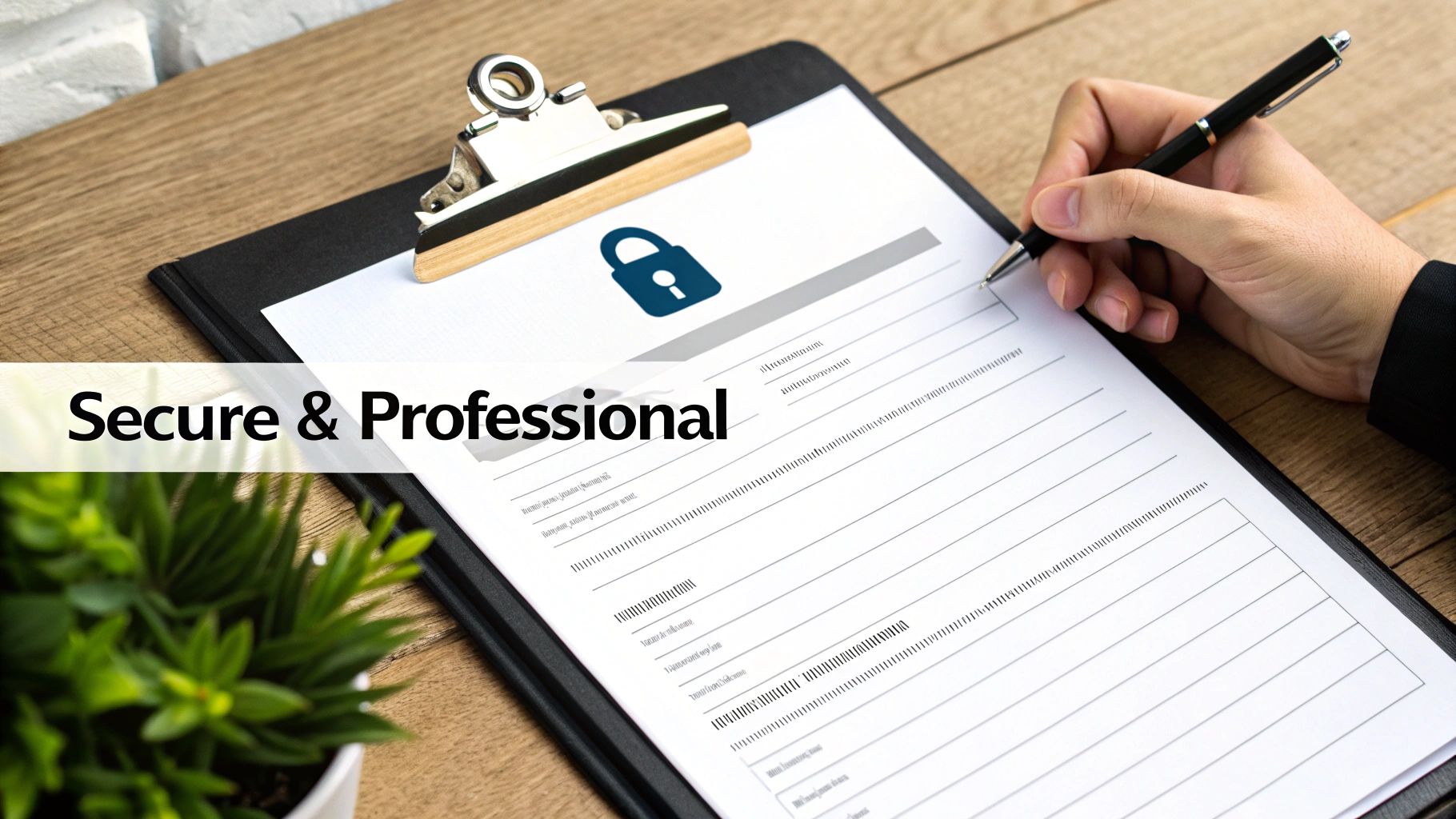
It’s easy to think of faxing as a technology that belongs in the past, right alongside dial-up modems and floppy disks. But in many professional circles, it’s not just surviving—it’s thriving. The reason is simple and comes down to two critical factors: security and legal weight.
Unlike an email that bounces through various servers, a fax travels over a dedicated phone line. This direct, point-to-point connection makes it incredibly difficult to intercept, which is a massive deal for anyone handling sensitive information. For industries like healthcare, law, or finance, that level of security isn't a "nice-to-have"; it's a fundamental requirement.
Why It Still Matters: A faxed signature is legally binding and carries the same authority as one signed in person. This makes it indispensable for executing contracts, filing court documents, and sending any official paperwork where authenticity can't be questioned.
A Go-To Tool for Small Businesses and Freelancers
The real-world value of faxing shines brightest with small businesses and independent professionals. Imagine you're a freelance graphic designer in the U.S. who needs to send a signed W-9 form to a new client in Canada. Using an online fax service is a fast, secure, and verifiable way to get it done without waiting on international mail or risking sending sensitive data over email.
This is exactly why tools offering a free printable fax cover sheet without downloading are so useful. They let you send professional, well-organized documents without installing any software. In fact, faxing’s staying power is largely thanks to this user base, with over 80% of small business owners reporting their fax usage has either stayed the same or increased.
For anyone who only needs to send a fax occasionally, browser-based services like SendItFax are a perfect fit. They often have free options that are ideal for remote workers and freelancers on the go. You can find more details about these and other faxing industry facts on iFaxApp.com.
Answering Your Questions About Online Fax Cover Sheets
When you're looking for a free printable fax cover sheet without downloading a single thing, a few questions naturally pop up. Let's clear the air so you can fax your documents like a pro, knowing all your bases are covered.
Is a Fax Cover Sheet Actually Required?
This is easily the most common question I hear. While there's rarely a strict legal mandate forcing you to use one, it's an absolute must for professional communication.
Think of it this way: in certain fields, like healthcare or legal, that cover sheet is your first line of defense. For anyone handling medical records, a cover sheet that includes a HIPAA confidentiality notice isn't just a good idea—it's a critical piece of the compliance puzzle. It ensures sensitive information gets to the right eyes and no one else's.
What Absolutely Needs to Be on It?
So, what are the non-negotiables? You'll always want to include:
- Your full name and phone number
- The recipient's full name and fax number
- The date of transmission
- The total page count (always remember to include the cover sheet itself in this count!)
A simple, direct subject line is also a huge help. It gives the recipient immediate context before they even see the first page.
Can I Just Reuse the Same Cover Sheet?
You could, but you really shouldn't. It’s far better to create a new one every single time you send a fax.
A Quick Tip from Experience: Generating a fresh cover sheet for each fax transmission is a simple habit that prevents major headaches. It guarantees the date, page count, and recipient info are always correct. With instant, free browser-based tools available, there's just no good reason to cut this corner and risk confusion or a security mix-up.
Taking that extra ten seconds shows you're detail-oriented and helps ensure your documents are handled properly on the other end. It’s a small step that makes a big difference in professionalism.
Ready to send your fax the easy, no-download way? With SendItFax, you can create a cover page and send your documents in minutes, directly from your browser. Try SendItFax for free today.