The contract is signed, the deadline is 4:30, and the only channel the receiving office will accept is a fax. You find a free test fax number online, push one page through, and the screen says delivered. It's easy to stop right there and call it done.
That screen is telling you something narrower than you think. It confirms the document left your side and that a machine at the far end answered. It doesn't confirm the page that came out of that machine is legible, in the right order, or sitting in front of the person who needs it. A test fax line earns its ten minutes only when you read the result correctly and treat the last mile as a human check rather than a network event.
Test Stages and Pass Signals at a Glance
Seven stages, seven different questions. Connection asks whether the call reaches the far end at all. Negotiation asks whether the two machines can agree on how to talk. Transmission, page quality, and multi-page handling ask whether the image survives the trip. Repeatability and confirmation ask whether the result will hold up on the next send or was a one-off.
| Test stage | What you check | Pass signal |
|---|---|---|
| Connection | Call reaches the receiving terminal | Fax tone answers, not a voice greeting |
| Negotiation | Capability and training signals (T.30) | Session moves to page transmission without repeated retries |
| Transmission | One-page test document | Full page arrives with no missing bands |
| Page quality | Fine lines and small text | Text is legible, with no skew or streaks |
| Multi-page | 5-10 page document | All pages arrive in order with no timeout at page breaks |
| Repeatability | Three consecutive calls | Identical page content on every call |
| Confirmation | Transmission report and recipient check | Report shows success and recipient confirms page count and legibility |
Read the table as the test plan. A pass means every row passed. The common false positive is a line that connects, negotiates after several retries, and pushes out a page with a faint band down the left edge. The sender's report says success. The page at the other end is something a clerk will have to squint at, and a delivery receipt never catches that.
I treat confirmation as the only stage that closes the job. The transmission report proves the session left your side and that a terminal answered. It does not prove the right person can read every page. That last check is a call or an email back from the recipient: page count, order, and whether the small type is still small type. Skip it and you have a network event, not a finished send.
The sequence has a technical reason. The CCITT, now part of the International Telecommunication Union, approved Recommendation T.4 in 1980, which let Group 3 machines scan and compress a page and send it over an ordinary telephone line at roughly a page a minute, against about six minutes for earlier systems (ETHW). Machines from different manufacturers interoperate because the ITU-T T.30 procedure defines the full call sequence, including repeated command attempts and retransmission capability.
Grading rule: a line that succeeds only after repeated negotiation is marginal, not working. Log it that way the first time you see it, because the pattern reappears at the worst possible moment.
A practical sign-off test is three consecutive successful calls carrying identical content, followed by a 5 to 10 page document to expose page-break and timeout problems.
Testing Safely With Synthetic Documents
Someone needs the line proven before a Monday filing, so the nearest PDF goes out: a signed lease, an intake form, a lab result. The status flips to delivered. That receipt only shows the transmission left. It does not show that a readable page reached the right person, and the send cannot be recalled or cancelled.
A dummy file tests the same path. Label names SAMPLE, invent the account numbers, and pick an arbitrary date. Nothing regulated belongs in it: no patient records, no executed contracts that carry real account numbers, no tax forms, no ID scans. Using a live record proves nothing a sample page cannot, and it leaves a copy you no longer control.
I treat four controls as the difference between a check and a disclosure. Verify the number through a channel other than the one you are sending from, such as a directory listing or a call to the office. Confirm who should receive it before transmission, not after the wrong desk has the page. Avoid auto-filled and shared destinations, because a saved entry from last year may now belong to someone else. Read the confirmation details instead of stopping at the word delivered, then delete the downloaded test files.
The workflow stays open after a clean receipt. Fax handoffs still stall and still get rekeyed by hand, and a delivery notice does not close either gap. Only the recipient's check shows the page is legible and sitting with the right person. What you may send, and how long copies are kept, still depends on your sector, your jurisdiction, the recipient's procedures, and the service terms you accepted.
SendItFax never sells personal information or fax content. That limit covers handling of what you upload. It does not repair a wrong destination.
How to Run a Meaningful Test Call
Six moves turn a vague "did it work" into a clean yes or no. Do them in order.
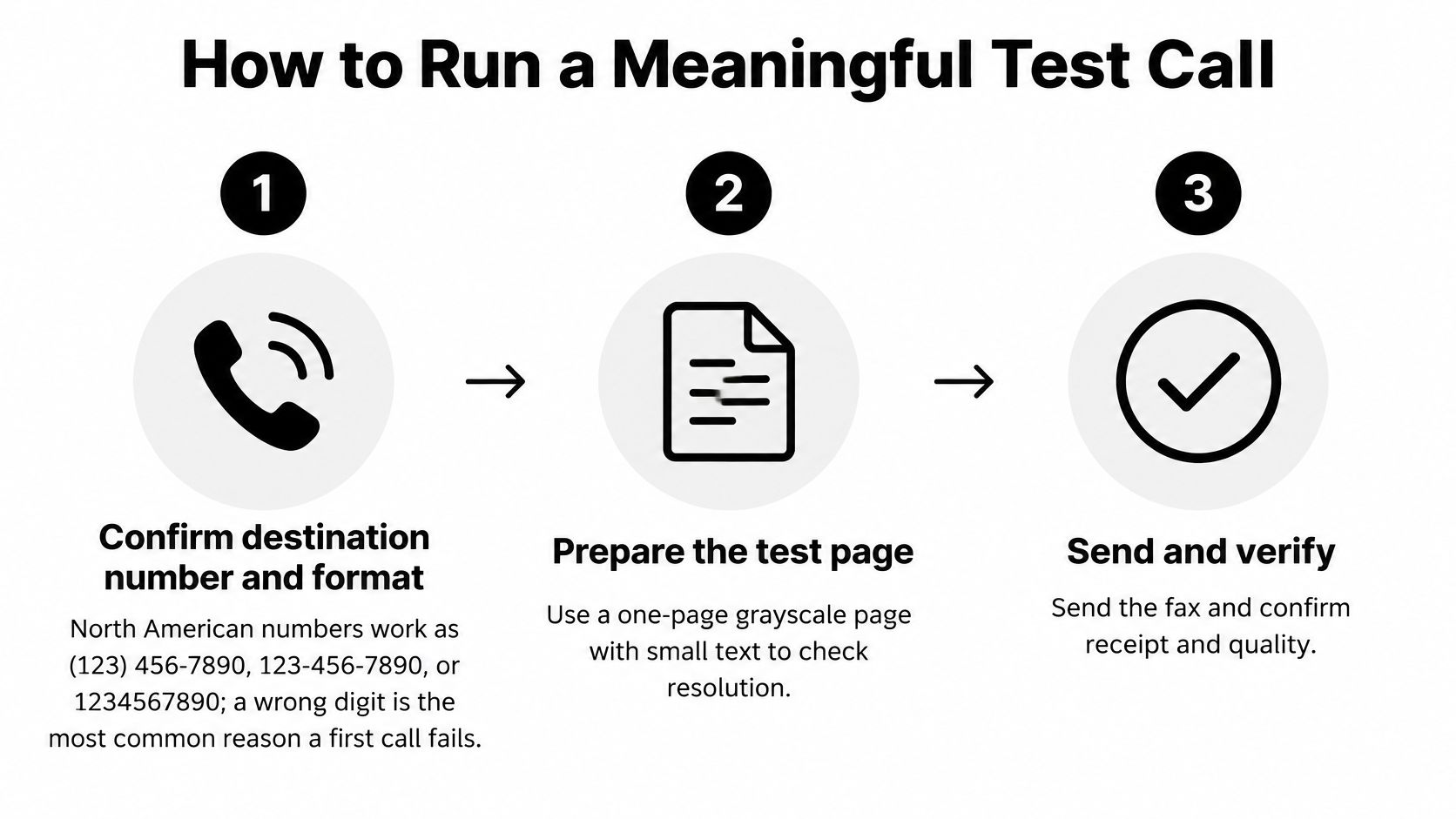
1. Confirm the destination and its shape. Dial the number from a phone first if you can, and read it back digit by digit. A single wrong digit is the most common reason a first call fails, and it looks identical to a dead line from your side of the screen. Our number field takes standard North American 10-digit input in any of the usual forms: (123) 456-7890, 123-456-7890, or 1234567890.
2. Build the page you'll judge. One page, grayscale, a couple of thin rules, a line of small type at eight or nine points, and dummy sender and recipient fields. A page made only of big bold headings hides resolution problems that will ruin a printed contract later.
3. Send from the route you use for real work. Testing a different machine, line or service proves nothing about your setup. If your real faxes go out through a browser, send the test through the browser. A first send takes under two minutes and needs no registration, so there's no reason to test a substitute path.
4. Record the time and the status. Write down when you sent it and what the status field showed. Anything sitting in a queue is a flag to investigate, not a delay to sit through.
5. Run a longer document. Once one page arrives cleanly, send something several pages deep so the job crosses more than one page boundary. Page breaks are where timeouts and line noise show up, and a single-page test will never find them.
6. Have a person at the far end look at it. Ask for page count, orientation, legibility and anything missing. If you're setting this up for a clinic front desk, the test call guide for dental practices shows the same discipline applied to phone systems, and the habit transfers to fax.
Two extras save a second round trip. For international destinations, include the full country code and drop any leading trunk zero. And test your own line before you blame anyone else's: call your number from a separate phone and listen for the fax tone rather than a recorded greeting.
Keep the transmission report and its Fax ID. When you finish, you should be able to say which of three things failed: the call never connected, it connected but never agreed on a session, or it agreed and delivered a page that wasn't readable.
Reading Results and Fixing Failures
The status column is the most misunderstood part of any fax service, because three different events all get called "sent".
Three signals, only one of which is proof
Connection status means a fax-capable machine answered. Provider delivery confirmation means the far end acknowledged pages at the protocol level. Recipient confirmation means a person looked at the sheet in their hand. Only the third proves a readable page reached the right desk.
The gap has consequences in offices where fax still carries the load. In a 2025 survey of healthcare facilities, 35% of inbound documents still arrived by fax, 52% required staff intervention, and 44% were marked time-sensitive, according to the survey release. A transmission that's perfect at the protocol layer can still land in a tray nobody opens before the deadline.
So compare the received page against the original. Look for missing bands, skew, illegible text and early disconnection. Your transmission report shows page counts, result codes and times, and how to read a fax transmission report explains which codes mean the far end accepted pages versus merely answering the phone. Log any line that needs a retry as marginal.
Matching symptom to fix
Start with the most frequent symptom, which is no connection at all. Then work down.
| Symptom | Likely cause | First fix |
|---|---|---|
| Call never connects | Wrong number format or voice-only destination | Recheck the number, then confirm it with the recipient |
| Connects but no fax tone | Recipient's machine answers in voice mode | Ask the recipient to switch the answer mode to fax |
| Stays queued past 20 minutes | Service or line issue | Stop waiting, check the line, then resend |
| Missing bands or streaks | Dirty scanner or low resolution | Clean the scanner glass and use fine mode |
| Stops at page breaks | Timeouts or line noise | Enable ECM and retest with a shorter document |
| Skewed or cut-off text | Orientation or margin problem | Fix the orientation and margins in the PDF |
| Succeeds only on retry | Marginal line | Log it as marginal and escalate to the carrier |
Sort the fixes by cost. Cleaning a scanner glass, switching to fine mode, and fixing a PDF margin take minutes and cost nothing. A fax stuck in a queue past 20 minutes is the opposite case: it may indicate a technical issue, so don't keep refreshing. Check the line, then send again. A failed delivery can be resent for free with the same details and a fresh upload, which is cheaper than rebuilding the document.
Enable Error Correction Mode when the equipment allows it and retest, then disable it and compare. ECM retransmits damaged page blocks, which fixes noise but can lengthen a shaky call. If ECM on and ECM off both produce clean pages, you have a solid line. If only one does, you know which setting to keep.
A receipt is evidence of sending, and only the recipient's check is evidence of receiving.
Sign a line off only when it repeats cleanly and survives a longer document without a timeout at a page break.
Testing Online and Fax over IP Services
A one-page fax sent from a browser can finish in a minute and still arrive blank or smeared. The file moves over IP, gets converted, and meets the public telephone network somewhere near the destination. The test has to cover both the fax protocol and the voice path under it.
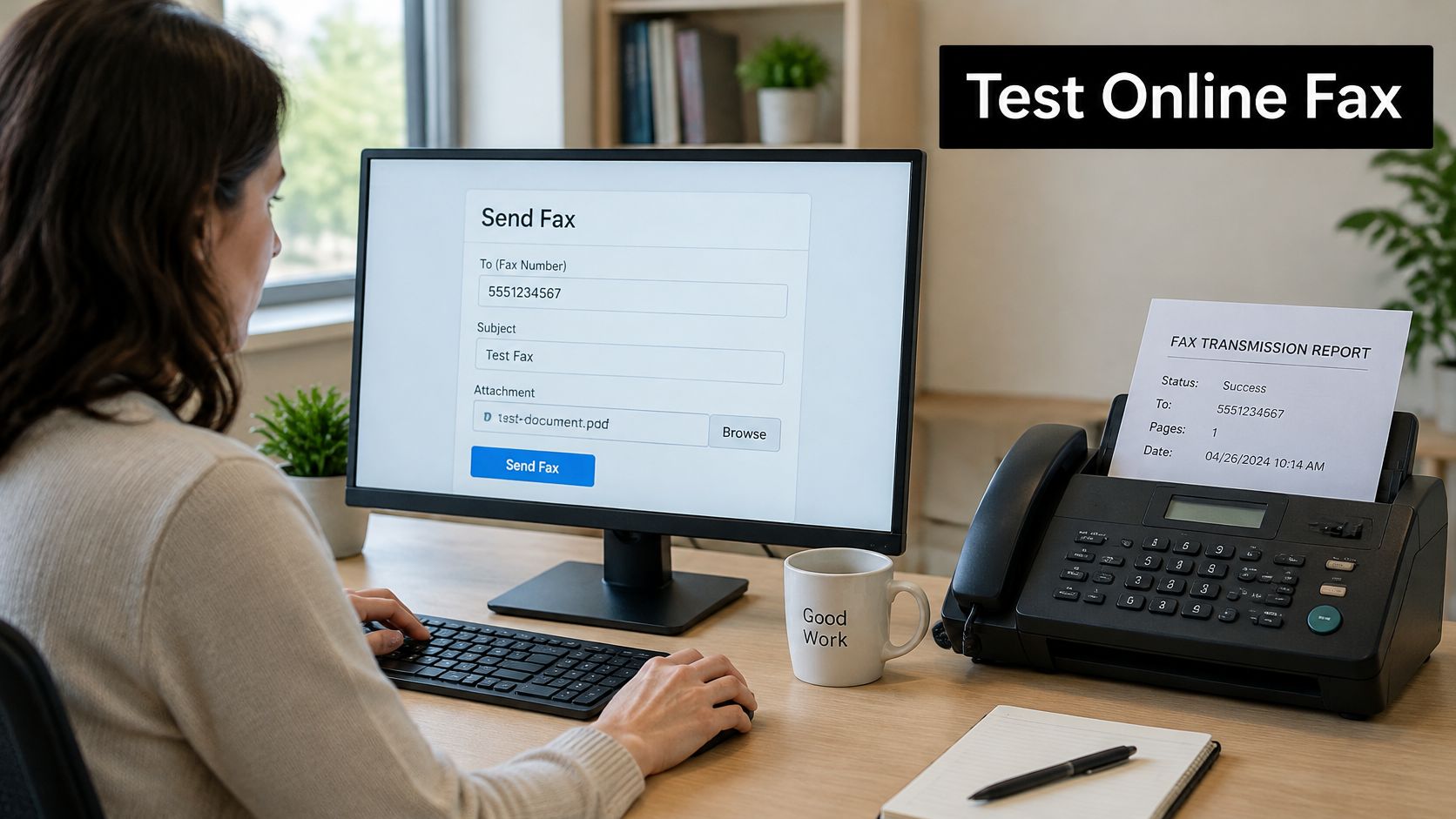
T.38 is the ITU-T protocol family for carrying fax over IP, and its specification covers negotiated parameters such as TCP or UDP transport, maximum datagram size, and optional UDP redundancy or forward-error-correction. Those settings do not guarantee a readable page. The terminating fax, carrier interworking, codec behavior, echo cancellation, and network conditions all affect the result.
Run the test in three stages. Start with a low-resolution, one-page grayscale page to check basic interoperability. Then send a multi-page document with dense graphics and force a page break, the point where buffering problems show up. Last, repeat the send during a controlled impairment test. Measure packet loss, jitter, and delay, and watch whether the call falls back to audio pass-through.
One clean call is not a pattern. Repeat each stage enough times, across the destination types you use, until completion, page integrity, and total duration settle into a consistent result. A single lucky send tells you almost nothing.
If the line runs over a corporate phone system, connecting a VoIP line to a fax machine covers the adapter and codec choices that decide whether T.38 survives the trip. Teams weighing a broader phone platform switch will find hosted PBX solutions in Indiana useful for the network side of that decision.
Echo cancellation needs its own comparison. Send the same page with cancellers off, then with them on, and check that turning cancellation on does not degrade the image. Keep the setting that produced the cleaner page.
Log every send: time, destination, page count, application status, and what the recipient reported. An application status only proves the transmission left. A readable page in the right hands is what the recipient's check proves. Skipping that look is the most common operational failure in IP fax testing.
Decide Whether to Keep, Fix or Escalate
The decision rule is short. If every check passes three times in a row, log the results and keep using the line. If one stage fails on a single call, match the symptom to the table, apply the fix, and retest.
If failures persist after the fixes, or the line stays marginal, escalate. Give your carrier or fax provider the transmission report, the timestamps, the destination number and what the recipient saw. That package gets a ticket resolved in one exchange instead of five. Keep the order straight: the transmission first, the recipient's check second, escalation last.

If you send through a browser service, run the same synthetic test through SendItFax. Every fax gets instant delivery confirmation and a unique Fax ID you can check by email, so the log takes care of itself. For machine-specific faults, this guide to fax machine troubleshooting covers the hardware side. It's one option among several: the same log works whether you're testing a phone line, a desktop machine or a web service.
SendItFax sends faxes to any number in the United States and Canada straight from your browser, with no account, no machine and no monthly plan. Upload a PDF or Word file, send your one-page synthetic test to the destination, then check the Fax ID and delivery confirmation before you trust that line with a real document. Head to SendItFax and run the test today.