
Yes, you absolutely can send a fax online for free without pulling out your credit card. This is a lifesaver for those quick, one-off tasks—like sending a signed contract back to a realtor or getting a single form over to a doctor's office. Services like SendItFax make it incredibly simple to get your documents where they need to go without committing to a subscription.
Why Free Faxing Without a Credit Card Is a Thing
Let's face it, most of us don't need a full-blown fax subscription. The whole reason the free online fax no credit card model has taken off is because of people who just need to send something right now. Think about it: a signed lease agreement, a time-sensitive medical form, a quick proof of purchase. These are perfect scenarios for a free service.
This demand for convenience is fueling some serious growth. The global online fax market hit around $1.2 billion and is expected to climb by about 8% each year. This boom is largely thanks to regular folks and small businesses looking for smarter, faster ways to handle documents.
What Are the Catches? Common Limitations to Expect
To keep the service free, providers have to set a few ground rules. It's a fair trade-off for not having to enter any payment info. Here’s what you’ll typically run into:
- Page Limits: Most free faxes are capped. Expect a limit of around 3 to 5 pages per fax, which is usually enough for a standard contract or form.
- Daily Quotas: You probably won't be able to send dozens of faxes. Many services limit you to just a couple of sends per day.
- Branded Cover Pages: This is a big one. The cover page sent with your document will almost certainly have the service's logo or a small ad on it.
- Sending Only: Free services are a one-way street. You can send faxes, but you can't receive them. Receiving requires a dedicated fax number, which is always a paid feature.
Here’s a quick rundown of what you can expect when you go the free route.
Quick Comparison of Free Online Fax Service Limits
| Feature | Typical Free Service Limitation |
|---|---|
| Page Count | Limited to 3-5 pages per fax. |
| Faxes Per Day | Usually capped at 1-2 faxes per 24-hour period. |
| Cover Page | Includes mandatory provider branding or advertisements. |
| Receiving Faxes | Not available; this is a send-only service. |
| International Faxing | Often restricted to domestic numbers only. |
| Security | Basic security, but may lack advanced encryption or HIPAA compliance. |
These limits are pretty standard across the board, so it's good to know what you're getting into before you start.
This infographic gives you a great visual of what’s driving the shift toward modern, cloud-based faxing.
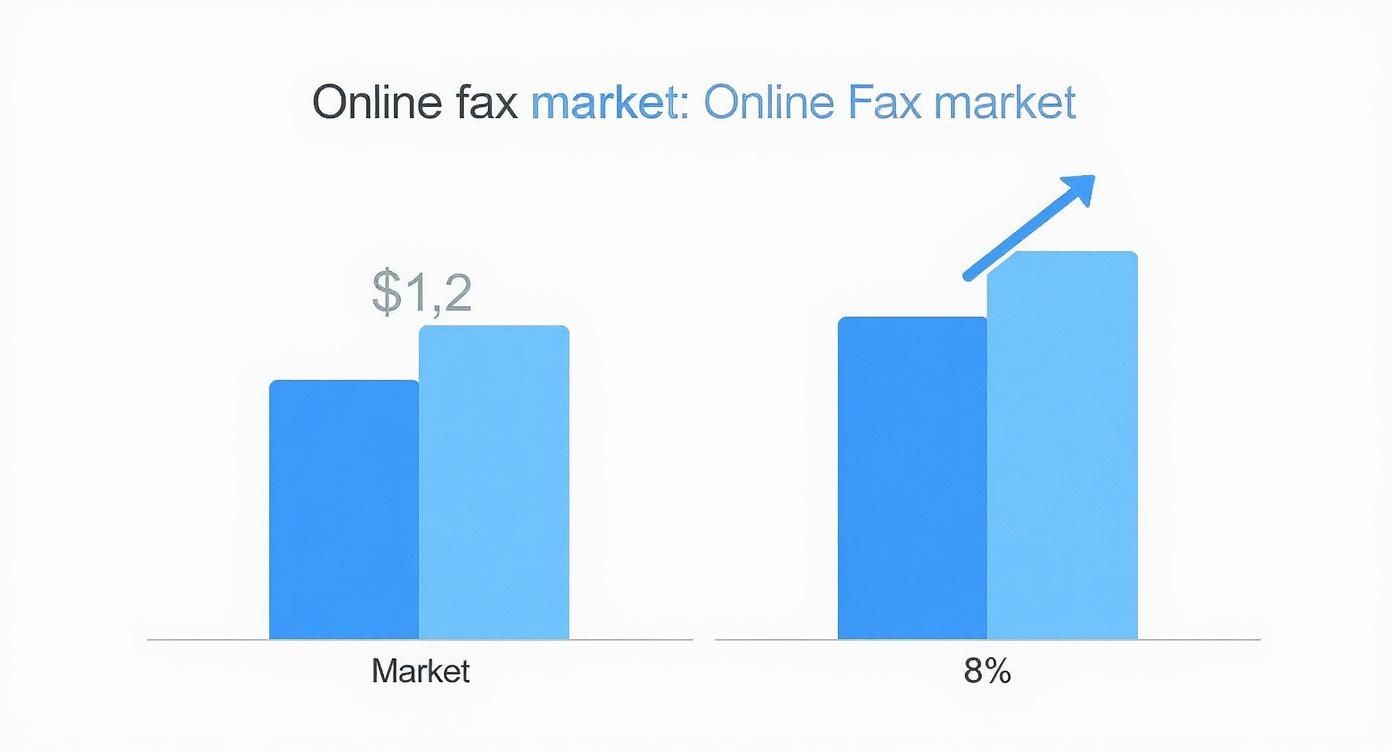
The trend is clear: people want easy, accessible solutions, and free options are a huge part of that. Knowing the limitations helps you decide if a free service is right for your specific task.
If you want a more detailed walkthrough, you can find one in our complete guide on how to send a fax online for free.
How to Choose a Reliable Free Fax Service
Let's be honest—not all free online fax providers are worth your time. When you need to send a free online fax no credit card, you want a service that’s reliable and straightforward, not one that’s going to spring hidden fees or a mandatory sign-up on you.
The trick is finding that sweet spot between convenience and security. You're looking for a tool to get a specific job done quickly, so a little research upfront can save you a ton of frustration later.
Comparing Popular Free Fax Options
Most free services in 2025 are built for the occasional user—someone sending just a few pages now and then. Two names you'll see pop up a lot are GotFreeFax and FaxZero. They have slightly different approaches.
GotFreeFax gives you 2 free faxes a day, with a 3-page limit on each, for sending within the US and Canada. FaxZero is a bit more generous, offering up to 5 free faxes daily, also capped at 3 pages each, and you don't even need an account.
Basically, these services take your digital document and translate it into a format that can be sent over traditional phone lines to a fax machine.

When you're trying to decide, ask yourself a few quick questions:
- How many faxes do I need to send? A limit of five per day is usually plenty for one-off tasks.
- Is my document short enough? If your document is longer than the 3-page cap, you’ll have to split it into multiple faxes, which can be a pain.
- How easy is the website to use? A clean, simple interface beats a site cluttered with confusing ads every single time.
Beyond the Basics: What to Look For
Before you upload anything, even if it seems non-sensitive, it's wise to take a quick peek at the service's policies. A good provider will be upfront about how they handle your files and information.
I always take 30 seconds to scan a service's privacy policy. I look for specifics on data retention—how long they keep your documents and personal info. You don't want your files sitting on their server forever.
This one simple step can give you peace of mind. Also, watch out for other little requirements, like having to verify your email, which can slow down the process if you're in a hurry. For a more detailed breakdown of different providers, you can explore our full online fax services comparison. Taking just a minute to check these details makes sure your experience is actually fast, secure, and free.
A Step-by-Step Guide to Sending Your First Fax
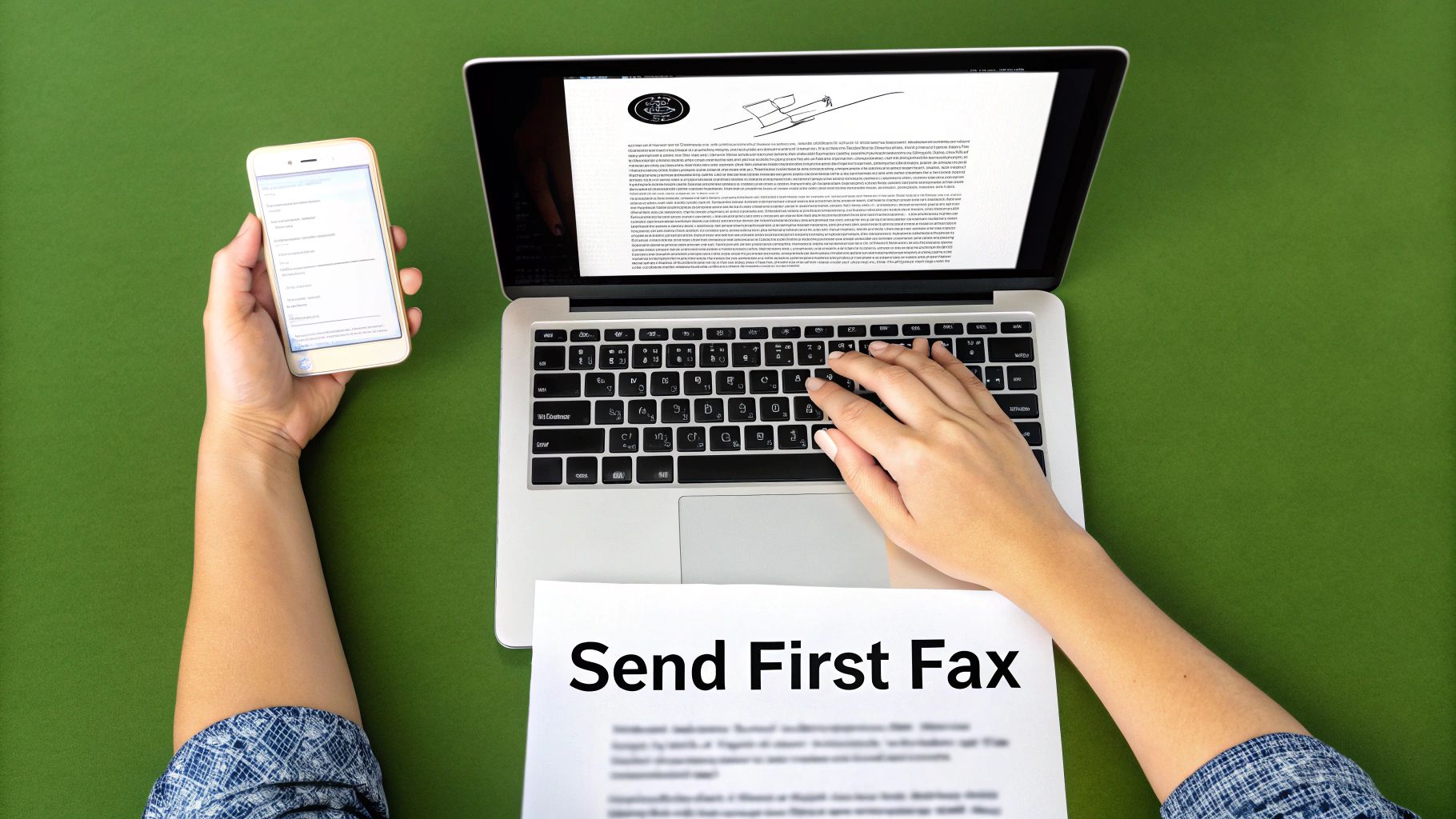
So, you're ready to send your first fax online without pulling out a credit card. Let’s tackle a common, real-world scenario: you've just signed a lease for a new apartment and need to get it back to the property manager, like, yesterday. You don't own a fax machine, but you do have the signed document saved as a PDF on your computer.
This is exactly where a service like SendItFax shines. The whole process is probably way simpler than you're imagining and takes just a few minutes, all from your web browser.
First thing's first—get your ducks in a row. Before you even head to the website, it pays to have everything ready to go.
- Your Details: Make sure you have your full name, email address, and a contact phone number handy.
- Their Details: You'll need the recipient's name and, most importantly, their fax number. I can't stress this enough: double-check that number. One wrong digit and your fax is going nowhere.
- The Document: Have your file saved and ready. PDF is the gold standard for compatibility, but formats like DOC or DOCX usually work too.
Entering the Info and Attaching Your Document
Once you land on the free faxing page, you'll see a straightforward form. Start by plugging in your information (the sender) and the property manager’s details (the receiver) into the correct fields. Being accurate here is crucial for two reasons: it ensures the fax gets to the right person, and it guarantees the confirmation email finds its way back to you.
Next, look for the option to attach your document. You’ll see a button labeled "Choose File" or something similar. Click it and navigate to where you saved your signed lease agreement. The website takes care of all the technical conversion stuff behind the scenes. Honestly, it’s as easy as attaching a file to an email.
And if you ever find yourself needing another way to send, it's worth knowing how to fax from your email, which offers even more flexibility.
Pro Tip: I’ve seen this happen a million times—always confirm you have the fax number, not a voice line. Sending a fax to a regular phone number is an instant fail. It’s a simple mistake that’s easy to avoid with a quick check.
Adding a Cover Page and Hitting Send
Most services give you the option to include a cover page, and I highly recommend using it. It’s a simple touch that adds a professional note and context for the person on the other end.
For our lease agreement scenario, a quick message is perfect. Something like: "Hi [Property Manager's Name], please find the signed lease agreement for Unit 4B attached. Let me know if you need anything else. Thanks, [Your Name]."
This little note makes it immediately clear what they're looking at. Once your cover page text is in, give all the information one last look-over. When you’re sure it's all correct, go ahead and hit that "Send Fax" button.
And that’s really all there is to it. The service will process your request and send the document on its way. You should get an email confirmation within a few minutes letting you know the fax was successfully transmitted. Make sure to hang on to that email—it’s your proof of delivery.
Working Around Common Free Service Limitations
Using a free online fax no credit card service is a lifesaver for quick, one-off sends. Think of it like a free trial—you get the core functionality, but there are a few strings attached. The good news is that with a bit of clever thinking, you can easily navigate these limitations.
The first wall you’ll likely hit is the page limit. Most free platforms draw the line at around three pages plus a cover sheet. What if you have a ten-page contract to send? Don't sweat it. You just need to split it up.
Managing Page and Daily Fax Limits
Instead of one big fax, you'll send a few smaller ones. Break your document down and send the first batch of pages as "Fax 1 of 3," the next as "Fax 2 of 3," and so on.
The key is to use the cover sheet to your advantage. Make a clear note like, "This is the first of three faxes containing the full document." This tells the person on the other end what to expect and prevents any confusion.
This same trick works for the daily sending cap, which is usually about five faxes per day. By chunking your document, you can often get everything sent within that daily limit without ever needing to pull out your wallet. It's a small extra step that keeps the service completely free.
Dealing with Branded Cover Pages
Another common feature of free faxing is the branded cover page. The service will almost always slap its own logo on there. It’s how they advertise.
You can't get rid of their logo on a free send, but you can make it irrelevant. The trick is to write a strong, professional cover page message that grabs all the attention. Clearly state who you are and what the fax is about right up front.
When your message is direct and professional, the recipient's focus will be on your content, not some small logo in the corner. It makes the branding a minor detail. At the end of the day, these small trade-offs are a perfectly reasonable price for sending a secure fax for free.
How to Keep Your Documents Secure and Private
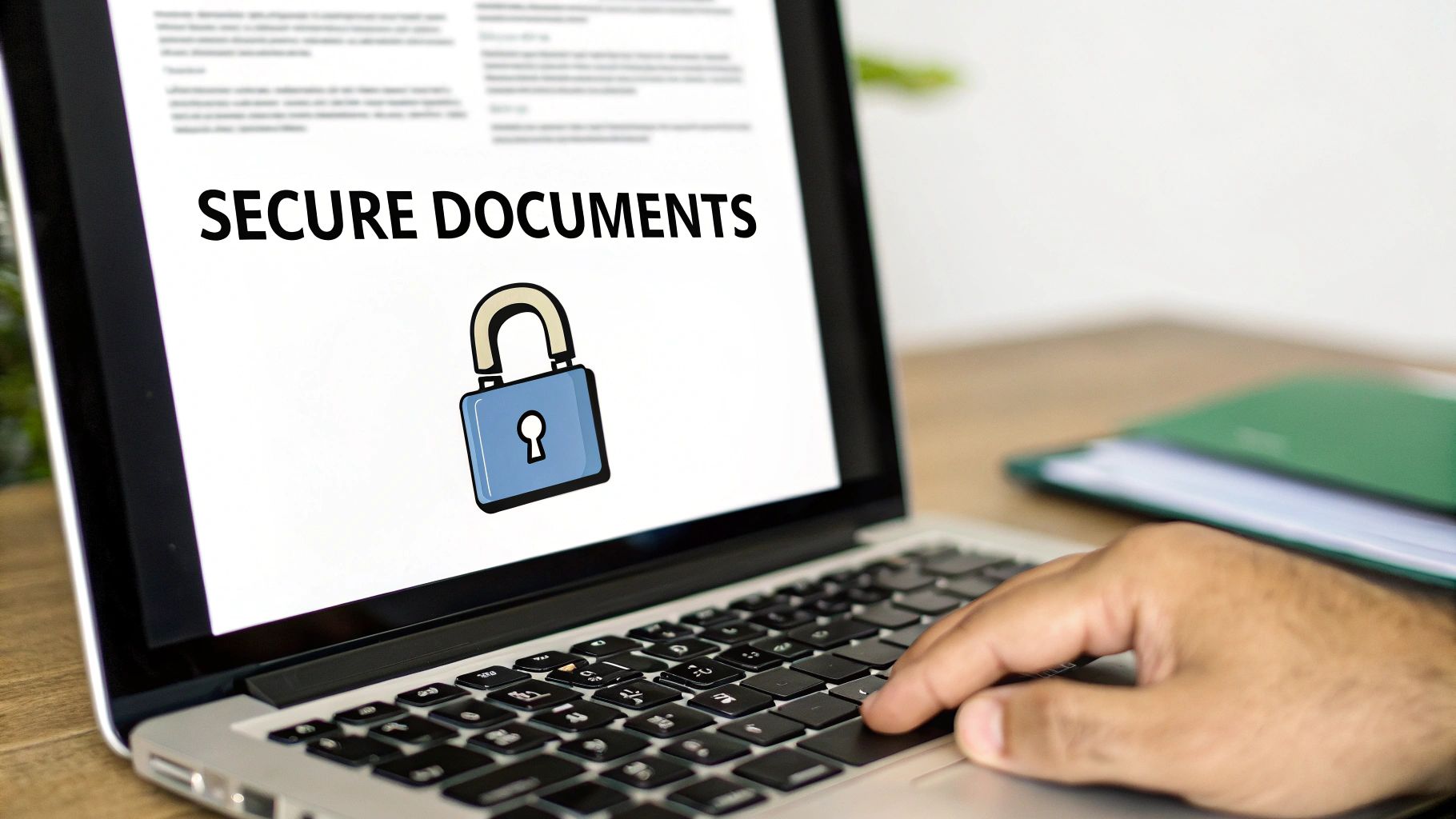
Let's be honest, uploading personal information anywhere online—even for a one-off task—requires a bit of vigilance. When you're using a free online fax no credit card service, a couple of quick checks can go a long way in protecting your privacy and making sure your documents are handled properly.
First thing's first: glance up at the website's address bar before you upload a single file. You should always see HTTPS and a little padlock icon. This is your sign that the connection is encrypted, which is a crucial first step in protecting your documents as they travel from your computer to the server. It’s a basic, non-negotiable security standard.
Next, take thirty seconds to skim the service’s privacy policy. You don’t need to read the whole thing, but look for keywords about data retention. A trustworthy provider will be upfront about how long they keep your faxes and personal information on their servers after your transmission is complete.
What’s Actually Safe to Send?
Knowing how to send a fax securely is one thing, but knowing what to send is just as important. Think of free services as a convenient tool for everyday, low-sensitivity documents.
- Great for Free Faxing: Things like signed permission slips for school, simple registration forms, or general letters are perfect for a free service.
- Think Twice Before Sending: For anything highly sensitive—medical records, financial statements, or legally binding contracts—you really should look into a paid service that offers enhanced security features like guaranteed HIPAA compliance and end-to-end encryption.
The fax services market isn't just surviving; it's thriving, valued globally at $3.31 billion in 2024. This growth is largely pushed by industries like healthcare and law that depend on secure document transmission. It's a clear indicator of why faxing remains essential for sensitive data. You can dig deeper into the growth of the fax industry to see the trends.
Got Questions About Free Online Faxing?
Even with a straightforward process, you probably have a few questions, especially if this is your first time using a free online fax no credit card service. Let's clear up some of the most common ones so you know exactly what to expect.
How Secure Are These Free Services?
This is the big one, and the answer really depends on what you're sending. If it’s something routine like a signed permission slip or a basic order form, a free service is perfectly fine. You'll get a confirmation that it went through, and that's usually all you need.
However, if you're dealing with anything sensitive—think legal contracts, medical records, or financial information—I'd strongly advise against using a free service. Paid plans are built for this, offering encryption and detailed delivery reports that give you a proper paper trail and peace of mind.
The bottom line is this: Free services are great for occasional, non-sensitive faxes sent within your own country. Pushing them beyond that often ends in frustration or puts your information at risk.
Can I Fax Something to Another Country?
Almost always, the answer is no. The vast majority of free online fax services that don't ask for a credit card will only let you send to domestic numbers (for example, within the US and Canada). Sending faxes internationally costs more, so that feature is almost exclusively reserved for paid subscriptions. Before you even start typing, double-check the service's supported countries to save yourself a headache.
Is It Possible to Get Faxes with a Free Service?
Unfortunately, no. Free, no-credit-card services are a one-way street: they only let you send faxes. Receiving faxes requires a dedicated, private fax number that belongs only to you, and that's a core feature you get with a paid plan. If you need a way for people to send faxes to you, you'll have to upgrade to a subscription.
Ready to send a fax in just a few clicks? SendItFax offers a fast, reliable, and straightforward way to send your documents online for free. No account or credit card is required. Try it now at https://senditfax.com.