
Need a professional fax cover sheet right now, but don't want to download sketchy software or clutter your computer? You're in the right place. You can generate a free printable fax cover sheet with no download required by using an in-browser tool or whipping one up in a cloud document editor like Google Docs.
It’s fast, it’s secure, and it gets the job done in minutes.
How to Get a Fax Cover Sheet Without Any Downloads
Let's cut to the chase. You need a clean, compliant fax cover sheet immediately, without the hassle of installations. Maybe you’re on a public computer, a work device with tight restrictions, or you just prefer to keep your machine lean. Whatever the reason, modern web-based tools make this incredibly simple.
Choosing Your No-Download Method
The best path forward really depends on one thing: do you need this cover sheet for a one-off fax, or will you need one again in the future?
- Online Fax Service Generators: These are purpose-built for speed. You just pop your details into a web form—To, From, Subject—and hit print. It’s the perfect solution for a single, urgent fax.
- Google Docs or Office Online: This is my go-to for creating a reusable template. You can design a professional document, save it in the cloud, and have it ready to go anytime.
- Basic HTML: If you’re a bit more tech-inclined, you can even create a simple HTML file. It opens in any browser and works as a bare-bones template you can access offline.
This simple chart helps you decide which route is best for you.
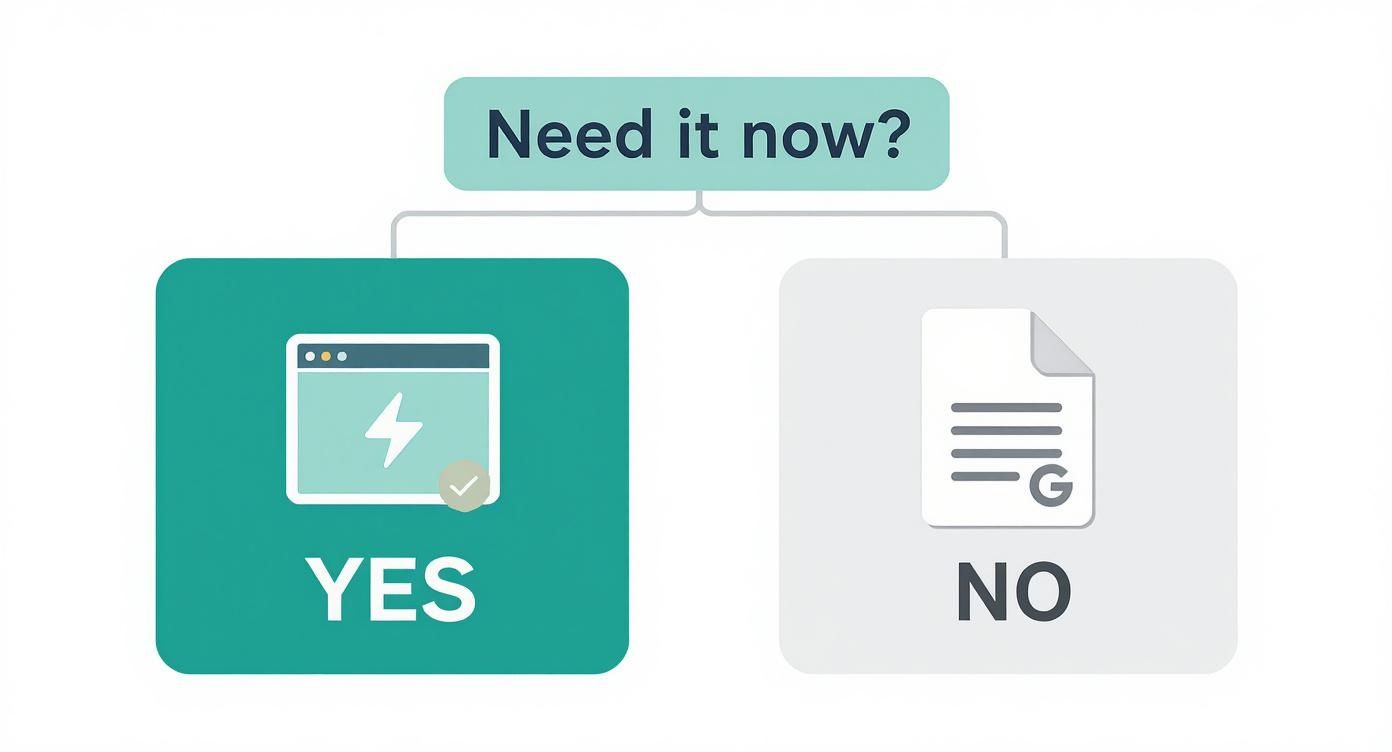
The takeaway is clear: for immediate needs, a dedicated web tool is your fastest bet. For a long-term, reusable solution, a cloud document is the way to go.
Comparing No-Download Fax Cover Sheet Methods
To make it even clearer, here’s a quick breakdown of how these no-download methods stack up against each other.
| Method | Best For | Time to Create | Customization Level |
|---|---|---|---|
| Online Generator | Urgent, one-time faxes | ~2 minutes | Low (pre-set fields) |
| Google Docs/Office Online | Creating reusable templates | ~5-10 minutes | High (full control) |
| Basic HTML | Tech-savvy users wanting an offline option | ~10-15 minutes | Medium (requires code) |
Ultimately, any of these options will give you a professional free printable fax cover sheet no download required. And if you're looking for more ways to manage faxing without commitments, our guide on how to get a free online fax with no sign up offers some great tips.
Why Skipping the Download for Fax Cover Sheets is a Smart Move
Grabbing a free printable fax cover sheet with no download required is about more than just convenience. It’s a practical decision that boosts your security and efficiency, especially when you're in a hurry. When you steer clear of downloading random files, you're actively dodging a major security headache.
Think about it: many "free" software packages are notorious for bundling in unwanted extras like malware, adware, or even viruses. It's a well-known tactic for cyberattacks, making a no-download option the safer bet by default, particularly when you're handling sensitive business or personal information.
The Beauty of Simplicity and Access Anywhere
Beyond the security angle, the sheer practicality of a browser-based tool is a huge win. Have you ever needed to send a fax from a public library computer, or from a work laptop where you don't have permission to install new software? This is where no-download solutions shine.
A tool that lives in your web browser works on any machine, period. It doesn't matter if you're on a Windows PC, a Mac, or a Chromebook. This kind of universal access gives you true freedom and keeps your own devices free from software clutter you'll only use once.
The real advantage here is immediacy. You can get in, create your cover sheet, print it, and be done. It turns a clunky, multi-step process into a quick, single-session task.
This approach saves you time and ensures you have a solution ready to go whenever and wherever you need it. The upsides are crystal clear:
- Zero Installation: Your device stays clean and your storage space isn't wasted on single-use programs.
- Device Agnostic: It just works, whether you're on a desktop, laptop, or even a tablet.
- Instant Access: No more waiting for files to download and installers to run.
At the end of the day, a no-download method is the perfect fit for anyone who needs a fax cover sheet on the fly, without the hassle of installing yet another piece of software.
What Makes a Great Fax Cover Sheet?
A fax cover sheet is more than just a formality; it’s the first impression your document makes. It’s a critical routing slip that can mean the difference between your fax landing on the right desk immediately or getting lost in a paper shuffle. Think of it as the clear, professional handshake before the real conversation begins.
Sure, using a free printable fax cover sheet no download tool gives you a head start, but what you put on it is what really counts. Every field has a job to do, and getting those details right is key to a smooth, successful transmission.
The Must-Have Fields for Any Cover Sheet
There are a few pieces of information that are absolutely non-negotiable. These are the core details that help the person on the other end know exactly what they've received and what to do with it.
- To and From: Get specific here. Instead of just a company name, write something like "Attn: Jane Doe, Human Resources." In a big office, that one little detail prevents your resume from ending up in the accounting pile.
- Fax Numbers: Always, always double-check the recipient's number. And don't forget to include your own—it’s essential if the transmission fails and they need to call you back.
- Date: This is your official timestamp. It’s crucial for time-sensitive documents like legal filings or contract submissions.
- Total Pages: This is a simple but vital check. Stating the total number of pages, including the cover sheet itself (e.g., "5 pages total, including cover"), helps the recipient confirm they got everything. No more guessing if a page was missed.
Your cover sheet is the first thing a recipient sees. Its clarity sets the tone for the entire communication and helps ensure that your important documents are handled with the urgency they require.
Don't Skip the Comments Section
That blank 'Comments' or 'Subject' box is your best tool for providing immediate context. Leaving it empty is a missed opportunity. Use it to give your fax a clear purpose and make it instantly actionable.
For instance, a subject line that just says "Invoice" is okay, but "Re: Invoice #INV-45821 for Project Phoenix" is so much better. The accounting department immediately knows what they're looking at and can process it without having to dig for information.
Here are a few real-world examples to get you thinking:
- For Medical Records: "Confidential patient information for appointment on 11/22. Ref: Patient ID 78910."
- For Job Applications: "Application for Senior Marketing Manager position, Job ID #MKTG-004."
- For Legal Documents: "Urgent: Signed copy of the Non-Disclosure Agreement for the Acme merger."
By being specific, you turn a simple piece of paper into a powerful directive. You're not just sending a fax; you're telling the recipient exactly what it is and why it matters, ensuring it gets the right attention, right away.
A Practical Guide to Using In-Browser Creation Tools
Let's be honest, sometimes you just need a fax cover sheet right now. You don't want to hunt for software or download a random file. The good news is, you don't have to. Creating one directly in your browser is easily the fastest way to get a professional-looking document on the fly.
Online fax services like SendItFax often have free, web-based tools that are perfect for this. It's the best route when you need a one-off cover sheet and you're short on time.
You'll usually find a simple web form with all the essential fields: recipient's name, their fax number, your details, a subject line, and the page count. Just fill in the blanks. The tool instantly generates a clean, standard cover page. From there, you can hit print or save it as a PDF. It’s a dead-simple solution that delivers a free printable fax cover sheet with no download in less than a minute.
Building Your Own Reusable Template
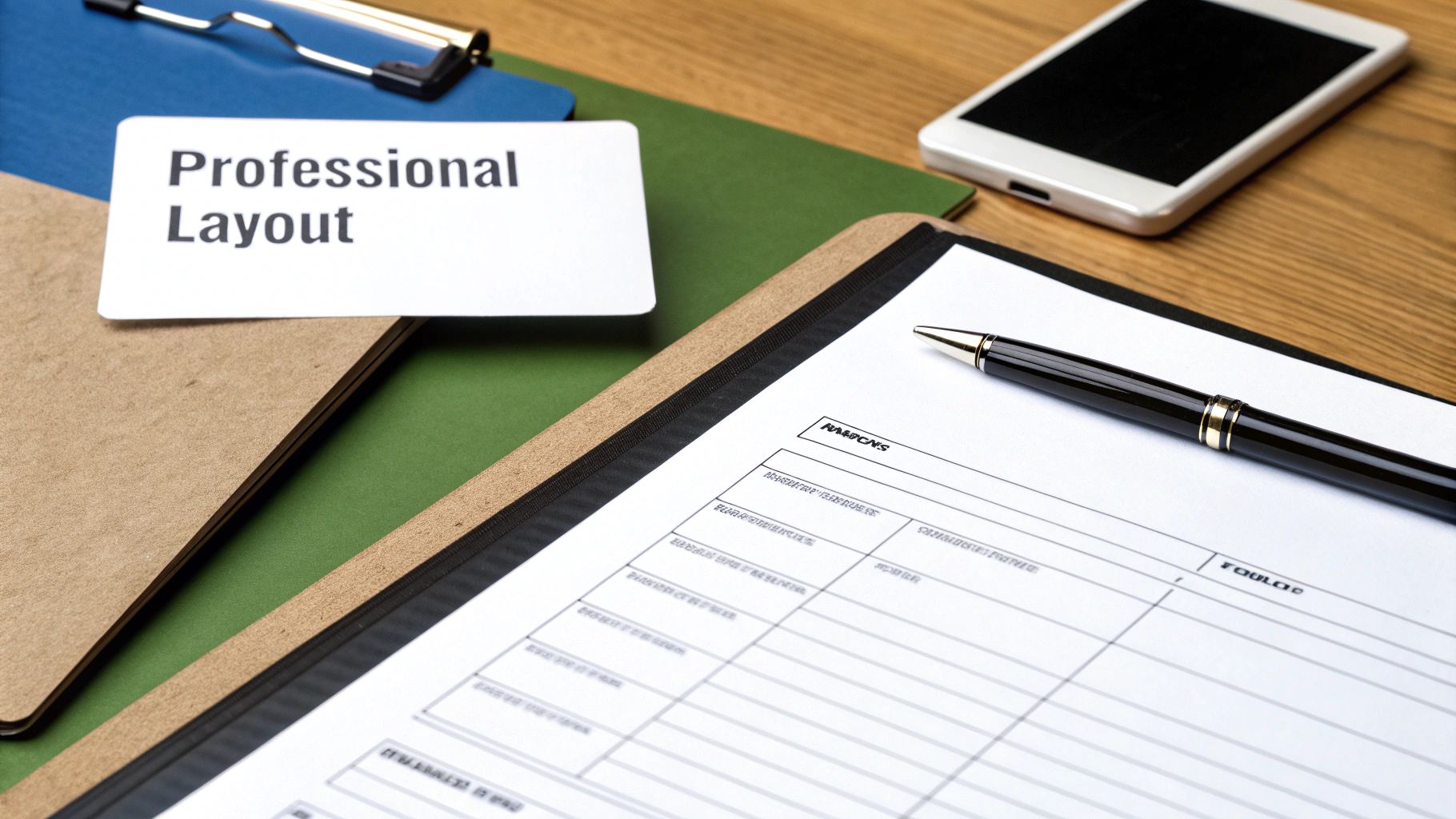
If you find yourself sending faxes more than just once in a blue moon, setting up your own template is a much smarter move. Using something like Google Docs or Microsoft Office Online gives you total control over the design. You can pop in your company logo or add other branding elements for a look that's all your own.
Getting started is easy. Just open a new document and create a simple two-column table to keep things organized. This is my go-to structure for a clean layout.
| Labels | Information |
|---|---|
| To: | |
| From: | |
| Fax: | |
| Date: | |
| Pages: | |
| Subject: |
After you’ve laid out the basics, add a bold "Fax Cover Sheet" title at the top and leave some space for a comments section at the bottom. The real magic is in saving it for later. Name the file "Fax Cover Sheet Template" (or something equally obvious) and stick it in your cloud drive. Now, whenever you need to send a fax, you just open it, make a copy, fill it in, and you're ready to print.
A reusable template isn't just about saving time; it's about consistency. Every fax you send reinforces your professional image, and this is a simple way to get that right every time.
This approach gives you a permanent, personalized tool that you can get to from any computer or phone. And if you want a complete picture of the whole process, our guide on how to send a fax online walks you through everything from the cover sheet to hitting 'send'. By using these in-browser options, you can get a polished document ready to go without downloading a single thing.
Getting Your Print Settings Right & Keeping Your Documents Secure
You've designed your free printable fax cover sheet no download, but don't hit that "Print" button just yet. The final steps are just as important for making sure your fax looks professional and stays secure.
Before you print, always use the print preview function. It’s a simple check that can save you a lot of headaches, catching common problems like text getting chopped off at the margins or your carefully chosen font looking blurry.
To keep everything looking sharp and properly aligned, make sure your printer is set to 100% scale. Avoid using settings like "Fit to Page," as they can distort the layout you worked to create. This one small tweak ensures what you see on your screen is exactly what comes out of the printer.
Don't Overlook Confidentiality
Think of your fax cover sheet as the envelope, not the letter inside. It's the first thing anyone sees, so it’s crucial to avoid putting any highly sensitive information on it. This means absolutely no:
- Social Security numbers
- Bank account details
- Credit card information
That kind of private data belongs only in the actual documents you're faxing, never on the cover page.
Your cover sheet is a routing slip, not a secure vault. Treat it like a postcard—only write what you'd be comfortable with a stranger seeing as it makes its way to the recipient.
If you’re working in a shared office space, be extra careful. A printed cover sheet left sitting on the printer tray is an open book. Grab it immediately to protect the recipient's privacy and keep your communication professional. It’s always a good practice to understand how different services handle security; for instance, you can learn more by checking if platforms like FaxZero are safe to get a better sense of industry standards.
Got Questions About Free Fax Cover Sheets?
When you're trying to send a fax, especially last minute, questions inevitably pop up. If you're hunting for a free printable fax cover sheet no download needed, you want something fast, but you also don't want to sacrifice security or look unprofessional. Let's tackle some of the most common concerns.
Is Using a Browser-Based Tool Actually Safe?
It’s a fair question. The short answer is yes, as long as you use a trusted source. Creating a cover sheet directly in your browser or with a well-known service like Google Docs is often much safer than downloading a random program from the internet.
Think about it: those "free" software downloads can sometimes come bundled with malware or spyware. Sticking to a browser-based tool eliminates that risk entirely, keeping your computer and your information safe.
Will My Fax Cover Sheet Look Professional?
Definitely. Professionalism comes from the content and layout, not the software you used to create it. A clean, simple cover sheet made in a web browser can look just as sharp as one made with expensive, installed software.
What really matters is including the right information clearly. A professional cover sheet always has:
- The recipient’s name and your name (To / From)
- Both fax numbers
- The date and total number of pages (including the cover)
- A clear subject line so they know what it's about
Is Faxing Even Still a Thing?
It might feel like a throwback, but faxing is still surprisingly vital in many fields. In fact, the global market for fax services was valued at around USD 3.31 billion in 2024 and is still growing.
Industries like healthcare, law, and finance rely on it for secure document transmission. For a deeper dive into why it's still so prevalent, you can check out some great industry analysis by faxination.com. This isn't just nostalgia; it's a critical business tool, which is why having a good cover sheet matters.
Ultimately, the best cover sheet is the one that gets your document to the right person without any fuss. No-download options give you exactly that—efficiency without the extra risk or hassle.
Ready to send that fax? With SendItFax, you can get it done in seconds. Send up to three pages for free, or grab our Almost Free plan for more pages without our branding. Head over to https://senditfax.com to get started.