Category: Uncategorized

  • How to Send a Fax Online A Modern Professional’s Guide

    How to Send a Fax Online A Modern Professional’s Guide

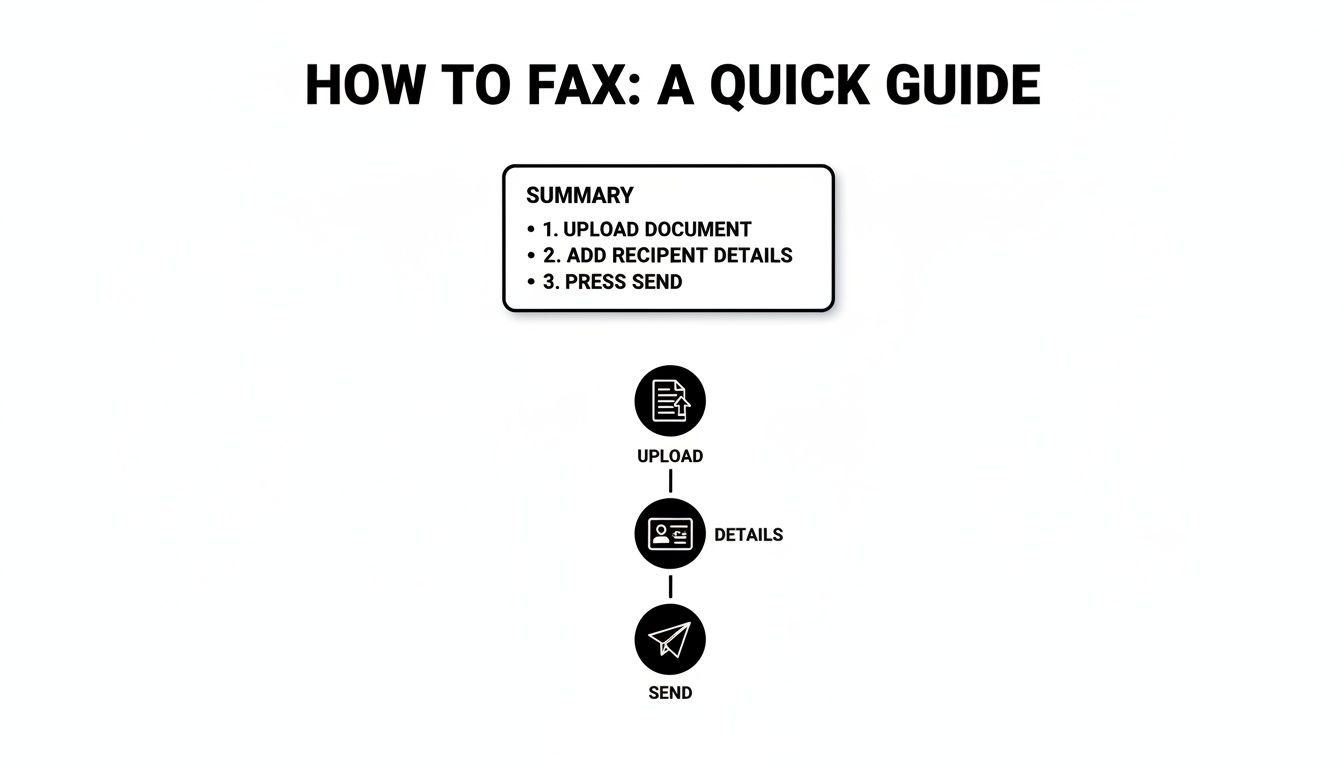
    Sending a fax online is surprisingly straightforward. You just pick a service, upload your document, punch in the recipient's fax number, and hit send. It effectively turns your computer or phone into a fax machine, but without the bulky hardware or the need for a separate phone line.

    Why Online Faxing Still Matters in a Digital World

    An office worker is sending a fax online using a modern computer, symbolizing the blend of old and new technology.

    I get it. Faxing sounds like a relic from a bygone era, something you'd find collecting dust next to a Rolodex. But the truth is, in a lot of critical professions, it’s still an essential communication tool. This isn’t about being old-fashioned; it’s about security, legal weight, and compliance.

    For anyone working in law, healthcare, or finance, a simple email often isn't enough. These industries are governed by strict regulations like HIPAA, where protecting sensitive client and patient data is a legal mandate, not just a good idea. Online faxing bridges that gap, giving you the trusted security of a traditional fax with the ease of modern tech.

    The Enduring Relevance of Fax Technology

    Think about a real estate agent on a tight deadline to submit a signed purchase offer. Emailing a document that sensitive opens it up to all sorts of interception risks. Sending it through an online fax service, on the other hand, creates a secure, point-to-point transmission that’s legally recognized and provides a verifiable receipt of delivery.

    This combination of old-school security and new-school convenience is precisely why faxing is still around. We're not trying to bring back obsolete tech; we're just applying its strengths in a modern context. The numbers back this up, too. The global fax services market was valued at USD 3.31 billion and is expected to climb to USD 4.48 billion by 2030. That growth is fueled by the roughly 17% of businesses that still rely on faxing for their most important operations. You can discover more insights about the fax market on ResearchAndMarkets.com.

    A Practical Solution for Modern Needs

    Online faxing solves a few key problems that other digital communication methods can't always handle:

    • Legal Admissibility: Faxes are widely accepted as legally binding documents, which is crucial for things like contracts, court filings, and official records.
    • Enhanced Security: Unlike email, which is susceptible to hacking and phishing scams, fax transmissions travel over the public switched telephone network (PSTN), a much more secure channel.
    • Audit Trails: Good online fax services give you detailed confirmation reports. This creates a clear, auditable trail proving when a document was sent and successfully received.

    The real value of learning how to send a fax online is realizing it's a modern skill for secure communication, not an outdated task. It's the digital equivalent of a sealed, hand-delivered envelope for your most important documents.

    At the end of the day, knowing how to send a fax from your computer is a genuinely practical skill for anyone who deals with confidential information. It’s a simple way to ensure your documents are sent securely, arrive without being tampered with, and meet the strict compliance standards of many professional fields.

    A Practical Walkthrough to Sending Your First Online Fax

    A person is sitting at a clean desk, using a laptop to send a digital fax, with a satisfied expression.

    Jumping into any new technology can feel a little intimidating, but sending an online fax is surprisingly straightforward. Let's walk through it together. We'll use a popular service like SendItFax as our example, since its workflow is typical of most top-tier platforms.

    First things first, you need an account. Most services offer a few different plans, from free tiers for the occasional one-off fax to paid subscriptions for businesses that need more volume and features. Once you're signed up and logged in, you’ll land on the main dashboard.

    This is your command center. Just look for a big, obvious button that says something like “Send Fax” or “New Fax” to get started.

    Navigating the Sending Interface

    Clicking that button will take you to a simple form that should feel a lot like sending an email. This is where you’ll plug in the recipient’s information, attach your files, and add a cover sheet.

    The most important field here, without a doubt, is the recipient's fax number. Getting this right is everything.

    • Entering the Fax Number: Always include the full number, starting with the area code. For international faxes, you'll need the country code first (e.g., +44 for the UK).
    • Adding Multiple Recipients: One of the real perks of online faxing is the ability to send the same document to several numbers at once. It's a massive time-saver for things like company announcements or client updates.

    Pro Tip: I can't stress this enough: double-check the fax number. A single wrong digit is the number one reason for a failed fax. It’s a simple check that saves a ton of headaches.

    Assembling Your Fax Package

    With the number locked in, it’s time to add your documents. Most services handle all the common file types you'd expect—PDF, DOCX, JPG, you name it. You can either drag and drop files from your computer or, even better, pull them directly from cloud storage like Google Drive or Dropbox.

    This is a huge part of why people are learning how to send a fax online; it completely cuts out the annoying print-and-scan step.

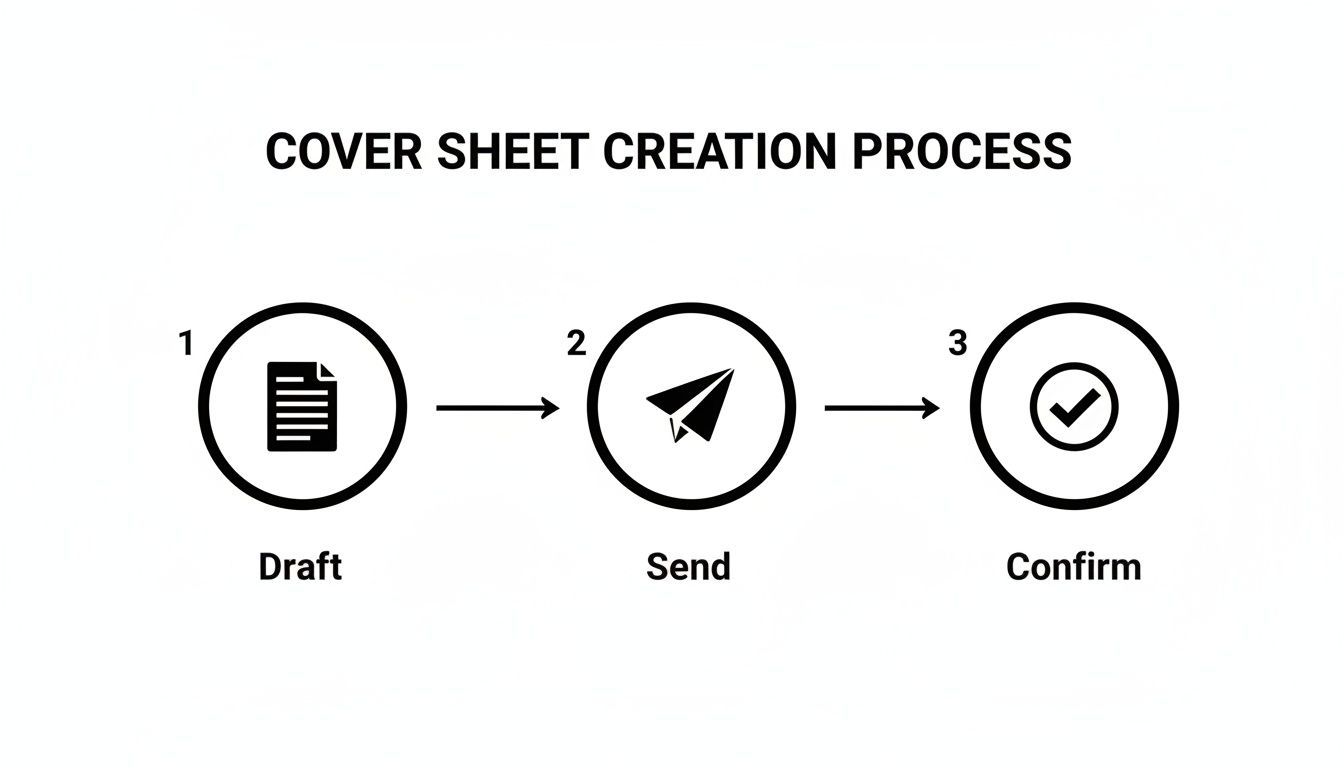
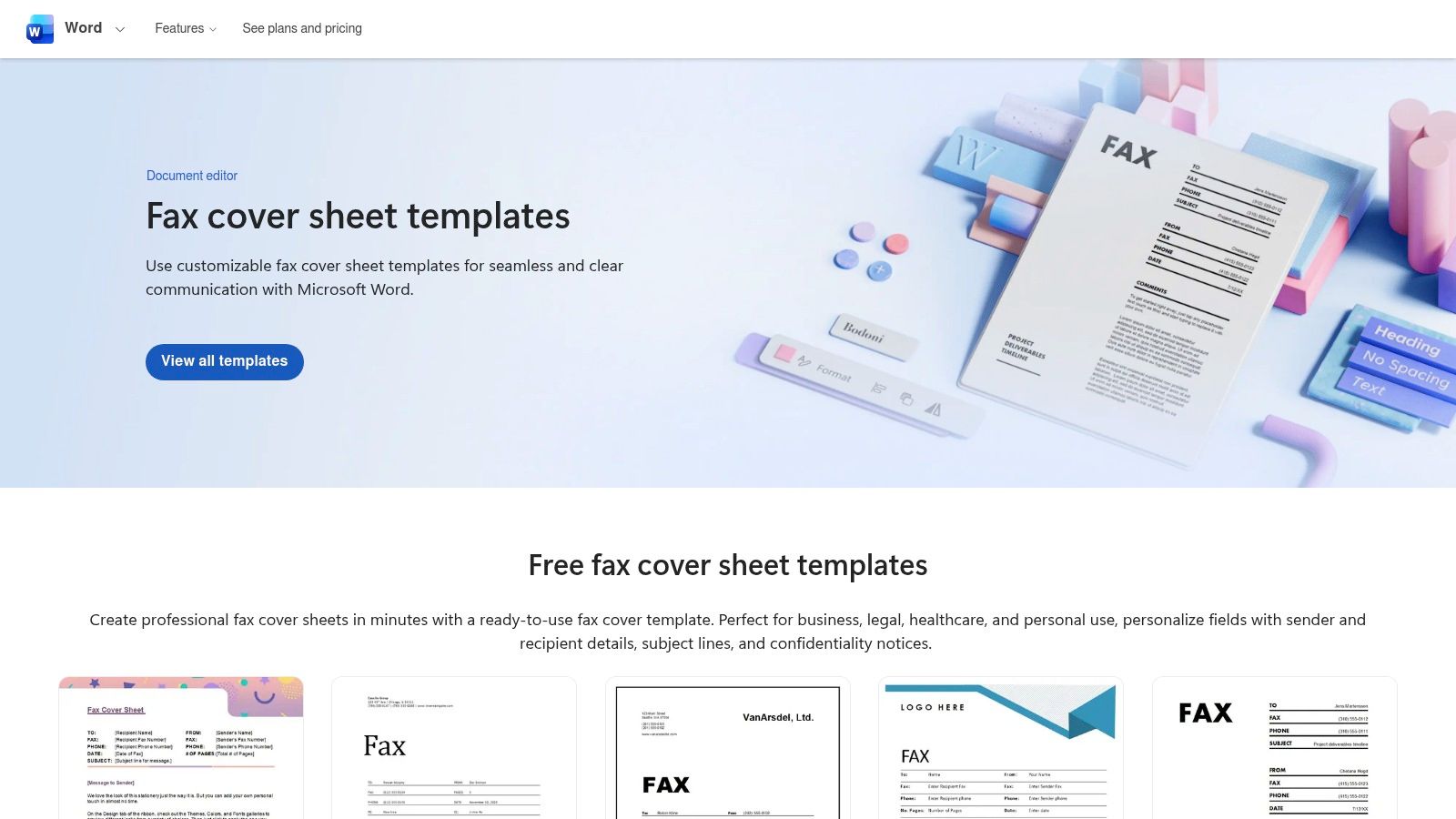
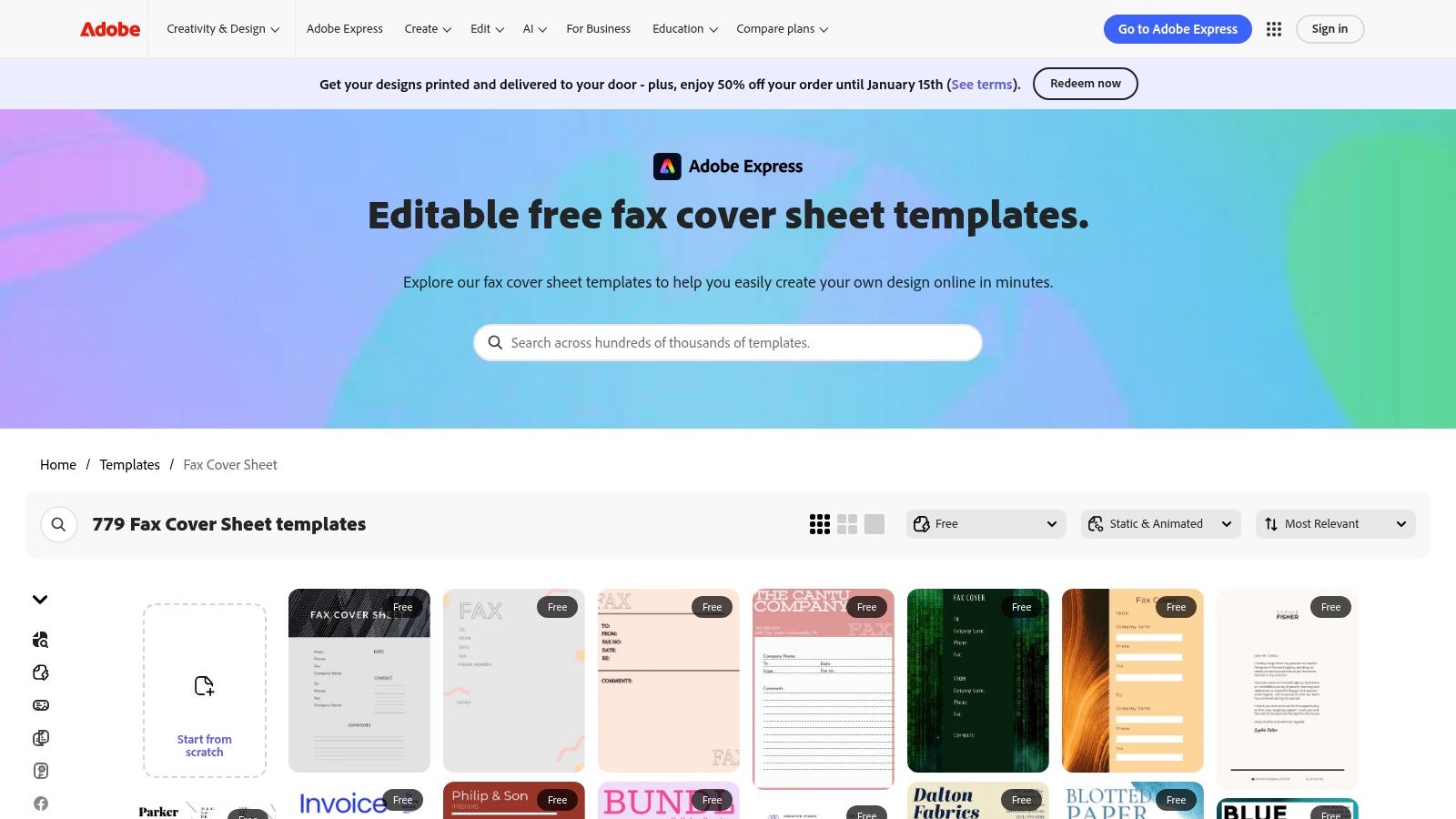
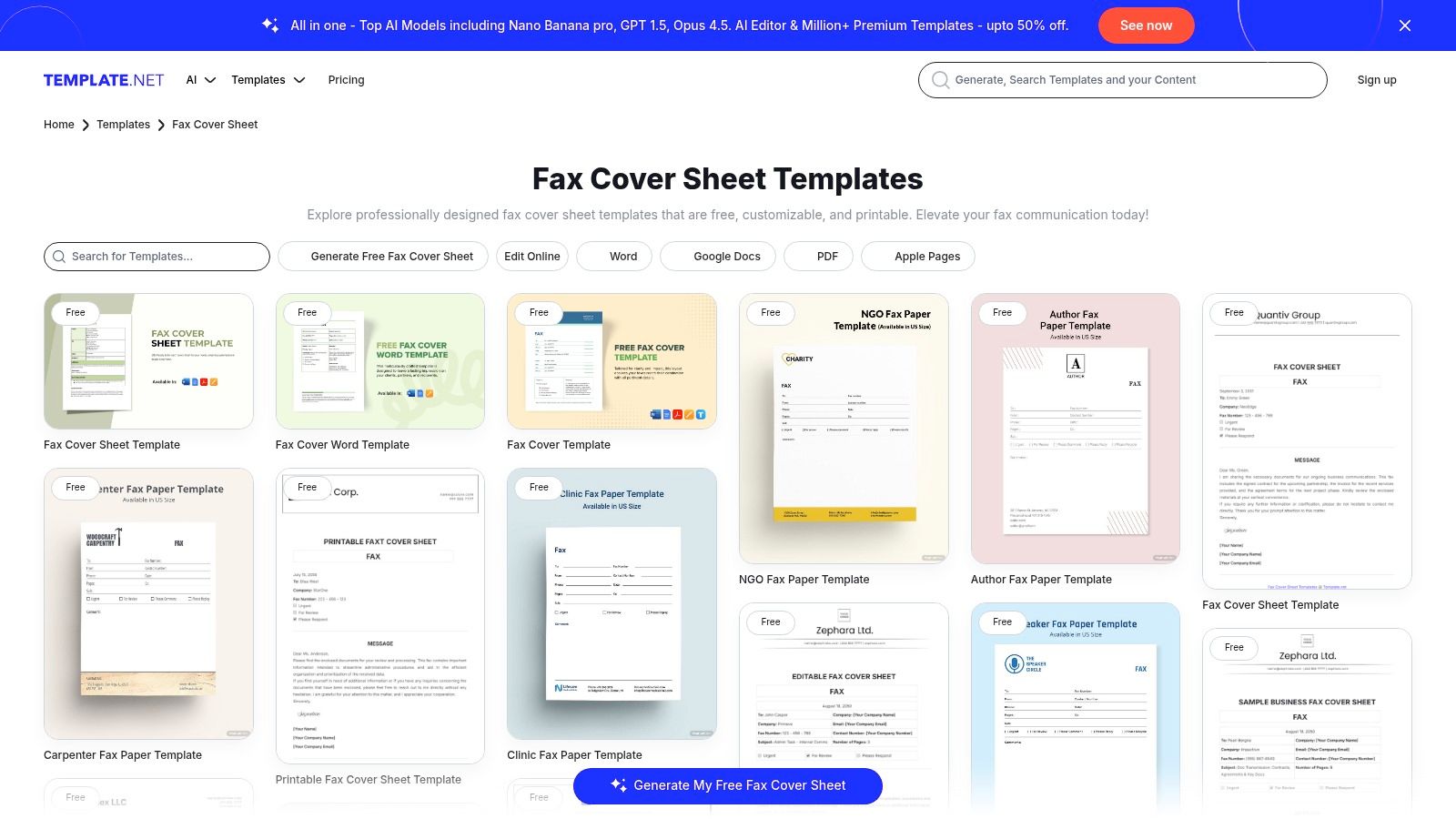
    Next up is the cover page. Don't skip this! It's not just a formality; it’s what tells the recipient who you are and why you're sending them a document.

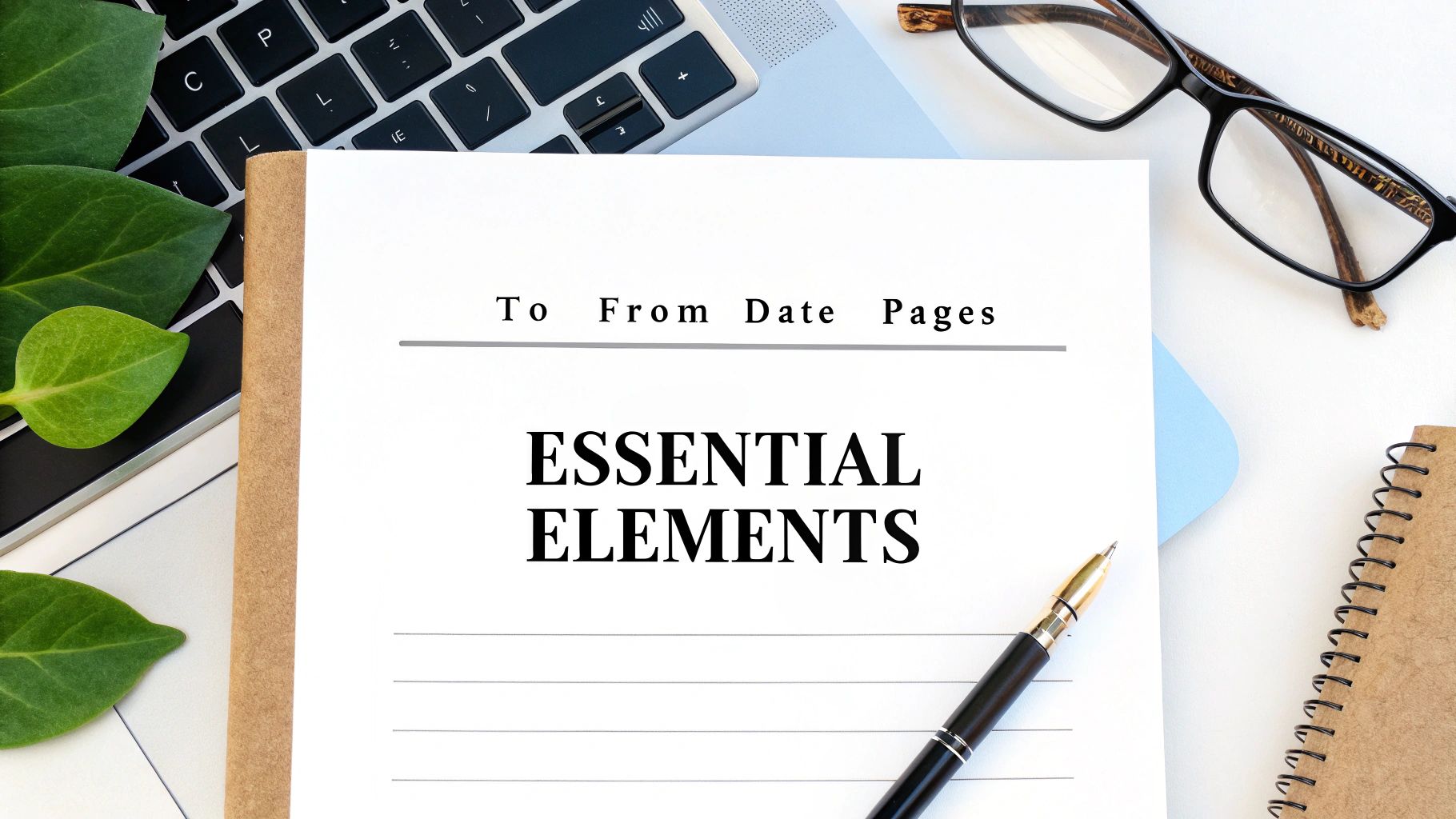
    Nearly every platform provides a simple template. You’ll just fill in a few key details:

    • To: Recipient's name and company.
    • From: Your name and company.
    • Subject: A clear, concise description. Think "Signed Contract – Account #54321" instead of just "Contract."
    • Message: A spot for a quick, optional note.

    Taking 30 seconds to fill this out properly makes you look professional and ensures your fax gets to the right person quickly. For a deeper look at faxing without the clunky hardware, our guide on how to fax without a fax machine has you covered.

    The Final Review and Send

    Before you commit, any good service will give you one last confirmation screen. This is your final chance to give everything a once-over.

    Your Pre-Flight Checklist:

    1. Recipient's Number: Is it perfect? Country code included?
    2. Attached Documents: Are the right files there? Does the page count look correct?
    3. Cover Page Details: Any typos in the names or subject line?
    4. Plan Limits: Give a quick thought to how many pages you’re sending. Make sure it fits within your plan to avoid any surprise fees.

    Once everything looks good, hit "Send Fax." The service takes it from there—dialing the number, transmitting your files, and then sending you a confirmation notice right to your email or dashboard. And that's it! You've officially sent an online fax.

    Getting Your Documents Ready for a Perfect Send

    Preparing documents for a clear online fax

    A blurry or unreadable fax can bring a deal to a screeching halt. The secret to a crisp, professional-looking fax on the other end is all in the prep work. What you send is what they get, so a few minutes of setup makes all the difference.

    Think of it this way: your digital file is about to be translated into an old-school analog signal and then back again. Garbage in, garbage out. The cleaner your starting file, the better the final result will be.

    Choose The Best File Format

    When in doubt, go with a PDF. It’s the gold standard for online faxing because it locks in your formatting—fonts, images, and layout stay exactly where you put them. No nasty surprises like a signature line jumping to the next page.

    While you can often send a DOCX or JPG file, they can be a bit of a gamble.

    • DOCX: A Word file can look different on the receiving end if they don't have the same fonts installed, shifting your carefully crafted layout.
    • JPG: Great for a quick photo or a single-page scan, but small text can get fuzzy.
    • PNG: Usually offers better quality for graphics than a JPG, but the files can get large.
    • TIFF: This is the heavyweight champion for quality, often used in legal and medical fields for its high detail, but the file sizes are massive.

    Industry experience shows that using a PDF can cut down on layout-related transmission errors by as much as 75%.

    Here’s a quick cheat sheet on why PDF usually comes out on top:

    Format Pros Cons
    PDF Layout is locked and reliable Can be a slightly larger file
    DOCX Easy to edit Display can be inconsistent
    JPG Small file size Quality loss is common (lossy compression)
    TIFF Extremely high detail Creates very large files

    Optimize Scanned Documents

    If you're working with paper, how you scan it is critical. For documents with text, aim for a resolution of 300 dpi. This is the sweet spot for crisp, readable characters without creating a giant file. Going higher, like 600 dpi, is usually overkill and can bog down the transmission.

    Before you hit "scan," make sure you crank up the contrast. You want bold, dark text on a clean, white background. This simple tweak makes a huge difference in legibility. If you're using a flatbed scanner, ensure there are no shadows creeping in from the edges.

    A few more pro tips for scanning:

    • Scan in black-and-white for text-only documents. It keeps file sizes tiny.
    • Wipe down the scanner glass to get rid of any dust or smudges.
    • Crop out any unnecessary white space or margins.
    • Always preview the scan on your full screen to catch any issues.

    Compress Without Losing Clarity

    Huge files are the enemy of a successful fax. If your document is loaded with high-resolution images, the file size can quickly balloon, leading to failed transmissions. Most online fax services have a file size limit, often around 2 MB.

    You can use tools like Adobe Acrobat's optimizer or a free online compressor to shrink your file down. The goal is to make it lean without turning your text into a blurry mess.

    Here's how to do it smartly:

    1. Lower the resolution on images from 300 dpi to 200 dpi—it's usually fine for faxing.
    2. If you're saving a JPG, reduce the quality setting to around 75%.
    3. Strip out any unnecessary data like embedded thumbnails or extra color profiles.

    A smaller, optimized file can cut your transmission time by up to 40% and helps you avoid frustrating timeouts.

    Some fax services automatically compress files when you upload them, which is handy. Just be sure to double-check their settings to ensure your images don't get too compressed and lose important detail.

    Your Final Pre-Flight Checklist

    Before you hit that "send" button, run through this quick final check. It's saved me from countless headaches.

    1. File Format: Is it a PDF? If not, are you confident the chosen format will work?
    2. Page Count: Does the total number of pages fit within your plan's limits?
    3. Readability: Is the text clear and the contrast sharp on every single page?
    4. Cover Page: Are all the names, numbers, and details correct?
    5. Final Preview: Give it one last look in the fax service's preview window.

    I once heard from a real estate agent who nearly lost a same-day closing because he skipped the readability check. The signed contract he scanned arrived as a faint, illegible smudge. A five-second check could have saved him hours of stress. Taking a moment to prepare your files properly ensures they arrive looking professional, clear, and ready for action.

    How to Choose the Right Online Fax Service

    https://www.youtube.com/embed/tw6LzYHD9z4

    With so many online fax providers popping up, picking the right one can feel a bit overwhelming. The good news? The best choice really just boils down to your specific situation. By thinking through how often you fax, what you're sending, and your budget, you can quickly find the perfect fit.

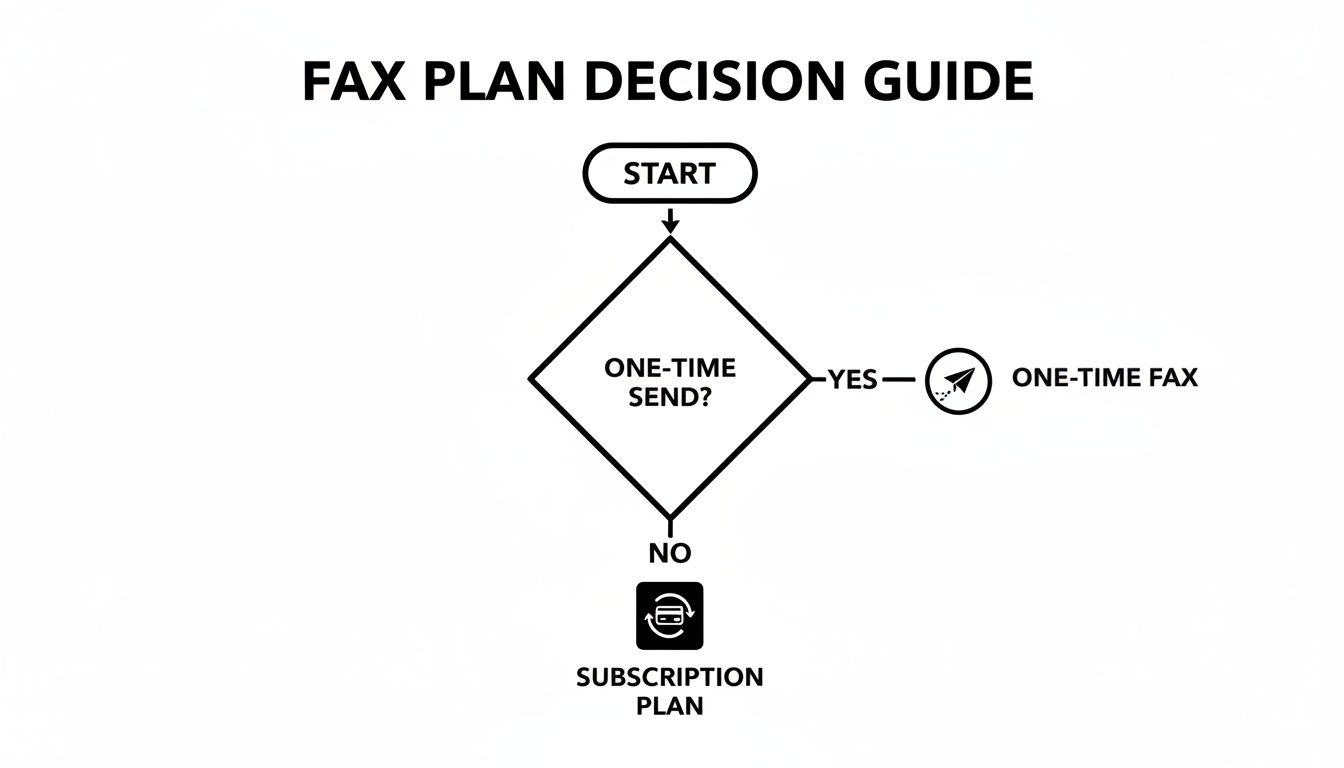
    The first big question to answer is how you want to pay. Pretty much every service falls into one of two buckets: a monthly subscription or a simple pay-as-you-go model. Neither one is inherently better, but one will almost certainly make more sense for you.

    Online Fax Service Models Compared

    To figure out which model is right for you, it helps to see them side-by-side. Think about your faxing habits over the last year—were they consistent or just a one-off thing? This table breaks down the main differences.

    Feature Subscription-Based Plans Pay-Per-Use Services
    Best For Businesses and individuals who fax regularly (e.g., several times a month). People who only need to send a fax occasionally (e.g., a few times per year).
    Cost Structure A flat monthly fee for a set number of pages. Pay for each fax you send, with no recurring charges.
    Cost-Per-Page Typically very low, making it economical for high volume. Higher per page, but you save money by not paying for an unused service.
    Included Features Often includes a dedicated fax number, advanced security, and integrations. Focused on the core function of sending a fax quickly and easily.
    Commitment Requires an ongoing monthly commitment. No commitment; you only pay when you need to send something.
    Common Use Cases A medical office sending patient files, a law firm submitting legal documents, a real estate agent sending contracts. Sending a signed form to a government agency, submitting a one-time application, faxing a document while traveling.

    In the end, it’s a simple calculation: if you fax often enough that the subscription fee is less than what you’d pay for individual faxes, go with the subscription. If not, pay-per-use is the way to go.

    Subscription Plans for Frequent Users

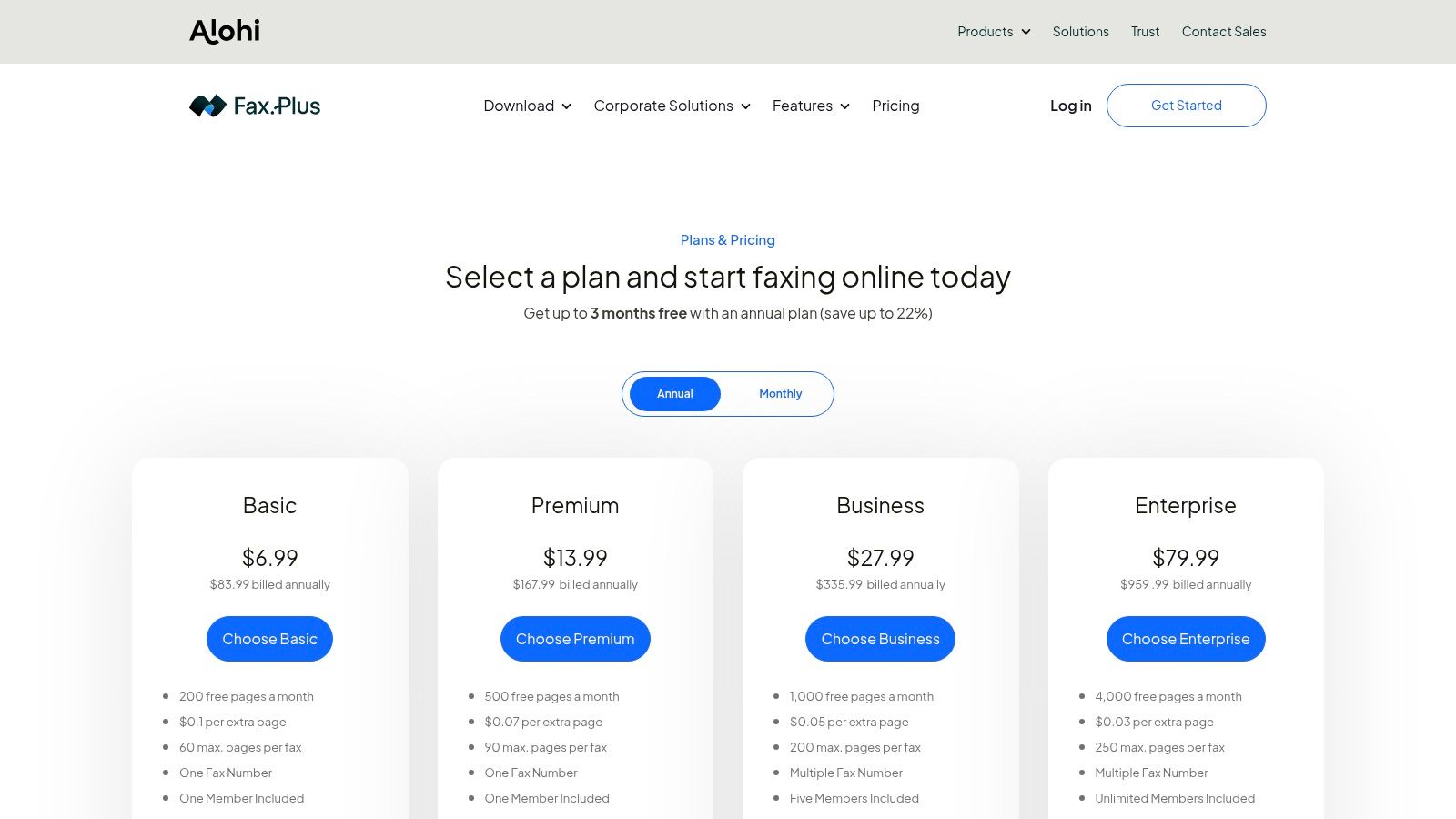
    If sending faxes is a regular part of your workflow, a subscription plan is almost always the smartest financial decision. These plans give you a certain number of pages each month for a flat fee, which dramatically lowers your cost per page.

    Think about a small medical practice that faxes 20-30 documents a month or a law firm constantly filing paperwork with the courts. For them, a subscription is a no-brainer. These plans also tend to bundle in premium features that professionals rely on, like a dedicated fax number, HIPAA compliance, and detailed logs for auditing purposes.

    A good subscription service is like a business utility—you pay a predictable monthly fee for reliable, high-volume access with advanced features. It’s designed for integration into daily operations.

    Pay-Per-Use for Occasional Needs

    On the flip side, what if you only need to send a fax once in a blue moon? A pay-per-use service is your best bet. This is perfect for when you need to send a signed contract, submit a single form to a government agency, or fax a document while you're on the road.

    You simply pay for the single transmission without getting locked into a monthly bill. Services like SendItFax are designed for exactly this kind of scenario. While the cost for one fax might be a bit higher than the per-page rate on a subscription, you end up saving a ton of money by not paying for a service you hardly ever use.

    Key Features You Shouldn't Overlook

    Beyond just the price, a few key features can make a huge difference in your experience. As you compare services, decide which of these are must-haves for you.

    • Security and Compliance: If you handle sensitive information, this is non-negotiable. Look for services that offer TLS encryption to protect your faxes. For anyone in healthcare, HIPAA compliance is an absolute requirement.
    • International Faxing: Don't just assume every service can send faxes globally. If you need to reach numbers outside your country, double-check that the service supports it and take a close look at their international rates. They can vary a lot.
    • Cloud Storage Integrations: The ability to pull a document straight from Google Drive, Dropbox, or OneDrive is a massive time-saver. It means you don’t have to download files to your computer just to upload them again.
    • Mobile Apps: For anyone who works on the go, a good mobile app for iOS or Android is a game-changer. It effectively turns your smartphone into a portable fax machine.
    • API Access: This one is more for businesses. If you want to build faxing directly into your own software, like a CRM or an EHR system, you'll need a service that offers an API to automate those workflows.

    The online fax industry is growing fast—its market value is on track to hit USD 5 billion by 2030. This boom is happening because more and more professionals, especially in legal and healthcare, need secure, mobile-friendly ways to send documents. You can read more about the growth of online fax services on LLCBuddy.com.

    Ultimately, picking the right service comes down to matching its features to what you actually need. For a deeper dive, check out our full online fax services comparison to see how the top providers stack up. Taking a few minutes to think about your needs now will save you a lot of time and money later.

    Confirming Delivery and Troubleshooting Common Errors

    A close-up shot of a computer screen showing a fax delivery confirmation report, with a checkmark indicating success.

    You might think that hitting “send” is the finish line, but until you see that confirmation, the fax hasn’t truly arrived. Delivery confirmation reports act as your digital receipt, giving you a clear audit trail. They’re indispensable when you’re passing along time-sensitive or legally binding documents.

    Most online fax providers either email this report to you automatically or make it available in your dashboard within minutes. Treat it like proof of delivery—keep it on file whenever you’re dealing with contracts, medical records, or financial statements.

    Decoding Your Fax Confirmation Report

    At first, the confirmation report can look a bit dense. Once you know where to focus, though, it becomes a simple overview of your fax’s journey.

    A typical report highlights:

    • Transmission Status: Clear labels such as Success, Delivered, or Failed.
    • Date and Time: The exact moments when the fax was sent and when the session wrapped up.
    • Recipient’s Number: The fax number you dialed, for cross-checking.
    • Number of Pages: Verifies how many pages actually went through.
    • Thumbnail Image: A quick peek at the first page, so you know it’s the right document.

    The confirmation report is more than just a notification; it's your proof of delivery. For legal contracts, medical records, or financial documents, this report can be an invaluable, legally admissible record.

    Solving Common Fax Transmission Errors

    Not every fax sails through on the first attempt, and that’s okay. A “Failed” label usually points to something fixable. Your confirmation report’s error code is your roadmap to a solution.

    Here are the most frequent hiccups:

    • Busy Signal or Line Is Busy: The recipient’s machine was in use. Wait 10–15 minutes and try again.
    • No Answer or No Response: The fax didn’t connect. Check if the receiving machine is powered on, loaded with paper, and has a solid phone line.
    • Invalid Fax Number or Number Unobtainable: A hard failure—double-check that the number is correct and still active.

    These simple steps resolve most issues. If failures persist, verifying the number should be your first move. You can learn more about managing faxes digitally in our guide to the benefits of fax to email systems.

    Proactive Tips For Preventing Failures

    Why troubleshoot when you can prevent errors upfront? A few smart habits can boost your success rate dramatically.

    • Send during off-peak hours. Early mornings or late afternoons often dodge busy signals in busy offices.
    • Embrace cloud-based fax services. The market is projected to hit USD 1,034.34 million by 2025, reflecting a growing need for secure, efficient document delivery. Discover more insights about cloud fax services in a report by DataInsightsMarket.com.

    By getting comfortable with confirmation reports and these troubleshooting steps, you’ll turn faxing from a guessing game into a reliable, trackable process.

    Answering Your Questions About Online Faxing

    If you're new to sending a fax from your computer, you probably have a few questions. It's a big change from the clunky machine in the corner, but the whole point is to make your life easier. Here are the most common things people ask when they're getting started.

    Is It Really Safe to Send Sensitive Documents This Way?

    This is usually the first question people ask, and for good reason. The answer is yes, as long as you use a reputable service. These providers don't just zap your document into the ether; they protect it.

    Top-tier services use strong SSL/TLS encryption—the same security that protects your online banking—to shield your information as it travels to the fax network. Honestly, it's a lot more secure than leaving a sensitive contract sitting on a shared office fax machine for anyone to see.

    For those in fields like healthcare, law, or finance, the stakes are even higher. If that's you, look for services that are specifically HIPAA compliant. This isn't just a buzzword; it means they meet strict federal standards for protecting private information, often including things like secure data storage and detailed audit trails. For many professionals, this makes online faxing the more secure choice.

    The real advantage of a good online fax service isn't just convenience; it's the added security. Encrypting your data and delivering it to a private inbox eliminates the physical risks that come with a traditional fax machine.

    Can I Get Faxes This Way, Too?

    Absolutely. This is where online faxing really shines. Most subscription-based services will give you your own dedicated fax number, and you can usually pick a local or toll-free one that fits your business.

    When someone sends a document to your number from a regular fax machine, the service catches it, converts it into a PDF, and sends it right to your email. You can open, download, and save your faxes just like any other attachment. Your laptop or phone instantly becomes a fax machine, no extra hardware required.

    Do I Need to Buy Any Special Equipment?

    Nope, and that's the whole point. The main reason people look up how to send a fax online is to get rid of the extra hardware and dedicated phone lines. You don't need any of it.

    All you really need is an internet connection. You can send and receive everything right from your web browser or a mobile app on your phone. The service itself handles all the technical heavy lifting of talking to the old-school telephone network, so you don't have to think about it.

    How Is This Any Different From Just Emailing a PDF?

    It’s a great question, because on the surface, they seem similar. But they operate in fundamentally different ways, and those differences are a big deal when it comes to security and legal standing.

    An email bounces across the public internet from server to server, which opens it up to security risks if it isn't perfectly encrypted. An online fax, on the other hand, travels over the Public Switched Telephone Network (PSTN). That’s the same secure, closed network that handles phone calls, and it delivers your document directly to a specific fax number.

    Here's why that matters:

    • It Holds Up Legally: Because of that secure, point-to-point transmission, a fax is often considered a legally binding document for things like contracts or court filings where a simple email might not be accepted.
    • You Get Proof of Delivery: Online fax services give you a detailed confirmation report that acts as a verifiable receipt. It shows the exact time your fax was successfully delivered, something standard email just can't do.
    • It Works for Everyone: You can send a document to someone who only has a traditional fax machine. They don’t need a computer or an email address to get what you sent.

    Think of it this way: online faxing gives you the ease of email but with the security, legal weight, and verifiability of a traditional fax. It's the best of both worlds.


    Ready to send your first fax without the hassle? With SendItFax, you can send your documents from any browser in just a few clicks—no account or subscription needed. Experience the convenience and security for yourself. Send a fax online now with SendItFax.

  • Free Send Fax From Computer A Practical Guide

    Free Send Fax From Computer A Practical Guide

    Even with email and instant messaging, learning how to send a free fax from a computer is a surprisingly useful skill. Web-based services have made it incredibly simple to send digital documents through a fax line, no clunky hardware required. It’s a modern twist on a communication method that’s still essential in many professional circles.

    Why Sending Faxes From a Computer Still Makes Sense

    It’s easy to think faxing is a relic of the past, but for many industries, it's not just an option—it’s a requirement. If you work in healthcare, law, or finance, you know that faxing is still the go-to for secure and legally binding documents. Sending a signed contract, a patient’s medical records, or a sensitive legal filing requires a level of security that a standard email just can't promise.

    A person sitting at a desk and using a computer to send a document.

    This is where the ability to free send fax from a computer bridges the gap. You get the trusted delivery of a traditional fax without needing to own an actual machine. It’s truly the best of both worlds: the convenience of your digital files and the rock-solid reliability of a fax transmission.

    The Modern Faxing Landscape

    The fax machine hasn't disappeared; it's just evolved. Today, most "faxing" happens through online platforms, right from a laptop or desktop. This isn't just about making things easier—it’s about how businesses now handle their most secure information.

    • Security and Compliance: Reputable online fax services use encryption, which is a huge deal for things like HIPAA or legal compliance where data security is non-negotiable.
    • Cost and Efficiency: Think about it: no physical machine, no dedicated phone line, and no more buying paper and toner. The savings in both money and office space add up quickly.
    • Accessibility and Convenience: You can send a fax from literally anywhere you have an internet connection. Your computer becomes a powerful, portable fax machine.

    It might surprise you, but the resilience of faxing is clear: over 80% of organizations reported that their fax usage either stayed the same or increased in the last year. That's a testament to its ongoing importance.

    This trend is backed up by the swift move to cloud-based solutions. Around 31% of high-usage fax industries have already switched to cloud fax systems, and that number is expected to more than double in the next three years. If you're curious, you can explore more insights about the faxing industry to see just how relevant it remains.

    A Practical Skill for Today's Professional

    Knowing how to send a fax from your computer is more than a neat trick; it's a genuinely practical skill. Picture this: you need to send a signed lease agreement to your new landlord immediately, or you have a time-sensitive form for a government agency that only accepts faxes. Instead of scrambling to find a local print shop with a fax machine, you can get it done in minutes, right where you are.

    This guide will walk you through exactly how to do that.

    Getting Your Documents Ready for a Perfect Fax

    Before you even think about sending a free fax from your computer, the real work happens offline. Getting your documents prepped correctly is the key—it’s what separates a clean, successful transmission from a garbled mess on the other end.

    A person scanning a document with their smartphone to create a digital file.

    Often, you're starting with a physical piece of paper, like a signed form or an invoice. These days, your smartphone is your best friend for this. You don't need a clunky office scanner; an app like Adobe Scan or even the native Notes app on an iPhone can produce a surprisingly sharp digital copy.

    Turning Paper Into a Digital File

    Good lighting is your secret weapon when scanning. Find a spot with even, bright light and avoid casting shadows across the page. I've found that laying the document on a dark, flat surface really makes the text pop and helps the camera focus.

    Hold your phone parallel to the paper to avoid that weird, distorted look. Remember, the recipient needs to be able to read every word. If it's a signed contract, that signature has to be crystal clear. Once you’re happy with the scan, save it as a PDF. It's the gold standard for online faxing and just about every service accepts it.

    If you're new to this whole process, our complete guide on how to send a fax online is a great place to start. It walks you through everything from start to finish.

    Handling Files Already on Your Computer

    What if your document is already digital, like a Word file or a Google Sheet? The best practice is to convert it to a PDF first. This simple step locks everything in place—the fonts, the layout, the tables—so it looks exactly the same for the recipient as it does for you.

    Most programs make this incredibly easy:

    • In Microsoft Word, just go to File > Save As and select PDF from the format list.
    • In Google Docs, you’ll find it under File > Download > PDF Document (.pdf).

    This small action prevents a world of headaches from compatibility problems.

    A common pitfall I see is people trying to fax huge image files. Free fax services always have size limits. A standard, text-based PDF is lightweight and transmits smoothly, avoiding timeouts or failures.

    One last tip: if you have a multi-page document, like an application or a report, combine all the pages into a single PDF file. It’s far more professional and guarantees the pages arrive in the right order. There are plenty of free online tools, like Adobe’s PDF merger, that can stitch them together for you in just a few clicks.

    How to Send Your First Free Fax From Your Computer

    Alright, you've got your document scanned and saved. Now for the easy part. Let's walk through actually sending that fax. We'll use a real-world example: you need to get a signed rental application over to a property manager, and they're asking for a fax. Classic situation.

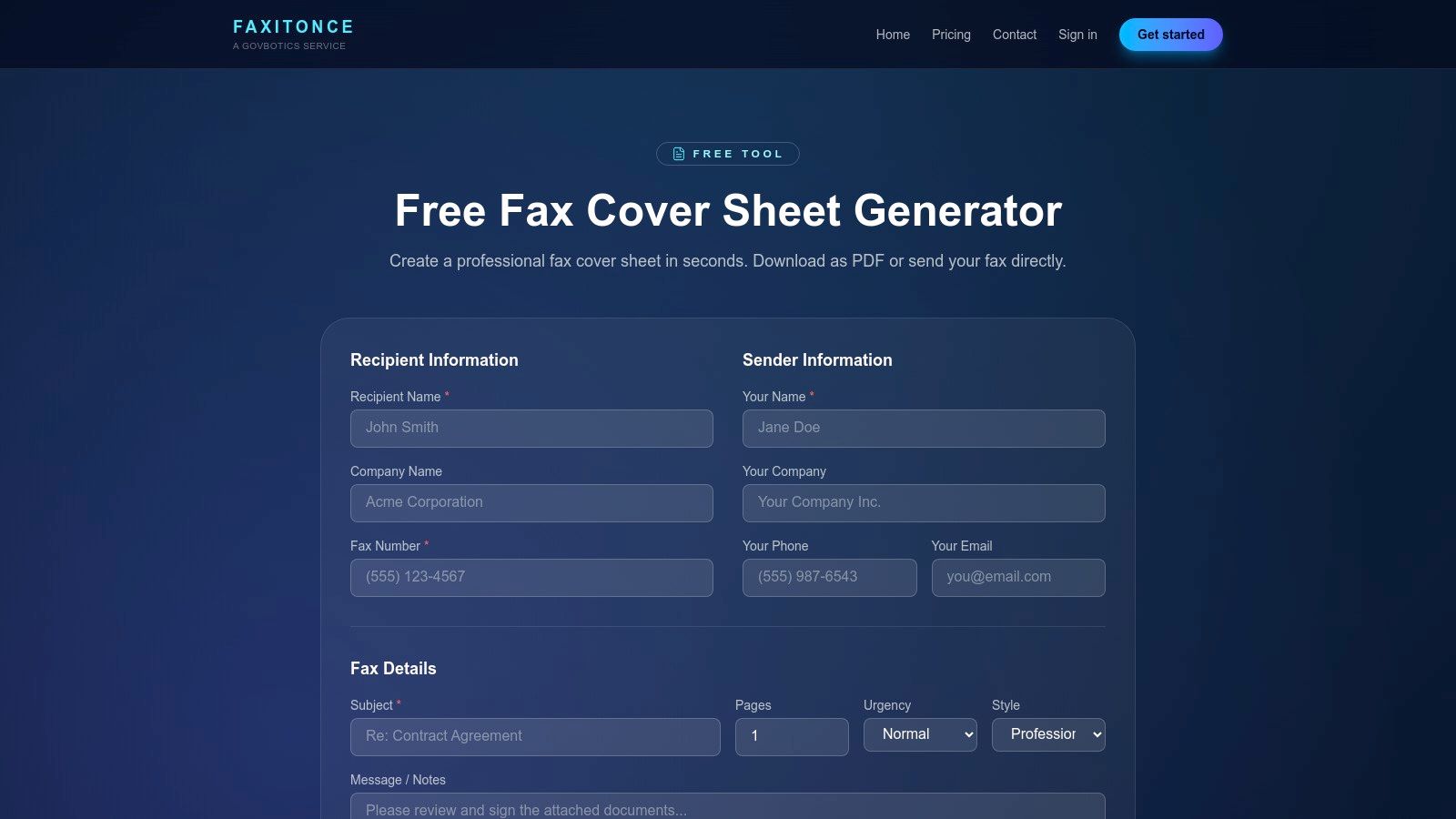
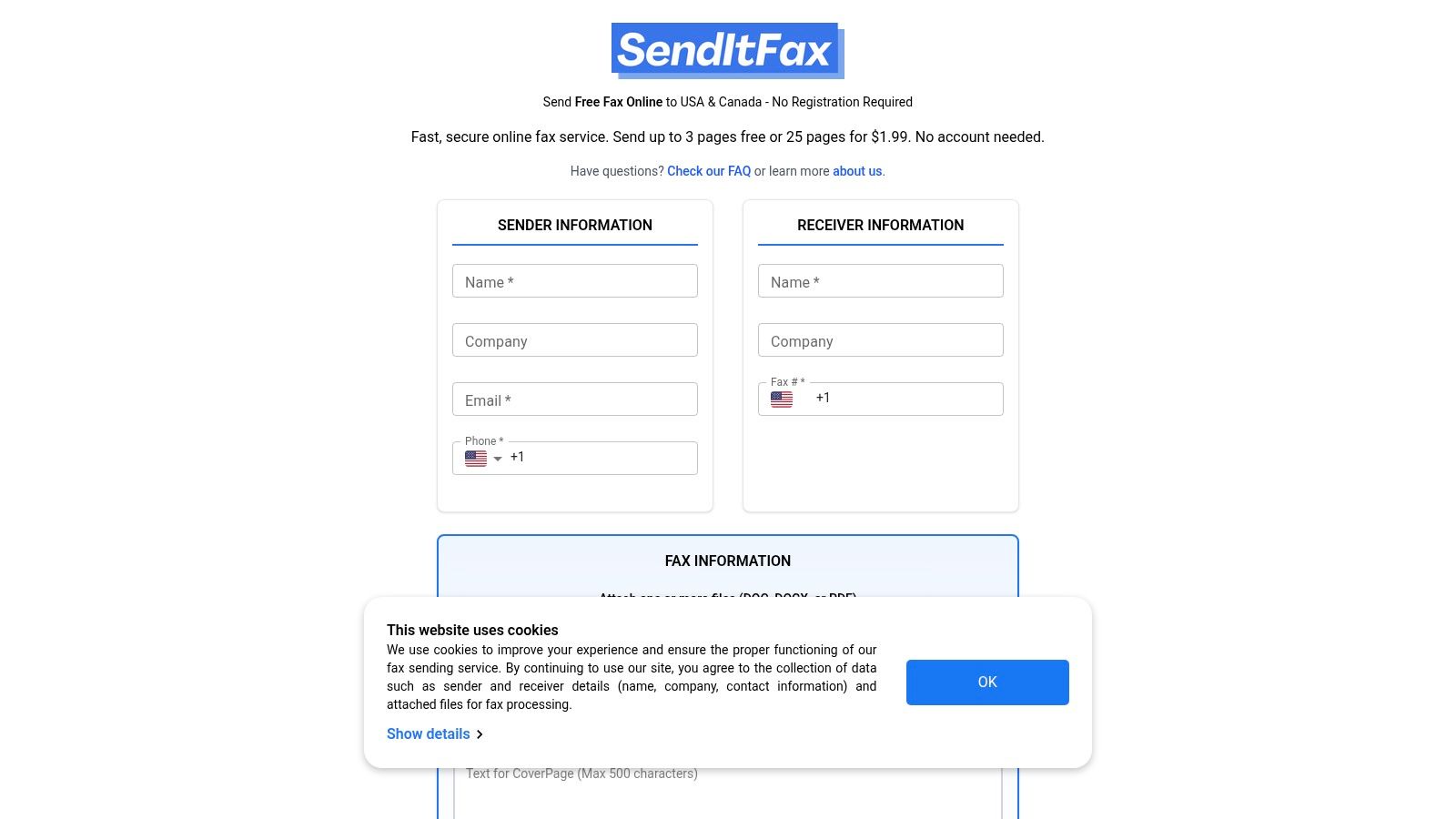
    Head over to the SendItFax website. The first thing you'll notice is how simple the layout is—it’s designed to get your fax out the door without a bunch of confusing steps. You’ll see a clean form asking for sender and receiver info.

    Filling Out Sender and Recipient Info

    This is the part you want to get right on the first try. Start by putting in your name and a good email address. Why is the email so important? Because that's where your delivery confirmation will land. That email is your proof that the fax went through successfully, so make sure it’s an address you check regularly.

    Next up is the recipient’s information. Enter their name and, most critically, their fax number. For faxes going to the U.S. or Canada, it's just the standard 10-digit number. Getting even one digit wrong is the number one reason faxes fail, so it pays to be careful here.

    My Two Cents: Before I send anything important, I always double-check the fax number. A quick phone call or an email to the recipient to confirm the number can save you a massive headache later. It takes 30 seconds and prevents a failed transmission every time.

    Uploading Your Document and Prepping a Cover Page

    Time to get your document loaded up. You’ll see a button that says something like "Upload File" or "Choose File." Clicking it will open your computer’s file explorer. Go find that rental application PDF you just created and select it. The file name should pop up on the page, letting you know it's attached and ready to go.

    The SendItFax interface is really clean, as you can see. Everything is clearly labeled, so you’re not left guessing where to put the recipient's name or how to attach your file.

    Now, let's talk about the cover page. Even though it might be optional, I always recommend using one. Think of it as the envelope for your fax—it tells the person on the other end exactly who this is for, who sent it, and what they're about to read.

    A good cover page message doesn't need to be long, just clear.

    • To: "Attn: Jane Doe, Property Manager"
    • From: "John Smith"
    • Re: "Rental Application for 123 Main St."
    • Pages: "4 (including cover)"

    This little bit of info is a game-changer in a busy office. It makes sure your application lands directly on the right desk instead of getting lost in a pile of papers. This is a perfect example of how modern tech makes old-school processes better. If you're curious about the mechanics behind this, you can learn more about how fax to email technology works and connects these two worlds.

    With all your info entered and the file attached, you’re on the final step. You'll probably see a quick CAPTCHA to verify you're a human. Check that box, hit the send button, and you're done. The service takes over, and you just have to wait for that confirmation email to hit your inbox.

    What's the Catch with Free Fax Services?

    It's great that you can free send fax from a computer, but it’s wise to go in with your eyes open. "Free" almost always comes with a few trade-offs. These services are genuinely perfect for sending a quick form here and there, but they have some very real limitations you need to know about before you start.

    A magnifying glass hovering over the fine print of a document.

    The most obvious trade-off is branding. To keep the lights on, most free providers will add their logo or a small ad to your cover page. If you're just sending a permission slip to your kid's school, who cares? But if it's a client proposal or a sensitive legal form, that third-party logo can look a little unprofessional.

    Getting to Grips with Page and Daily Quotas

    Beyond branding, you're going to run into usage caps. This is how providers ensure the service is available for everyone and isn't dominated by a few power users. Think of it less like an all-you-can-eat buffet and more like a free sample at the grocery store.

    The limits are usually broken down in two ways:

    • Pages Per Fax: You’ll be limited in how many pages you can include in a single transmission. Most free plans cap this at 3 pages plus the cover sheet.
    • Faxes Per Day: There's also a daily limit on the number of faxes you can send in a 24-hour period.

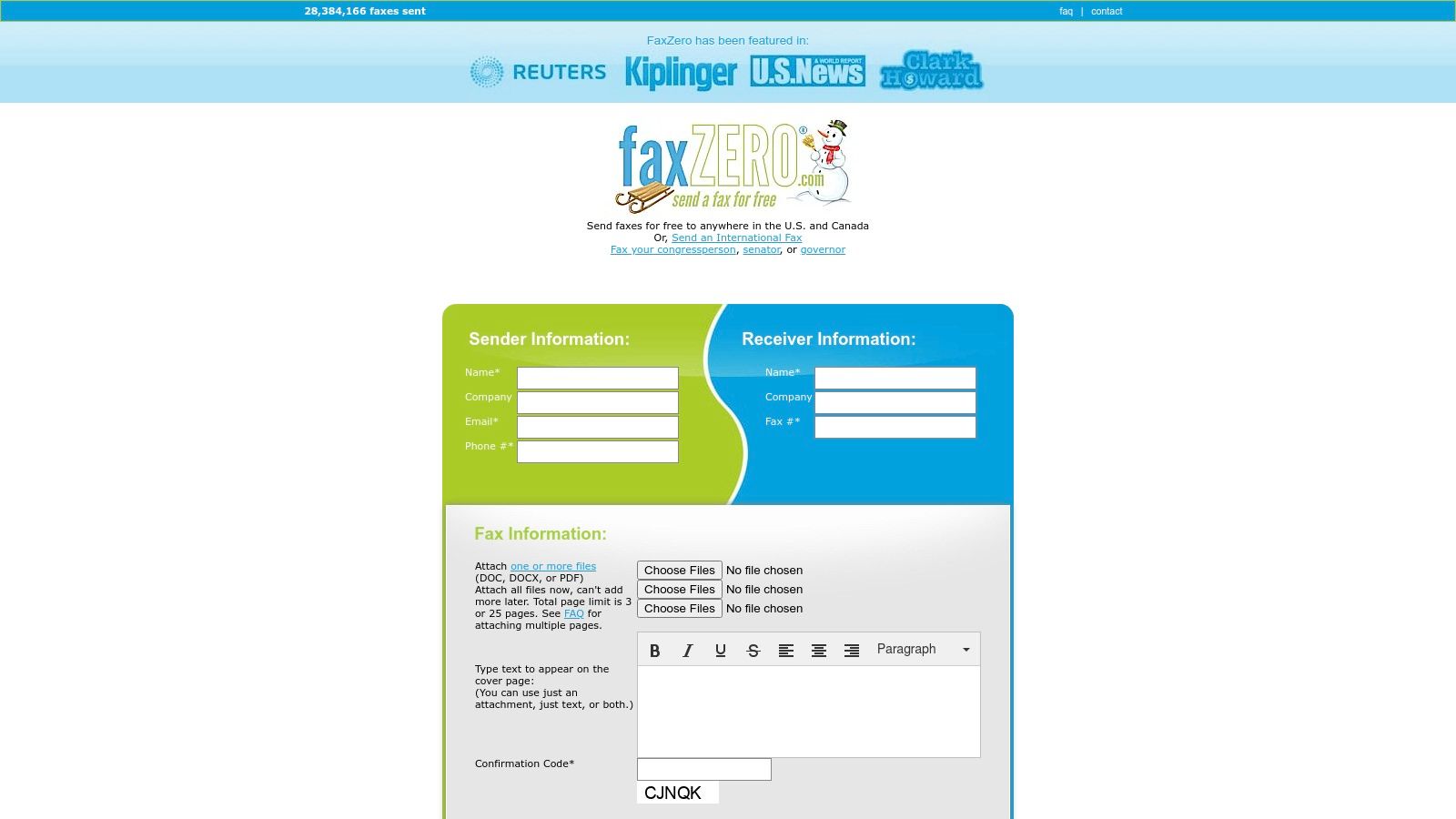
    This is why it pays to shop around. For example, a service like FaxZero might let you send up to five free faxes daily (each with that three-page limit). Another, like GotFreeFax, might only offer two per day. You can always compare different free online fax services to see which one fits your immediate need.

    The bottom line is this: free services are built for the short-and-sweet fax. They are ideal for sending a quick, one-off document like a signed permission slip or a doctor's referral form.

    When It's Time to Upgrade to a Paid Plan

    So, when does a free service stop being a good deal? The tipping point usually comes when your faxing needs become more frequent, more professional, or both. For just a few dollars, you can unlock a suite of features that free services just don’t offer.

    Here’s a quick comparison of what you can typically expect from free versus paid online faxing.

    Free vs Paid Online Fax Service Comparison

    Feature Free Services (Typical Offering) Paid Services (Typical Offering)
    Sending Faxes Yes, with page and daily limits Yes, with much higher or unlimited volume
    Receiving Faxes No Yes, with a dedicated fax number
    Cover Page Branding Mandatory provider branding/ads Clean, customizable, or optional
    Document Length Limited (e.g., 3-5 pages) High (e.g., 25-200+ pages)
    Customer Support Limited to FAQs or email Phone, chat, and priority email support
    Security Basic encryption Enhanced security, HIPAA compliance options
    Fax Storage None or very limited Secure cloud storage and fax history

    This table makes it pretty clear. If you find yourself in any of the situations below, it's probably time to consider a paid plan.

    • You need to receive faxes. This is the number one reason to upgrade. Free services are a one-way street; if you need clients to send documents to you, you need a dedicated fax number from a paid plan.
    • You're sending more than a couple of faxes a day. Hitting those daily limits gets old fast. Paid services let you send a much higher volume without worry.
    • Your documents are more than a few pages long. A free service won't cut it for a 20-page contract. A paid plan, like the Almost Free option from SendItFax, easily handles documents of 25 pages or more.
    • You need to look professional. A clean, unbranded cover sheet (or no cover sheet at all) makes a world of difference. Upgrading ensures your correspondence looks polished every single time.

    What to Do When Your Fax Fails to Send

    It’s happened to all of us. You’ve prepped your document, filled everything out, hit send… and a few minutes later, you get that dreaded "transmission failed" notification. It’s frustrating, but don't worry—the fix is usually something simple.

    Nine times out of ten, the problem is a simple typo in the fax number. It’s so easy to do, especially when you’re in a rush. Before you start digging into complex solutions, just double-check the number you typed against the one you were given. A single wrong digit will send your fax into the void.

    Digging a Little Deeper: Common Sticking Points

    If you're positive the number is correct, the next thing to check is the document you're trying to send. While online fax services are pretty flexible, they can sometimes choke on specific files. The two biggest culprits I see are file size and scan quality.

    A massive, high-resolution PDF packed with images might be too much for a free service to process, causing the connection to time out. On the flip side, a poor-quality scan with blurry text or dark smudges might be unreadable to the receiving fax machine, which will just reject it.

    My Go-To Trick: If you suspect your file is too large, try re-saving it as a "reduced size" or "compressed" PDF. Pretty much any PDF software (like Adobe Acrobat or even the Preview app on a Mac) has this feature. This one step can shrink the file down dramatically without losing much clarity, often fixing the problem instantly.

    Another classic issue is just a plain old busy signal. A fax number is still a phone line, after all. If the machine on the other end is in the middle of receiving another fax or is an all-in-one printer being used to make copies, your attempt will fail. The only solution here is patience. Give it 10 or 15 minutes and try again.

    Quick Fixes for Common Headaches

    Let's run through the most common issues you'll face when you free send fax from a computer and exactly how to solve them.

    • The Problem: "Transmission Failed" Error

      • The Fix: First, re-verify every digit of the fax number. Seriously. If that’s not it, shrink your document's file size. As a last resort, wait about 15 minutes and resend it to get past a potential busy signal.
    • The Problem: They Received It, but It's Blurry

      • The Fix: This is almost always a bad scan. Find a spot with good, even lighting and re-scan your document. Hold your phone or scanner steady and perfectly parallel to the page. Zoom in on the PDF to make sure it's sharp before you try sending it again.
    • The Problem: It Never Arrived, but You Got No Error Message

      • The Fix: Check your email for a delivery confirmation. If the service says it was delivered, the problem is likely on their end. A quick phone call to the recipient often reveals their machine is out of paper or toner.

    And a quick note on security: Reputable online fax services encrypt your documents during transit. This often makes sending a fax from your computer a more secure choice than using the shared office machine where your sensitive papers might sit in the output tray for anyone to see.

    With these troubleshooting tips in your back pocket, you can handle just about any little hiccup that comes your way.

    Knowing When to Upgrade to a Professional Fax Service

    The ability to free send fax from computer is a lifesaver for those one-off situations. Need to send a signed document to your accountant? Perfect. But at some point, you might find that the limitations of a free tool start to get in the way. Knowing when you’ve hit that wall is key to keeping your workflow smooth and professional.

    Frankly, the most obvious sign it's time to upgrade is when you need to receive faxes. Most free services are a one-way street—they let you send documents out, but that’s it. If you have clients, doctor's offices, or vendors who need to send faxes to you, a paid service with your own dedicated fax number becomes essential. There’s really no way around it.

    Identifying Your Upgrade Triggers

    Beyond just receiving faxes, there are a few other clear signals that you've outgrown a free plan. If any of these start to sound familiar, it’s probably time to look into a professional service.

    • You're Sending A Lot: Are you constantly bumping up against the daily sending limits? Or maybe you’re trying to send a 20-page contract and the free service caps you at five pages. This becomes a real bottleneck, fast.
    • You Handle Sensitive Information: If you're in healthcare, law, or any field dealing with private data, you can't afford to take risks. A paid service offering HIPAA compliance and robust security isn't just a nice-to-have; it's a requirement.
    • Your Brand's Image Matters: That "Sent via SendItFax" branding on the cover page is fine for personal use. But when you’re sending a business proposal or a legal notice, you need a clean, professional look. An unbranded fax is non-negotiable for serious business.

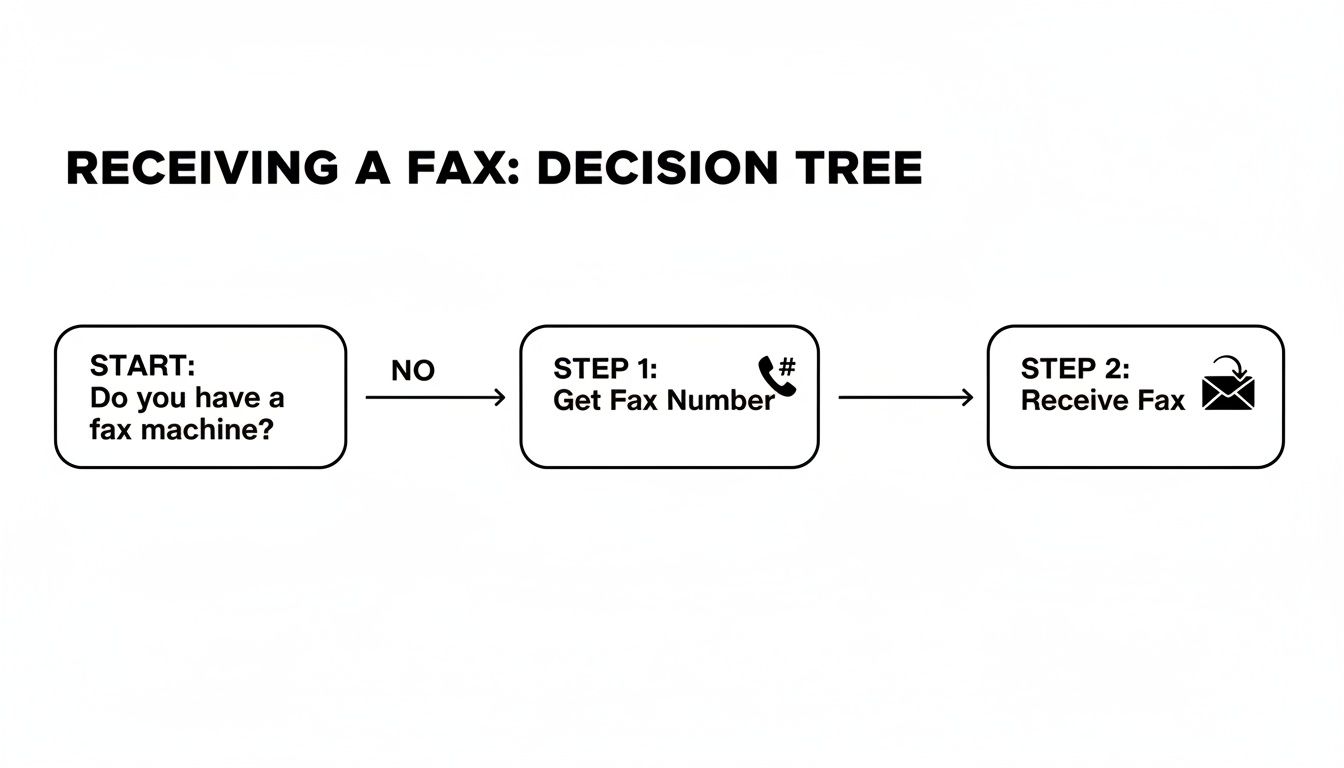
    The infographic below shows a simple troubleshooting flow, but the same thinking applies here. When you keep running into the same limitations over and over, that's your cue to upgrade.

    Infographic about free send fax from computer

    If you’re repeatedly getting errors or hitting page limits, it’s a strong sign you need a more robust tool with better support and fewer restrictions.

    The Value of a Paid Subscription

    Stepping up to a paid plan isn’t just about removing the annoyances of a free service. It’s about unlocking a whole new set of professional tools. Think electronic signatures, integrations that automate parts of your workflow, and detailed transmission logs that give you peace of mind. The online fax market is exploding—projected to hit $4.48 billion by 2030—precisely because of these powerful, cloud-based features. You can dig into the numbers yourself on the global fax services market on Research and Markets.

    Ultimately, upgrading is an investment in reliability and professionalism. When faxing becomes a regular part of your operations, a dedicated service ensures every document is handled securely and efficiently, reflecting the quality of your work.

    Choosing the right service really comes down to what you need. To help you sort through the options, check out our online fax services comparison where we break down the different plans and features.


    When you're ready for more features, SendItFax offers a powerful yet affordable Almost Free plan. Remove branding, send up to 25 pages, and get priority delivery for just $1.99 per fax. Get started today at https://senditfax.com.

  • Send a Fax From Computer Free A Practical Guide

    Send a Fax From Computer Free A Practical Guide

    Absolutely. You can send a fax from your computer for free using a browser-based service like SendItFax. These platforms are straightforward: you upload your document, punch in the recipient's fax number, and send it off right from your web browser. No account setup, no fax machine needed.

    Why You Still Need to Send Faxes From Your Computer

    A person sending a document from a laptop to a fax machine, illustrating the convenience of online faxing.

    I get it—faxing feels like a technology from a bygone era. But in the professional world, it’s still surprisingly relevant and, in some cases, non-negotiable. While we use email for almost everything, faxing maintains a unique role because of its security and legal weight. It's not a relic; it's a specialized tool.

    Fields like healthcare, law, finance, and government still count on faxing every single day. The reason is simple: a fax transmission is often treated as a legally binding document, and its direct point-to-point connection is considered more secure than email for transmitting highly sensitive data.

    This makes it the preferred method for things like:

    • Signed contracts and official legal paperwork
    • Patient medical records and insurance claims
    • Government forms and applications
    • Purchase orders and critical invoices

    The Modern Way to Fax

    This is exactly why knowing how to send a fax from your computer for free is such a useful skill to have. Online fax services elegantly bridge the gap between this old-school, trusted technology and our modern digital lives. Forget trying to find a working fax machine at a local shop—you can send your most important documents right from your laptop or desktop.

    You might be surprised by its staying power. Back in 2017, the US alone saw about 200 billion fax pages sent, which works out to roughly 6,000 pages every second. It’s a clear sign that this communication method is far from obsolete. You can read more about the resilience of the faxing industry to see just how embedded it still is.

    Taking this digital approach is just smarter. It's incredibly convenient, secure, and saves you money. You cut out the costs of paper, ink, and a dedicated phone line, making the whole process cleaner and far more efficient. For a one-off document or even occasional business use, it’s the most practical way to handle official transmissions.

    Getting Your Documents Ready for Digital Faxing

    Before you can fire off that fax from your computer, you've got to make sure your document is prepped and ready to go. Think of it this way: you wouldn't send a blurry, crumpled piece of paper through a traditional fax machine and expect it to come out clean on the other side. The same principle applies here. The online service needs a clear, compatible file to do its job properly.

    Most free services, including SendItFax, are built to handle a few key file types really well. Sticking with these formats is the easiest way to avoid a frustrating "transmission failed" error.

    Common File Formats for Online Faxing

    Here’s a quick rundown of the most common file types you'll encounter and why they work.

    File Format Commonly Accepted? Best Practice Tip
    PDF (.pdf) Yes (Best Choice) This is the gold standard. It locks in your formatting, so what you see is exactly what they get.
    Word (.docx, .doc) Yes Great for text-based documents like letters, resumes, or reports.
    Image (.jpg, .png) Yes Ideal for sending a quick scan of a signed document, a receipt, or a photo ID.

    Basically, if you can save it as a PDF, you're in great shape. Almost any program you use today, whether it's a word processor or an image editor, has a "Save As" or "Export to PDF" option. It's a simple step that solves 99% of format-related headaches.

    How to Ensure a Clear Transmission

    Getting the file type right is the first step, but the clarity of your document is just as important. A digital fax service takes your file and converts it into a black-and-white image to send over the phone lines. If the source file is fuzzy or low-contrast, the received fax will be even worse.

    The best way to guarantee a readable fax is to use high-contrast documents. Black text on a clean white background is your safest bet. Avoid using fancy fonts, light gray text, or colorful backgrounds, as they often translate poorly and can make the final fax look like a smudged mess.

    For more in-depth advice, our complete guide on how to send a fax online covers everything you need for a perfect transmission.

    Pro Tip: Here’s a quick quality check I always do. Before uploading, zoom in on your document to 200%. If any text or signatures look pixelated or blurry on your screen, you can bet they will be unreadable when the fax arrives.

    A Walkthrough of Sending a Free Online Fax

    With your document prepped and ready to go, it’s time for the easy part: actually sending it. Forget the clunky buttons and weird screeching noises of an old fax machine. Sending a fax from your computer is a straightforward process, and most free services like SendItFax use a similar, intuitive layout.

    When you land on the sending page, you’ll typically find a simple form. This is your entire control panel, where you'll plug in all the details for the transmission.

    Entering Sender and Recipient Details

    First things first, you'll need to enter your own information, usually just your name and email address. That email is important—it's how the service will let you know if your fax went through successfully.

    Next, type in the recipient’s name and, most importantly, their fax number. For faxes going to the U.S. or Canada, just stick to the 10-digit number. No need for dashes or parentheses. If you're sending a fax overseas, you’ll have to add the country code first, like +44 for a number in the United Kingdom.

    I can't stress this enough: double-check that fax number. A single mistyped digit is hands-down the most common reason a fax fails to send.

    This whole digital approach is why the online fax market is on track to hit $1.2 billion by 2025. People and businesses are clearly embracing these simpler, more secure solutions. If you're curious, you can discover more insights about the online fax market and see just how fast it's growing.

    Uploading Your Document and Crafting the Cover Page

    Alright, now look for a button that says something like "Choose File" or "Upload Document." Clicking this will let you browse your computer and select the PDF or DOCX file you prepared earlier. After you select it, you should see the file name appear on the form, which is your confirmation that it's attached.

    The infographic below really nails the workflow for getting your documents in order before you even reach this point.

    Infographic about send a fax from computer free

    Think of that prep work—converting, optimizing, and formatting—as the foundation for a perfect transmission.

    Finally, you’ll see an area to add a cover page message. Don't skip this. A cover page is basically the "subject line" for your fax, telling the recipient who it's from and why it's important.

    A solid, professional cover page should always include:

    • The recipient's full name and department.
    • Your full name and contact info.
    • A clear, concise subject (e.g., "Signed Contract for Project Alpha").
    • The total page count, including the cover page itself.

    Taking 30 seconds to fill this out can be the difference between your document getting immediate attention and it getting lost in a pile on a shared office machine. It just looks more professional and helps get your fax routed to the right person quickly.

    While some platforms also let you send faxes right from your email, I find that using the web form gives you much better control over the cover page. If that email method sounds interesting, though, you can learn all about how to fax via email in our other guide.

    Once all the fields are filled and your document is attached, all that's left is to hit that send button.

    Knowing the Limits of Free Fax Services

    https://www.youtube.com/embed/vwF_GI5AWh0

    The ability to send a fax from computer free is a lifesaver, but it's important to go in with your eyes open. These services are businesses, so they naturally have some ground rules to keep their platforms running without a fee. Understanding these trade-offs from the start will save you from hitting a roadblock when a deadline is looming.

    The first and most common limit you'll run into is the page count. Most free providers will cap a single fax at three to five pages, and that's often not including the cover sheet. This works perfectly for sending a signed contract page or a quick invoice, but it’s a non-starter for a lengthy legal document.

    Daily Sending Caps and Provider Branding

    On top of page limits, almost every free service puts a cap on how many faxes you can send per day. Usually, you’re looking at a maximum of two to five faxes in any 24-hour period. For the average person who only faxes once in a blue moon, that's plenty. But if you need to send the same document to several people, you’ll hit that limit fast.

    Another thing to expect is branding. To cover their costs, free services will typically add their logo or a small ad to your cover page. For personal faxes, it’s no big deal. For official business, however, it might not project the professional image you're going for.

    Free fax services are fantastic tools for occasional, low-volume tasks. They're built for sending a few pages here and there, not for handling the demands of a busy office or high-stakes communication.

    Most free online fax services in 2025 are designed for this kind of light use, often limiting you to just a few faxes per day within the US and Canada. You can see how different providers stack up by checking out some reviews of top free fax providers.

    Finally, and this is a big one, free services are almost exclusively for sending faxes. If you need to receive a fax, you'll need a dedicated fax number. That's a feature that's pretty much always reserved for paid plans. For a more detailed guide, take a look at our post on how to send a fax online for free.

    What Happens After You Send Your Fax

    So, you’ve filled out the form, attached your document, and clicked that big "Send" button. What now? This is where the magic of online faxing really shines, because you’re not left wondering if your document made it to its destination.

    Unlike dropping a letter in a mailbox, you get a clear confirmation.

    Keeping an Eye on Your Fax's Journey

    Once your fax is on its way, the service gets to work. It dials the recipient's number, waits for that classic fax machine handshake (that familiar screeching sound), and then transmits your document page by page. This whole process usually only takes a few minutes.

    The best part? You don't have to babysit it. The service will send you an email notification letting you know the outcome. You can expect one of two messages:

    • Success: A confirmation email will land in your inbox, telling you the fax was delivered successfully. This email is your digital receipt—proof that your document arrived.
    • Failure: If the transmission doesn't go through, you'll get an alert explaining why. This is incredibly helpful because it's usually for a simple, fixable reason.

    A person looking at a laptop screen showing a fax delivery confirmation email.

    Troubleshooting a Failed Fax

    Getting a "failed" notification can be frustrating, but it’s rarely a major issue. In my experience, it almost always comes down to one of these common culprits:

    • The recipient's line was busy. This happens all the time, especially in busy offices. The simple fix is to wait a few minutes and try sending it again.
    • You mistyped the fax number. It's the number one reason for failure. Go back and carefully double-check every single digit before you resend.
    • It was answered by a human voice. Someone might have accidentally picked up the phone on the other end. Just like a busy signal, the solution is to wait a bit and retry.
    • The receiving machine is out of paper or ink. This is an old-school problem, but it still happens. If you’ve tried a couple of times and it keeps failing, it might be worth calling the recipient to let them know.

    Most modern online fax services, including SendItFax, will automatically try to resend the fax a few times if they hit a busy signal. This behind-the-scenes effort solves the problem for you more often than not.

    Commonly Asked Questions About Free Online Faxing

    If you're new to sending faxes from your computer, you probably have a few questions. Here are some of the most common ones I hear, along with straightforward answers.

    Is It Secure to Send Documents This Way?

    Yes, it's generally very secure. Reputable online fax services use SSL encryption to protect your document as it travels from your computer to their servers. The final leg of the journey—the actual transmission over phone lines—is also inherently secure.

    That said, for extremely sensitive information, it's always smart to review the service's privacy policy. Also, be aware that free services often place their own branding or small ads on the cover page, which might not be ideal for every professional situation.

    Can I Receive Faxes on My Computer for Free?

    Receiving faxes is a feature that's almost exclusively part of paid plans. Free services are designed for sending only because receiving requires a dedicated fax number that's assigned just to you. While some providers might offer a free trial that includes a temporary number, it's not a sustainable long-term solution for getting faxes.

    What Should I Do If My Document Is Too Long for the Free Limit?

    If your document is longer than the typical three– to five-page limit, you could split it into multiple faxes. However, that can be a real hassle for the person on the receiving end.

    Honestly, the most practical solution is to just upgrade to a low-cost paid plan for that one fax. These plans give you much higher page limits, remove any branding, and offer a more professional experience for larger or more critical documents.

    Got Questions About Faxing From Your Computer?

    Even with a simple process, a few questions always pop up the first time you try to send a fax from your computer for free. Let's tackle some of the most common ones I hear.

    How Secure Is It, Really?

    This is a big one, and the short answer is: yes, it’s generally quite secure. Any reputable online fax service, including SendItFax, uses SSL encryption. Think of it as the same security that protects your credit card information when you buy something online. It scrambles your document from the moment it leaves your computer until it reaches the fax service's servers.

    From there, the fax travels over traditional phone lines, which are inherently secure. That's a major reason why industries like healthcare and legal still lean on faxing for sensitive documents.

    One thing to keep in mind, though: free services often add their logo or a small ad to the cover page. For most things, this is no big deal. But if you're sending a formal business proposal or a legal document, it might not look as professional as you'd like.

    Can I Get Faxes on My Computer for Free, Too?

    Unfortunately, receiving faxes is almost always a feature you have to pay for. Free services are built for sending documents, not receiving them.

    Think of it this way: to receive a fax, you need a dedicated phone number that belongs only to you, and maintaining that number costs the service provider money.

    You might find a service offering a free trial that includes a temporary number for receiving faxes, but it’s not a permanent solution. For all practical purposes, free online faxing is a one-way street.

    What If My Document Is Too Long for the Free Limit?

    You’ve got a ten-page contract, but the free service caps you at five pages. What now?

    While you could split the document into two separate faxes, that's often a hassle for the person on the other end. Imagine them trying to piece together two different transmissions—it’s not a great experience.

    The best move here is usually to opt for a one-time paid send or a temporary upgrade to a low-cost plan. This lets you send the entire document at once, removes any ads, and gives you a more professional-looking result.


    Ready to send a longer fax without the branding? With SendItFax, you can send up to 25 pages with priority delivery for just a small one-time fee. Try it now at https://senditfax.com.

  • How to send fax from computer free – Easy Online Faxing

    How to send fax from computer free – Easy Online Faxing

    Absolutely. You can send a fax from your computer for free with web-based services like SendItFax. Think of it as a digital bridge—you upload your document, type in the recipient’s fax number, and send it off right from your browser. No physical fax machine required.

    Why Bother Faxing from a Computer in 2024?

    It sounds a bit old-school, right? But faxing is still a go-to method in many industries for a reason. Fields like healthcare, law, and government rely on it for transmitting sensitive documents securely. When you need to send a signed contract, a patient's medical records, or an official government form, a fax is often treated as a legally binding transfer, which isn't always the case with email.

    The great thing is you don't need a bulky machine gathering dust anymore. Sending a fax from your computer for free perfectly blends today's digital convenience with these long-standing business needs.

    What Are the Real Perks of Online Faxing?

    Switching from a traditional machine to a free online fax service comes with some immediate, tangible benefits. The convenience alone is a huge win—you can send documents from your home office, a coffee shop, or anywhere you have an internet connection.

    Then there are the cost savings. You can say goodbye to expenses for paper, ink cartridges, toner, and surprise machine repairs.

    Security is another big one. Good online services use encryption to safeguard your documents in transit. Frankly, that’s often a lot more secure than leaving a sensitive document sitting out in the open on a shared office fax machine.

    Traditional Fax Machine vs Online Fax Service

    Here’s a quick comparison to see how sending a fax from your computer stacks up against the old-school method.

    Feature Traditional Fax Machine Free Online Fax Service
    Hardware Requires a dedicated fax machine and phone line None; uses your computer and internet connection
    Supplies Needs paper, ink, or toner None; completely digital
    Accessibility Limited to the physical location of the machine Accessible from anywhere with internet
    Cost Machine purchase, line rental, and supply costs Free for basic use; no recurring costs
    Security Documents can be left exposed on the machine Uses encryption for secure transmission
    Confirmation Prints a physical confirmation page Sends an email confirmation

    As you can see, the online approach offers a modern, efficient, and cost-effective alternative without sacrificing the core function of faxing.

    How Does It Actually Work?

    Behind the scenes, the process is pretty clever. When you send a fax from your computer, the online service acts as a digital middleman. It takes your file—like a PDF or Word document—and converts it into the specific analog signal that a traditional fax machine can understand.

    The service then dials the recipient's fax number over a phone line and transmits your converted document.

    It’s like having a temporary digital connection to the global telephone network, just for your fax. You get the benefits of the old system without needing any of the old hardware. It’s a simple and effective solution for a common business task.

    This is why you need the recipient's information, including a valid fax number. If you're curious about the technical side, our guide on what is a fax number explains what makes it different from a standard phone number. The shift to these services is a global trend, with the online fax market expected to hit $1.2 billion by 2025 as more businesses embrace cloud-based tools.

    Sending Your First Free Fax From Your Computer

    So, you need to send a fax and don't have a machine? No problem. Let's walk through how to send a document right from your computer, completely free. We'll use a popular service as our example to show you just how simple it is. You can have your fax sent in the next few minutes.

    First things first, pull up your web browser and navigate to a free online fax site like SendItFax. The great thing about services like this is their simplicity. You land on the page, and the sending tool is right there—no need to create an account or install any software. Perfect for when you're in a hurry.

    This is what you'll see on their homepage. Everything you need is on one screen.

    As you can see, it's a clean, no-fuss layout designed to get your document on its way without any confusion.

    Who's Receiving the Fax?

    The most important part, of course, is telling the service where your fax needs to go. Find the section for the recipient's information.

    You’ll need to fill in these details:

    • Recipient's Name: Pretty self-explanatory. Pop in the name of the person or company you're sending the fax to. It just helps make sure it lands on the right desk.
    • Fax Number: This is where you need to be careful. Enter the full 10-digit fax number. Don't add any spaces or dashes. A single typo here is the number one reason faxes fail, so I always give it a second look.
    • Country Code: Don't skip this! The default is usually +1 for the U.S. and Canada. If you're sending a fax within North America, you're good to go. But sending internationally without the correct code is a guaranteed failure.

    My Personal Tip: If it's a really critical document, I'll often make a quick phone call to the recipient's office just to confirm the fax number. It takes 30 seconds and has saved me from a lot of headaches over the years.

    How Will You Know It Arrived?

    Next up, you'll see a spot for your information. This isn't just for show; it's how the service sends you a confirmation that your fax was delivered successfully (or not). If you skip this, you'll be left wondering if it ever went through.

    All you really need to provide is your name and a valid email address. That confirmation email is your proof of transmission, so use an email you actually monitor.

    Adding Your File and a Quick Cover Note

    Alright, now for the main event: attaching your document. Look for the "Choose File" or "Upload Document" button. Clicking it will let you browse your computer and select the file you want to send.

    Keep in mind that most free services, including SendItFax, are a bit picky about file types. Stick to common formats like PDF, DOC, or DOCX to avoid any issues.

    Once your file is attached, you'll see an option to include a cover page message. While you can skip it, I think it adds a professional touch. A simple subject line and a brief message give the recipient immediate context. Something like, "Subject: Invoice #4582 for Your Records" is a lot more helpful than a mystery document arriving out of the blue.

    With all the fields filled out, just take one final scan. Is the fax number correct? Is your email spelled right? Once you're confident, hit that "Send Fax" button. The system takes it from there and will shoot you an email as soon as the fax is delivered.

    It’s a world away from wrestling with paper jams and busy signals. If you're curious about the tech behind this, you can learn more about how to fax without a traditional fax machine in our deeper dive on the topic.

    Getting Your Documents Ready for Faxing

    Laptop displaying send fax free message with paper airplane icon on wooden desk

    Before you hit send, it pays to make sure your document is actually ready to be faxed. I’ve seen countless faxes fail not because of a wrong number, but because of a simple file issue. Taking a minute to prep your document correctly is the difference between a successful transmission and a frustrating error message.

    The first thing to nail down is the file format. You need to put your document into a language the fax service and the receiving machine can both understand perfectly.

    Choosing the Best File Format

    While a service like SendItFax can handle common file types like DOCX or even JPG images, I always steer people toward PDF (Portable Document Format). There’s a good reason for this: a PDF locks everything in place.

    Your fonts, your margins, your image placement—it all stays exactly where you put it. This is absolutely critical for things like contracts, invoices, or official forms where the layout is part of the document's integrity. Just about every word processor today has a built-in "Save as PDF" or "Export to PDF" function, so it’s an easy win.

    Managing File Size and Quality

    Here's a common stumbling block: file size. Free services have limits, and trying to upload a massive, high-resolution document is a surefire way to get rejected. The trick is to strike a balance between a small, easy-to-send file and one that’s still perfectly clear on the other end.

    Here are a few tips I use to keep my files in check:

    • Compress Your Images: If you have photos or logos in your document, run them through a compression tool before you add them. Plenty of free online tools can shrink the file size without any noticeable loss in quality.
    • Optimize the PDF Itself: When you’re saving as a PDF, look for an option like "Optimize for size" or "Minimum size." This tells the software to make the file as compact as possible.
    • Ditch Unnecessary Elements: Is that high-resolution company logo essential? Sometimes a smaller version or even just text will do. Those big graphics can really bloat a file.

    It might seem old-school, but faxing is still incredibly relevant. Back in 2017, an estimated 200 billion pages were sent via fax in the U.S. alone. As digital faxing grows, that reliance continues in many industries. You can dive deeper into these faxing trends from iFaxApp.

    Crafting a Professional Cover Page

    Finally, let’s talk about the cover page. Even if it’s optional, you should always use one. Think of it as the professional envelope for your fax—it tells the recipient who it's from, who it's for, and why they should care. It’s a small touch that makes a huge difference.

    Most free fax services generate a cover page for you using the details you provide. To make sure yours is effective, always include these key pieces of information:

    • Your Name and Contact Info: So they know who sent it.
    • Recipient’s Name and Fax Number: To get it to the right desk.
    • Date of Transmission: Essential for record-keeping.
    • A Clear Subject Line: Something like, "Signed Contract for Project Phoenix."
    • Number of Pages: Be sure to include the cover page in the total count!

    Ticking these boxes ensures your fax doesn’t just get there, but that it arrives with the clarity and professionalism needed to send fax from computer free without any headaches.

    Knowing the Limits of Free Online Faxing

    Tablet displaying prepare documents text with document icon on wooden desk with papers and notebook

    Sending a fax from your computer for free is a fantastic tool to have in your back pocket, but it’s important to go in with your eyes open. These services are businesses, and the free version is really designed for light, occasional use. Understanding the trade-offs ahead of time will save you from hitting a wall when you're trying to send something important.

    The most common limit you’ll run into is a daily cap. Think of it as a fair-use policy. Many services will let you send a handful of faxes—often around five—per day. This keeps the platform from getting bogged down by commercial users and ensures it's available for everyone who just needs to send a quick document.

    Page Counts and Company Branding

    On top of a daily limit, you can almost guarantee there will be a page limit for each fax you send. Free plans aren't meant for transmitting a 50-page legal brief. You'll typically find the cap is somewhere around three to five pages, and that’s not including the cover sheet. If your document is longer, you’ll either need to send it in batches (if the daily limit allows) or look at a paid service.

    Another thing you'll see is company branding. Don't be surprised if the cover page includes a small logo or a line that says "Sent via SendItFax." This is completely standard and, frankly, a small price to pay for the convenience. It’s the advertising that helps keep the service free for you.

    A key thing to remember is that free services are almost always for sending faxes only. Receiving faxes requires a dedicated, always-on virtual number, and that’s a feature universally reserved for paid subscriptions. If you need two-way fax communication, a free plan simply won't work.

    This "send-only" free model has become incredibly popular, especially for individuals and small businesses that don't fax often but appreciate being able to do it without buying a machine. G2's learning hub offers some great insights into how free online fax services cater to specific user needs and why this approach works so well.

    Is a Free Service Right for You?

    So, when does a free service make perfect sense? It’s the ideal solution for those one-off situations. You need to fax a signed permission slip back to your kid's school, send a medical form to a new doctor's office, or fire off a single invoice to a client who insists on fax.

    For these quick, infrequent tasks, the limitations are no big deal. But if you start needing to send multi-page reports, require a professional-looking, unbranded cover page, or find yourself faxing every week, those are all clear signs that it’s time to look at affordable paid plans.

    For a deeper dive into what you get when you upgrade, check out our online fax services comparison to see how the features stack up.

    Keeping Your Information Secure and Private

    https://www.youtube.com/embed/A1UrpDM97Gg

    When you send a fax from your computer for free, that document is traveling across the internet. It's only natural to wonder just how safe it is. Let's be honest, while free services are incredibly convenient, their security measures can vary wildly.

    Your first line of defense is something called encryption. You should look for services that clearly state they use SSL (Secure Sockets Layer) or TLS (Transport Layer Security). This is the standard security technology that keeps your credit card details safe when you shop online, creating a secure, scrambled connection between you and the service.

    How Do These Services Handle Your Data?

    This is the big question. Once you hit "send," where does your file go and how long does it stick around? Any reputable service should be upfront about its data retention policies. It's always a good idea to spend two minutes scanning their privacy policy before you upload a single document.

    Here are a few key things to look for:

    • Data Deletion: Does the service automatically purge your files from their servers after the fax is sent? The best ones do, usually within a few hours or days.
    • Information Sharing: Take a look at whether they share or sell your personal info, like your name or email address, to outside marketers. A clear "no" is what you want to see.
    • File Storage: How are your files stored, even temporarily? You want to see that they take server security seriously.

    A good rule of thumb for free fax services is to treat them like public Wi-Fi. They're fantastic for everyday, low-stakes tasks, but you probably wouldn't use them to access your bank account or send top-secret business plans.

    Practical Steps for Safe Faxing

    Beyond just picking a decent service, there are a few simple habits you can adopt to keep your information safe. Always try to send faxes from a secure, private Wi-Fi network—your home or office is ideal. Sending documents from a public network at a coffee shop, library, or airport just isn't worth the risk.

    Think about what you're sending, too. For something routine like a signed form for school or a simple invoice, a free service is a great fit.

    But if you’re dealing with highly sensitive information—think medical records, documents with Social Security numbers, or detailed financial statements—it's time to consider a paid service. Many offer enhanced security and even HIPAA compliance, which is a small price to pay for genuine peace of mind.

    Common Questions About Free Online Faxing

    Person using laptop computer for secure faxing with shield and lock icon displayed on screen

    Even with a simple process, a few questions always pop up when you first send a fax from your computer for free. It's totally normal. Let's tackle the most common ones so you can fax with confidence and know what to expect.

    A lot of people I talk to worry about whether their document actually arrived. That's a fair point, especially if you're used to the satisfaction of seeing a printed confirmation sheet spit out of a physical fax machine. The good news is, the digital world has this covered.

    How Do I Know My Fax Was Delivered Successfully?

    Almost every online fax service, SendItFax included, will shoot you a confirmation email once the transmission is complete. This email is your digital proof of delivery, clearly stating whether the fax went through successfully or if it failed.

    If a problem occurred, the email usually gives you a reason—like a busy signal or an invalid number. I always tell people to check their inbox (and the spam folder, just in case!) for this message. It’s the only way to be certain.

    What Happens If the Recipient's Fax Line Is Busy?

    Here’s where online services really shine compared to old-school machines. Instead of you having to stand there and redial over and over, the service handles it for you. It will automatically try to resend the fax several times.

    You don't have to lift a finger. The system keeps trying for a set period. If it still can't get through after all attempts, you’ll get that final confirmation email letting you know the transmission failed. No more guessing games.

    The main job of a free fax service is sending documents. To receive faxes, you need a dedicated virtual fax number that's always active, and that's a feature you'll find in paid subscriptions. If you need a two-way street for sending and receiving, an upgrade is the way to go.

    Can I Send an International Fax for Free?

    This is a big one. Generally, the answer is no. Most free services limit you to domestic numbers, like those within the United States and Canada. Sending a fax overseas costs more, so that capability is almost always reserved for paying customers.

    Before you even try to send a document abroad, do a quick check of the service’s website or FAQ to see their policy. It’s better to assume that free means domestic-only. If you try to send an international fax without the right plan, it will just fail.


    Ready to send a fax right now without the hassle? With SendItFax, you can upload your document and send it from your computer in minutes. There's no account needed for quick, occasional faxes. Try SendItFax for free today.

  • How to send fax without fax machine: fast, secure and easy

    How to send fax without fax machine: fast, secure and easy

    Yes, you absolutely can send a fax without a fax machine. Thanks to modern technology, you now have at least three fantastic options right at your fingertips: online fax services, email-to-fax systems, and even mobile apps on your phone.

    These tools take your digital files and convert them into a format that any old-school fax machine can receive and print. It’s a game-changer, making the entire process quicker, more secure, and infinitely more convenient than dealing with a clunky machine.

    Why Do We Still Fax, Anyway?

    It’s a fair question. In a world of instant messaging and email, faxing can feel like a relic from another time. But for many industries, it’s still the gold standard for sending legally binding or highly sensitive documents.

    Think about healthcare, law, and government agencies. For them, security and verifiable delivery aren't just nice-to-haves—they're requirements. Email, for all its convenience, can have security gaps. Faxing, particularly the digital kind, provides a secure, point-to-point connection that’s much harder to intercept. This is the key reason it has stuck around.

    This image shows the three main ways you can send a fax without owning a machine.

    Modern faxing methods showing online service, email-to-fax, and mobile app options for digital communication

    As you can see, whether you're on a computer, in your email inbox, or on your smartphone, there's a modern faxing solution ready to go.

    A Quick Look at Modern Faxing Methods

    Choosing the right method depends on what you need to send and how often you'll be faxing. Here’s a quick rundown to help you decide.

    Modern Faxing Methods at a Glance

    Method How It Works Best For Typical Cost
    Online Fax Service You upload a document to a website, enter the fax number, and click send. The service handles the conversion and transmission. Anyone needing a simple, reliable way to send faxes occasionally or in high volume. Perfect for businesses. Free trials available; monthly plans from $5-$25.
    Email-to-Fax You attach your document to an email and send it to a special address (e.g., 1234567890@service.com). Quick, one-off faxes when you're already in your email client. Great for sending documents directly from your computer. Often included with online fax service subscriptions.
    Mobile Fax App Use your phone's camera to scan a physical document, then send it through the app. Faxing on the go, especially when you need to send a signed paper document and don't have a scanner. Pay-per-fax (e.g., $0.99) or subscription-based.

    Each of these methods bridges the gap between digital convenience and the enduring need for fax technology, offering a solution for just about any scenario.

    Faxing's Surprising Resilience

    You’d be surprised how many businesses still lean on this technology. A recent study found that 17% of businesses worldwide still consider faxing a critical part of their operations. This isn't just inertia; it’s a deliberate choice based on security and legal standing.

    This is especially true in healthcare and legal fields, where the integrity of a document is everything. As you can learn in this Business.com article about business faxing, this continued reliance has paved the way for the cloud-based services that now let anyone send a fax from anywhere.

    How to Use an Online Fax Service (The Easiest Method)

    For most people trying to send a fax without an actual machine, online fax services are, hands down, the best way to go. Think of it as merging the ease of email with the official, secure nature of a traditional fax. It’s incredibly straightforward and comes loaded with features that make it a far better choice for just about anyone, from individuals to large businesses.

    Laptop displaying online faxing service with cloud storage icons on wooden desk workspace

    Let’s paint a picture. You’re a freelancer, and you just landed a new client. They need the signed contract back now to get the project started. Instead of frantically Googling "fax service near me" and running out to a print shop, you can use a service like SendItFax right from your laptop. The whole thing is done in minutes.

    A Quick Look at How It Works

    Getting started is as simple as visiting the service’s website. You don't need to download special software or plug anything in. From there, it's a pretty intuitive process:

    • Upload Your Document: You can grab a file straight from your computer or, even better, link your cloud storage. This lets you pull documents directly from places like Google Drive, Dropbox, or OneDrive.
    • Plug in the Details: Type in the recipient's fax number and your own info. This is also where you’ll create a quick digital cover sheet—just add a subject and a short message.
    • Hit Send: That's it. The service does the heavy lifting, converting your file into a fax-friendly format and sending it over the phone lines to the recipient's machine.

    This isn't just a clever workaround; it's a massive industry. The global market for fax services was valued at USD 3.46 billion in 2023 and is on track to nearly double by 2029. It's all driven by the sheer efficiency of cloud-based faxing. You can read more about the growth of the fax services market to see where the technology is heading.

    The Advantages You Actually Care About

    Beyond just sending a file, these platforms offer powerful tools that old-school machines just can't compete with. These benefits are a huge part of why so many people are ditching the hardware.

    One of the most valuable perks is the delivery confirmation. The moment your fax lands successfully, you get an email receipt. This isn't just a notification; it’s your proof of transmission, complete with the time, date, and recipient. For important things like legal contracts or medical records, this is non-negotiable.

    You also get a bunch of other genuinely useful tools:

    • Fax Scheduling: Need a document to arrive first thing Monday morning? Schedule it over the weekend and forget about it.
    • Digital Archives: Most services keep a secure online log of everything you've sent. It's like having a perfectly organized, paperless filing cabinet.
    • Better Security: Good services use encryption to protect your documents in transit. That's a lot safer than a sensitive fax sitting out in the open on a shared office machine.

    With so many providers out there, picking one can be a little overwhelming. We put together a detailed online fax services comparison that breaks down how different platforms compare on features, security, and price. It’ll help you find the right fit, whether you send one fax a year or hundreds every month.

    Sending a Fax Directly From Your Email

    What if you could send a fax without a fax machine using a tool you already have open all day? That's the beauty of email-to-fax. It's an incredibly practical feature that most top-tier online fax services, including SendItFax, build right into their platforms. It effectively turns your go-to email client—whether it's Outlook, Gmail, or something else—into a full-fledged faxing machine.

    Computer screen displaying email to fax service on modern office desk with keyboard and smartphone

    The real advantage here is how smoothly it fits into your daily routine. You don't have to stop what you're doing to log into a separate website or open another app. It’s a direct, no-fuss way to get documents where they need to go.

    How to Format Your Email for Faxing

    The secret sauce for email-to-fax is all in the "To" field of your email. Instead of a typical email address, you'll use a special format that combines the recipient's fax number with your service provider's domain.

    Here’s how it works:

    • The Recipient's Address: You simply type the 10-digit fax number (including area code) followed by the "@" symbol and your fax service's domain. For a fax number like 1-800-555-1234, the address might look like 18005551234@yourfaxservice.com.
    • The Fax Document: Any file you attach—PDFs, Word docs, JPEGs—gets converted automatically into the pages of the fax. This is what the recipient will see coming out of their machine.
    • The Cover Page: This is the clever part. The system generates a professional cover page using the details from your email itself. Your email's subject line becomes the subject of the fax, and whatever you write in the body of the email becomes the memo.

    Once you hit "Send," the service takes care of all the technical heavy lifting, converting your email into a fax signal and dialing the machine on the other end. You'll get a confirmation email back in your inbox once it's delivered, just like you would if you sent it through a web portal.

    This method is about more than just convenience; it's about workflow integration. For professionals who handle documents all day, being able to send a secure fax directly from Outlook or Gmail saves valuable time and reduces administrative friction.

    A Practical Scenario for Email-to-Fax

    Let’s say you're a remote employee who needs to send signed expense reports to the accounting department. They're old-school and still rely on a central fax machine for their records. The old way would involve printing, signing, scanning, and then uploading the file to a fax website.

    With email-to-fax, the process is much simpler.

    You'd just open a new email from the address linked to your fax account and:

    • Attach the signed expense report PDF.
    • In the "To" field, type accounting's fax number, like 12128675309@senditfax.com.
    • Make the subject line something clear, like "Expense Report – [Your Name] – [Date]".
    • Add a quick note in the email body if you need to.

    That's it. Click send, and the document is securely delivered to the accounting office's fax machine, fronted by a perfectly formatted cover page. It feels exactly like sending a regular email.

    To dig deeper into this handy feature, check out our complete guide on how to fax via email.

    How to Fax From Your Phone Using Mobile Apps

    Your smartphone is probably the handiest tool you have for sending a fax without a fax machine, especially when you aren't near a computer. With dedicated mobile faxing apps for both iOS and Android, your phone essentially becomes a pocket-sized scanner and fax transmitter. It’s perfect for getting urgent documents out the door, no matter where you are.

    Let’s say you’re on the road and a client needs a signed contract back right now. Instead of frantically looking for a print shop, you can just pull out your phone. A good fax app lets you snap a picture of the document, add your digital signature, and send it on its way in minutes. For anyone who travels or works remotely, that kind of convenience is a total game-changer.

    Turning Your Phone into a Document Scanner

    At the heart of any solid fax app is its ability to use your phone’s camera as a high-quality scanner. This is way more sophisticated than just taking a photo. The software is built to optimize the image so it looks crisp and professional when it comes through on the other end.

    When you use an app like SendItFax Mobile, the whole process is surprisingly polished.

    • Capturing the Document: The app’s camera interface guides you to get a clear, straight-on shot, often automatically detecting the paper's edges.
    • Enhancing and Cropping: Once you’ve taken the picture, you can instantly crop out your messy desk, boost the contrast, and convert the image to black and white. This step is crucial for making sure the recipient gets a clean fax, not a shadowy, unreadable picture.
    • Adding Signatures and Text: Most apps let you sign your name with your finger or a stylus and even type text directly onto the document. It’s a lifesaver for filling out forms in a pinch.

    This whole workflow digitizes a physical document and gets it ready for sending. From there, modern internet fax services handle the heavy lifting, converting the file into an encoded data stream. Thanks to smart compression, a standard page can be transmitted in as little as 10-15 seconds at speeds up to 33,600 bits per second. If you're curious about the technical side, you can learn more about the technology behind digital faxing and how it all works so seamlessly.

    Understanding App Pricing Models

    Mobile fax apps usually come with a few different payment options, designed for everyone from the occasional user to the small business owner. It pays to think about how often you’ll be faxing before picking a plan.

    Pro Tip: Before you sign up for a monthly plan, try a pay-per-fax option first. It’s a great, low-risk way to see if you like the app's interface and if the fax quality is up to your standards.

    Here are the common pricing structures you’ll run into:

    1. Pay-Per-Fax: This is your best bet for those rare, one-off faxes. You simply pay a small fee for a single transmission or buy a small credit pack. It's perfect if you only send a fax once or twice a year.
    2. Monthly Subscriptions: If you find yourself sending documents regularly, a subscription almost always makes more financial sense. These plans typically give you a certain number of pages each month for one flat fee.
    3. Free Trials: Lots of services will let you send a few pages for free to try them out. It’s a smart way to test the waters before pulling out your credit card.

    Choosing the Right Online Fax Service

    With so many digital fax providers out there, picking the right one can feel a bit overwhelming. The secret is to cut through the marketing fluff and zero in on what really matters: how they charge, how they protect your data, and what features will genuinely make your life easier.

    Getting this choice right from the start will save you a ton of hassle and money down the road. It's worth spending a few minutes comparing options rather than just grabbing the first one you see.

    Matching Price to Your Usage

    Online fax services aren't one-size-fits-all, especially when it comes to pricing. The first thing you need to figure out is your own faxing habits. Are you sending a critical document once a year, or are you faxing contracts every week?

    • Pay-Per-Use Plans: If you just need to send a fax on a rare occasion—like for tax season or a one-off legal form—this is your best bet. You pay a small fee for each fax you send, with no monthly strings attached. It's simple and effective.
    • Monthly Subscriptions: For small businesses, freelancers, or anyone who faxes regularly, a subscription is almost always the more economical route. These plans give you a certain number of pages each month for a flat rate, which is perfect for predictable usage.

    A word of caution: while some services lure you in with super low prices, always check for hidden fees or tight page limits. The cheapest plan isn't always the best value if it doesn't fit how you work.

    Prioritizing Security and Compliance

    Let's be honest, you're probably not faxing your lunch order. You're sending sensitive information, so security can't be an afterthought. A trustworthy service will be upfront about how they keep your documents safe.

    The absolute baseline is TLS encryption. This is the same technology that protects your online banking, and it scrambles your documents as they travel from your computer to their servers. Don't even consider a service that doesn't offer it.

    If you work in healthcare, law, or finance, you have another layer to think about: HIPAA compliance. A service that's HIPAA-compliant follows strict federal rules for protecting sensitive patient information, ensuring you meet your legal obligations for privacy.

    Comparing Key Service Features

    Beyond the big-ticket items like price and security, it’s the little things that often separate a decent service from a great one. These are the quality-of-life features that streamline the whole process.

    As you compare your options, keep an eye out for these game-changers:

    • International Faxing: Need to send a document overseas? Make sure the service supports it and be clear on what it costs. International rates can vary wildly.
    • Cloud Storage Integration: Being able to grab a file directly from Google Drive, Dropbox, or OneDrive is a huge time-saver. It cuts out the annoying step of downloading a file just to re-upload it a second later.
    • Customer Support: When a critical fax fails at the last minute, you need help, and you need it fast. Check what kind of support they offer—live chat, email, or a phone number you can actually call.

    Choosing wisely upfront saves you from switching services later. For a deep dive into how different providers compare on cost, check out our guide to finding the cheapest online fax service on the market.

    Pro Tips for Secure and Successful Digital Faxing

    Sending a fax without a machine is incredibly convenient, but a little prep work goes a long way. Getting your documents ready and knowing how to handle the occasional hiccup are key to making sure everything runs smoothly. These are the tips I've picked up over the years to ensure every fax lands perfectly.

    Tablet displaying digital fax document with security lock icon and notebooks on wooden desk

    Before you hit send, remember that the receiving fax machine is an old-school, low-resolution device. A clean, crisp digital file on your end is the only way to get a readable physical copy on theirs.

    Get Your Documents Ready for a Flawless Send

    The best way to guarantee a good result is to start with a high-quality file. While most online fax services are flexible with formats, some are definitely better than others for the job.

    • PDF is the Gold Standard: If you're sending contracts, reports, or anything with multiple pages, convert them into a single PDF. This locks in the formatting and fonts, so what you see is exactly what they get.
    • Handle DOCX and XLSX with Care: Word docs and Excel spreadsheets are usually fine, but complex layouts or custom fonts can sometimes get garbled during the conversion process. For anything critical, play it safe and save it as a PDF first.
    • Optimize Your Images (JPG, PNG): Faxing a photo of a receipt or an ID? Make sure the image is sharp and has high contrast. I always recommend converting it to black and white before uploading—it gives you a preview of how it will likely look on paper.

    A crucial thing to remember: fax machines only print in black and white. Gray backgrounds, subtle color changes, and light-colored text can turn into unreadable blobs. Always preview your document to catch these issues before you send it.

    Don't Skip the Cover Page

    A professional cover page is more than just a formality. It’s the first thing your recipient sees, and it ensures your fax gets to the right person without delay. It also provides a bit of privacy by keeping the first page of your document under wraps.

    Make sure your cover page has all the essentials:

    • Your Name and Company Name
    • Your contact Phone Number and Fax Number (or email)
    • The Recipient's Name and Company Name
    • The Recipient's Fax Number
    • The Date you're sending it
    • The Total Number of Pages (including the cover page itself)
    • A clear and concise Subject Line

    This information is vital for routing and confirmation, preventing your important paperwork from getting lost on someone's desk.

    How to Troubleshoot Common Faxing Problems

    Even with modern digital services, you might get a "failed transmission" email. Don't worry—it’s usually an easy fix.

    The most common culprit is a busy signal, meaning their machine was already tied up. The best move is to just wait 10-15 minutes and try sending it again.

    Another frequent mistake is simply typing the fax number wrong. It happens to the best of us. Double-check every digit before you resend. If it fails a second time, it might be worth calling the recipient to confirm their machine is on, connected, and has paper. A quick check can save you a lot of frustration.

    Got Questions About Digital Faxing? We've Got Answers

    Switching from a clunky old machine to a new way of doing things always sparks a few questions. When you're ready to send a fax without a fax machine, you're really just stepping into a better, more modern workflow. It's smart to know what you're getting into.

    Here are some of the most common things people ask, with straight answers to get you faxing with confidence.

    Are Faxes Sent Online Legally Binding?

    Yes, they absolutely are. When you use a trusted online fax service, the faxes you send carry the same legal weight as those sent from a traditional machine. Think of it this way: these services are built for business and legal use.

    They provide a full digital paper trail, including detailed transmission logs, precise timestamps, and confirmation receipts. This evidence is rock-solid proof of delivery and is widely accepted in legal situations.

    What about signatures? It's simple. Just add your digital signature to the document before you upload it. This makes it a perfectly valid and efficient way to handle contracts, official forms, and agreements.

    Can I Receive Faxes This Way, Too?

    You bet. This isn't just a one-way street. When you sign up for an online fax service, you get your own dedicated fax number.

    When someone sends a fax to that number, the service does the heavy lifting, instantly converting the transmission into a digital file (usually a PDF). That file lands right in your email inbox. You can also log into your account dashboard or use the mobile app to see, download, and manage all your received faxes. It's like having a secure, paperless filing cabinet for your communications.

    The Bottom Line: Digital faxing is a complete replacement for the physical machine. It handles both sending and receiving, bringing your entire fax workflow into the 21st century.

    Do I Still Need a Phone Line?

    Nope, not at all. And honestly, this is one of the best parts about making the switch. Online faxing works entirely over your internet connection—your Wi-Fi at home, the office network, or even your phone's data plan.

    You just send your document from your computer or phone to the service's servers. From there, they handle the technical magic of sending it across the telephone network to the recipient's machine. This clever setup means no more paying for a dedicated phone line, no extra hardware, and no surprise phone bills.

    How Can I Be Sure My Fax Actually Went Through?

    Every legitimate online fax service gives you a detailed confirmation report for every single fax you send. It's your official receipt for the transmission, and it usually arrives in your email just moments after the fax is delivered.

    This report will clearly state one of two things:

    • Success! You'll see the exact time and date it was delivered, the recipient's number, and how many pages were sent.
    • Transmission Failed. If it didn't go through, the report will tell you why—maybe the line was busy or the number was wrong. That way, you know exactly what happened and can try again.

    Ready to see for yourself? With SendItFax, you can get your document uploaded and sent securely in just a few minutes. Give SendItFax a try now and discover how simple faxing can be.

  • How to Do free faxing from computer: Send a Fax for Free

    How to Do free faxing from computer: Send a Fax for Free

    It's easy to think of faxing as a technology that belongs in a museum, right next to dial-up modems and floppy disks. Yet, the ability to do free faxing from computer is surprisingly relevant—and for some professions, it’s an absolute necessity. It’s the modern way to handle legally binding documents without the clunky hardware and dedicated phone line.

    If you work in healthcare, law, or finance, knowing how to send a secure digital fax is a game-changer.

    Why Bother Faxing From a Computer in 2025?

    Laptop displaying secure faxing software interface on wooden desk with organized binders and plant

    In a world filled with email and instant messaging, the fax machine seems like a dinosaur. But here's the thing: many official institutions and regulated industries haven't moved on, and for good reason. It all comes down to security and legal validity.

    An email can be intercepted, hacked, or altered. A fax, on the other hand, is a secure, point-to-point transmission. This is why it remains the go-to method for sending sensitive information where you need undeniable proof of delivery.

    Just think about some of the real-world situations where a fax is still king:

    • Sending signed contracts to your lawyer.
    • Transmitting patient medical records between a clinic and a specialist.
    • Filing official forms with a government body like the IRS.
    • Submitting signed closing documents for a real estate deal.

    In all these cases, you can't risk the document's integrity. Faxing provides that peace of mind.

    The Best of Both Worlds: Digital Faxing

    Thankfully, the resilience of faxing doesn't mean you're stuck hunting for a machine at a copy shop. Today's tech gives us free faxing from computer, blending the trusted security of old-school faxing with the sheer convenience we expect from modern tools.

    This approach completely sidesteps the classic headaches of hardware maintenance. Forget about paper jams, running out of toner, or getting that frustrating busy signal. Instead, you can attach a PDF or Word document and send it from your laptop in seconds. It’s as simple as sending an email, but infinitely more secure.
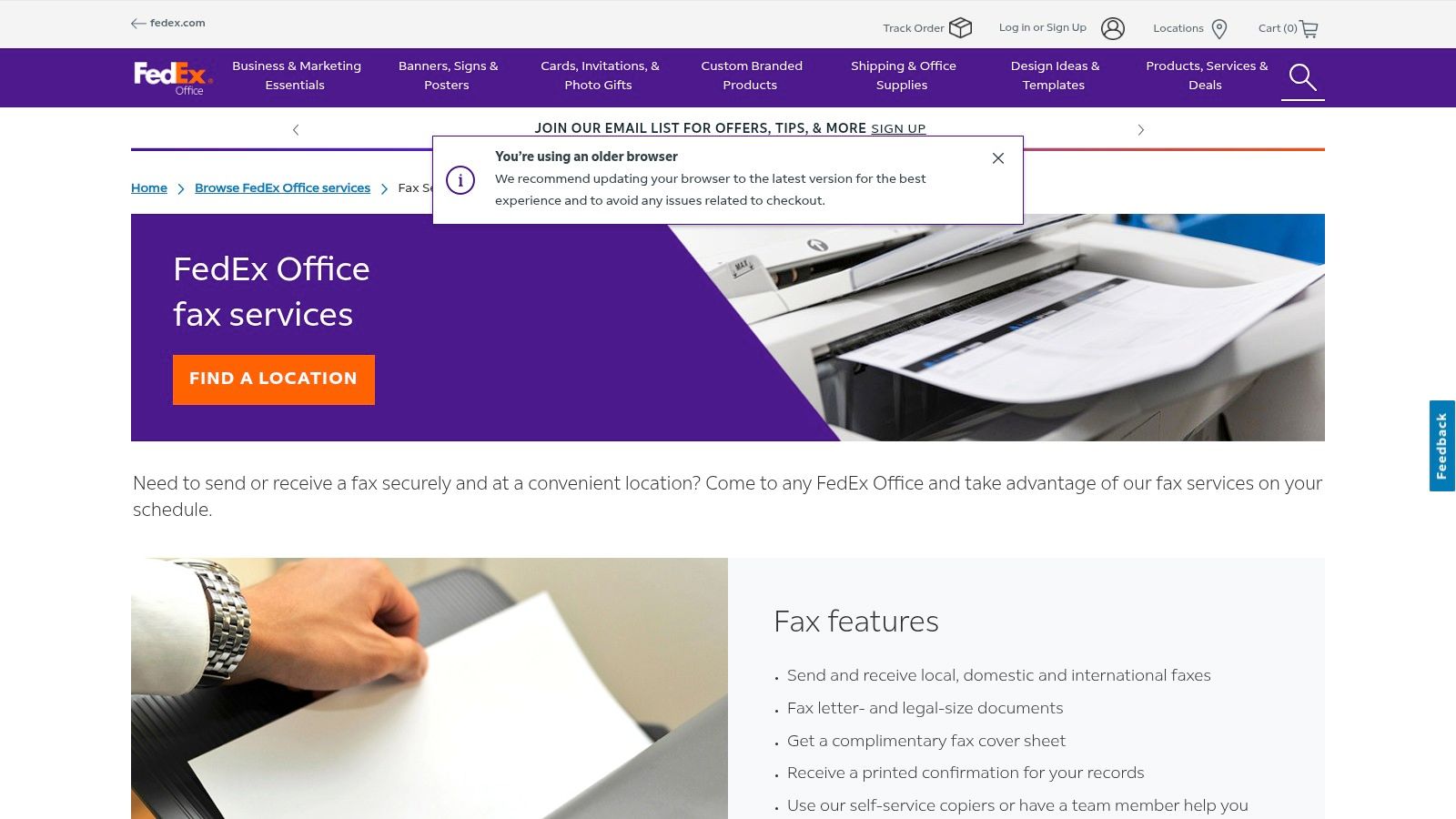
    To the person on the other end, your document arrives on their traditional fax machine just like any other. They’ll never know you sent it from your couch. You get a digital confirmation receipt, and the whole process is done.

    Even in 2017, the United States was sending an average of 6,000 fax pages every second. That tells you just how embedded this technology still is in critical business operations. If you're curious about the industry's staying power, iFaxApp.com has some interesting data.

    How It Works Under the Hood

    So, what’s actually happening? At its heart, an online fax service is a translator. It takes your digital file (like a PDF), converts it into the specific black-and-white image format a fax machine understands, and then dials the recipient's number to transmit it over the phone lines.

    The service handles all the technical heavy lifting for you. All you need is the destination number. To the receiver, it’s just another piece of paper coming out of their machine. If the whole idea of a dedicated number for a fax is new to you, this helpful guide explains what is a fax number. It's a simple, elegant system that bridges the gap between digital convenience and old-school security.

    Digital Faxing vs Traditional Machines

    Here's a quick breakdown of how sending a free fax from your computer stacks up against an old-school fax machine.

    Feature Free Faxing From Computer Traditional Fax Machine
    Cost Free for limited use; low-cost subscriptions Requires machine, toner, paper, and a dedicated phone line
    Convenience Send and receive from anywhere with internet access Tied to a physical location; must be present to use
    Security Encrypted digital transmission and secure cloud storage Secure point-to-point connection, but physical copies can be misplaced
    Confirmation Instant digital confirmation sent to your email Prints a confirmation page (if it doesn't run out of paper)
    Document Quality Clear, crisp digital quality Can suffer from smudges, lines, and poor resolution

    As you can see, the digital approach maintains the core security benefit of faxing while leaving behind all the physical limitations and ongoing costs. It’s a clear win for anyone needing to send important documents today.

    Sending Your First Free Fax Online

    Person typing on laptop with mouse and notebook for sending free fax from computer

    Ready to send a document without touching an actual fax machine? You might be surprised how simple it is. I'll walk you through the entire process using a web-based service like SendItFax, showing you how free faxing from computer can be done in just a few minutes.

    The best part is that it’s all done right in your browser. There’s no software to download and you don’t even need to create an account for a quick, one-off fax.

    Getting Your Document Ready

    Before you even open a web browser, get your document in order. Most online fax services, including SendItFax, handle common file types like PDF, DOC, and DOCX without any issues.

    From my experience, it’s always best to convert your file to a PDF first. This locks in the formatting, so what you see on your screen is exactly what the recipient gets.

    Also, take a second to look at your document in black and white. Faxes don't do color, so you want to make sure your fonts are legible and any images have enough contrast to avoid turning into a blurry mess on the other end.

    Plugging in the Details

    Once you land on the service's website, you’ll find a straightforward form. This is the crucial part, and getting the details right ensures your fax actually arrives.

    • Who it's for: Pop in the recipient’s full 10-digit fax number. No need to add a "1" at the beginning for numbers in the U.S. or Canada.
    • Who it's from: You’ll need to enter your name and email address. The email is especially important—that's how you'll get the delivery confirmation.
    • Your number: If you don't have a dedicated fax line (most of us don't!), just use your regular phone number.

    Think of this section as the digital equivalent of a return address. It tells them who sent the fax and gives you peace of mind with a confirmation receipt.

    Should You Add a Cover Page?

    A cover page just looks more professional, and it gives the recipient immediate context for what you've sent. Most free services, like SendItFax, let you add a quick subject line and a short message right in the web form.

    This is incredibly useful when you're sending something like a job application or a signed contract. A simple message like, "Signed contract for Project Alpha" can make sure your document lands on the right desk instead of getting lost in the shuffle.

    It's amazing to think this convenience has roots going back decades. The first computer-based fax board, GammaFax, was actually introduced way back in 1985. That innovation was the first real step toward the digital services we have now, building on concepts that started with the very first fax prototype in 1843. You can get the full story by exploring the evolution of fax technology on Documo.com.

    The Final Check and Send

    Okay, you've filled everything out and attached your file. Before you click that send button, give it one last look. Is the fax number entered correctly? Is there a typo in your email address? A simple mistake here is the most common reason for a fax to fail.

    Once you’re sure everything is correct, go ahead and send it. The service takes over, converting your document and dialing the fax number. A few moments later, you should get an email telling you whether it went through successfully or if there was an error. That confirmation email is your proof of delivery.

    This whole system is a world away from traditional email. In fact, many modern fax services can even deliver incoming faxes right to your inbox. If you're curious about that, check out our guide on the fax to email process.

    What's the Catch with Free Fax Services?

    Let's be honest, the word "free" is always appealing. When you just need to send a single document and have no interest in signing up for a monthly plan, a free online fax service feels like the perfect solution. And for many situations, it absolutely is. These services work on a freemium model—they give you the basic functionality for free, hoping that some users will eventually need more and decide to upgrade.

    This is a fantastic setup for sending a quick form, a signed agreement, or a one-off invoice without any fuss. But as with most things in life, "free" usually comes with a few strings attached. Knowing what they are ahead of time will save you headaches later.

    Understanding the Free Limits

    The first thing you’ll run into are the limits. Most free services cap how much you can send. For instance, with SendItFax, the free tier lets you send a document up to three pages long, plus a cover sheet. For most everyday tasks—like sending a signed contract, a doctor's note, or a receipt—that's plenty.

    You'll also likely find a daily sending limit. It's common to see a cap of something like five faxes per 24-hour period. These limits are there for a good reason: they prevent abuse and keep the service running smoothly for everyone. For the average person, these caps are more than generous.

    The Bottom Line: Free fax services are built for light, occasional use. If you find yourself needing to send lengthy reports or dozens of faxes a day, you’ll quickly realize that a paid plan is the way to go for a smoother workflow.

    This is a classic freemium model, common across all sorts of online tools.

    Free limits text on paper with smartphone showing limit warning on wooden desk workspace

    A large base of free users makes it possible to offer premium features to a smaller group of customers who need more power, higher limits, or dedicated support.

    A Note on Branding and Professionalism

    Another part of the trade-off is branding. To help pay the bills, a free service like SendItFax will usually add their logo to the cover page of your fax. This is completely standard and, for personal faxes, it's rarely a big deal.

    However, if you're sending something where appearances matter—think a formal business proposal or a critical legal document—that third-party branding might not project the professional image you want. This is one of the main reasons people choose to upgrade. A small fee is often all it takes to remove the branding and get a clean, polished look.

    What About Privacy and Your Data?

    Whenever you use an online service, it's smart to think about privacy. To send your fax, the service has to process the document on its servers. The good news is that trustworthy providers use encryption to secure your data in transit and have clear policies about how they handle your information.

    Before you upload anything sensitive, it’s worth taking a couple of minutes to scan the service’s Privacy Policy. Here’s what I always look for:

    • Data Encryption: Do they explicitly mention using encryption (like TLS/SSL) to protect your files?
    • Data Retention: How long do they keep your documents on their servers after the fax has been sent?
    • Information Sharing: Do they share your personal info with other companies?

    Services like SendItFax are upfront about using cookies for site functionality and clearly lay out their data practices. If you want to see how different services compare on security, features, and cost, checking out a detailed online fax services comparison is a great next step. A quick look can give you the confidence that the service you choose fits both your privacy standards and your professional needs.

    Knowing When It's Time to Ditch the Free Plan

    Free online faxing is fantastic for that one-off document you need to send in a pinch. It's quick, easy, and gets the job done. But let's be honest, there's a point where "free" starts to cost you.

    Those built-in limitations—like page caps, daily send limits, and the service's logo plastered on your cover sheet—are what make the free model work. But as your faxing needs get more serious, those same limitations can become a real headache. The trick is recognizing when the trade-offs of a free tool are holding you back.

    When Your Image and Brand Matter

    The first and most obvious reason to upgrade is professionalism. Sending a quick form to your gym with a SendItFax logo on it? No big deal. But sending a signed contract to a new client, a legal document to a law firm, or a patient referral to a specialist? That’s a different story.

    Appearances count, and a paid plan gives you the tools to look the part.

    • Custom Branding (or No Branding): The biggest win is removing their logo. Your faxes look like they came straight from your office, not a freebie website.
    • Your Own Dedicated Fax Number: This is a total game-changer. It means people can send faxes to you, which land right in your email inbox. Your computer suddenly becomes a full-fledged fax machine.
    • International Reach: Most free services keep you locked into domestic numbers. A paid plan lets you send faxes around the globe, which is essential if you work with international clients.

    Upgrading takes online faxing from a handy gimmick to a legitimate business communication tool.

    When Volume and Security Are Non-Negotiable

    Beyond looks, paid services are built for real work. Think about a mortgage broker during a busy season or a clinic managing patient records. The free limit of 5 faxes per day just isn't going to cut it. You can't afford to have a critical document delayed because you hit your daily cap.

    I always tell people that upgrading isn't just about paying for more features; it's about investing in reliability. When a single failed fax can stall a major deal or compromise patient care, a small monthly fee is simply the cost of doing business right.

    A subscription plan gives you the capacity to send hundreds of pages a month without a second thought. But more importantly, it gives you peace of mind.

    Many paid services offer enhanced security features, and for some industries, this is an absolute must. For example, HIPAA compliance is a legal requirement for anyone in healthcare handling patient information. Sending sensitive data through a free, non-compliant service is a massive risk. Upgrading to a secure, compliant service isn't just a good idea—it's essential for protecting your clients and your business.

    What to Do When Your Fax Fails to Send

    Woman at desk viewing laptop screen displaying fix fax errors message with error icon

    It’s bound to happen eventually. You’ve uploaded your document, hit send, and a few minutes later you get that dreaded "transmission failed" notification. It's frustrating, but don't worry—the fix is usually pretty simple. Most of the time, the problem isn't even on your end.

    The most common reason a fax fails is that the recipient's fax machine is busy. Remember, old-school fax machines can only handle one thing at a time. If someone else is sending them a fax or they're sending one out, their line will be engaged. It's the modern equivalent of a busy signal.

    Figuring Out What Went Wrong

    Before you immediately hit "resend," take a second to think through the most likely culprits. A little bit of troubleshooting now can save you from repeated failed attempts.

    Nine times out of ten, a fax fails for one of these reasons:

    • The Line is Busy: Someone else is using the machine you're trying to reach.
    • You Typed the Wrong Number: A simple typo is incredibly common. It’s easy to mix up a digit or two.
    • Their Machine is Offline: The receiving machine could be turned off, out of paper or ink, or simply unplugged.
    • A Problem with Your File: The document you uploaded might be too large, corrupted, or in a format that's causing conversion issues.

    From my own experience, the best first step is to just wait. Give it about 10-15 minutes and then try sending it again. That's usually enough time for the other line to free up. If it fails a second time, it's time to dig a little deeper.

    Simple Fixes to Try on Your End

    If a brief pause doesn't do the trick, the issue could be something you can control. The first and easiest thing to check is the fax number. Go back and carefully re-enter all 10 digits, double-checking them against your source. We've all been there—it's a surprisingly easy mistake to make.

    Next, take a look at the file you're trying to send. While services like SendItFax are pretty flexible with PDF, DOC, and DOCX files, a PDF is almost always the most reliable choice. If you're sending a Word document, try saving it as a PDF first and then uploading that version. This process "flattens" the file, which can often resolve tricky formatting bugs that interfere with the fax conversion.

    Pro Tip: Remember that faxing essentially turns your document into a black-and-white picture. If your original file has complex color graphics, tiny fonts, or a busy layout, it can sometimes trip up the conversion process. For the best results, stick to simple, clean documents with clear, black text.

    If you’ve confirmed the number is perfect and you've tried sending a clean PDF file, the problem is almost certainly with the recipient's machine. At this point, the most effective solution is the old-fashioned one: pick up the phone. A quick call to confirm their fax machine is on, stocked with paper, and ready to receive is the fastest way to solve the mystery.

    Got Questions About Faxing From Your Computer? We’ve Got Answers.

    Even when the steps seem simple, it's natural to have a few questions before you hit "send." I get asked about computer faxing all the time, so let's walk through some of the most common queries. My goal is to help you send those documents with complete confidence.

    How Secure Is It, Really? Can I Send Sensitive Info?

    This is probably the most important question, and for good reason. The short answer is yes, it's generally safe if you stick with a reputable service. Professional online fax providers use TLS/SSL encryption to protect your files the moment you upload them. It’s the same technology your bank uses to keep your financial details private.

    Think of it this way: your document is scrambled and secured from your computer all the way to the service's servers. From there, it's sent over traditional phone lines to the recipient's machine. For contracts, invoices, or applications, this level of security is more than enough. However, if you're handling documents that fall under strict compliance rules like HIPAA, I'd strongly recommend a paid, HIPAA-compliant service built for that specific purpose.

    How Do I Know My Fax Actually Went Through?

    This is one of the best parts of faxing online. You're never left guessing. Moments after you send your fax, the service will pop a delivery confirmation receipt right into your email inbox.

    This email is your proof of transmission. It will clearly state whether the fax was delivered successfully or if it failed. If there was a problem—like a busy signal or a wrong number—the notification usually tells you why, so you can fix it and try again without any guesswork.

    Can I Get Faxes Sent to Me With a Free Service?

    Typically, no. Nearly all free online fax services are a one-way street, designed for outgoing faxes only. Receiving a fax requires a dedicated phone number that's always on and ready to accept incoming transmissions, and that’s a feature reserved for paid plans.

    If you need to receive faxes regularly, you’ll want to look at upgrading to a paid account. They’ll assign you a personal fax number, and any faxes sent to it will land in your email as a PDF.

    The move to online faxing isn't just about convenience; it has a huge environmental upside. Traditional fax machines in the U.S. churn through an estimated 200 billion pages of paper annually. If just 5% of that volume moved online, we could save about one million trees every year. If you're curious, you can learn about the impressive stats of online fax and see the bigger picture.

    Do I Need to Install Any Special Software?

    Nope, not a thing. That’s the real beauty of a web-based service like SendItFax. Everything is handled directly in your browser, whether you're on a laptop, tablet, or even your phone.

    There’s no software to install and no hardware to plug in. As long as you have an internet connection, you have a fully functional fax machine right at your fingertips. It’s perfect for when you’re working from a coffee shop or need to send a signed document while traveling.


    Ready to skip the hassle of finding a physical fax machine? Give SendItFax a try for a quick, secure, and painless experience. Send your first free fax now.

  • Online Fax Services Comparison Guide

    Online Fax Services Comparison Guide

    Let's be honest, the choice between a dusty old fax machine and a modern online service isn't much of a choice at all. Online faxing delivers better security, real cost savings, and the freedom to work from anywhere. It takes an old-school, hardware-heavy process and turns it into a smart, software-based tool that fits right into how we work today.

    Why Online Fax Is Essential for Modern Business

    An office worker using a tablet to send a secure digital document, symbolizing the convenience of online fax services.

    That clunky machine in the corner, once the heart of the office, is quickly becoming a relic. Switching to a digital alternative isn't just about keeping up with the times; it’s a smart business move that directly impacts your security, workflow, and budget.

    For certain industries like healthcare, finance, and law, faxing isn't optional—it's still a critical and legally accepted way to send documents. Online fax services close the gap between this requirement and the realities of a modern business. Instead of being tethered to a physical machine, your team can send and receive faxes from anywhere, using tools they already have: email, a web browser, or a mobile app. This simple change gets rid of the recurring costs of paper, ink, and dedicated phone lines, offering a far more flexible and affordable way to operate.

    The Strategic Advantages of Digital Faxing

    Moving to an online fax platform is about more than just swapping out a piece of equipment; it's about fundamentally improving how your business handles documents. The benefits are immediate and clear.

    • Enhanced Security: The best services use serious encryption (like AES-256) to protect your documents both in transit and while stored. That’s a massive step up from sensitive papers sitting forgotten on a shared office machine.
    • Regulatory Compliance: Many providers offer HIPAA-compliant plans and are willing to sign a Business Associate Agreement (BAA). This is non-negotiable for anyone in healthcare or legal fields.
    • Improved Efficiency and Accessibility: Faxes land in your email inbox as tidy PDFs, making them instantly searchable, easy to file, and simple to add to your digital records. Our guide on how to fax without a fax machine dives deeper into these modern methods.

    The numbers back this up. The global online fax market was valued at over $3.1 billion in 2019 and is on track to hit $8.3 billion by 2027. You can explore more about this market trend at llcbuddy.com. This explosive growth shows just how much businesses now rely on these tools for secure and reliable communication.

    In this guide, we’ll break down the top players in an in-depth online fax services comparison to help you find the perfect fit.

    Figure Out What You Actually Need in a Fax Service

    Picking an online fax service without knowing your needs is a classic mistake. It's easy to get distracted by flashy features and end up paying for a bunch of stuff you'll never use. Before you even look at a comparison chart, take a few minutes to map out exactly what you're looking for.

    First, think about volume. How many pages are you really sending and receiving each month? A small shop sending a few invoices might only need a plan that covers 200-300 pages. A busy healthcare clinic, on the other hand, could blow past 1,000 pages without breaking a sweat. Getting a rough page count is the fastest way to narrow down your options.

    What Features Are Mission-Critical?

    Once you have a ballpark number for your fax volume, it’s time to think about how you'll actually use the service day-to-day. This is where the details really matter.

    Run through this mental checklist to get a clearer picture:

    • Who needs to send faxes? Is it just you, or do you have a whole team that needs individual access?
    • Do you operate globally? If you have clients or suppliers overseas, you'll need a service that makes international faxing simple and affordable.
    • How serious is your security? For anyone in healthcare or law, HIPAA compliance isn't just a nice-to-have; it's a legal requirement. This usually means finding a provider who will sign a Business Associate Agreement (BAA).
    • Does it need to play nice with your other tools? Think about whether you need to link your faxing to Google Drive, Dropbox, or even more complex systems like an EHR or CRM.

    Think Through Your Real-World Scenarios

    Go beyond the everyday basics and consider the specific situations your work throws at you. For example, do you ever need to schedule a fax to go out overnight? Would an electronic signature feature save you from the print-sign-scan shuffle?

    Taking the time to build a checklist of your must-haves—from page volume to compliance needs—is the single best thing you can do. It turns a confusing search into a focused hunt for the right tool, saving you from getting sidetracked.

    A real estate agent, for instance, is going to care a lot about a good mobile app for sending offers from the field. A law office, however, will probably prioritize a service with rock-solid audit trails and an easily searchable archive. If you're just getting started, our guide on how to send a fax online breaks down the modern process.

    Getting clear on these points now makes the head-to-head comparisons that follow much more meaningful.

    Head-to-Head Online Fax Services Comparison

    Close-up of a laptop screen displaying a comparison chart of different online fax services, with key features highlighted.

    Now that you've got a handle on what you need, it's time to put the top online fax services under the microscope. This isn't about reciting marketing bullet points; it's a real-world breakdown of the features, pricing, and quirks that will actually affect your day-to-day work. We'll dig into everything from page counts and security protocols to how each platform feels to use on both desktop and mobile.

    Think of this as looking under the hood. We'll go beyond the surface-level specs to highlight what truly sets each service apart, whether it's a slick e-signature feature or top-notch customer support. My goal with this online fax services comparison is to give you the clarity you need to pick the right tool for the job.

    Pricing Models And Page Allotments

    Let’s be honest, the price is often the first thing we look at. Online fax services run on subscriptions, but the actual value you get for your money can be all over the map. You have to look past the sticker price and check the included pages, overage fees, and any other costs hiding in the fine print.

    A cheap entry price might look tempting, but if it comes with a tiny page allowance, you could get hammered with overage fees. These can run anywhere from 3 cents to 10 cents per page, which adds up faster than you’d think.

    Here's a quick look at a few common pricing structures:

    • eFax: This one starts on the pricier side at $18.99/month, but it only gives you 170 pages. This plan makes more sense if you need its high-end features, like sharing massive files up to 3GB, not if you’re just looking for the most pages for your buck.
    • Nextiva vFAX: This is one of the best deals for sheer volume. For around $9.95/month, you get a hefty 500 pages. It’s a fantastic choice for small businesses that send and receive a decent number of faxes.
    • SRFax: Starting at $11.45/month for 200 pages, SRFax’s real strength is its focus on healthcare. Their plans are built from the ground up to be HIPAA-compliant, and that specialized security is what you're paying a slight premium for.

    One of the biggest differentiators you'll find in this online fax services comparison is the definition of "value." Nextiva gives you raw page count for a low price, while SRFax bundles its service with critical compliance features for a specific audience.

    The No-Account And Pay-As-You-Go Alternatives

    What if you only need to send a fax once in a blue moon? A monthly subscription is just a waste of money. That's where services like SendItFax and iFax's one-time option come in.

    SendItFax is built for simplicity. You can send a fax without creating an account or signing up for anything. The free option is perfect for a quick, non-sensitive document of up to three pages. If you need a bit more, their "Almost Free" plan costs a one-time fee of $1.99, gets rid of the branding, and bumps the limit to 25 pages. It’s a brilliant pay-per-use solution.

    Similarly, iFax has an option to pay per fax, though the pricing is structured per page. These services are perfect for the consultant who sends one signed contract per quarter or the person who just needs to submit a single form to a government office.

    User Experience And Platform Usability

    A clunky interface can turn a simple task into a major headache. The best platforms have clean, intuitive web portals and mobile apps that make faxing feel as natural as sending an email.

    Desktop And Web Experience

    • SRFax: It’s powerful and secure, no doubt about it. But its user interface looks and feels a bit dated. It gets the job done, but there’s definitely a learning curve if you’re used to modern, slick software.
    • Dropbox Fax: This service feels immediately familiar and clean, especially if you already use other Dropbox products. The layout is simple and makes uploading, signing, and sending documents a breeze.
    • Fax.Plus: People consistently praise Fax.Plus for its modern, easy-to-use design. The dashboard gives you clear status updates on your faxes, and all the features are logically laid out, so it doesn't take long to get the hang of it.

    Mobile App Functionality

    In today's world, being able to work from anywhere is key. A good mobile app lets you snap a picture of a document, sign it with your finger, and fax it on the spot. It's a game-changer.

    • eFax: The eFax mobile app is solid. It's available for both iOS and Android and gives you pretty much all the functionality of the web version, including access to your contacts and stored faxes.
    • iFax: This is another service with a highly-rated mobile app. It supports all the main features, including e-signatures and even letting you annotate documents right on your phone.
    • Dropbox Fax: Here’s a big catch: Dropbox Fax doesn't have a dedicated mobile app. For anyone who needs to send or manage faxes while they're out and about, this could be a dealbreaker.

    Security And HIPAA Compliance Nuances

    For anyone in healthcare, law, or finance, security isn't just a nice-to-have; it's a must. Lots of services will say they're "secure," but the devil is in the details.

    True HIPAA compliance is more than just encrypting data. The provider has to be willing to sign a Business Associate Agreement (BAA). This is a legally binding contract that makes them responsible for protecting your clients' sensitive health information (PHI).

    Here's a quick overview of how some of the top services stack up, which should give you a clearer picture.

    Online Fax Service Feature And Pricing Comparison

    Service Provider Starting Price (Monthly) Monthly Pages Included HIPAA Compliant Plan Mobile App (iOS/Android) Best For
    Fax.Plus $6.99 200 Yes Yes All-in-one secure faxing
    eFax $18.99 170 Yes Yes High-volume and large file sharing
    Dropbox Fax $9.99 300 Yes No International faxing
    SRFax $11.45 200 Yes (Specialized) Yes Healthcare and legal professionals
    Nextiva vFAX $9.95 500 Yes Yes Small businesses needing value
    SendItFax Pay-per-use ($1.99) Up to 25 per fax No No (Web-based) Quick, no-account occasional use

    As you can see, SRFax really stands out with plans designed specifically for healthcare, complete with a straightforward BAA process. The eFax "Protect" plan is another heavyweight, offering both HIPAA and HITRUST certifications for enterprise-level needs. On the flip side, a service like SendItFax is all about convenience and isn't built for sending regulated data. Always, always confirm that a provider will sign a BAA before you trust them with sensitive information.

    International Faxing And Integrations

    If your business operates globally, you’ll need a service that can handle international faxes without breaking the bank. Some providers let you use your monthly pages for international numbers, while others will charge you expensive per-minute rates. Dropbox Fax is a strong option here, letting you fax to over 70 countries using your standard page credits.

    Connecting your fax service to other tools you already use, like cloud storage, can also be a huge time-saver.

    • Cloud Storage: Most of the big players, including Fax.Plus and Dropbox Fax, link up perfectly with Google Drive, Dropbox, and OneDrive. This lets you grab a document from a cloud folder and fax it directly.
    • API Access: For larger companies with custom software, an API (Application Programming Interface) is essential. eFax and iFax offer powerful APIs that let your developers build faxing features right into your existing systems, like an EHR or CRM.

    This head-to-head online fax services comparison shows there's no single "best" service—it all depends on what you need. A small business owner will love the value Nextiva vFAX offers, while a law firm will see the specialized compliance from SRFax as non-negotiable. And for that person who just needs to send one fax, a pay-as-you-go service like SendItFax is the smartest choice.

    Making Sense of Security and HIPAA Compliance

    When you're dealing with sensitive information—think medical records, legal contracts, or financial statements—security isn't just a nice-to-have feature. It’s the entire foundation. Sending a fax online requires absolute confidence that your data is locked down, and a simple promise of "security" on a website just doesn't cut it.

    You need to look past the marketing and find concrete, verifiable proof that a service can be trusted. This means understanding how your documents are protected from the moment you hit send until they're archived, both in transit and while stored on a server.

    The Security ABCs: What to Look For

    The best online fax providers don't reinvent the wheel; they use industry-standard security protocols. When you’re comparing services, these are the non-negotiables.

    • SSL/TLS Encryption: This is the baseline. Transport Layer Security (TLS) creates a secure, encrypted tunnel between your computer and the fax service's servers. It’s what keeps anyone from snooping on your data as it travels across the internet.
    • AES-256 Encryption: Once your fax is delivered and stored, it needs to be unreadable to anyone who isn't authorized. AES-256 is the encryption standard trusted by banks and governments to protect data "at rest."
    • Two-Factor Authentication (2FA): Passwords can be stolen. 2FA adds a critical second step to logging in, usually a code sent to your phone, making it incredibly difficult for an unauthorized person to access your account even if they have your password.

    If a service doesn't clearly offer these, especially if you handle confidential documents, it's best to walk away. These safeguards are the bedrock of a trustworthy platform.

    The HIPAA Compliance Litmus Test

    For anyone in healthcare or a related field handling Protected Health Information (PHI), HIPAA compliance is a legal mandate, not a choice. But just seeing "HIPAA compliant" on a feature list is not enough—far from it.

    The single most important factor for HIPAA compliance is whether the provider will sign a Business Associate Agreement (BAA). This is a legally binding contract where the fax service acknowledges its responsibility to safeguard PHI and accepts liability for breaches. Without a signed BAA, the legal risk is all on you.

    A provider that won't sign a BAA isn't truly HIPAA compliant for your use case, period. Some services, like SRFax, are built from the ground up for the healthcare industry and make signing a BAA a standard part of their process. Others, like eFax, offer premium "Protect" plans that come with not only HIPAA but also HITRUST certifications, which represent an even more rigorous security standard.

    Security Features You'll Actually Use

    Beyond the technical jargon and legal agreements, the best services give you practical tools to manage and monitor your account's security. These are the features that help you maintain control and prove you’ve done your due diligence.

    A detailed audit trail is a perfect example. It's a complete logbook of every single action tied to your account: who sent a fax, when they sent it, who opened it, and from what IP address. This kind of granular tracking is invaluable for internal security reviews and absolutely essential if you ever need to demonstrate compliance. When you're making your online fax services comparison, prioritizing these practical security controls will help you find a partner that not only works well but also keeps your most critical information safe.

    Choosing the Right Fax Service for Your Use Case

    Generic recommendations rarely work because the “best” online fax service really depends on you. A freelance consultant who sends one contract a month has totally different needs than a medical clinic juggling hundreds of patient files every day. That’s why any good online fax services comparison has to be grounded in real-world situations, matching real people to the right tools.

    The market for these services is broken down by user type—individuals, small businesses, and big companies—all with their own ways of working. Small and medium businesses are jumping on these services to make their workflows smoother, while larger outfits are laser-focused on compliance and keeping documents locked down. You can dig into how the market is structured at businessresearchinsights.com to see the trends. By figuring out which group you fall into, you can immediately cut through the noise and find a service that actually fits your needs.
    The Occasional Sender: No Subscription Needed

    If you only send a fax once in a blue moon—maybe a signed form or a quick document a few times a year—a monthly subscription is just a waste of money. This is where pay-as-you-go services come in handy, giving you a simple way to send a fax without any strings attached.

    Services like SendItFax were practically built for this. You just upload your document, punch in the recipient's number, and you’re done in minutes. No account needed. The free option is perfect for a quick, non-sensitive fax of up to three pages. If you need a bit more, you can send up to 25 pages without any branding for a one-time fee of just $1.99. It's the perfect solution for one-off professional tasks, and you never have to worry about monthly fees or canceling a subscription you forgot you had.
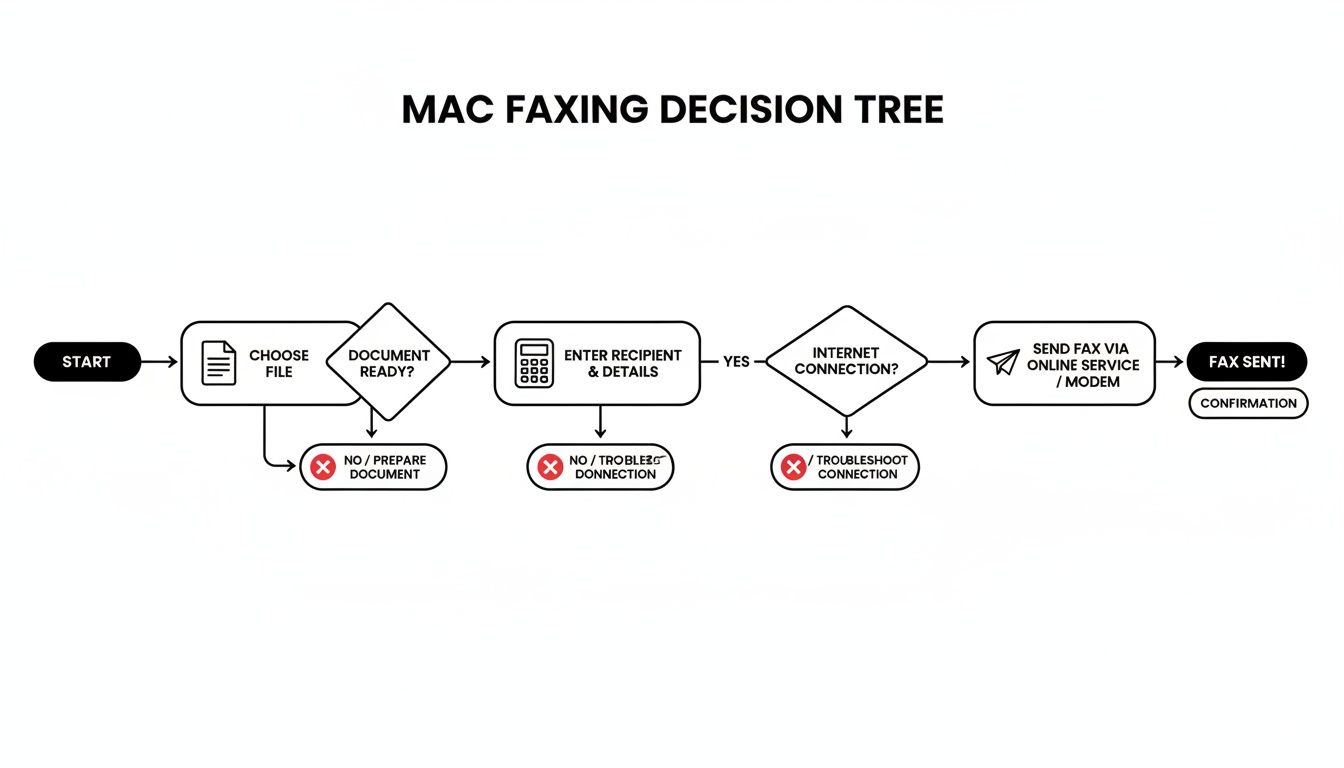
    The Growing Small Business: Balancing Cost and Features

    For a small business, it's all about getting the most bang for your buck. You need a reliable service that can handle your monthly faxes without hitting you with surprise overage fees. The best services in this category give you a good number of pages, let multiple people use the account, and have a simple interface that doesn't require a user manual.

    Nextiva vFAX is a real standout here. For about $9.95 a month, you get a hefty 500-page monthly allowance, which is more than enough for most small businesses sending invoices, purchase orders, and other communications. And if you do go over, the overage fee is just 3 cents per page, so there are no nasty surprises. It also packs in key business features like a secure web portal and a mobile app, so your team can send and receive faxes from anywhere.

    The best choice for a small business isn't always the cheapest. It's about finding that sweet spot between a generous page limit and the features you need to grow. Paying a little more for a service that can scale with you is often a much smarter move in the long run.

    Healthcare and Legal Professionals: Security Is Non-Negotiable

    If you work in healthcare, law, or finance, the decision boils down to one thing: security and compliance. Basic security just doesn’t cut it. You need a provider who truly understands the legal minefield of handling sensitive information like Protected Health Information (PHI).

    This is where a service like SRFax becomes the obvious choice. It isn't just a fax service that happens to be HIPAA compliant; its entire system was built from the ground up with healthcare-level security in mind. Most importantly, SRFax will provide a Business Associate Agreement (BAA), which is a legal must-have for any outside vendor that touches PHI.

    This infographic does a great job of showing that first critical security decision.

    An infographic decision tree showing that if you need HIPAA compliance, you need a Business Associate Agreement (BAA), and if not, robust encryption is the key security feature.

    As you can see, for regulated industries, the BAA is the first box you have to check. While other services like eFax also offer strong, HIPAA-compliant "Protect" plans, SRFax’s specialization gives it an edge for organizations where compliance isn’t just a feature—it’s the entire game. These dedicated plans come with extras like detailed audit trails and strict access controls, giving you the confidence that comes from using a tool built for your industry’s tough demands.

    Making Your Final Decision with Confidence

    Alright, you've done the hard work of comparing different online fax services. Now comes the final step: turning all that research into a decision you won't regret. It's easy to get lost in the details, but it really just comes down to connecting your specific needs to the right set of features.

    Before you pull the trigger and sign up, run through a quick mental checklist. This isn't about re-doing your research; it's about confirming what truly matters to you so you don't get distracted by shiny features you'll never use.

    Your Final Selection Checklist

    • Monthly Volume: Does the plan's page limit actually match what you send and receive each month? Overages can get expensive fast, so be realistic here.
    • Security Needs: If you're in healthcare or law, this is non-negotiable. Does the provider offer a Business Associate Agreement (BAA) to ensure HIPAA compliance?
    • Workflow Integration: How will you actually use this day-to-day? Make sure it has a solid mobile app if you're always on the go, or check for integrations with cloud services like Google Drive or Dropbox if that's where your documents live.

    The most valuable tool at your disposal is the free trial. Theory is one thing, but actually using a service reveals everything about its interface, reliability, and customer support before you spend a dime.

    Seriously, test-driving the top contenders is the only way to know for sure. Use that trial period to send a few faxes to yourself or a colleague. See how clunky (or smooth) the mobile app feels. Is the interface intuitive, or do you need a manual just to find the "send" button? This hands-on experience is what separates a good choice from a great one.

    Ultimately, you’re looking for a service that fits your budget and makes your life easier, not harder. If cost is your main driver, digging into the cheapest online fax service options can help you find a great value. By pairing your research with a little practical testing, you can confidently pick the right tool for the job.

    Got Questions About Online Faxing? We've Got Answers.

    Switching from a clunky machine to an online fax service can bring up a few questions. Let's tackle some of the most common ones people ask when they're making the move.

    Can I Keep My Current Fax Number?

    Yes, you almost certainly can. Most subscription services know how important your existing number is for business continuity. They offer a process called number porting, which basically moves your fax number from your old provider to their platform.

    Just be prepared for it to take a few weeks. Your new provider will handle all the technical details, but it's not an instant switch. This is a standard feature for services like eFax and Nextiva vFAX, but don't expect it from pay-as-you-go options—they’re built for one-off sends, not long-term business use.

    How Exactly Does "Email to Fax" Work?

    Email-to-fax is the feature that makes online faxing feel so seamless. It’s surprisingly simple: you just compose a new email in your usual app (like Gmail or Outlook), attach your document, and type the recipient's fax number into the "To" field, followed by the service's domain.

    For instance, the address might look something like 15551234567@yourfaxservice.com.

    Once you hit send, the service does the heavy lifting. It takes your email and attachment, converts them into a fax-friendly format, and sends it through the traditional phone lines to the recipient's machine. It's a clever way to fax without ever leaving your inbox.

    Is It Actually Secure to Send a Fax Over the Internet?

    It is, as long as you pick a service that takes security seriously. The best providers build their platforms with multiple layers of protection to keep your information safe.

    • Encryption in Transit: Your data is protected from prying eyes as it travels from your computer to the fax service using SSL/TLS encryption—the same standard that protects your online banking sessions.
    • Encryption at Rest: When your faxes are stored on their servers, they are scrambled with strong AES-256 encryption, making them unreadable to anyone without authorization.

    If you're in an industry like healthcare or law, you'll want to go a step further. Look for a HIPAA-compliant provider that will sign a Business Associate Agreement (BAA), which is a legal must-have for protecting sensitive data.


    For those times you just need to send a document without the fuss of an account, SendItFax lets you fax directly from your browser. Try sending a fax in minutes at senditfax.com.

  • Fax to Email Explained How It Really Works

    Fax to Email Explained How It Really Works

    Fax to email is a clever way to blend old technology with new. At its heart, it’s a service that takes a fax someone sends you and turns it into a digital file—usually a PDF—that lands right in your email inbox. It works by giving you a special, virtual fax number, which means you can finally ditch the clunky old fax machine, along with its constant need for paper and toner.

    Think of it as a digital bridge connecting the world of traditional faxing to your everyday email.

    How Fax to Email Actually Works

    The best way to picture this is to imagine the service as a digital mail courier. When someone sends a fax from a standard machine to your online fax number, you don't hear a thing. The entire process happens behind the scenes.

    Instead of your phone line ringing and a machine starting to print, the service intercepts the transmission in the cloud. Its servers act as the middleman, taking the analog signals from the sender's machine, translating them into a digital format, and packaging the whole thing up as a neat PDF file. From there, it's attached to an email and sent straight to your inbox.

    This flowchart breaks down the journey from a physical document to a digital one.

    Infographic about fax to email

    As you can see, it’s a simple three-step process: the sender faxes, the cloud service converts it, and the document arrives in your email. You can then open, save, or forward it just like any other attachment, whether you're on your computer, tablet, or phone.

    The Technology Behind the Scenes

    This shift from physical to digital faxing is part of a much bigger trend. The move toward fax-to-email services really picked up steam in the early 2000s as businesses looked for ways to cut down on costs like paper, ink, and machine repairs. In fact, a 2015 survey showed that over 60% of medium to large businesses had already switched to some form of digital faxing. You can read more about how this digital shift happened and the impact it's had.

    The technology itself still relies on the Public Switched Telephone Network (PSTN)—the same network that handles traditional phone calls.

    A fax to email service gives you a dedicated phone number on this network. When a fax comes through to that number, the service's servers are the ones that "answer" the call, receive the fax data, and handle the conversion.

    Why This Method Is Different

    The biggest difference is that you're no longer tied to a physical piece of hardware. A traditional fax machine needs its own phone line and has to be plugged in and ready 24/7. A fax to email number, on the other hand, is completely virtual. Its only job is to receive faxes and forward them to you.

    This simple change is what makes it possible to fax without a fax machine, freeing you from the office corner. Your workflow moves from a paper-filled tray to a clean, organized folder in your email account.

    To make the comparison clearer, let's look at them side-by-side.

    Traditional Faxing vs Fax to Email at a Glance

    Feature Traditional Fax Machine Fax to Email Service
    Hardware Requires a physical machine, dedicated phone line No hardware needed; works with any device
    Accessibility Limited to the machine's physical location Accessible from anywhere with an internet connection
    Costs Machine purchase, toner, paper, maintenance, phone line Monthly or annual subscription fee
    Security Documents left on the machine can be viewed by anyone Encrypted transmission and secure digital storage
    Organization Manual filing and storage of paper documents Automatic digital archiving and easy searching
    Reliability Prone to paper jams, busy signals, and mechanical failures Highly reliable with delivery confirmations and no busy signals

    Ultimately, the choice comes down to what fits your workflow. But for most modern businesses, moving away from a physical machine just makes more sense.

    Real-World Benefits of Switching to Online Faxing

    A professional reviews a document on a tablet while sitting in a modern office, symbolizing the efficiency of digital faxing.

    Moving to a fax to email service is about more than just getting rid of that clunky machine in the corner. It's a fundamental shift in how your team handles critical documents, bringing a level of efficiency and security that old-school hardware just can't touch. The most immediate change you'll notice is in your day-to-day workflow.

    Forget waiting by the machine for an urgent contract or sorting through a messy pile of curled-up papers. Now, every fax lands directly in your inbox as a clean, easy-to-manage PDF. Suddenly, every document is searchable, simple to archive, and available on any phone, tablet, or computer.

    Boost Your Operational Efficiency

    Think about all the manual steps that disappear when you manage faxes digitally. The time wasted filing papers, scanning them for digital records, and then digging through cabinets to find them later? Gone. An online service handles all of that automatically.

    This isn't just a minor improvement. Studies show that businesses making the switch from traditional faxing saw their operational efficiency jump by around 30%. The reason is simple: documents become instantly accessible. You can discover more about these efficiency gains here and see how much time is reclaimed when you stop hunting for information and start putting it to work.

    And that’s before we even talk about the money you’ll save.

    • Drastic Cost Reduction: You can say goodbye to endless bills for paper, toner, machine repairs, and that extra phone line.
    • No More Busy Signals: Your clients and partners will never have to hit redial, guaranteeing you get every important document the first time.
    • Scalability: Handling a sudden surge in faxes doesn't require new machines or more phone lines. The system just works.

    Enhance Security and Compliance

    This is where online faxing truly shines. A traditional fax machine is often a huge security hole, sitting out in the open where sensitive documents can be seen by anyone walking by.

    A fax to email service protects your information with end-to-end encryption while it's in transit. Once it arrives, the document is tucked away safely in your email account, where only authorized people can access it.

    This built-in security is a game-changer, especially for anyone in healthcare, law, or finance. Online faxing services create a clean, auditable trail for every single document you send or receive, which is a lifesaver for meeting tough compliance rules like HIPAA. Each transmission generates a confirmation receipt, giving you a rock-solid record for any potential audits.

    At the end of the day, this modern approach doesn't just make your office run smoother—it gives you peace of mind. You know your confidential information is protected by serious security, turning an outdated process into a powerful part of your digital toolkit.

    Your Step-by-Step Guide to Getting Started

    A person at a desk quickly signing up for an online fax service on their laptop, with a coffee cup nearby.

    Making the move to a fax-to-email service is refreshingly straightforward. Forget about technical headaches and complicated installations; you can be up and running in just a few minutes.

    Let's walk through the simple process. First, you'll pick a provider and a plan that fits how you work. Most services offer different tiers based on how many faxes you expect to handle each month, so whether you're a light user or a busy office, there's an option for you.

    Once you've got a plan, it's time to sort out your fax number. This is a crucial step in getting your new system online.

    Choosing Your Fax Number

    You have a couple of choices here, which gives you plenty of flexibility.

    • Get a New Number: You can select a brand-new local or toll-free number. This is perfect if you're just starting out or want a dedicated line for faxes that isn't tied to an existing phone line.
    • Keep Your Existing Number: Got a fax number your clients have known for years? No problem. You can bring it with you through a process called number porting. This ensures a completely seamless transition without disrupting your business communications.

    The ability to port your number is a game-changer. It lets you modernize your whole setup behind the scenes, and your clients won't have to do a thing—they just keep using the number they already have.

    With your number secured, the last piece of the puzzle is connecting it to your email.

    Configuring Your Email and Sending a Test

    This is the easiest part. You simply tell the service which email address—or multiple addresses—should receive incoming faxes. From that moment on, any fax sent to your number gets automatically converted into a PDF and lands right in that inbox.

    Your provider will typically send a confirmation email to let you know the account is active, and then you're ready to go. The best way to make sure everything is working perfectly is to send a quick test fax. You can learn the ins and outs of how to send a fax online to see just how intuitive it is.

    Honestly, in less than an hour, you can go from signing up to having a fully functional, modern faxing solution.

    How to Choose the Right Fax to Email Provider

    Picking the right fax to email provider is a big deal. It affects your daily grind, your budget, and how you protect sensitive information. With so many options out there, it’s easy to get analysis paralysis. The trick is to look past the sticker price and focus on what you actually need to get the job done right.

    First things first, let's talk about money. Don't fall for the cheapest monthly fee you see. The real cost is tied to how many pages you send and receive. A plan that looks like a bargain can get expensive fast if you’re constantly getting hit with overage charges. Take a month or two to track your fax volume so you have a realistic number to work with. That way, you’ll find a plan that fits just right without overpaying for pages you'll never use.

    Evaluating Core Features and Functionality

    Beyond the price tag, the features are what make or break the experience. A bare-bones service might be fine if you send a fax once in a blue moon, but a busy office needs a more powerful toolkit.

    When you're comparing services, here are a few must-haves to look for:

    • Mobile Apps: Does the service have a solid app for iOS and Android? For remote teams or anyone who isn't chained to a desk, being able to send and receive faxes from a phone is non-negotiable.
    • Electronic Signatures: The ability to sign documents right inside the platform is a massive time-saver. It cuts out the old print-sign-scan routine completely.
    • Number Porting: Already have a fax number everyone knows? Make sure you can bring it with you. A good provider will let you port your existing number to their service, so your clients and partners don't miss a beat.

    A provider that offers a comprehensive suite of tools isn't just a utility; it becomes an active part of your workflow. The goal is to find a service that reduces steps, not one that adds complexity to your day.

    Prioritizing Security and Compliance

    For a lot of businesses, security isn't just a nice-to-have—it's the law. If you handle sensitive client data in fields like healthcare, law, or finance, your provider absolutely must offer HIPAA-compliant faxing. This means everything is locked down with end-to-end encryption and the service keeps detailed audit trails of every single fax.

    Don't be shy about asking potential providers about their security protocols and certifications. A reputable service will be upfront about how they protect your data. Skimping on security can lead to huge legal and financial headaches, so this is one area where you can't afford to cut corners. A great way to begin is by seeing what the cheapest online fax service providers offer, then digging into their security credentials from there.

    To help you get a feel for the market, here's a quick look at what different tiers of service typically include.

    Comparing Fax to Email Provider Tiers

    Plan Tier Typical User Key Features Average Monthly Pages
    Basic / Personal Individuals, Freelancers Core faxing, local number, email notifications 100 – 300
    Professional / Business Small to Medium Businesses Mobile app, e-signatures, multiple users 500 – 1,000
    Enterprise Large Organizations HIPAA compliance, API access, advanced security 2,000+

    Ultimately, choosing a fax to email provider comes down to balancing these key factors—cost, features, and security. By taking the time to weigh them carefully, you can find a service that not only works for you today but can also scale with your business down the road.

    Fax to Email Use Cases Across Industries

    Theory is one thing, but seeing how a tool works in the real world is where its value truly clicks. Let's step away from the technical specs and look at how professionals in high-stakes fields are using fax to email to solve everyday problems and get ahead. These aren't just hypotheticals; they're stories of how a simple shift in technology makes a massive difference.

    Think about a busy law firm where every minute counts. A paralegal is in a client meeting across town when an urgent court filing comes in. Instead of it printing on a noisy machine back at the office, it lands as a secure PDF on their smartphone. They can forward it to the lead attorney instantly, saving critical time that could genuinely impact a case's outcome. The old risk of a sensitive document sitting on a shared fax tray is completely gone.

    Streamlining Workflows in Demanding Fields

    Now, let's consider a real estate agent juggling a complex deal. The buyer, seller, and agent are all in different cities, and getting everyone in the same room to sign papers is impossible. Instead of resorting to expensive overnight couriers and waiting days, the agent uses their fax to email service to speed things up.

    • Sending the Contract: The agent simply emails the finalized contract to their fax service, which delivers it as a standard fax to the buyer.
    • Getting the Signature: The buyer prints it, signs it, and faxes it back. The signed document appears in the agent's email inbox moments later.
    • Closing the Deal Faster: The agent then forwards that signed PDF to the seller for their signature, wrapping up the entire process in a few hours.

    This is the kind of agility that sets modern professionals apart. The old way—literally driving to an office to pick up a single piece of paper—is replaced by a workflow that moves as fast as they do.

    The real advantage here isn't just about convenience. It’s about creating a competitive edge. When you remove the logistical roadblocks, you can focus on what actually matters: serving clients, making smart decisions, and closing deals.

    Ensuring Compliance in Healthcare

    Finally, picture a medical clinic that handles a constant flow of patient referrals. Healthcare still depends on faxing to securely transmit protected health information (PHI), but a HIPAA-compliant fax to email service transforms the process.

    When another provider faxes a patient's medical history, it doesn't print out on a communal machine in a busy hallway. Instead, it arrives as an encrypted file directly into a secure, access-controlled email inbox. This instantly creates a digital audit trail, showing exactly who received the file and when. This not only helps satisfy HIPAA's stringent requirements but also makes record-keeping and audits infinitely easier, freeing up staff to focus on patient care instead of paperwork.

    Troubleshooting Common Fax to Email Issues

    A person looking at a laptop with a question mark icon, representing troubleshooting fax to email problems.

    Even the most dependable fax to email setup can have an off day. But don't worry—most of the time, the fix is surprisingly simple once you know what to look for.

    The classic "my fax never arrived" panic is almost always the first issue people encounter. Before you pick up the phone, take a quick peek in your email's spam or junk folder. Overzealous filters are notorious for accidentally flagging legitimate faxes, especially when you're just getting started with a new service.

    If it's not hiding in spam, the next logical step is to check the number. A single wrong digit is all it takes to send a fax into the void. It's also worth checking if your service sent a delivery confirmation; this little report can tell you right away if the transmission failed on the sender's end.

    Solving Quality and Delivery Problems

    So, what happens if the fax does arrive, but it's a blurry, unreadable mess? This is almost always a "garbage in, garbage out" situation. The problem likely started with the quality of the original document. A low-resolution file or a poorly scanned piece of paper will never look sharp on the other end. Your best bet is to ask the sender to try again with a cleaner, higher-quality source.

    On the flip side, what about faxes you don't want? A quality fax to email provider gives you tools to manage your inbox effectively.

    • Block Lists: You can add pesky numbers to a block list, stopping them from ever reaching you again.
    • Secure Senders: Think of this as a VIP list. By creating an "allow list," you guarantee that faxes from your most important contacts always come through without a hitch.

    Getting comfortable with these quick checks can turn a frustrating mystery into a two-minute fix. It’s all about keeping your communication lines open so you never miss a critical document over a small technicality.

    Knowing how to handle these minor bumps in the road empowers you to keep your workflow running smoothly. It builds confidence that your digital faxing solution is working for you, not against you.

    Answering Your Top Questions About Online Faxing

    Thinking about moving away from that old, clunky fax machine? It's a smart move, but it's totally normal to have a few questions before you dive in. Let's walk through some of the most common things people ask, so you can feel confident about switching to a fax to email service.

    Is Faxing Through Email Actually Secure?

    Yes, and in most cases, it’s a whole lot more secure than the old way. Think about a traditional fax machine sitting in an open office—anyone walking by could grab a sensitive document off the tray. It’s basically the digital equivalent of leaving a confidential letter on a public table.

    Online fax services change the game entirely by using strong encryption to protect your documents in transit.

    It’s like this:

    • Traditional Fax: Your document is like a postcard that anyone can read along its journey.
    • Fax to Email: Your document is locked in a digital safe and sent via an armored truck directly to the recipient's inbox. Only the intended person gets the key.

    This level of security is why so many industries, from healthcare to legal, trust online faxing for their most important communications.

    Can I Keep My Current Fax Number?

    Absolutely! This is a huge relief for most businesses. The last thing you want is to have to update all your business cards, website info, and client records.

    Nearly all reputable providers offer a process called number porting. It lets you bring your existing fax number over to their service. The whole process is handled behind the scenes, so from your customers' perspective, nothing changes. They can still fax you at the same number they've always used, but you get all the benefits of a modern system.

    Being able to keep your established number is a game-changer. It means you can completely overhaul your faxing technology without causing the slightest disruption to your business operations or customer contacts.

    How Exactly Do I Send a Fax Using Email?

    It’s surprisingly simple and fits right into the workflow you already use every day. If you can send an email, you can send an online fax.

    You just open a new email, and in the "To:" field, you'll type the recipient's fax number followed by your provider’s special domain (like 15551234567@faxservice.com).

    The email's subject and body become the fax cover sheet, and you just attach your documents—like PDFs, Word docs, or images—just as you would with any other email. Hit send, and the service takes care of the rest, converting it all into a standard fax for the machine on the other end.


    Ready to send a fax the easy way? With SendItFax, you can send documents securely from any device in minutes, no account required. Try SendItFax for free today

  • How to Fax Via Email A Modern Business Guide

    How to Fax Via Email A Modern Business Guide

    Sending a fax straight from your email is surprisingly simple. You just compose a message like any other, but instead of a person's email, you address it to a special address formatted like [faxnumber]@[faxservice].com. Attach your documents, click send, and an online fax service does the rest, acting as a translator between your email and the recipient's traditional fax machine.

    Sending Faxes from Your Inbox Explained

    An image showing a document being sent from an email client to a fax machine, representing the concept of faxing via email.

    Fax machines might feel like a blast from the past, but the need for secure and verifiable document delivery is as real as ever. Industries like healthcare, law, and real estate still lean heavily on faxing for sensitive information. The good news? You don't need a clunky machine taking up space to stay in the loop.

    Learning how to fax via email is the modern workaround. It blends the ease of your inbox with the proven reliability of faxing, completely eliminating the need for a physical machine, a dedicated phone line, and the endless cycle of buying paper and toner.

    Why Email to Fax Is Gaining Popularity

    The real magic here is in the simplicity. This method slots a decades-old communication standard right into the digital workflow you already use every single day.

    Think of it as a digital courier. It picks up your email, translates it, and delivers it perfectly to a physical fax machine on the other end. The benefits are hard to ignore:

    • Total Convenience: You can send a fax from literally anywhere you have an internet connection—your laptop, tablet, or even your phone.
    • Cost-Effective: Say goodbye to the upfront cost of a machine and the recurring expenses for ink, paper, and potential repairs.
    • Tighter Security: Top-tier services use encryption, which makes sending documents this way far more secure than attaching them to a standard, unencrypted email.

    The global online fax market isn't just surviving; it's thriving. Valued at USD 4.7 billion in 2022, it's projected to soar past USD 12.3 billion by 2030. A huge part of that growth comes from email-to-fax adoption across North America and other regions. You can explore more details on this growing market.

    Understanding The Core Components

    To get started, it's helpful to see how the pieces fit together. Here’s a quick breakdown of the essential parts of the email-to-fax process.

    | Email to Fax Key Components |
    | ————————- | ———————————————————————————————– | ———————————————————————————————————————– |
    | Component | What It Is | Why It's Important |
    | Your Email Client | The email program you already use, like Gmail, Outlook, or Apple Mail. | This is your command center. No new software to learn; you send the fax from a familiar, comfortable environment. |
    | Online Fax Service | A subscription-based service (like SendItFax) that provides the email-to-fax gateway. | This is the engine that powers the whole process, handling the technical conversion and transmission to the fax machine. |
    | Special Email Address | A unique address combining the recipient's fax number and the service's domain. | This tells the service exactly where to send the fax. It’s the digital equivalent of dialing a fax number. |
    | Your Document | The file you want to fax, usually attached as a PDF, Word doc, or another common file type. | This is the content of your fax. The service converts this attachment into a format a fax machine can read and print. |
    | Confirmation Receipt | An automated email you receive from the service confirming whether the fax was sent successfully. | This provides peace of mind and a verifiable record that your document was delivered, just like a traditional fax report. |

    Ultimately, the process hinges on just a few key elements working in concert. Your familiar email client is the starting point. The online fax service provides the critical infrastructure. And your document—often a PDF or Word file—is the payload. The service handles all the tricky technical work in the background, making it the perfect way to send a fax without a physical fax machine. All you do is send an email and wait for the confirmation to hit your inbox.

    Choosing the Right Online Fax Service

    Before you can even think about sending a fax from your email, you need a service to bridge the gap between your inbox and an old-school fax machine. Think of it as a digital translator. But here's the thing: not all of them are built the same. Picking the right one from the start will save you a world of headaches, ensuring your faxes get where they need to go securely and without breaking the bank.

    The first thing I always look at is the pricing. Some services are perfect for those rare, one-off faxes where you just pay for what you send. Others are built for businesses that fax regularly, offering monthly plans with a set number of pages and a dedicated number. It's all about matching the model to how often you'll actually be using it.

    Evaluating What Really Matters

    Once you have a budget in mind, it's time to get into the nitty-gritty of the features. This is where you separate the decent services from the great ones. You're looking for a solid mix of security, flexibility, and someone to call when things go wrong.

    Here’s my personal checklist of what to look for:

    • HIPAA Compliance: This is an absolute deal-breaker if you're in healthcare or handling any kind of sensitive personal information. A HIPAA-compliant service means your documents are locked down with serious encryption, both on their way and while stored.
    • International Faxing: Planning to send documents across the globe? You need to check the provider's international reach and, more importantly, their rates. Some don't offer it at all, and others have costs that can sneak up on you.
    • Customer Support: Trust me, when a time-sensitive contract won't go through at 4:55 PM on a Friday, you'll want fast, helpful support. See if they offer live chat, email, or a phone number you can actually call.

    My Two Cents: Don't get fixated on the low monthly fee. Always check the overage rates—the cost for each page you send after hitting your monthly limit. Those fees can turn a "great deal" into a budget buster really fast.

    Getting Your Account Set Up

    Once you’ve found a service you like, getting started is usually a breeze and takes just a few minutes. You'll create an account, fill in your details, and then move on to the important part: the fax number.

    Most providers will give you a few choices for your number:

    • A local number is great for giving a small business that hometown feel.
    • A toll-free number (like an 800 or 888) adds a layer of professionalism and makes it free for clients to fax you.
    • Many services also let you port your existing fax number over, which is a lifesaver for avoiding confusion and maintaining business continuity.

    The final step is a crucial security check: authorizing the email addresses you'll be sending from. You simply add your email (and maybe your assistant's) to a "whitelist" in your account settings. This is what stops someone else from spoofing your email and sending faxes that look like they came from you.

    Of course, if you just need to send a quick, one-time fax and don't want to sign up for a service, there are other options. Our guide on how to get a free fax from your computer walks you through some solid alternatives for those occasional needs.

    How to Compose and Send Your First Fax

    With your online fax account set up, you're ready to turn a regular email into a fax. The great thing is, if you know how to send an email, you're already 90% of the way there.

    The whole process works by sending your email to a special address. This isn't your typical contact@company.com format. Instead, it's a unique combination of the recipient's fax number and your service's domain name, which tells the system exactly where to send your document.

    This quick overview breaks down the core steps you'll follow.

    Infographic about how to fax via email

    As you can see, the initial setup is the one-time groundwork that makes sending future faxes a breeze.

    Assembling Your Email Fax

    Go ahead and open a new message in whatever email client you use daily, whether it's Gmail, Outlook, or something else.

    Now for the most important part: the recipient’s address. In the "To" field, you’ll type the fax number followed by the service's domain. For example, it will look something like this: 18885551212@senditfax.com. I can't stress this enough—double-check that number! A single wrong digit is the number one reason faxes fail to go through.

    Next up are the subject line and the body of your email. Your fax service cleverly converts these into a professional-looking cover page, so you don't have to create one from scratch.

    • The Subject Line: This becomes the bold headline on the cover sheet (e.g., "Subject: Confidential Medical Records").
    • The Email Body: Whatever you write here will appear in the main "notes" or "comments" section of the cover page.

    A quick pro-tip: keep your cover page text short and to the point. Always include your name, company, and a direct contact number. It makes life easier for the person on the other end and ensures they know how to reach you if they need to.

    Attaching Your Documents

    With the cover page details sorted, it's time to attach the actual document you want to send. This is where file choice matters. While most services are pretty flexible, sticking to standard formats is your best bet for a smooth, error-free transmission.

    Here's a quick reference for the most common file types you'll be working with.

    Common Supported Document Types

    File Format Common Use Case Compatibility Note
    PDF (.pdf) Contracts, invoices, official forms The gold standard for faxing. It preserves formatting perfectly.
    Microsoft Word (.docx) Letters, reports, drafts Widely supported, but complex formatting may shift slightly.
    JPEG/PNG (.jpg, .png) Images, scans, photographs Best for visual content. Ensure the resolution is high enough to be legible.
    Microsoft Excel (.xlsx) Spreadsheets, financial data Use with caution. Only simple, one-page sheets will format reliably.

    I always tell people to avoid attaching obscure or proprietary file types. They're almost guaranteed to cause a failure. When in doubt, just convert your document to a PDF before you attach it. It’s a simple step that prevents a lot of headaches. Our guide on how to send faxes online has more in-depth tips on getting your documents ready.

    Once your file is attached, all that's left is to hit "Send." Your service takes it from there, handling all the technical magic.

    It might seem old-school, but the online fax market is surprisingly robust. It has seen a compound annual growth rate of about 11%, and its value climbed past USD 2.4 billion by 2023. This isn't just nostalgia; industries like healthcare and finance depend on the enhanced security faxing provides over standard email. You can read more about the sustained growth of the online fax industry to see why it remains so critical.

    Confirming Delivery and Troubleshooting Issues

    https://www.youtube.com/embed/RjzyniUgqHQ

    Once you hit "send," how do you know your fax actually made it? This is where email-to-fax services really shine compared to just firing off a regular email into the digital void. You’re never left guessing.

    Within a few minutes, you should get an email receipt from your fax service. This confirmation is your official proof of transmission, and it’s a big reason why faxing is still the go-to for so many important documents.

    What a Success Confirmation Looks Like

    Think of the success confirmation as your digital handshake. It’s not just a simple "sent" notification; it’s a verifiable record that your document arrived safely.

    Here’s what you should look for in that email to know everything went through perfectly:

    • Transmission Time and Date: A precise timestamp showing the exact moment the fax was delivered.
    • Recipient's Fax Number: Double-checks that you sent it to the right machine.
    • Total Page Count: The number of pages successfully sent, including your cover sheet.
    • A Thumbnail Image: Many services like SendItFax handily include a small image of the fax's first page for quick visual confirmation.

    I always recommend saving these confirmation emails, especially if you're sending contracts, legal notices, or anything with a deadline. It’s your official record, just like a postmarked envelope.

    Decoding Failure Notifications

    Of course, things don't always go smoothly on the first try. If a fax fails, you'll get a failure notification instead. Don't worry—these emails are actually helpful and are designed to tell you what went wrong.

    Key Takeaway: A failure notice isn't the end of the road. Most online fax services automatically retry sending a few times if the line is busy. The notification email is your cue to investigate if the problem persists after these automatic retries.

    This image shows a classic telecopier, the machine that made faxing a global standard for decades.

    A classic telecopier machine, the predecessor to modern fax machines.

    Modern email-to-fax services essentially act as a digital bridge to these machines, translating your email and its attachments into a signal they can understand and print.

    Common Issues and How to Fix Them

    Let's walk through the most common reasons a fax fails. I’ve seen these pop up countless times over the years, and thankfully, the fix is almost always simple.

    1. The "Busy Signal" Error
    This is, by far, the most frequent culprit. It just means the recipient's fax machine was tied up with another call or wasn't able to answer. Most services will automatically try again a few times. If it keeps failing, I’d wait about 15-20 minutes before resending. If that doesn't work, it might be worth calling the recipient to make sure their machine is on and ready.

    2. Incorrect Fax Number
    It happens to the best of us. One wrong digit and your fax is headed to the wrong place—or nowhere at all. Always take a second to double-check the number in your email's "To" field, making sure you’ve included the full number with its area code.

    3. Unsupported File Type
    Trying to attach something like a video file or a niche design file will cause an immediate failure. The service simply won't know what to do with it. Your safest bet is to stick with the classics: PDF, DOCX, and JPG. When in doubt, just convert your document to a PDF before attaching it. It's the most reliable format for faxing.

    Keeping Your Information Safe When Faxing by Email

    An image of a secure padlock icon overlaid on an email and a fax machine, symbolizing secure email faxing.

    Let's face it: when you're faxing, you're often sending sensitive stuff—contracts, patient records, or financial documents. Standard email is notoriously porous, but when you pair it with a solid online fax service, it actually becomes a remarkably secure way to transmit documents.

    Think about it this way: a typical email can be intercepted as it hops from server to server. A quality online fax service, however, encrypts your data the moment you hit send. Your document is protected from your computer all the way to the service's servers, then securely delivered over the phone network to the recipient’s fax machine. It's a much more controlled and private journey.

    Must-Have Security Features in a Fax Service

    Not all email-to-fax providers are built the same, particularly when security is on the line. If you're sending anything remotely confidential, you have to do your homework and make sure your provider has the right safeguards.

    Here are the non-negotiables I always look for:

    • SSL/TLS Encryption: This is the same basic technology that secures your credit card details when you shop online. It ensures the connection between your device and the fax service is scrambled, making it unreadable to eavesdroppers.
    • Secure Cloud Storage: Your faxes—both sent and received—shouldn't just sit on a server in plain text. They need to be stored in an encrypted environment to block any unauthorized access after the fact.
    • Compliance (HIPAA, GDPR, etc.): If you're in healthcare or handle data from European citizens, choosing a service that meets HIPAA or GDPR standards isn't just a good idea, it's a legal requirement. This is your guarantee that they follow the strictest protocols for data privacy.

    The security of online faxing is a big reason the global market, valued at around USD 3.27 billion in 2024, is expected to hit nearly USD 5 billion by 2035. Businesses need secure, compliant ways to handle documents, and this method fits the bill perfectly. You can learn more about the growth of the fax services market and see how security is driving adoption.

    My Pro Tip: Before committing to any service, hunt down their security or privacy policy page. A transparent provider will be upfront about the specific measures they take to protect your data. If they're vague about it, that's a red flag.

    Simple Habits for Better Fax Security

    The technology is only half the battle; your own habits play a huge role in keeping your information safe. Adding a few simple checks to your routine will give you an extra layer of protection on every fax you send.

    Think of this as your personal security checklist before hitting send.

    • Double-check that number. It sounds obvious, but a single typo can send your confidential document to a complete stranger. It takes five seconds to verify the recipient’s fax number, and it's the most common mistake people make.
    • Use a strong, unique password. Protect your online fax account with the same care you would your bank account. A complex password is your first line of defense against unauthorized access.
    • Watch what you put on the cover page. Remember, the subject and body of your email often become the fax cover page. Avoid putting extremely sensitive information like social security numbers or credit card details there. Keep it professional and to the point.
    • Manage your list of authorized senders. Most services let you create a list of email addresses that can send faxes from your account. Periodically review that list and remove anyone who no longer needs access. It's good security hygiene.

    Got Questions About Email Faxing? We've Got Answers

    Even when the steps are laid out, moving away from a clunky fax machine can feel a little strange at first. It's totally normal to have a few questions as you get comfortable sending faxes straight from your inbox. Let’s clear up some of the most common things people ask.

    The first question is almost always about the other side of the coin: receiving faxes. Can you get them, too? Absolutely. When you sign up for an online fax service, you get a real fax number. Anyone can send a fax to that number from a traditional machine, and the service instantly converts it into a PDF and drops it right into your email inbox. It's that simple.

    Can I Send a Fax to Another Country?

    This comes up a lot, and the answer is a definite yes. Sending a fax internationally is just as easy as sending one down the street. All you have to do is format the recipient's number correctly in the email's "To" field, making sure to include the proper country code.

    For example, if you were faxing someone in London, the address would look something like this: 442079460000@faxservice.com.

    Pro Tip: Before you hit send on an international fax, always check your provider's pricing. Rates for sending faxes overseas are higher than domestic ones and can vary wildly from one country to the next. A quick glance at the rate sheet can save you a nasty surprise on your bill.

    What If the Fax Line on the Other End Is Busy?

    This is one of my favorite advantages of online faxing over old-school machines. If the recipient's line is busy, you don't have to do a thing. Your fax service will automatically keep trying to send it for you.

    Most services will attempt to redial periodically for up to an hour. It's a true "set it and forget it" system. If it still can't connect after all those attempts, you'll get an email letting you know it failed. No more standing by the machine, hitting redial over and over again.


    Ready to skip the hassle and send your first fax? With SendItFax, you can fax your documents right from your browser in just a few minutes. There's no account to create and no subscription needed. Just upload your file, type in the number, and you're done. Give the quick and easy way to fax a try by visiting https://senditfax.com today.

  • What Is a Fax Number and How Does It Work Today

    What Is a Fax Number and How Does It Work Today

    At its most basic, a fax number is a dedicated phone number for a fax machine or, more commonly these days, an online fax service. Think of it like a direct, secure mailing address for your documents. It's this unique identifier that ensures your sensitive files land in exactly the right hands, which is a big reason why faxing remains a trusted communication method in many industries.

    This dedicated line is what sets faxing apart from email. It creates a point-to-point connection for transmitting information, providing a level of security and legal standing that a standard email just can't match.

    What Exactly Does a Fax Number Do?

    A modern office setup with a person using a laptop to send a digital fax, illustrating the concept of a fax number.

    While a fax number looks and dials just like a regular phone number, it connects to a completely different kind of endpoint. If you were to accidentally call one from your cell phone, you wouldn't hear a person's voice. Instead, you'd be greeted by the high-pitched squeal of a fax machine's "handshake"—the sound of two devices establishing a secure connection to exchange documents.

    This distinction is key. An email address can be faked or intercepted relatively easily, but a fax number is tied to a specific line, whether physical or virtual. This adds a powerful layer of authenticity and reliability to the process, a feature that has kept faxing relevant for nearly two centuries. You can dive deeper into the fascinating history of the fax machine to see just how far the technology has come.

    From Old-School Phone Lines to the Cloud

    The fax number itself has evolved right alongside the technology. It’s no longer just about clunky machines plugged into a wall. Today, virtual fax numbers are the standard, operating completely online and untethered from any physical hardware.

    This means you can send and receive faxes directly through the tools you already use every day:

    • Your email inbox (like Gmail or Outlook)
    • A simple web portal on your computer
    • A mobile app on your smartphone

    This modern approach gives you the best of both worlds. You get the robust security and legal weight of a traditional fax transmission, but with all the convenience and flexibility of a digital workflow. It’s a dedicated, private line for your documents, without the dedicated machine.

    How Modern Fax Numbers Connect the Digital and Physical Worlds

    So, how exactly does a fax number work today without a bulky machine plugged into a phone jack? The magic is in something called a virtual fax number. It’s the key that connects the internet to the old-school telephone network, letting you send and receive faxes right from your email, a website, or an app on your phone.

    Think of an online fax service as a universal translator for your documents. When you hit "send" on a PDF from your computer, the service takes that digital file and converts it into the classic fax signal that traditional machines recognize. It then dials the recipient's fax number and delivers it just like any other fax.

    The process works just as smoothly in reverse. When someone sends a fax from a physical machine to your virtual fax number, the service catches that analog signal. It then translates it back into a digital file (usually a PDF) and drops it neatly into your email inbox.

    The Freedom of a Virtual Number

    This seamless translation is what makes modern faxing so incredibly useful. It unties the fax number from a physical location and a specific machine, giving you the freedom to handle faxes from anywhere.

    The core benefits are pretty clear:

    • Work From Anywhere: You can send or receive faxes from your laptop during a business trip or from your phone while grabbing coffee. Your fax number follows you.
    • No More Hardware: Forget about paper jams, empty toner cartridges, or that dreaded busy signal. Your computer or smartphone is all you need.
    • Simple Integration: Faxes land in your inbox as email attachments, so you can save, forward, and organize them just like any other digital file. Our guide on how to send a fax online walks you through how easy it is.

    Even with this shift to internet faxing, the fax number itself remains just as important. It’s still that unique, trusted identifier. In fact, around 90% of businesses looking at online fax solutions want to keep their existing numbers to avoid disrupting their operations.

    This dedication to the number comes from its long-standing role as a reliable address that helps give documents legal weight. You can explore more data on the internet fax market to see just how strong this trend is. This digital-to-analog bridge is what guarantees your documents get where they need to go, whether the person on the other end has a brand-new online service or a fax machine from the 90s.

    Choosing the Right Type of Fax Number

    Picking the right fax number is a lot like choosing a phone number for your business. It's more than just a string of digits; it communicates something about your company before a single page is sent. Your choice really boils down to what kind of message you want to send.

    Most businesses start with a local fax number. This ties you to a specific geographic area with a familiar area code, like (212) for New York City or (213) for Los Angeles. It’s a great way to build trust and show you’re part of the local community, making customers feel like you're right around the corner.

    Local vs. Toll-Free: What's the Best Fit?

    But what if your business serves clients all over the country? That's where a toll-free fax number comes in. Using prefixes like 800, 888, or 877, these numbers signal that you're a national player. Plus, they make it completely free for anyone, anywhere, to send you a fax, which is a fantastic customer-friendly touch.

    For businesses looking to make a memorable impression, there's also the vanity fax number. Think of something catchy like 1-888-TAX-FIRM. It's far easier for a client to remember than a random set of numbers and acts as a mini-advertisement every time it's used.

    This table breaks down the key differences to help you decide which number is right for your business.

    Comparing Local vs Toll-Free Fax Numbers

    Feature Local Fax Number Toll-Free Fax Number
    Geographic Reach Tied to a specific city or region Nationwide; not tied to a location
    Cost to Sender Sender pays standard long-distance fees Free for the sender to use
    Best For Businesses serving a local community National companies, customer service
    Brand Perception Approachable, community-focused Professional, established, national
    Example (212) 555-0123 for a NYC-based firm 1-888-555-0123 for a national retailer

    Ultimately, a toll-free number removes any cost barrier for your contacts, making it dead simple for them to do business with you. It’s a small detail that can really elevate your brand's image from a local shop to a national enterprise.

    No matter which type you pick, the good news is that modern faxing has moved online. Whether you're sending from a computer or an old-school fax machine, the transmission is now handled by a cloud-based service.

    Infographic decision tree showing that faxing from either a digital device or a physical fax machine now connects through an online fax service.

    As you can see, all roads lead to the cloud. This modern approach means you can easily fax without a fax machine, right from your laptop or smartphone, giving you incredible flexibility.

    Why Fax Numbers Still Matter for Security

    With email and instant messaging at our fingertips, you might wonder why fax numbers are still a thing. The answer boils down to one critical word: security. When you send a fax, you're creating a direct, point-to-point connection over the phone network. This is a fundamentally more secure channel than sending an email across the wide-open internet.

    Think of it this way: an email is like a postcard that passes through many hands and can be easily read along the way. A fax, on the other hand, is like a sealed letter delivered by a private courier straight to the recipient. This direct line makes it incredibly tough for anyone to intercept the information while it's in transit, which is a major reason it's stuck around.

    This built-in security is precisely why faxing remains the go-to method for sending sensitive documents in industries with strict regulations.

    The Foundation of Compliance and Legal Weight

    In fields like healthcare, law, and finance, following the rules isn't optional—it's the law. Regulations like the Health Insurance Portability and Accountability Act (HIPAA) require ironclad protection for patient information. Faxing helps organizations tick those boxes by offering a secure and traceable way to move documents.

    When you send a fax, the machine generates a confirmation page—a receipt showing the date, time, and the exact number it was sent to. This little piece of paper is a powerful tool, often serving as legal proof of delivery in court or for official records.

    Trying to get that same level of proof with email is tricky. "Read receipts" are unreliable and can be easily faked or ignored. The fax number, however, is a fixed, trusted endpoint that creates a clear and undeniable audit trail.

    The numbers back this up, too. The global fax services market was valued at USD 3.31 billion this year and is expected to keep growing. That growth is fueled by the very industries that can't afford to compromise on secure, compliant document exchange. For a deeper dive, check out this comprehensive fax services market report.

    How to Get a Fax Number in Under 5 Minutes

    https://www.youtube.com/embed/IVl71CHCg3s

    Long gone are the days of calling up the phone company and waiting around for a technician to install a dedicated line. You can now get a fully functional virtual fax number in less time than it takes to brew a pot of coffee. The whole thing happens online, giving you a secure line for your documents right away.

    The first move is picking an online fax service. You'll want to find one that offers a painless setup, transparent pricing, and the kind of numbers you need—whether that's a local number for a community feel or a toll-free one for a more professional image. Services like SendItFax are built to get you started without a bunch of complicated hoops to jump through.

    Choosing Your Number and Plan

    Once you've landed on a provider, getting your number is usually a quick, three-step dance:

    1. Select Your Plan: Most services have a few different options based on your expected fax volume—how many pages you think you'll send or receive each month.
    2. Pick Your Number: This is the fun part. You can grab a brand new local or toll-free number from their inventory.
    3. Provide Basic Info: Just plug in your email address (this is where your faxes will arrive) and a payment method if you're signing up for a paid plan.

    And that's it—you're done. Your new fax number is live and ready for action, accessible straight from your email or the service's online dashboard. With your new number in hand, you can even send a fax online for free.

    Pro Tip: Have an old fax number your clients already know? Don't sweat it. Most online providers let you "port" your existing number over to their service. It's a fantastic way to upgrade your tech without forcing everyone to update their contact lists.

    Fax Number FAQs

    Even though we've moved most things online, fax numbers still raise a few practical questions. Let's clear up some of the most common ones so you can handle modern faxing like a pro.

    A lot of people wonder if a fax number is the same as a regular phone number. They certainly look the same and even use the same phone network, but a fax number is set up specifically to talk to a fax machine or an online fax service.

    Ever tried calling a fax line from your phone by mistake? You won't get a person on the other end. Instead, you'll be greeted by that high-pitched screeching sound—that's the fax machine trying to connect. While some fancy systems can handle both voice and fax calls on one line, most businesses keep them separate to make sure a fax never gets missed.

    Can I Use My Email to Send Something to a Fax Number?

    You bet. This is one of the best parts about modern online faxing. You can send a fax right from your email account, blending the old-school security of a fax with the convenience you're used to.

    It's surprisingly straightforward. You just open a new email, attach the document you want to send (like a PDF or Word file), and type in a special address. It usually looks something like this: [faxnumber]@yourfaxservice.com.

    Think of the fax service as a clever translator. It takes your email and its attachment, converts them into the language a fax machine understands, and then dials the recipient's number. Once it's delivered, you get a confirmation receipt right back in your inbox, giving you a clear, verifiable paper trail.

    Do I Still Need a Landline for a Fax Number?

    Nope, not anymore. A dedicated landline is a thing of the past for faxing. The virtual fax numbers you get from online services work completely over the internet, so you're not tied to any physical machines or extra phone lines.

    This means you can send and receive faxes from anywhere, using your computer, tablet, or smartphone. All you need is your email or the service's app, giving you total freedom to work from wherever you happen to be.